


 Penulis: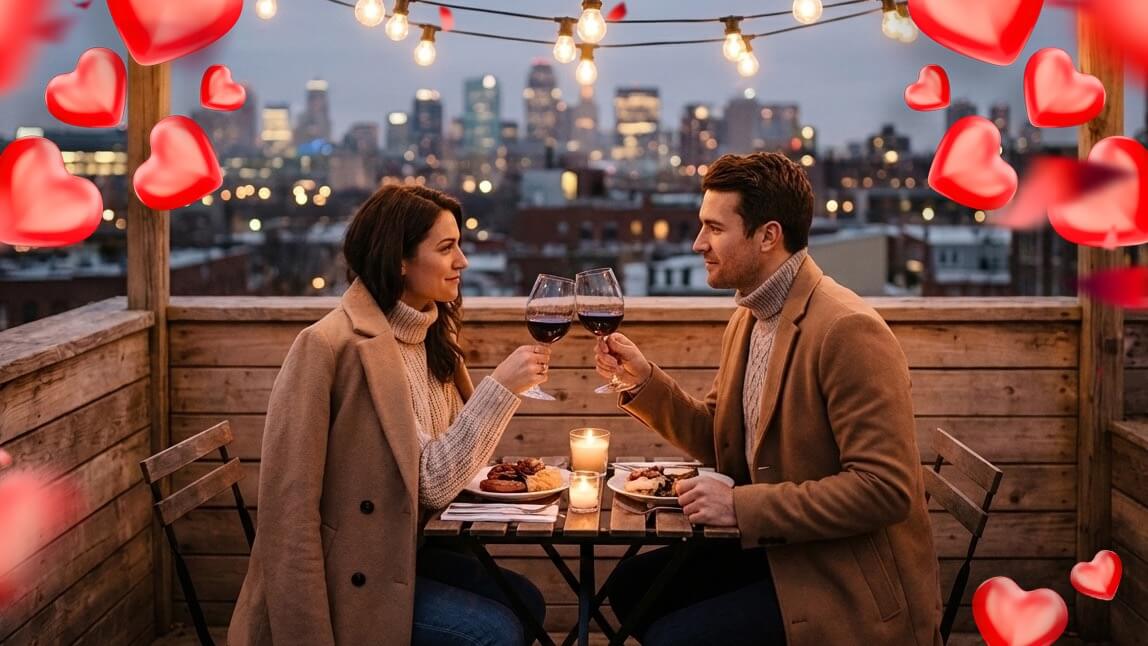
Foto Valentine’s Day dulu identik dengan satu hal saja. Mawar merah, properti berbentuk hati yang canggung, dan minimal satu foto yang tidak pernah keluar dari galeri kamera. Tahun ini, semuanya dapat glow up.
Berkat pembuatan gambar dengan AI, kamu bisa membayangkan visual Valentine’s Day yang romantis, playful, atau terasa sinematik tanpa perlu memesan fotografer atau menunggu pencahayaan sempurna. Lebih keren lagi, kamu tidak perlu jadi ahli AI.
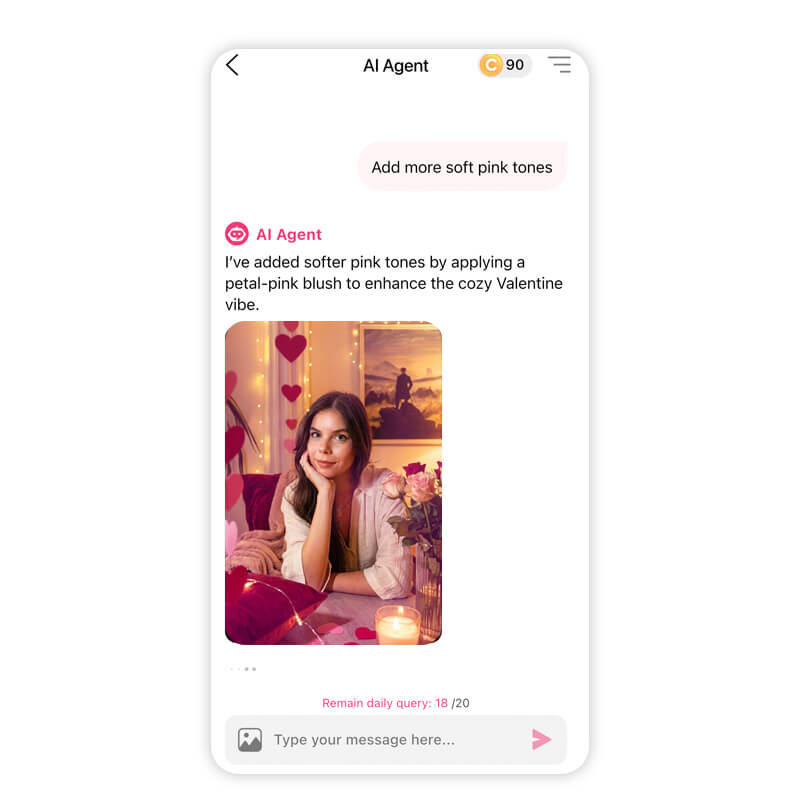
Dengan tool percakapan seperti AI Agent di YouCam Makeup, membuat foto Valentine’s Day yang siap di-post rasanya seperti ngobrol dengan teman kreatif, bukan ribet ngurusin teknologi.
Cara Membuat Foto Valentine’s Day dengan AI Agent
Sebelum masuk ke bagian serunya, yuk bahas dulu cara menghasilkan gambar Valentine’s Day dengan YouCam Makeup.
Prosesnya simpel, intuitif, dan terasa tetap manusiawi.
Langkah 1: Download YouCam Makeup (iOS atau Android)
Mulai dengan mengunduh aplikasi YouCam Makeup di ponsel. Aplikasi ini tersedia di iOS dan Android, jadi apa pun perangkatmu, bisa pakai.
Langkah 2: Buka AI Agent
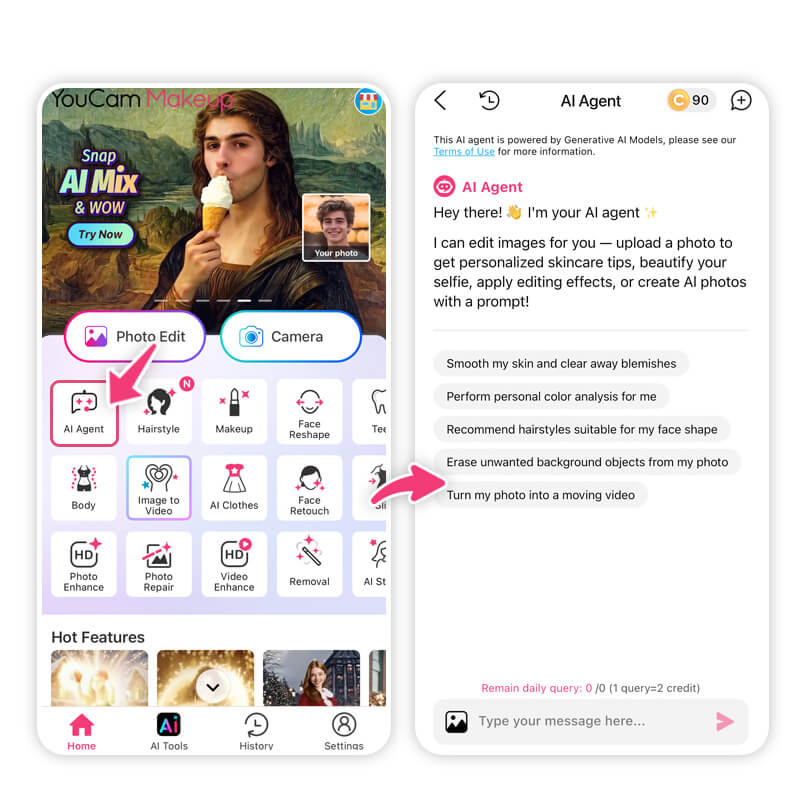
Anggap saja seperti sedang chat dengan editor foto pribadi.
Langkah 3: Ketik Prompt Gambar
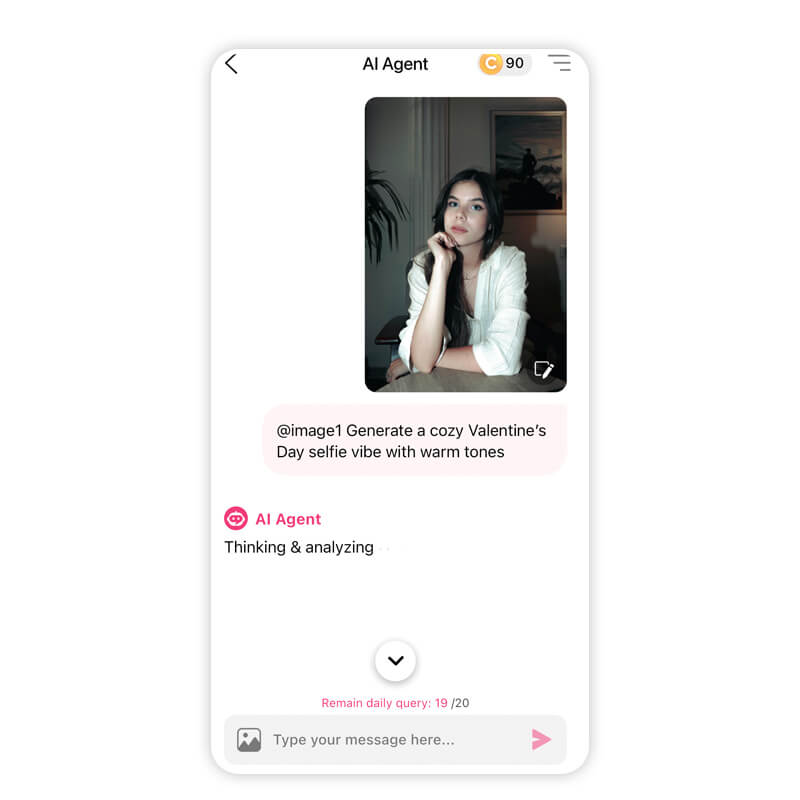
Kamu boleh detail, romantis, playful, atau sedikit dramatis.
Berikut beberapa contoh cepat untuk memulai:
- “Create a soft Valentine’s Day portrait with pink lighting and heart bokeh”
- “Generate a cozy Valentine’s Day selfie vibe with warm tones”
- “Make a romantic Valentine’s Day photo with roses and candlelight”
Kalau kamu pernah mencari ChatGPT Valentine's Day prompts, di sinilah semua itu jadi nyata secara visual.
Langkah 4: Lanjutkan Percakapan
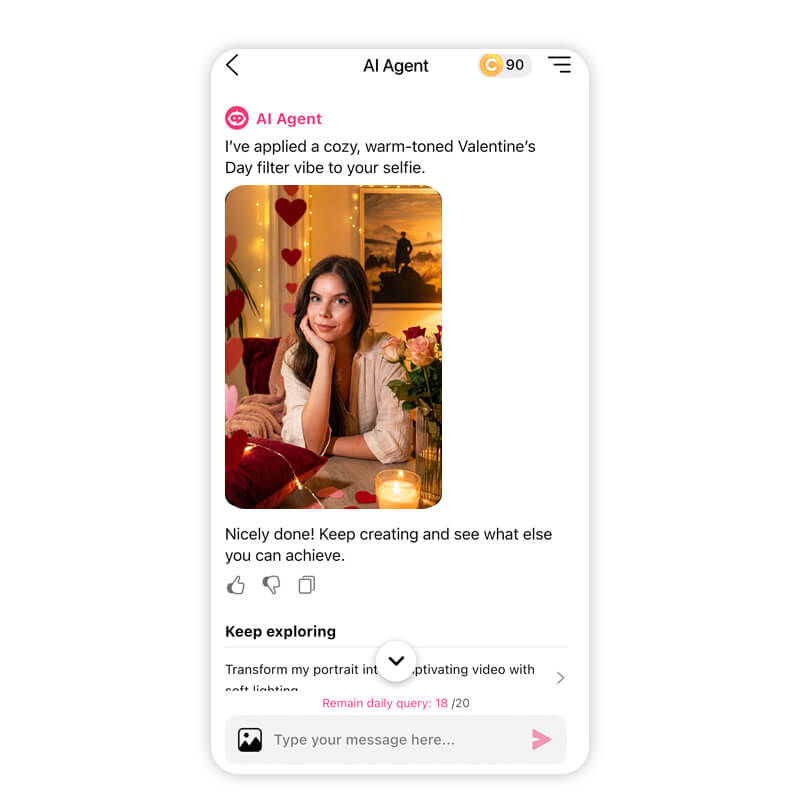
- Retouch kulit secara natural
- Mengubah warna atau gaya rambut
- Membuat kolase cinta
- Menambahkan riasan yang sesuai mood
- Menganimasikan fotomu agar terasa lebih istimewa
Cukup ucapkan apa yang kamu mau. “Bikin lebih hangat.” “Tambahkan lebih banyak tone pink lembut.” “Kasih efek dreamy glow.” AI Agent akan merespons dan menyempurnakan sampai terasa pas.
Langkah 5: Simpan dan Bagikan
15 Prompt Valentine’s Day Teratas untuk Copy dan Paste
Siap berkarya? Berikut 15 prompt gambar Valentine’s Day yang bisa langsung kamu copy ke dalam AI Agent atau ChatGPT.
Setiap prompt dibuat untuk hasil yang imut, romantis, atau estetik.
1. Create a romantic Valentine’s Day couples portrait with soft pink and blush lighting, smooth glowing skin, natural makeup with rosy cheeks, subtle heart-shaped bokeh in the background, and a warm, dreamy atmosphere.
2. Generate a cozy Valentine’s Day photo with warm neutral tones, soft indoor lighting, a relaxed expression, natural skin texture, minimal makeup, and a comfortable, intimate mood.
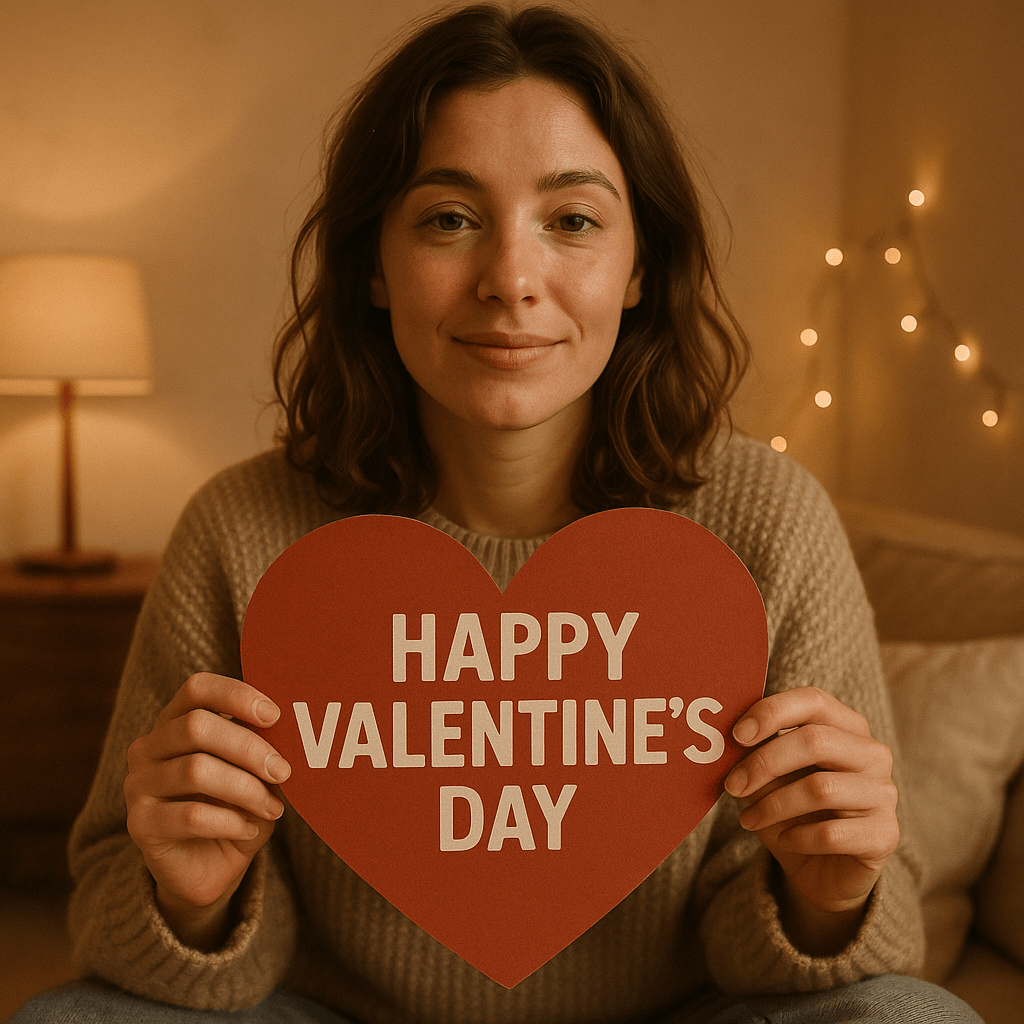
3. Create a Valentine’s Day image surrounded by red and blush roses, elegant lighting, soft shadows, luminous skin, and a classic romantic aesthetic that feels timeless and polished.
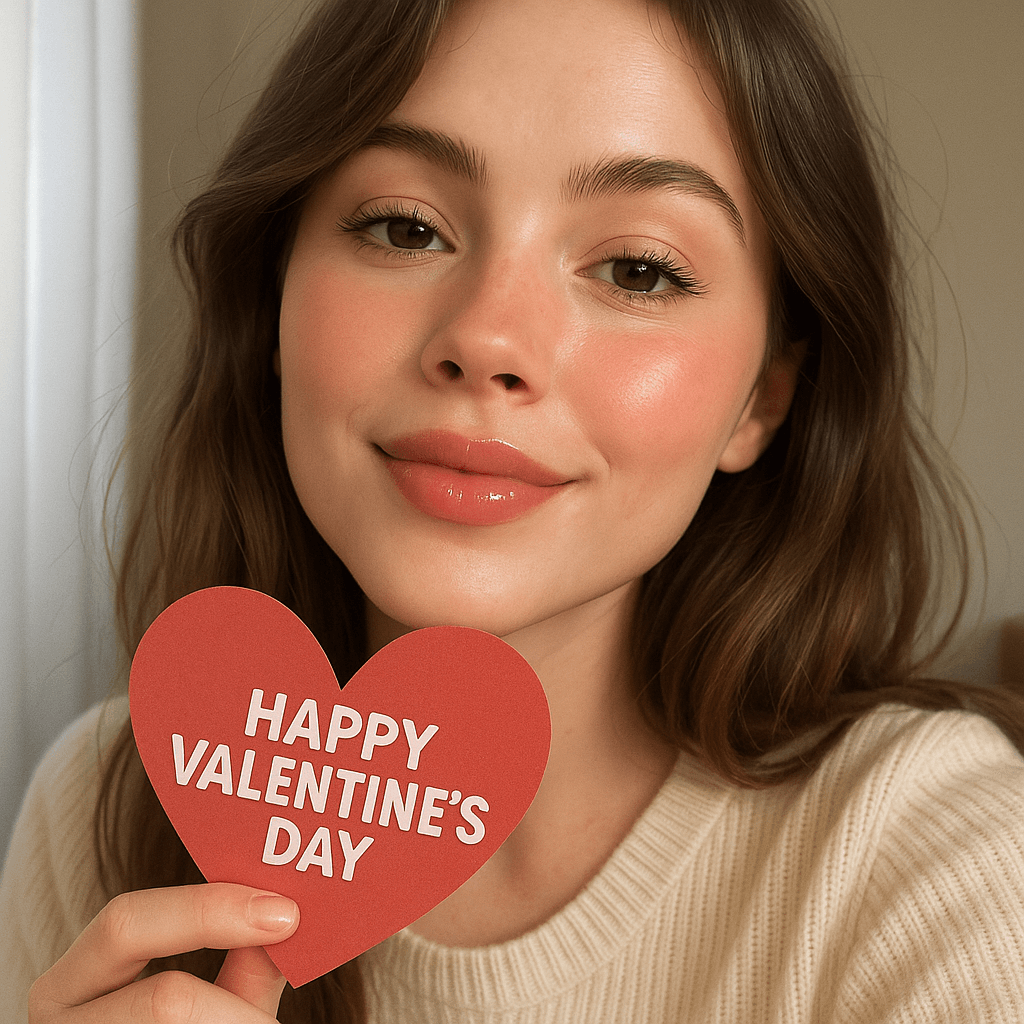
4. Generate a cute Valentine’s Day selfie with soft daylight, glossy lips, lightly flushed cheeks, natural eye makeup, and a playful, sweet vibe that feels effortless.
5. Create a Valentine’s Day portrait inspired by Parisian romance, featuring soft golden lighting, chic styling, natural makeup, and a dreamy, editorial feel.
6. Generate a Valentine’s Day image with pastel pink and peach tones, glowing skin, soft glam makeup, a gentle blur effect, and a romantic, aesthetic look.
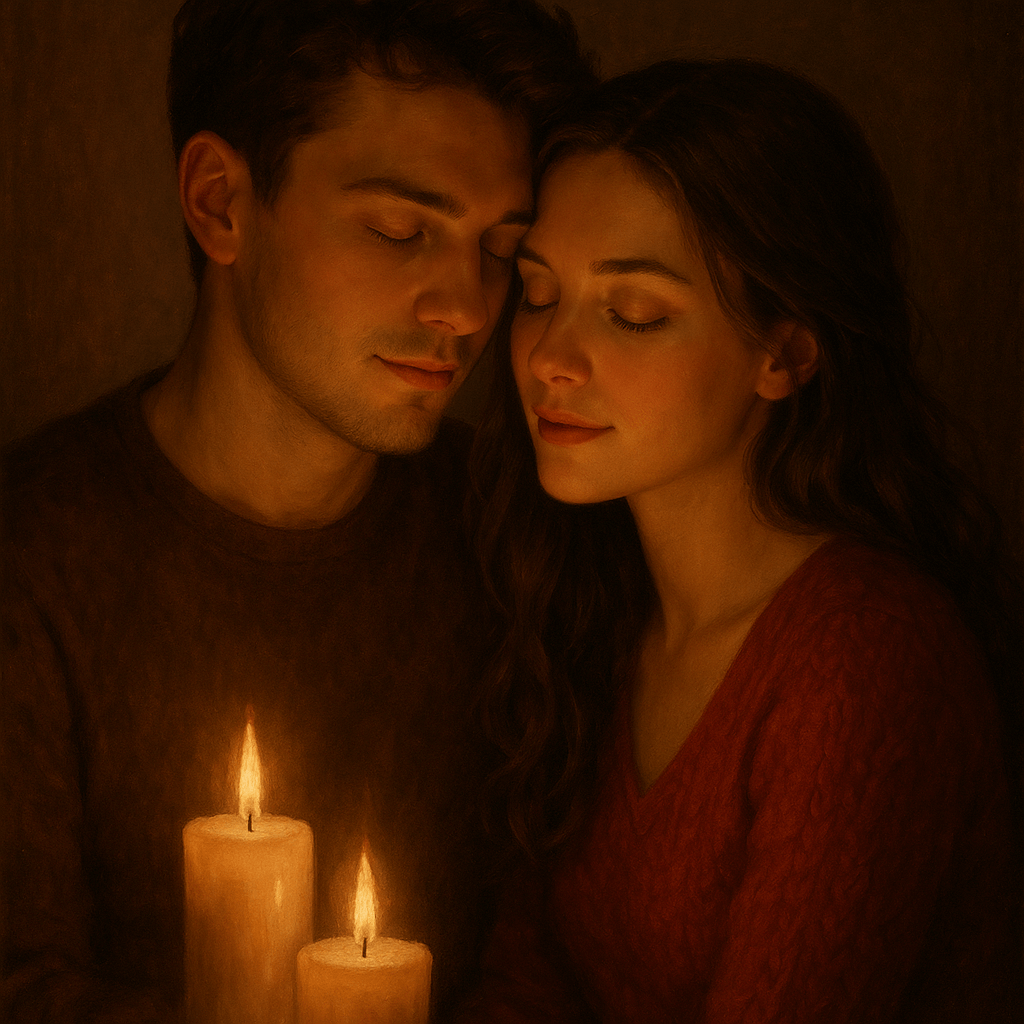
7. Create a Valentine’s Day couples portrait lit by warm candlelight, with subtle highlights on the face, soft shadows, smooth skin texture, and an intimate, romantic mood.
8. Generate a playful Valentine’s Day photo with floating heart elements, soft pink lighting, natural makeup, a cheerful expression, and a fun, lighthearted atmosphere.
9. Create a minimalist Valentine’s Day portrait with clean lighting, natural skin, barely-there makeup, soft pink accents, and a calm, modern aesthetic.
10. Generate an aesthetic Valentine’s Day scene with a vintage film look, slightly muted reds and pinks, soft grain, romantic lighting, and a nostalgic, timeless vibe.
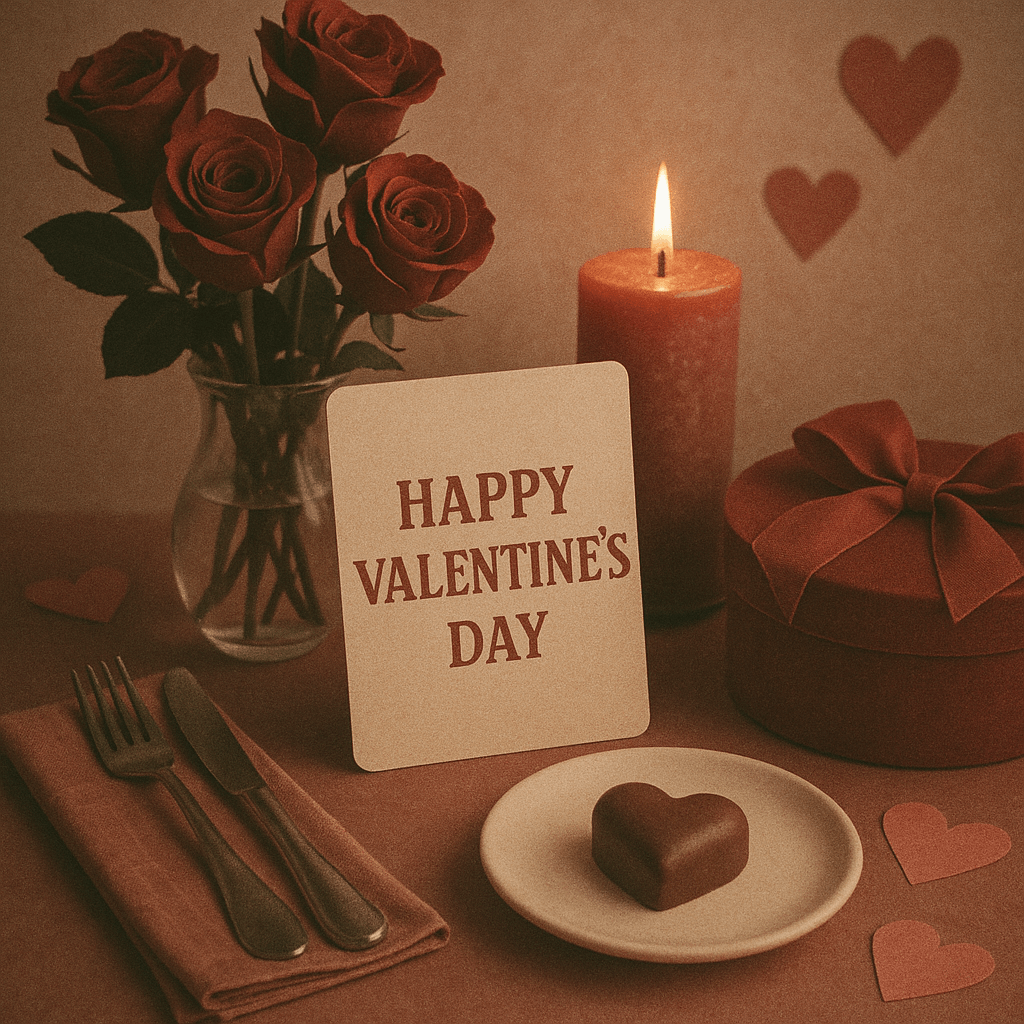
11. Create a Valentine’s Day couple photo with warm lighting, natural expressions, subtle makeup, soft focus, and a cozy, romantic atmosphere that feels genuine.
12. Generate a glamorous Valentine’s Day portrait with luminous skin, bold lips, softly defined eyes, dramatic lighting, and an elegant, high-fashion mood.
13. Create a Valentine’s Day image surrounded by delicate florals in soft pink and cream tones, gentle lighting, glowing skin, and a romantic, dreamy feel.
14. Generate a Valentine’s Day couples photo set at night with warm ambient lighting, softly blurred city lights in the background, natural makeup, and a cinematic romantic mood.
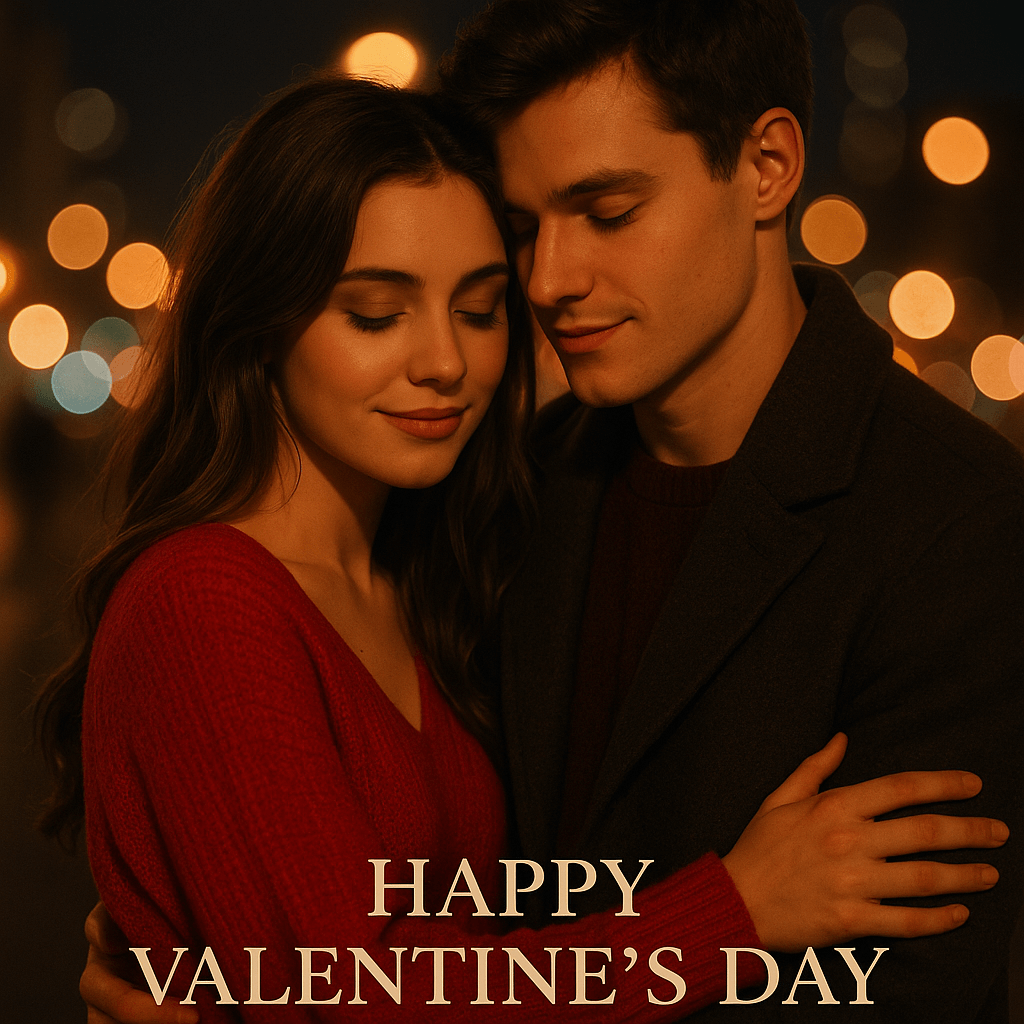
15. Create a fairytale-inspired Valentine’s Day portrait with soft glowing light, dreamy focus, romantic color tones, natural beauty enhancements, and a magical, storybook atmosphere.
Penutup: Bikin Foto Valentine’s Day Versi Kamu
Valentine’s Day tidak harus terlihat sama seperti feed semua orang. Dengan AI Agent, kamu tidak terbatas pada satu gaya, satu pose, atau satu ide. Kamu bebas mengeksplorasi, mengatur ulang, dan menyempurnakan foto sampai benar-benar terasa seperti dirimu.
Mau bikin selfie sendirian, foto couple, atau sekadar bereksperimen dengan estetika, ChatGPT Valentine's Day prompts akan jauh lebih kuat ketika dipasangkan dengan AI percakapan yang mau mendengar dan merespons.
Siap membuat visual Valentine’s Day versimu sendiri? Download YouCam Makeup di iOS atau Android, buka AI Agent, dan mulai ngobrol untuk menciptakan foto imut dan romantis yang benar-benar ingin kamu bagikan.



