


 Author: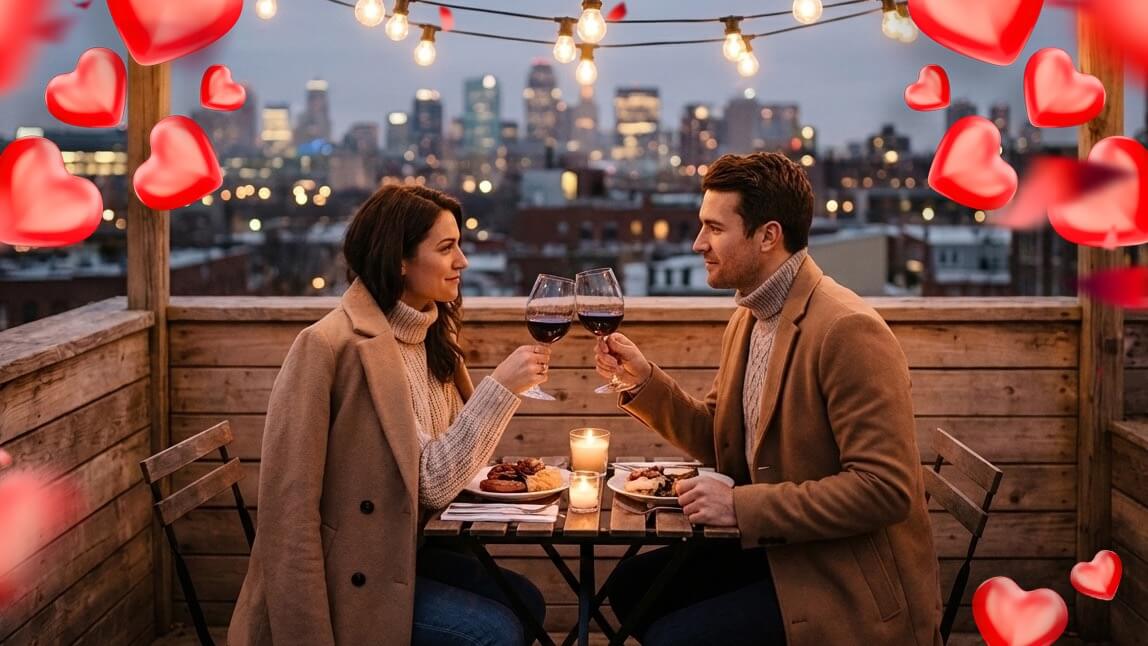
Valentine’s Day photos used to mean one thing. Red roses, awkward heart props, and at least one photo that never made it past the camera roll. This year, things are getting a glow up.
Thanks to AI image generation, you can dream up romantic, playful, or downright cinematic Valentine’s Day visuals without booking a photographer or waiting for perfect lighting.
With conversational tools like ChatGPT, Midjourney, and YouCam Makeup’s AI Agent, creating scroll-worthy Valentine’s Day photos feels more like chatting with a creative friend than wrestling with tech.
How to Create Valentine’s Day Photos Using AI Agent
Before we get to the fun part, let’s walk through how to actually generate Valentine’s Day images using YouCam Makeup.
The process is simple, intuitive, and refreshingly human.
Step 1: Download YouCam Makeup (iOS or Android)
Start by downloading the YouCam Makeup app on your phone. It’s available on both iOS and Android, so you’re covered either way.
Step 2: Open AI Agent
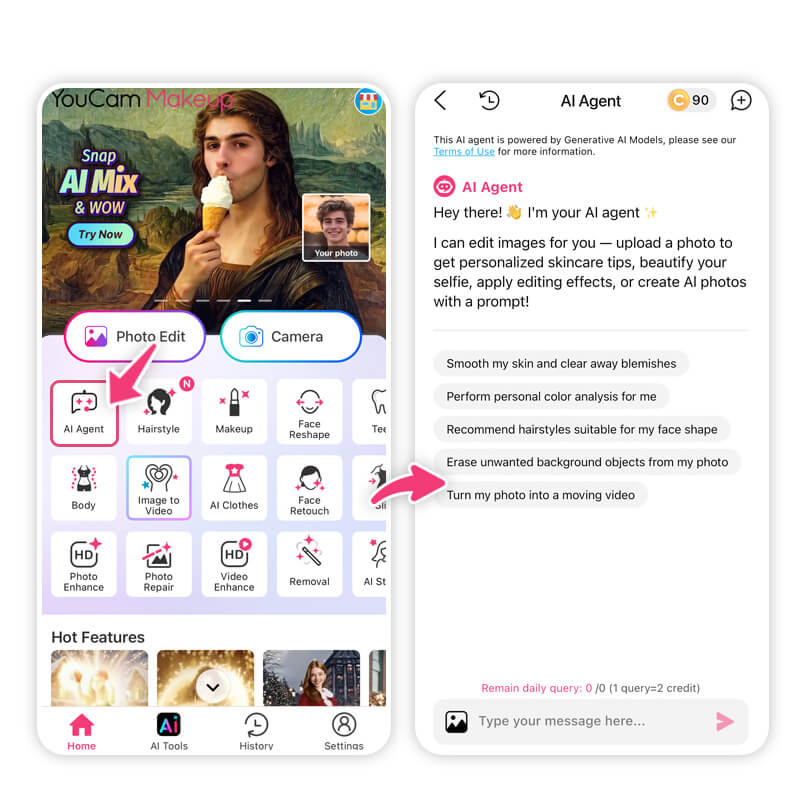
Think of it as texting your own personal photo editor.
Step 3: Type Your Image Prompt
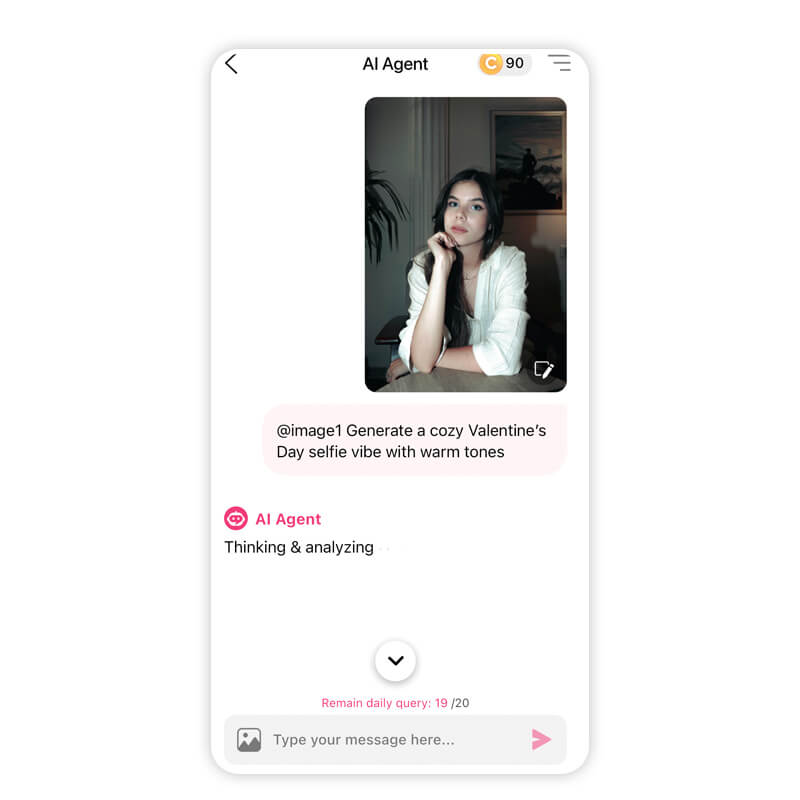
You can be specific, romantic, playful, or even a little dramatic.
Here are a few quick examples to get you started:
- “Create a soft Valentine’s Day portrait with pink lighting and heart bokeh”
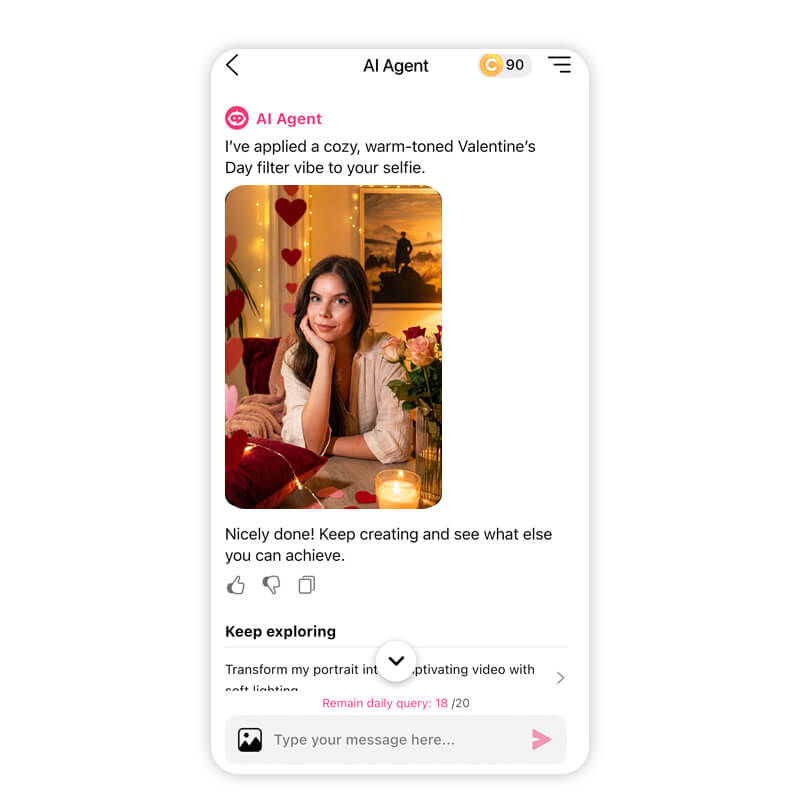
- “Generate a cozy Valentine’s Day selfie vibe with warm tones”
- “Make a romantic Valentine’s Day photo with roses and candlelight”
If you’ve ever searched for ChatGPT Valentine's Day prompts, this is where they come to life visually.
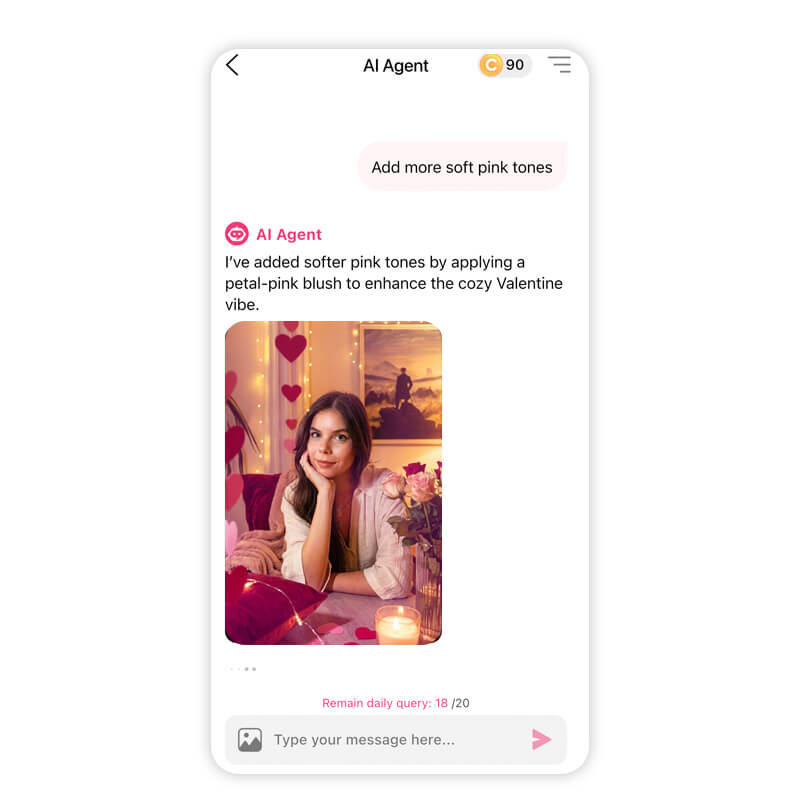
Step 4: Keep the Conversation Going
- Retouch skin naturally
- Change hair color or hairstyle
- Create a love collage
- Add makeup looks that match the mood
- Animate your photos to make them extra special
Just say what you want. “Make it warmer.” “Add more soft pink tones.” “Give it a dreamy glow.” AI Agent responds and refines until it feels right.
Step 5: Save and Share
Top 30 Valentine’s Day Prompts to Copy and Paste
Ready to create? Below are 15 Valentine’s Day image prompts you can copy directly into AI Agent or ChatGPT.
Each one is designed for cute, romantic, or aesthetic results.
1. Create a romantic Valentine’s Day couples portrait with soft pink and blush lighting, smooth glowing skin, natural makeup with rosy cheeks, subtle heart-shaped bokeh in the background, and a warm, dreamy atmosphere.
2. Generate a cozy Valentine’s Day photo with warm neutral tones, soft indoor lighting, a relaxed expression, natural skin texture, minimal makeup, and a comfortable, intimate mood.
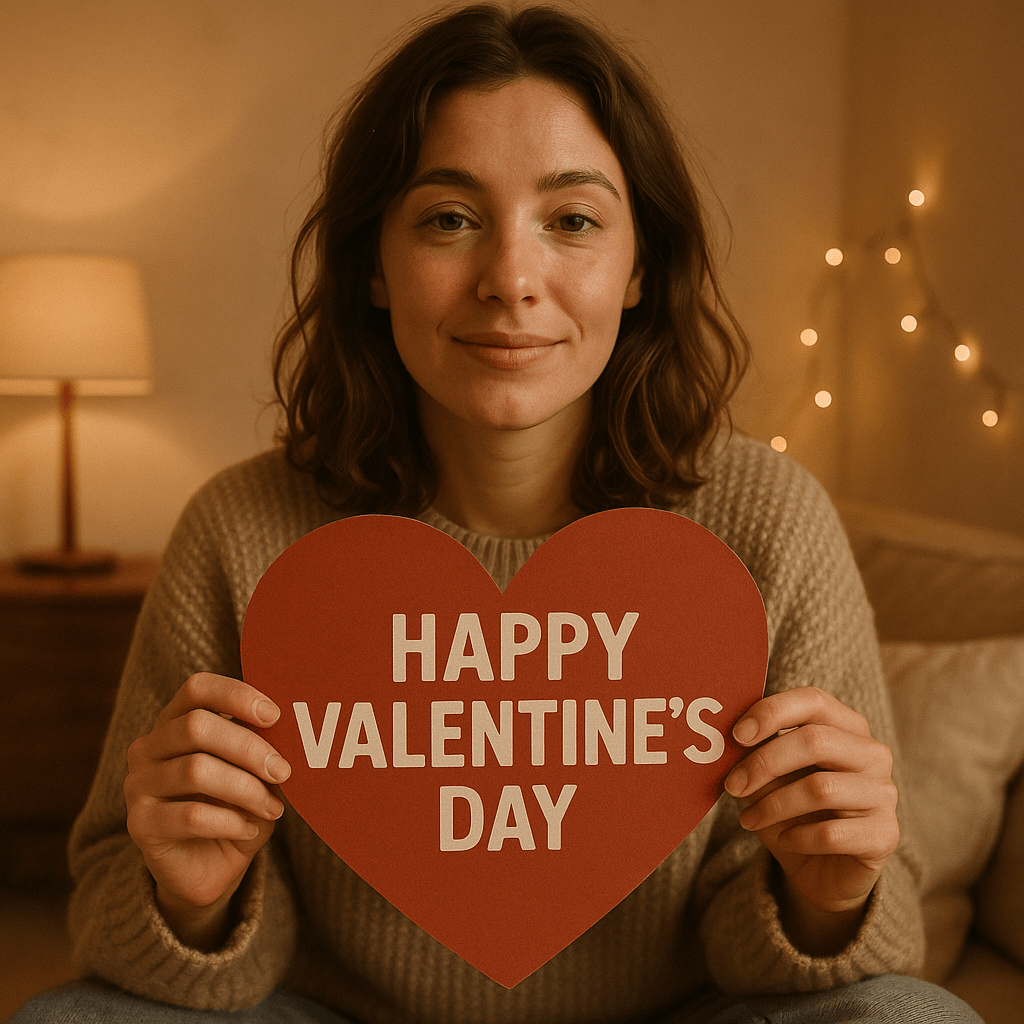
3. Create a Valentine’s Day image surrounded by red and blush roses, elegant lighting, soft shadows, luminous skin, and a classic romantic aesthetic that feels timeless and polished.
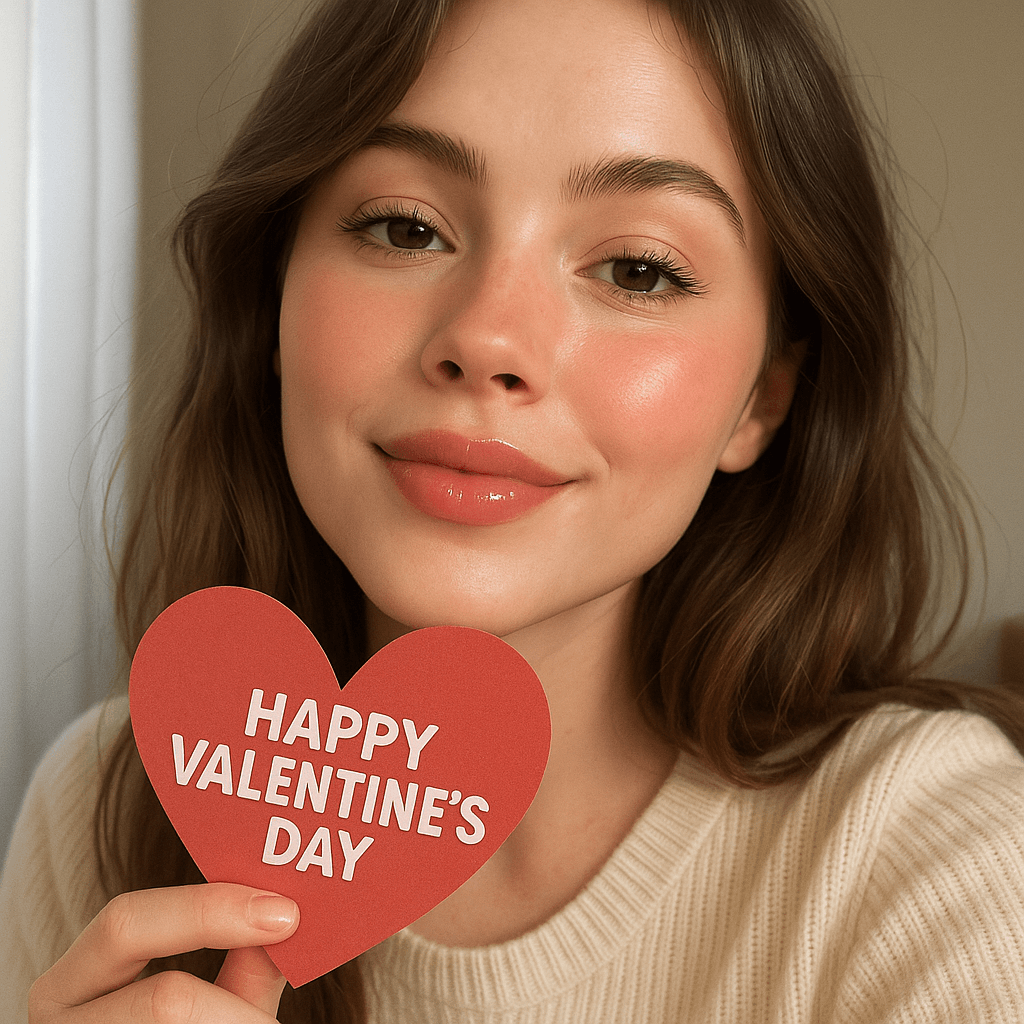
4. Generate a cute Valentine’s Day selfie with soft daylight, glossy lips, lightly flushed cheeks, natural eye makeup, and a playful, sweet vibe that feels effortless.
5. Create a Valentine’s Day portrait inspired by Parisian romance, featuring soft golden lighting, chic styling, natural makeup, and a dreamy, editorial feel.
6. Generate a Valentine’s Day image with pastel pink and peach tones, glowing skin, soft glam makeup, a gentle blur effect, and a romantic, aesthetic look.
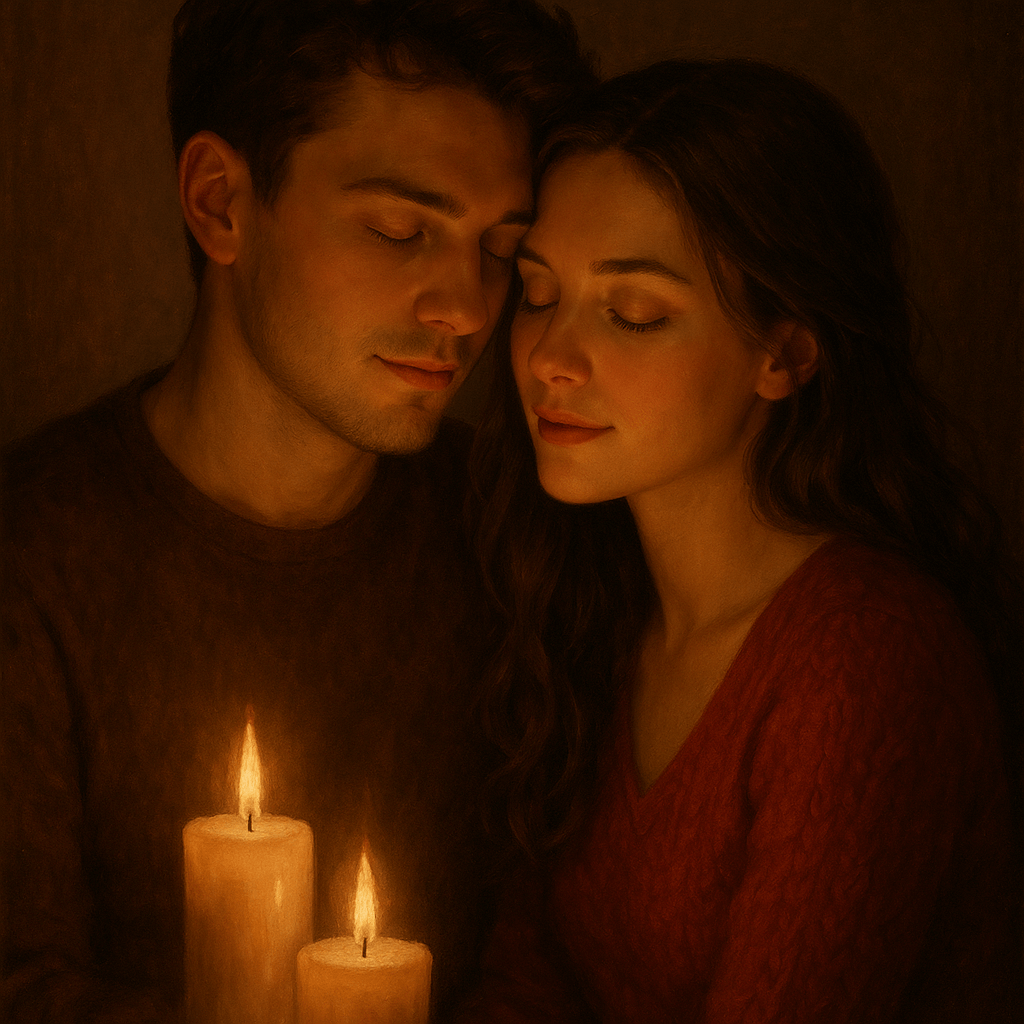
7. Create a Valentine’s Day couples portrait lit by warm candlelight, with subtle highlights on the face, soft shadows, smooth skin texture, and an intimate, romantic mood.
8. Generate a playful Valentine’s Day photo with floating heart elements, soft pink lighting, natural makeup, a cheerful expression, and a fun, lighthearted atmosphere.
9. Create a minimalist Valentine’s Day portrait with clean lighting, natural skin, barely-there makeup, soft pink accents, and a calm, modern aesthetic.
10. Generate an aesthetic Valentine’s Day scene with a vintage film look, slightly muted reds and pinks, soft grain, romantic lighting, and a nostalgic, timeless vibe.

11. Create a Valentine’s Day couple photo with warm lighting, natural expressions, subtle makeup, soft focus, and a cozy, romantic atmosphere that feels genuine.
12. Generate a glamorous Valentine’s Day portrait with luminous skin, bold lips, softly defined eyes, dramatic lighting, and an elegant, high-fashion mood.
13. Create a Valentine’s Day image surrounded by delicate florals in soft pink and cream tones, gentle lighting, glowing skin, and a romantic, dreamy feel.
14. Generate a Valentine’s Day couples photo set at night with warm ambient lighting, softly blurred city lights in the background, natural makeup, and a cinematic romantic mood.
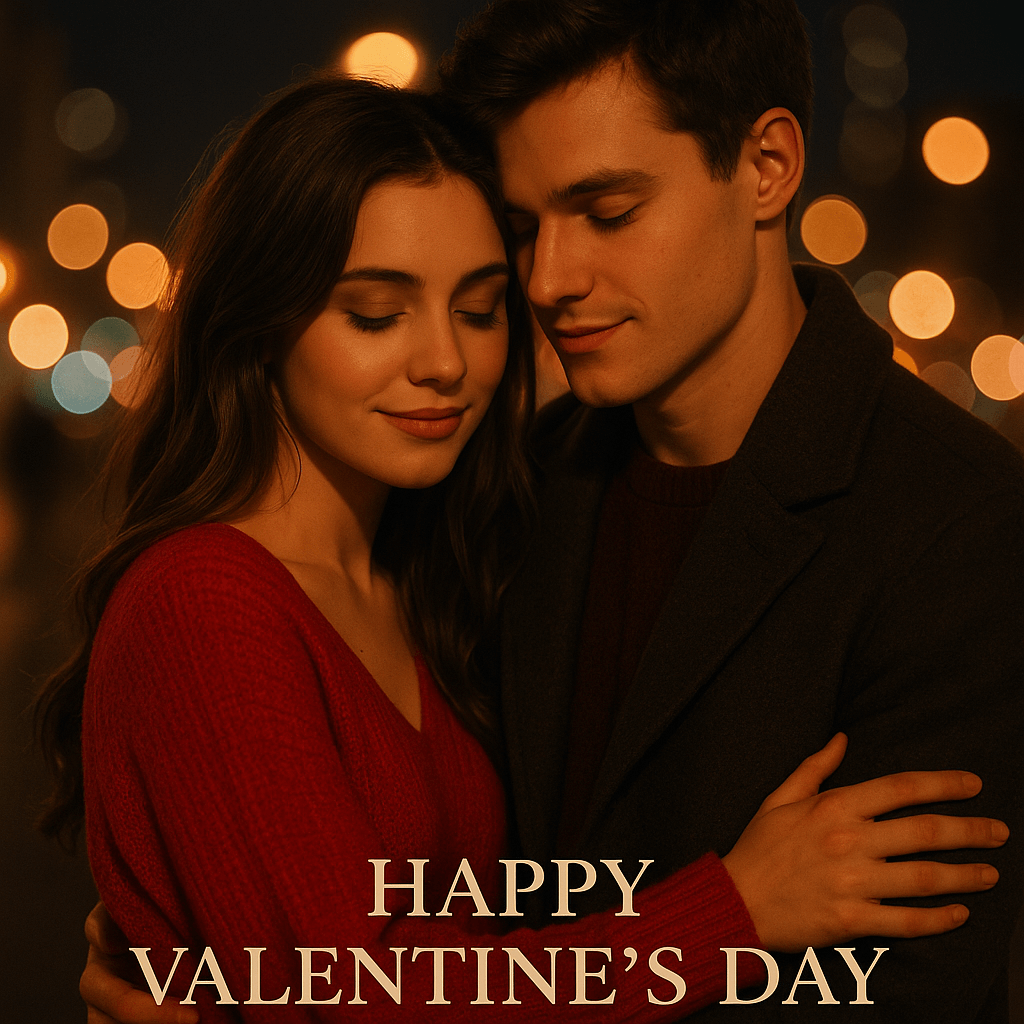
15. Create a fairytale-inspired Valentine’s Day portrait with soft glowing light, dreamy focus, romantic color tones, natural beauty enhancements, and a magical, storybook atmosphere.
16. Generate a high-exposure, sun-soaked portrait of a woman smiling, surrounded by a massive bouquet of red and pink poppies, vibrant blue sky, high-energy lighting.
17. Create a 90s film aesthetic portrait with soft focus, featuring a girl holding a single red rose, wearing a white lace dress, grainy texture, romantic and nostalgic.
18. Illustrate a whimsical portrait of a woman in a cottagecore-style floral dress, standing in a field of lavender and daisies, ethereal lighting, soft pastel palette.
19. Render a close-up portrait with warm heart-shaped bokeh in the background, soft golden hour lighting on the face, and high-end editorial style.
20. Depict a dreamy anime-style illustration with pink and lavender clouds, sparkling aesthetic, a character looking at a love letter, vibrant and sweet.
21. Capture a candid shot of a couple laughing on a rainy city street, neon heart signs reflected in puddles, vibrant colors, and cinematic night photography.
22. Compose a dramatic silhouette of a couple embracing on a beach at sunset, featuring golden waves, high contrast, and an epic cinematic feel.
23. Compose a dramatic silhouette of a couple embracing on a beach at sunset, featuring golden waves, high contrast, and an epic cinematic feel.
24. Paint a soft watercolor scene of a couple holding hands, floating hearts and flower petals, a pastel sky, whimsical and artistic.
25. Photograph a minimalist editorial couple wearing matching bold red suits, standing against a clean white background with sharp shadows, modern and sleek.
26. Design a Pixar-style 3D animation of a cute couple having a picnic in a vibrant meadow with blue skies, colorful balloons, playful and cheerful.
27. Visualize a fluffy bunny wearing a small floral bow, sitting next to a heart-shaped wicker basket in a vintage cottagecore aesthetic.
28. Model a white duckling wearing a tiny pink floral dress and a sun hat, standing in a meadow, whimsical and cute.
29. Snap a photo of a smiling golden retriever with a "Be Mine" heart balloon tied to its collar, bright sun-soaked lighting, and vibrant green grass.
30. Imagine a fluffy white cat floating on a pink cloud, surrounded by floating hearts and sparkling glitter in a surreal dreamscape.
Final Thoughts: Make Valentine’s Day Photos Your Own
Valentine’s Day doesn’t need to look like everyone else’s feed. With AI Agent, you’re not limited to one style, one pose, or one idea. You’re free to explore, adjust, and perfect your photos until they feel like you.
Whether you’re creating solo selfies, couple shots, or just experimenting with aesthetics, ChatGPT Valentine's Day prompts become far more powerful when paired with a conversational AI that listens and responds.
Ready to create your own Valentine’s Day visuals? Download YouCam Makeup on iOS or Android, open AI Agent, and start chatting your way to cute, romantic photos you’ll actually want to share.
Valentine’s Day Prompts FAQs
What is the writing prompt for Valentine's Day?

A Valentine’s Day writing prompt is a short creative instruction that inspires love-themed content. It can be used for messages, captions, or AI image generation. Examples include describing a romantic moment, imagining a dreamy Valentine’s setting, or creating a cozy love aesthetic. These prompts help spark ideas without starting from scratch.
What are some unique Valentine's Day photo ideas?
Unique Valentine’s Day photo ideas include soft pink aesthetic portraits, candlelit photos, cozy at-home selfies, romantic editorial-style images, or playful heart-themed visuals. AI image generation tools make it easy to experiment with lighting, moods, and backgrounds so your Valentine’s photos feel personal, creative, and not overly staged.
What are some good Valentine's photo captions?
Good Valentine’s photo captions are short, warm, and emotionally clear. Popular options include playful love notes, romantic one-liners, or subtle expressions of affection. Think cozy, flirty, or sweet rather than overly dramatic. Pairing a thoughtful caption with a romantic Valentine’s photo helps boost engagement on social media.
What is the emoji for Valentine's Day?
The most common Valentine’s Day emoji is the red heart ❤️. Other popular options include the heart with sparkles 💖, pink hearts 💕, heart eyes 😍, and the rose 🌹. These emojis are often used in Valentine’s captions, messages, and social posts to instantly signal love and romance.
How can I create Valentine’s Day photos using AI?
You can create Valentine’s Day photos using AI by entering a detailed image prompt into an AI photo tool. Describe the mood, lighting, colors, and style you want. Many apps now offer conversational AI features that refine images through chat, making it easy to generate romantic, cute, or aesthetic Valentine’s visuals.
Are AI-generated Valentine’s Day photos good for social media?
Yes, AI-generated Valentine’s Day photos work very well for social media. They allow for polished lighting, creative themes, and aesthetic consistency that stands out in feeds. With the right prompts and edits, AI images can feel natural, romantic, and highly shareable across platforms like Instagram and TikTok.



