


 Author:
 Want to add some AI magic to your holiday photos? With an AI Christmas photo generator, you can instantly transform any selfie into a festive masterpiece. Whether you're dreaming of a cozy winter scene or a sparkling holiday backdrop, you can create the perfect AI Christmas photo with just a few taps.
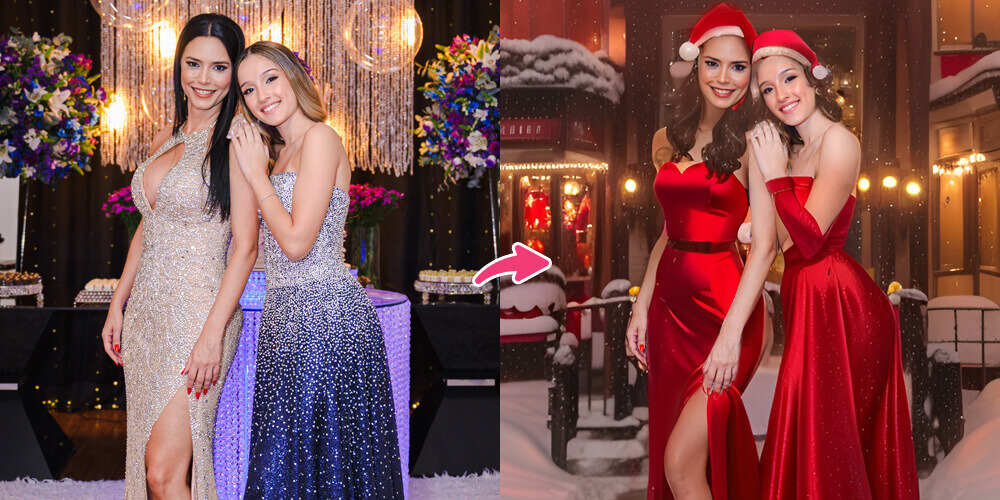
Best AI Christmas Photo Generator Comparison
YouCam Makeup and EPIK both offer amazing AI tools for creating AI Christmas photos. Here's an overview of their AI Christmas photo tools' key features:
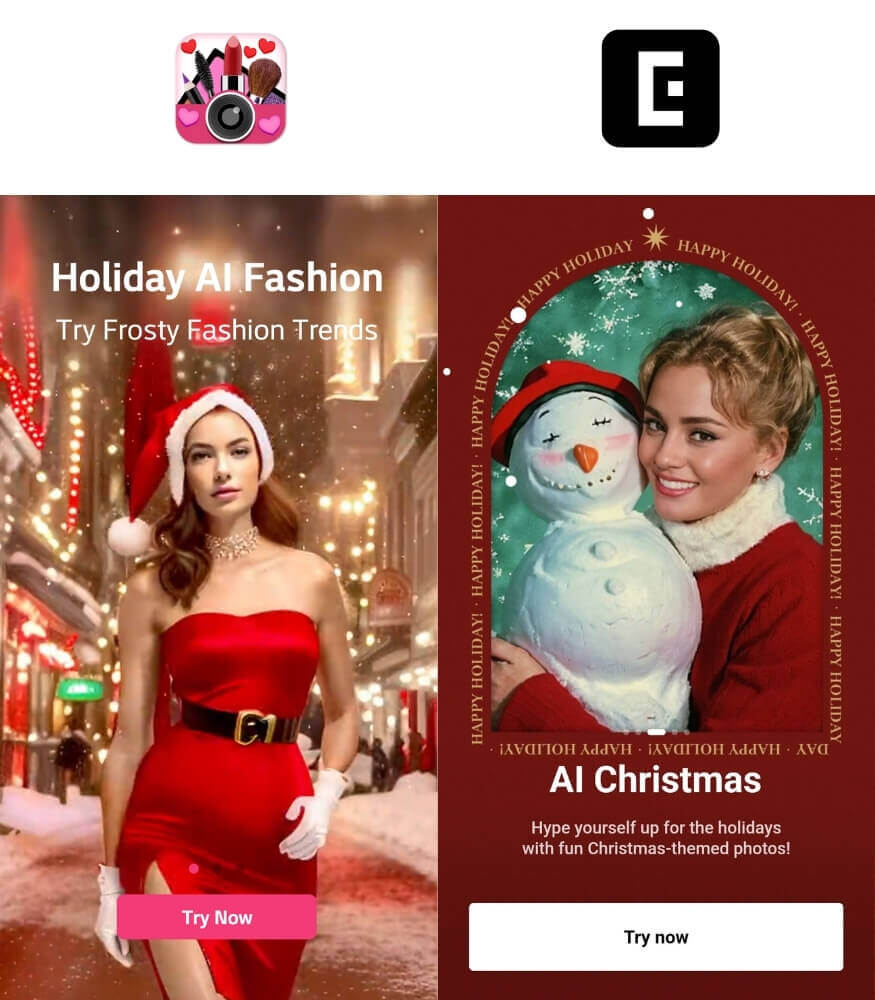
| YouCam Makeup | EPIK |
|
|
|
|
|
|
Create AI Christmas Photos with AI Christmas Photo Generator
Say goodbye to the hassle of editing Christmas photos. With YouCam Makeup's AI Agent, you can create holiday photos with text prompts.
5 AI Christmas Photo Prompts to Try
With the AI Agent feature, you can create AI Christmas photos effortlessly with text prompts. Here are some prompts you can try to create stunning holiday images.
Couple Street Photo
A serene Christmas evening photo of the two uploaded persons standing in a quiet street lined with festive lights, holding hands and smiling at each other, wearing winter coats and scarves, gentle snowfall around them, vintage lanterns giving warm light, decorated storefronts with garlands and wreaths in the background, soft bokeh highlights, realistic skin tones, clean composition, 2:3 aspect ratio.
Christmas Morning Joy
Create a cheerful Christmas morning scene of the girl in the uploaded photo wearing pajamas sitting near a decorated tree, holding a gift with bright eyes, stockings hanging on a fireplace nearby, cookies and milk kept on a plate, sunlight entering through a window, sparkling ornaments, soft shadows, playful mood, 2:3 aspect ratio.
Sleeping Under the Lights
Create a peaceful bedtime Christmas scene of the girl in the uploaded photo sleeping in her room, wrapped in a blanket, fairy lights around the headboard, a small tree beside her bed, toys scattered gently, window showing snowy night sky, soft warm light from a bedside lamp, calm and dreamy tone, 4:5 aspect ratio.
Man in Winter Coat
Create a stylish winter Christmas portrait of the man in the uploaded photo standing near a decorated outdoor tree, wearing a wool coat and gloves, soft snow settling on his shoulders, festive lights around a town square behind him, relaxed posture, confident expression, cinematic tone, 3:4 aspect ratio.
Couple Under Twinkling Lights
Create a cinematic outdoor portrait of the two people in the uploaded photos at night holding sparklers near a town Christmas tree, twinkling lights overhead, snow on the ground, festive stalls behind them, gentle snowfall, happy faces illuminated by sparkler glow, authentic winter outfits, crisp clarity, 9:16 aspect ratio.
Discover AI Christmas Photo Styles

Dive into a world of festive possibilities with YouCam Makeup's AI Christmas styles.
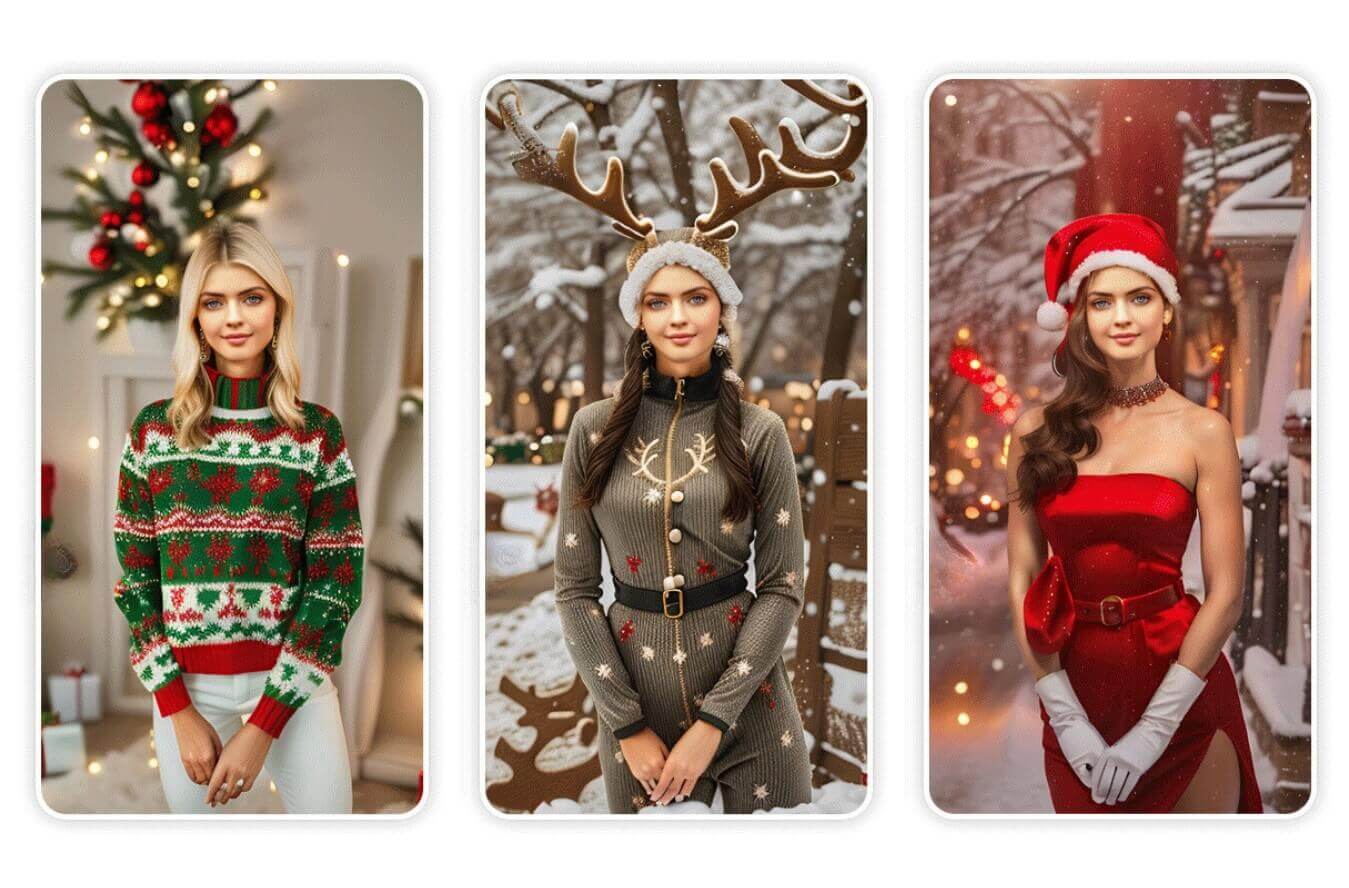
Imagine turning yourself into Santa Claus, a playful Reindeer, wearing a festive Christmas Sweater, or becoming an enchanting Elfette – YouCam Makeup has got you covered for all your holiday fun!

Enjoy the easy transformation with just one photo and let YouCam Makeup make your holiday experience even more magical.
And don't forget to check out YouCam Makeup's other AI Christmas styles such as AI Christmas avatars and AI Selfie filters, as well as its photo editing tools including Christmas backgrounds and fun Christmas face filters.
EPIK: Generate Yearbook Style AI Christmas Photos
The EPIK app is a powerful photo editing tool designed to help users create professional-looking photos with ease. Featuring a wide array of editing options like AI-based retouching, background removal, trendy filters, and customizable effects, EPIK allows users to enhance and personalize their images in just a few taps.
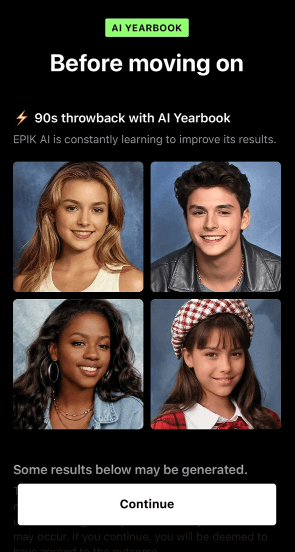
Known for starting the AI Yearbook trend, photo editing app EPIK recently unveiled its AI Christmas feature.
With this tool, you can turn your selfie images into Christmas-themed AI photos. Similar to their AI Yearbook photos, you can get 30 Christmas photos by uploading 8-12 selfies of yourself for $4.99.
Create AI Christmas Photos With the Best AI Christmas Photo Generator
With an AI Christmas photo generator, creating holiday-ready photos has never been easier—or more fun! Whether you’re snapping a selfie in a winter wonderland, adding sparkling lights, or transforming your background into a cozy holiday scene, AI makes it simple to capture the magic of the season in every shot.
So go ahead, make those holiday memories even more memorable by giving your photos a festive AI touch. Get ready to share your holiday spirit and spread some cheer with stunning, AI-powered Christmas photos that capture the joy of the season!
AI Christmas Photo FAQs
How do I make an AI photo?

To create an AI photo, you’ll need an app with AI photo-editing capabilities, like YouCam Makeup. Just upload your photo, select from the available effects or backgrounds, and the app will automatically transform it using AI. You can create anything from realistic holiday themes to artistic styles, making it easy to achieve your desired look.
What is the AI Christmas effect?
The AI Christmas effect is a feature in certain photo editing apps that uses AI technology to add festive holiday elements to your photos. This effect can apply Christmas-themed backgrounds, decorations, and filters to make your photos look instantly more festive, perfect for sharing during the holiday season.
What is the app that makes photos Christmassy?
YouCam Makeup is a top app for making your photos Christmassy. With AI-driven holiday backgrounds, filters, and effects, it’s easy to transform your photos into festive scenes full of holiday cheer. Simply upload your photo, choose a Christmas effect, and watch your photo take on a magical holiday look!
How to make AI Christmas pictures?
You can create AI Christmas pictures using an AI Christmas photo generator like YouCam Makeup. Simply upload your photo, select an AI Christmas filter or background, and let the app transform your image into a festive holiday scene in seconds.
Is there a free AI image generator?
Yes, YouCam Makeup offers free AI tools to generate creative Christmas photos. The app lets you add festive backgrounds, decorations, effects, and outfits with ease.
How to make AI Christmas photos?
To create AI Christmas photos, upload your image to the YouCam Makeup app, choose an AI Christmas filter, and customize it with festive effects. Save and share your holiday masterpiece effortlessly.
How to make an AI family photo?
To make an AI family photo, you can use YouCam Makeup. Upload a family picture and apply a festive background or overlay. You can also add Christmas-themed decorations to bring holiday cheer to your family photo.



