


One Photo, Zero Dance Lessons
Drop in a photo of yourself or a friend and AI gives it rhythm. Same face, same outfit, same background, brand new moves.


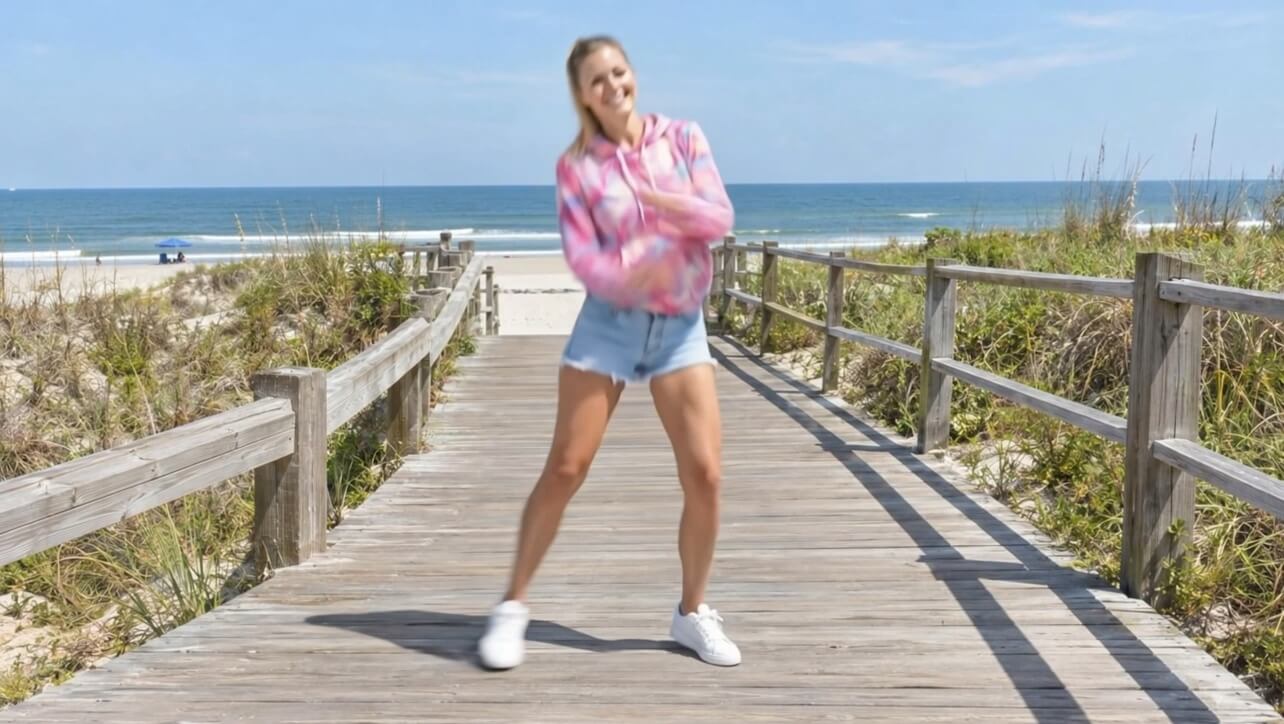
Your favorite photo, now with moves. Pick a picture, choose a dance and watch YouCam Video turn it into a short clip that is ready to preview, save and share.

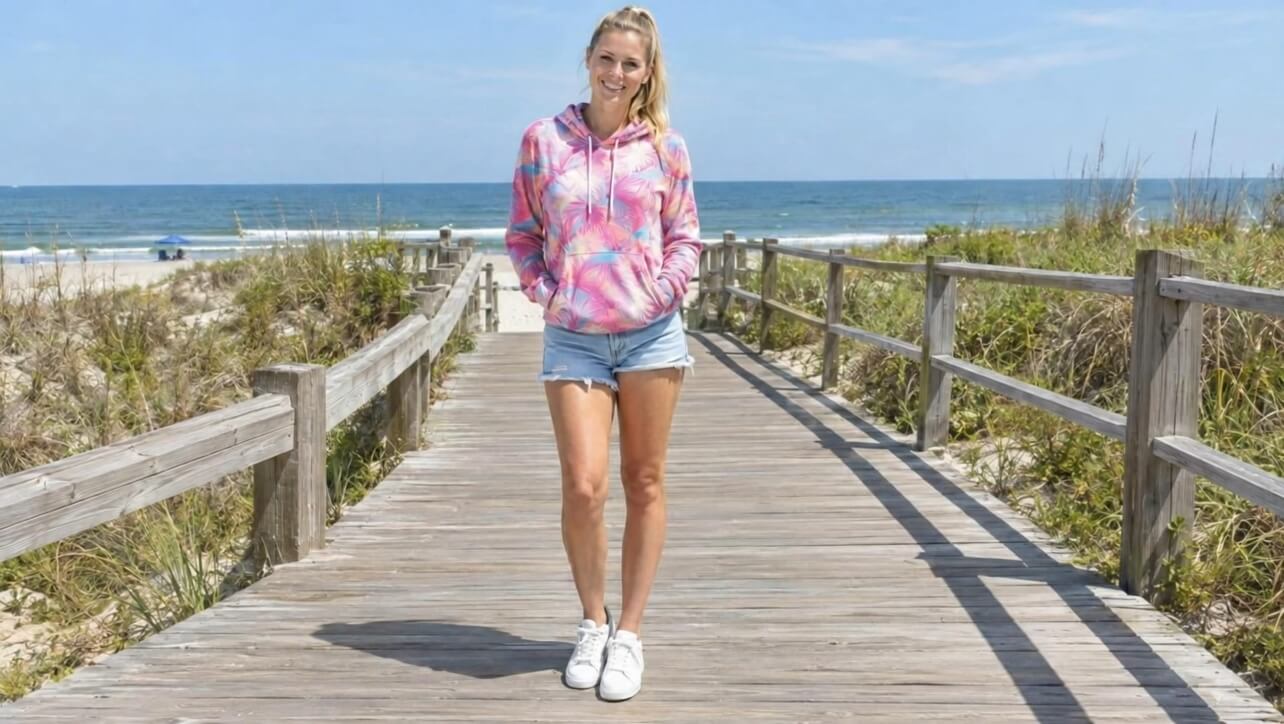
This clip started as one still photo. No filming, no choreography, no editing skills. Just a picture and a few taps.
Drop in a photo of yourself or a friend and AI gives it rhythm. Same face, same outfit, same background, brand new moves.
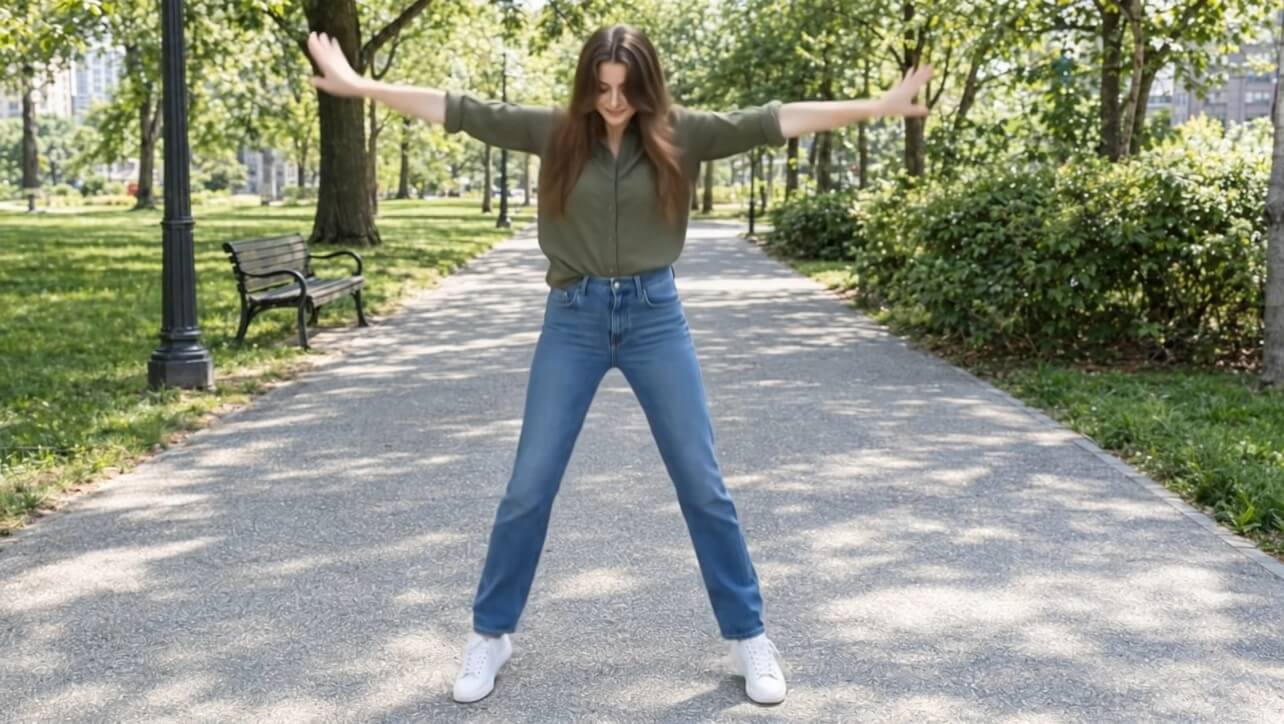
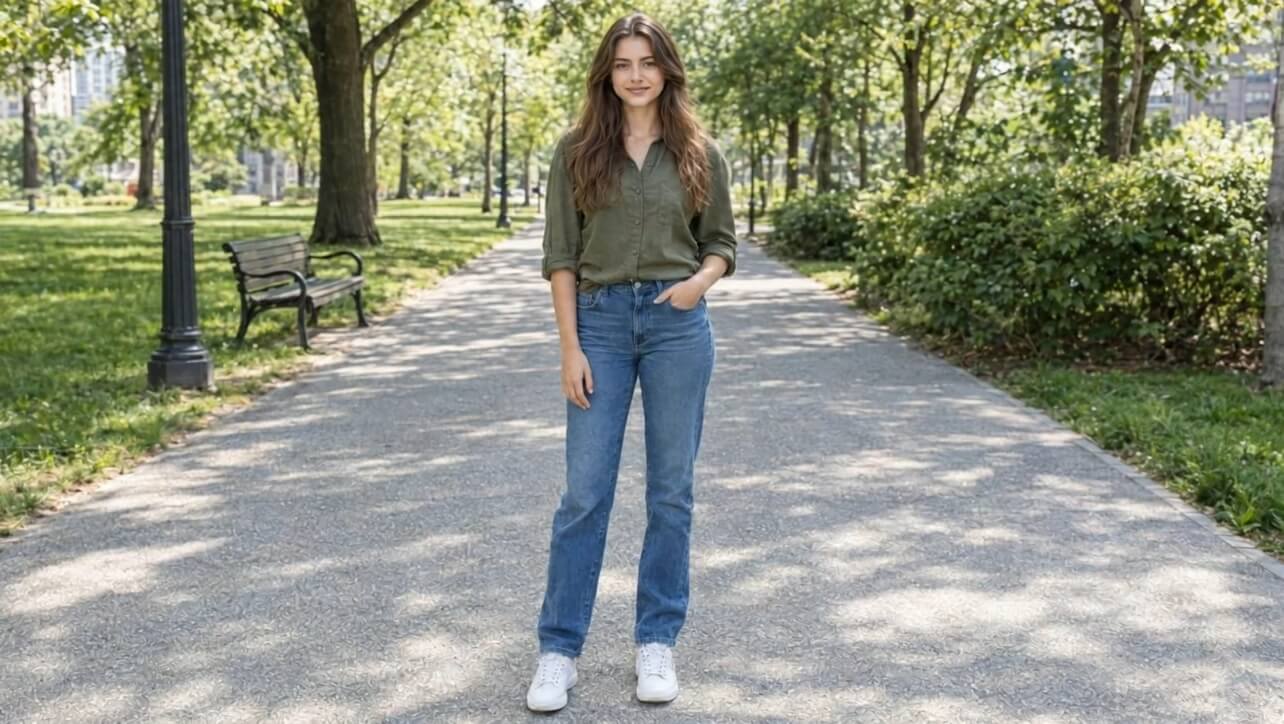

Go playful, smooth or full of energy. Try different dance options on the same photo and keep the take that makes you smile.
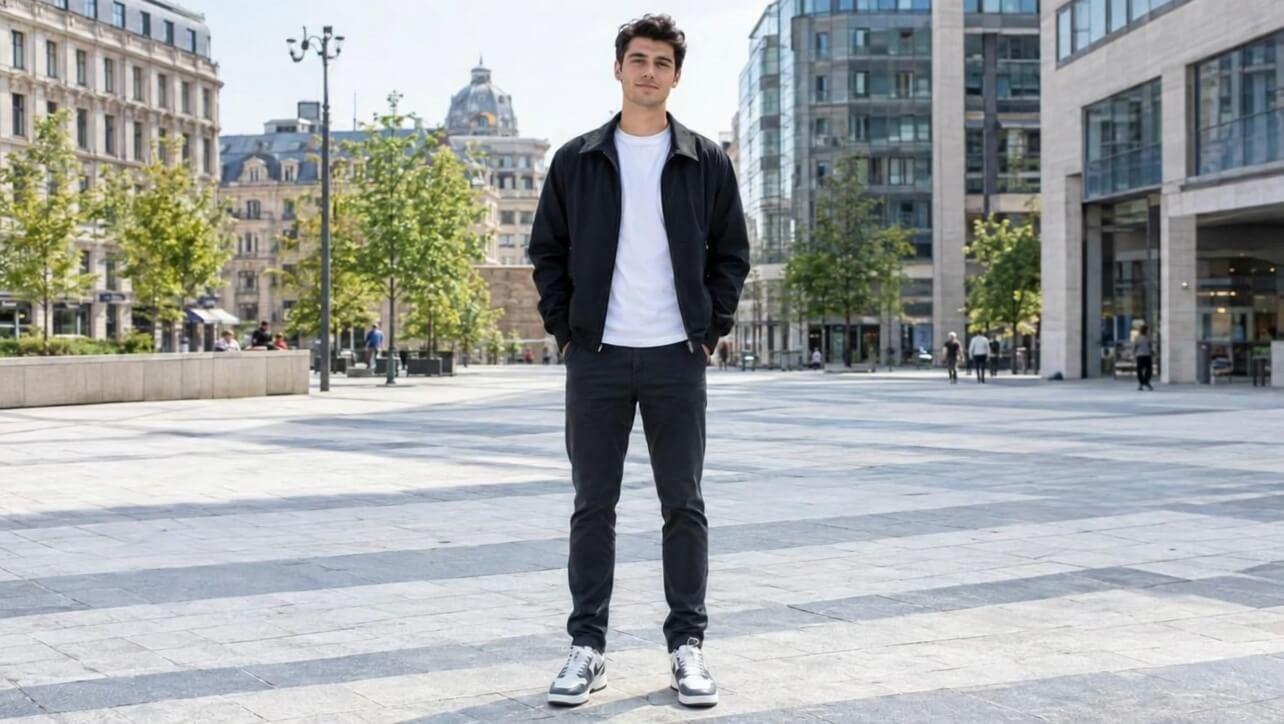
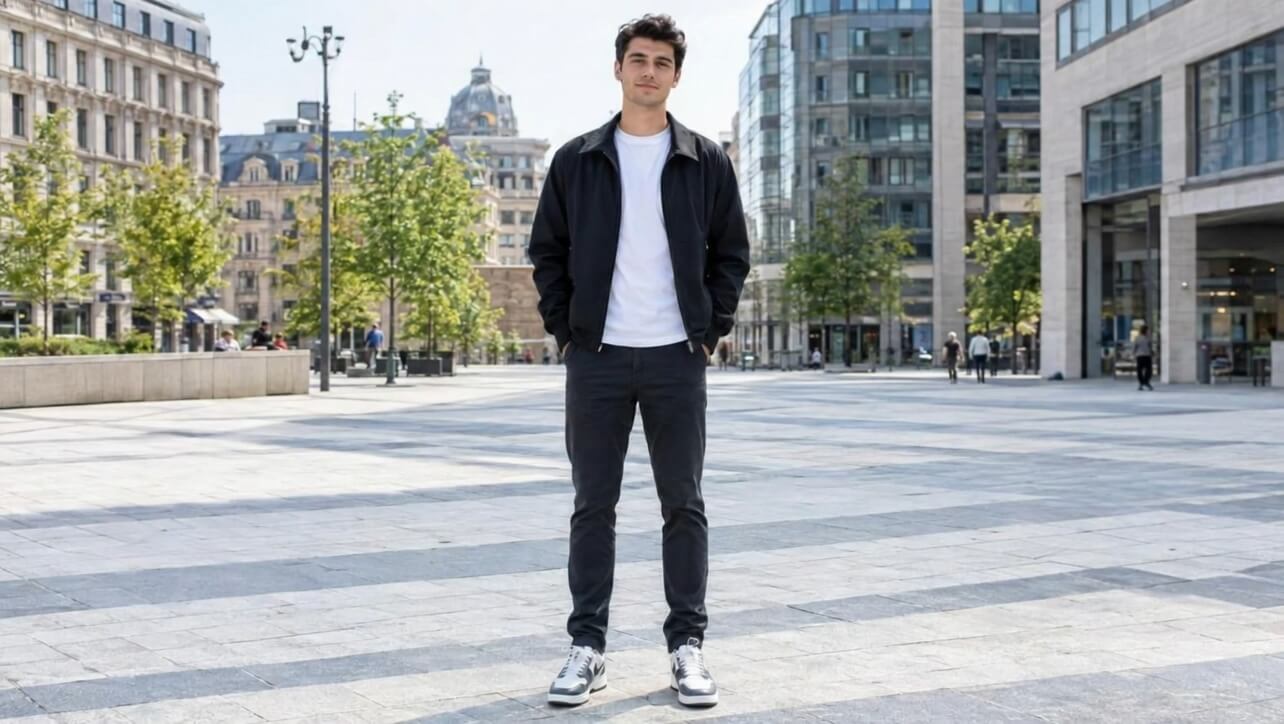
Watch your result in the app first. When it looks right, save it and send it to the group chat or post it to your feed.
A few small choices that make your dance video pop.
Show the whole person in clear light so the dance has room to move. A sharp, uncluttered photo gives the best result.
The same photo can feel totally different with a new dance. Generate a few and keep your favorite.
Give it a quick play in the app first, then save it and share it once it looks just right.

Open YouCam Video, choose AI Dance, pick a photo, choose a dance and tap Generate. Preview the video, then save or share it.
Yes. YouCam Video is a mobile app for iOS and Android, and its AI Dance feature animates a photo into a short dance video.
Only use photos of yourself or of people who have agreed to it. Do not use someone's photo without their permission.
A clear, well-lit photo where the person is easy to see usually gives the best result.
Yes. Pick another dance and generate again to compare the results.
Yes. After you preview the clip you can save it to your phone and share it where you like.
YouCam Video is free to download for iOS and Android. Some features may need a subscription, so check the details in the app.
Add your favorite track to a video and share a clip that sounds as good as it looks.


