


From Idea to Music Video
Pick a song, describe your idea or choose a template, and YouCam Muse generates a music video for you.


Create a music video with YouCam Muse. Pick a song, describe your idea or choose a template, and let AI generate the video on the web.
Pick a song, describe your idea or choose a template, and YouCam Muse generates a music video for you.
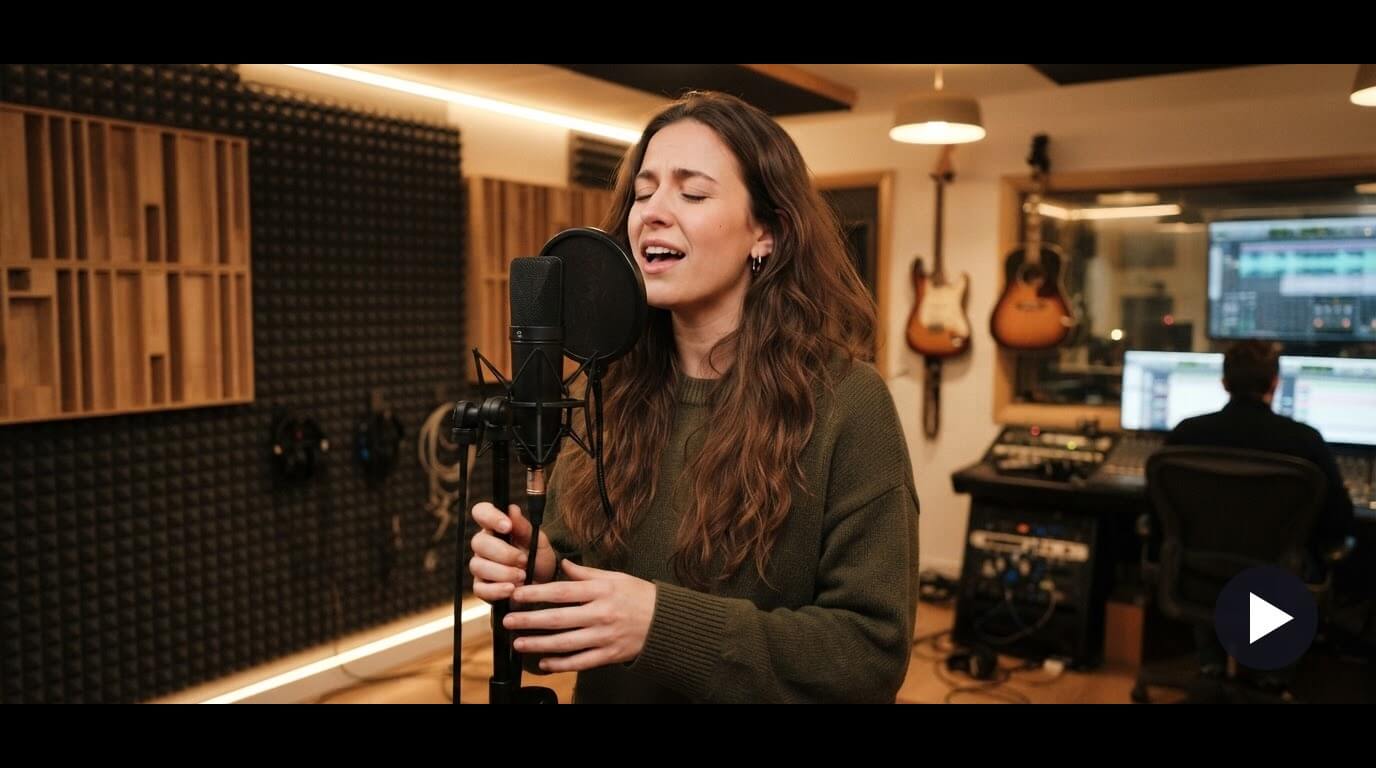


Import a track from your device with My Music, or use the royalty-free music library or an AI-generated song.
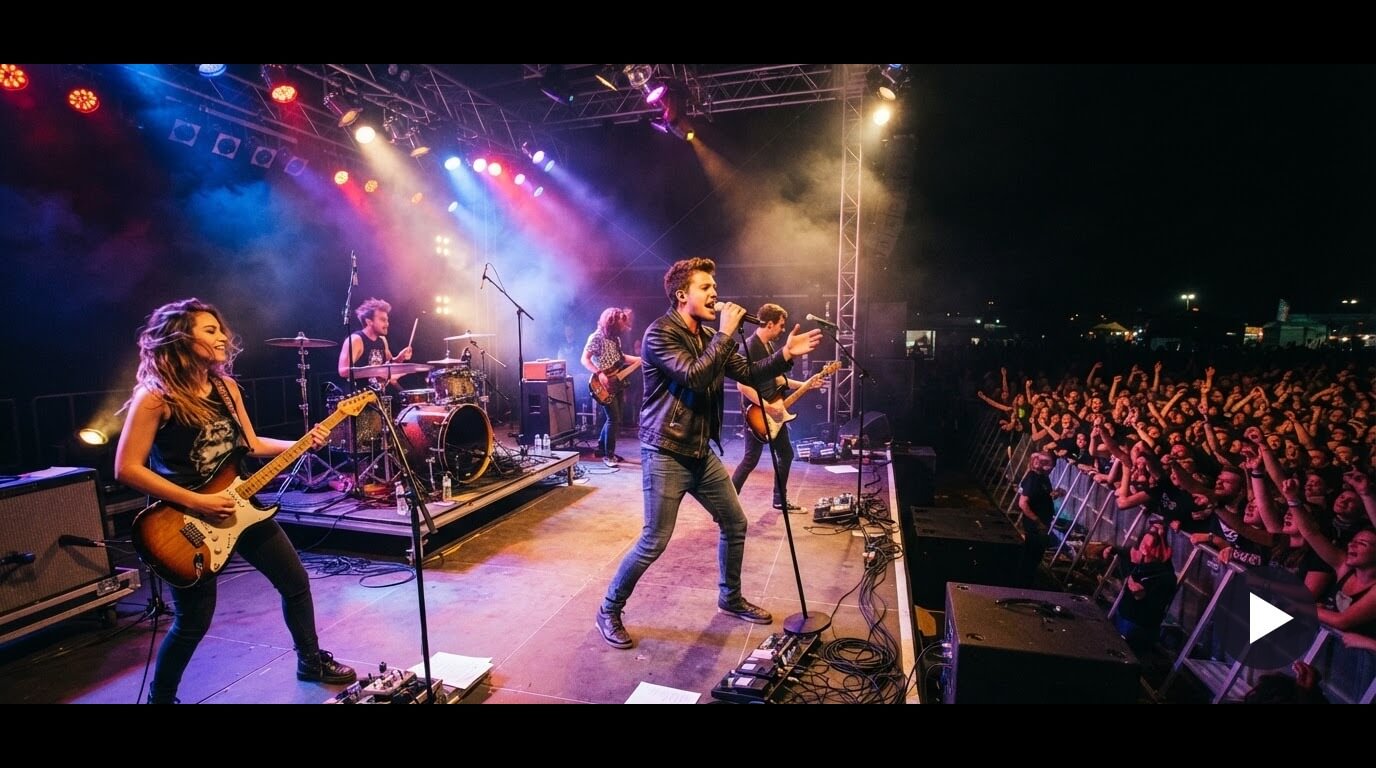
When you tap Create Music Video, choose Storyboard First or Create MV Directly. Generation usually takes about 5 minutes.


A clear idea and the right options make the result easier to enjoy. These habits help.
A short, clear prompt about the story or mood is a good place to start. You can also begin from a template.
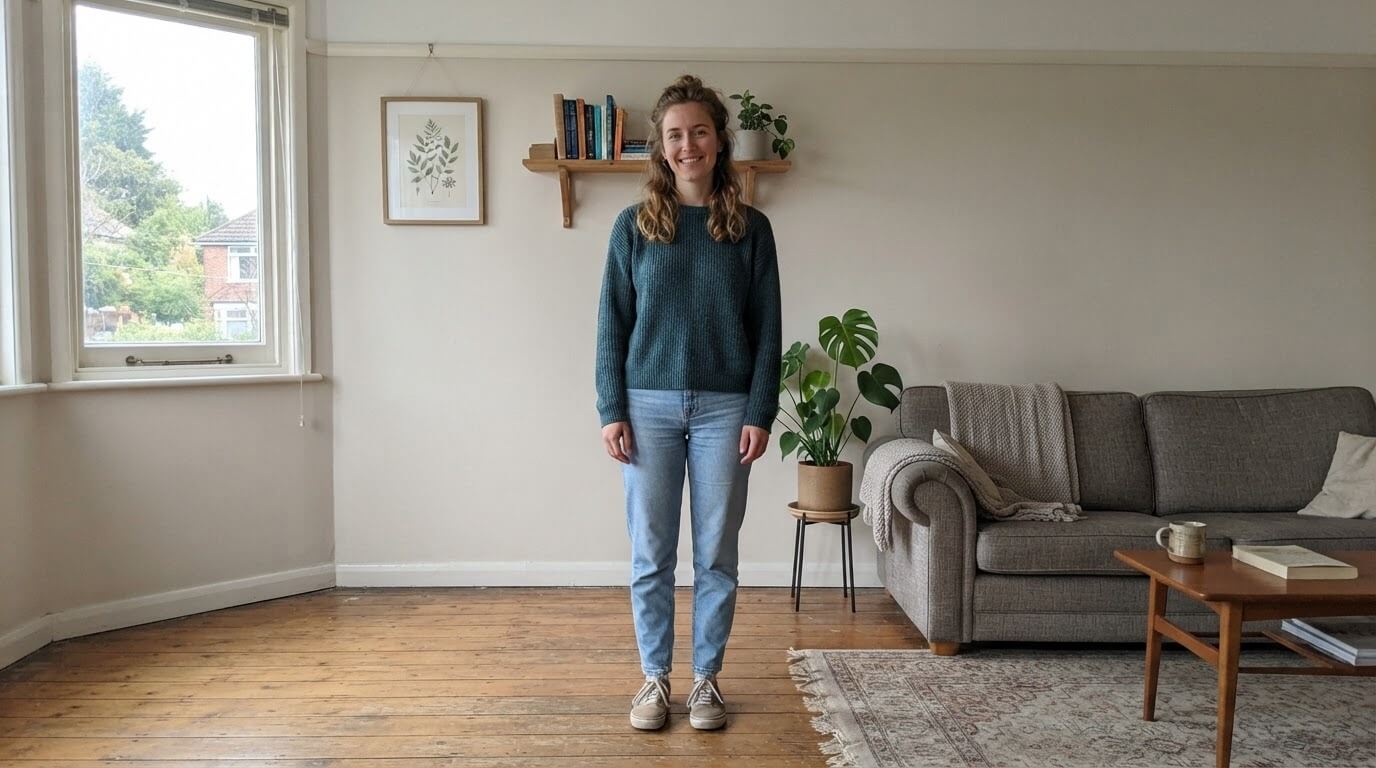
A character photo is optional. Add one if you want a specific person or character in your video, and only use photos you have the right to use.
Before you create, look at aspect ratio, video quality, subtitles and watermark so the video fits where you plan to share it.

YouCam Muse is an AI platform for creating music videos and songs. You choose a song and describe your idea or pick a template, and AI generates the video.
Open YouCam Muse, choose AI Music Video, select a song, add a prompt or template, set your options and tap Create Music Video.
Yes. Use My Music to import a track from your device. YouCam Muse also offers a royalty-free music library and AI-generated songs.
No. A character photo is optional. You can describe your idea with a text prompt or choose a template instead.
A music video typically takes about 5 minutes, depending on your network speed.
You can explore content on the Free plan. Generating music videos and songs requires a subscription, and generation is credit based. See YouCam Muse for current plans.
YouCam Muse is available on the web. Sign in with the same account to keep your creations in sync.


