Turn Travel Clips Into One Trip Video
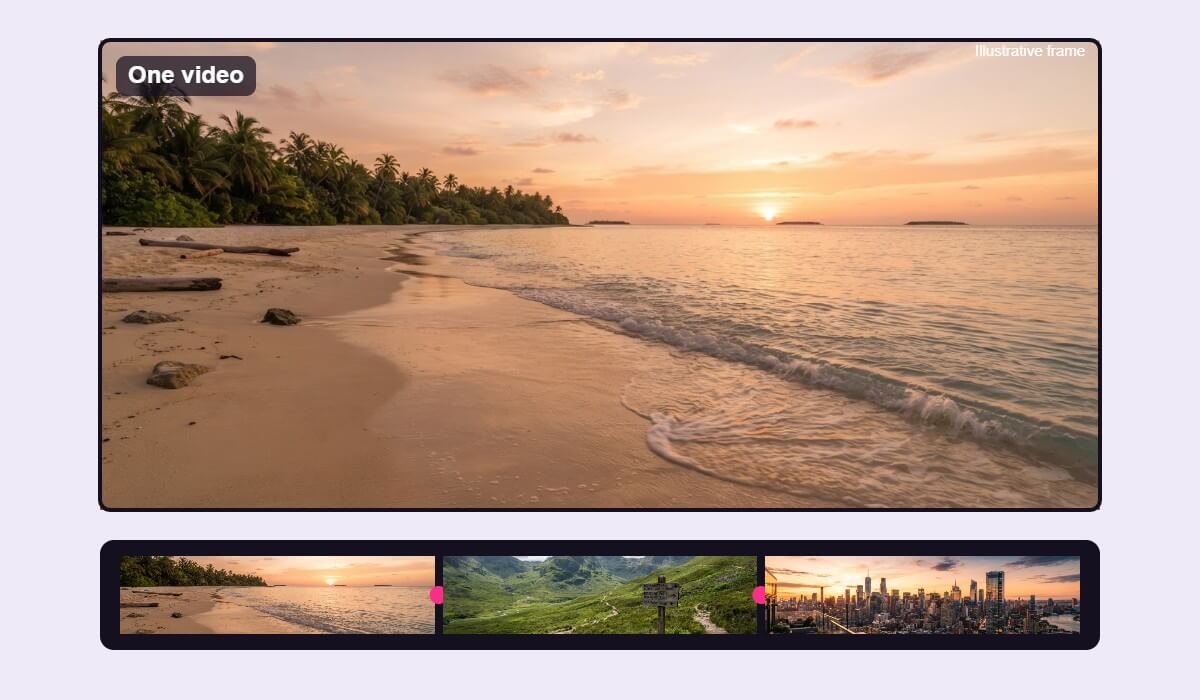
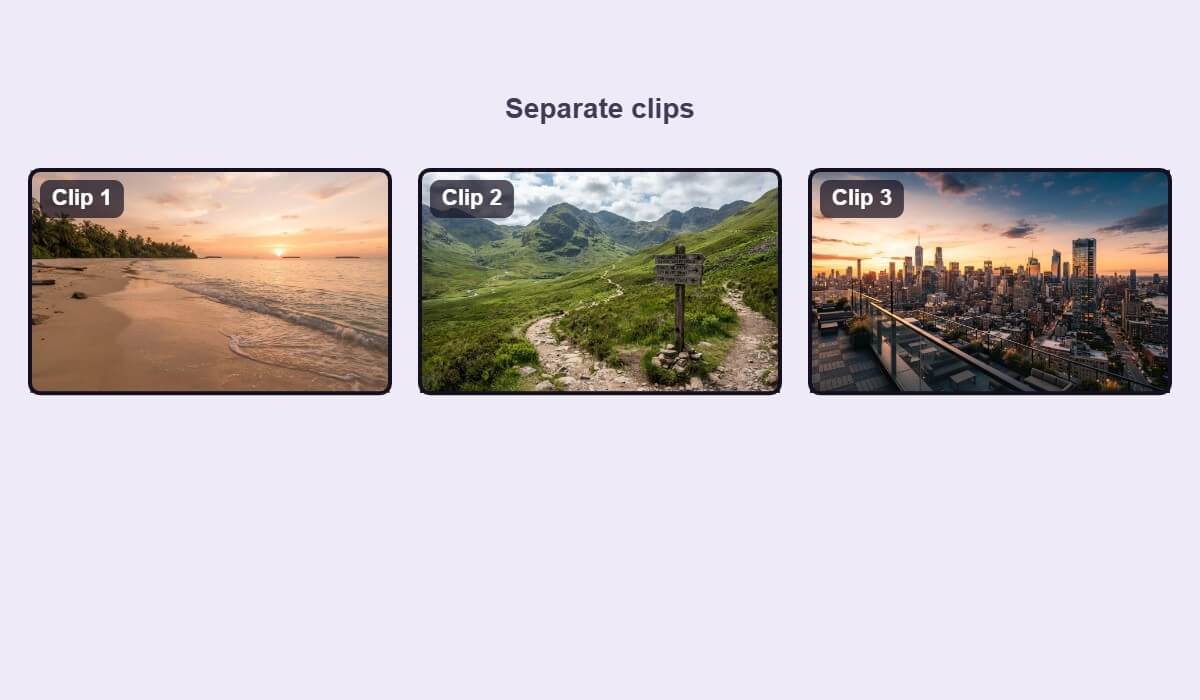
Beach, trail and city clips from one trip become a single video. Put them in order and trim the ends so the story moves from place to place.


Join several clips into a single video on your phone. Add your clips in YouCam Video, set the order, trim the ends and export one finished file.

Beach, trail and city clips from one trip become a single video. Put them in order and trim the ends so the story moves from place to place.

Combine a few short moments from an event into one video you can share. Two or three strong clips beat ten short ones.
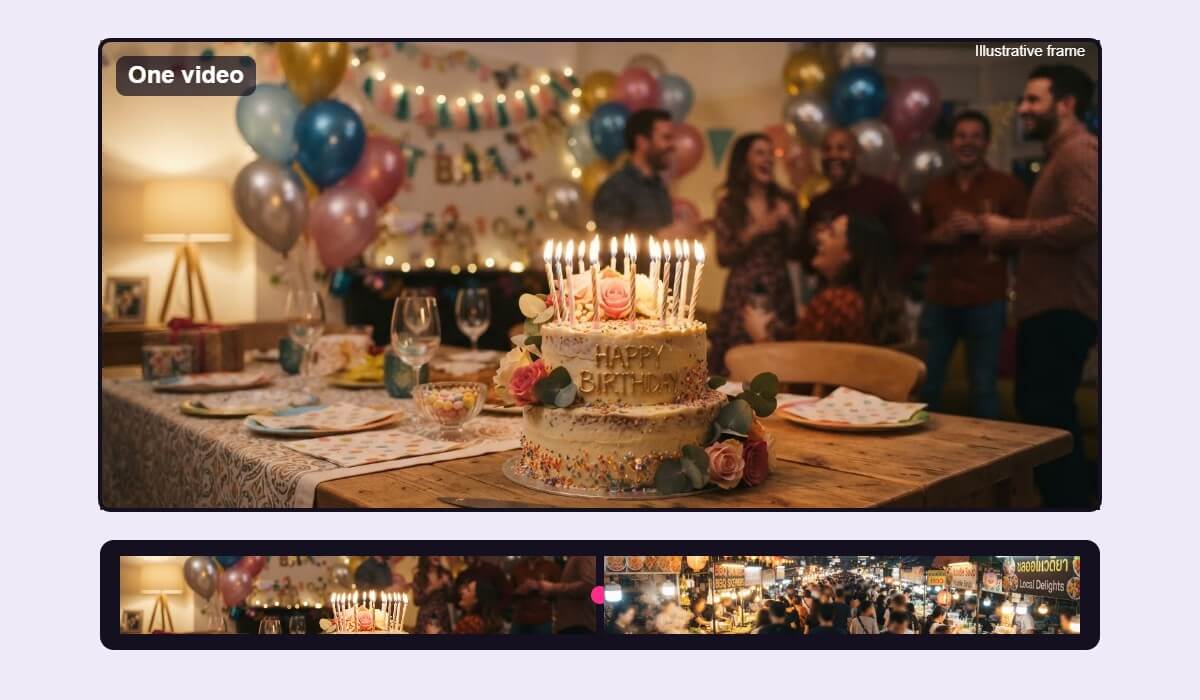
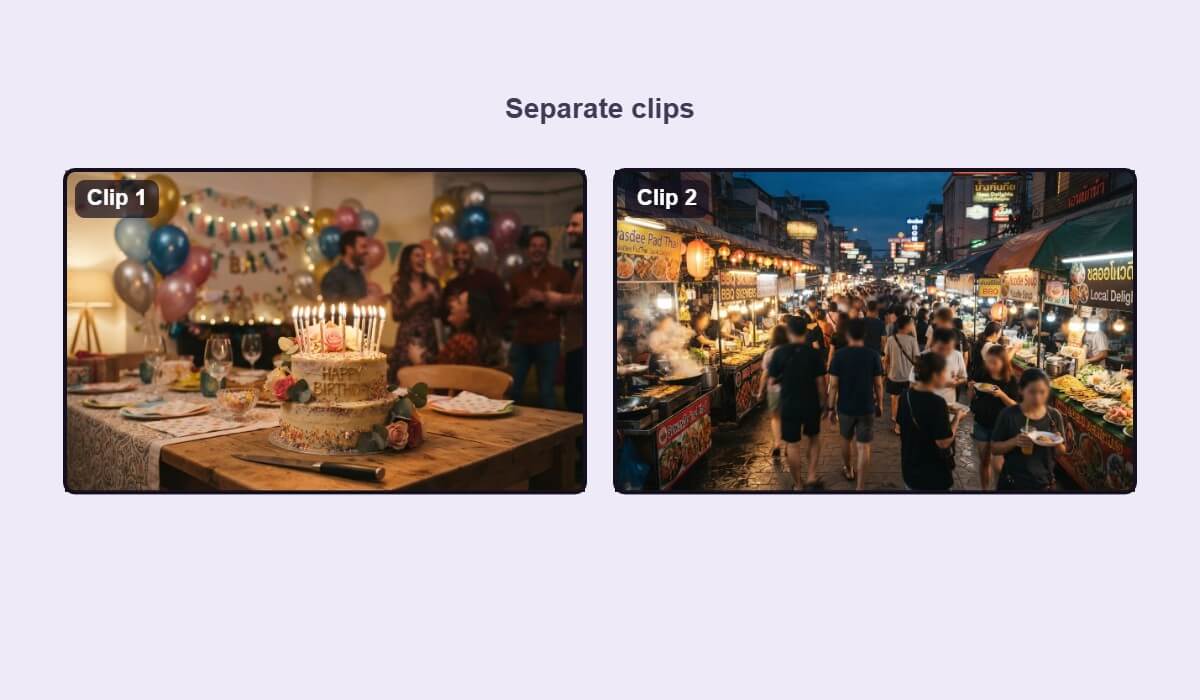
Pull clips from different spots into one highlight video. Merge them, check the order, and export a file that is easy to send.
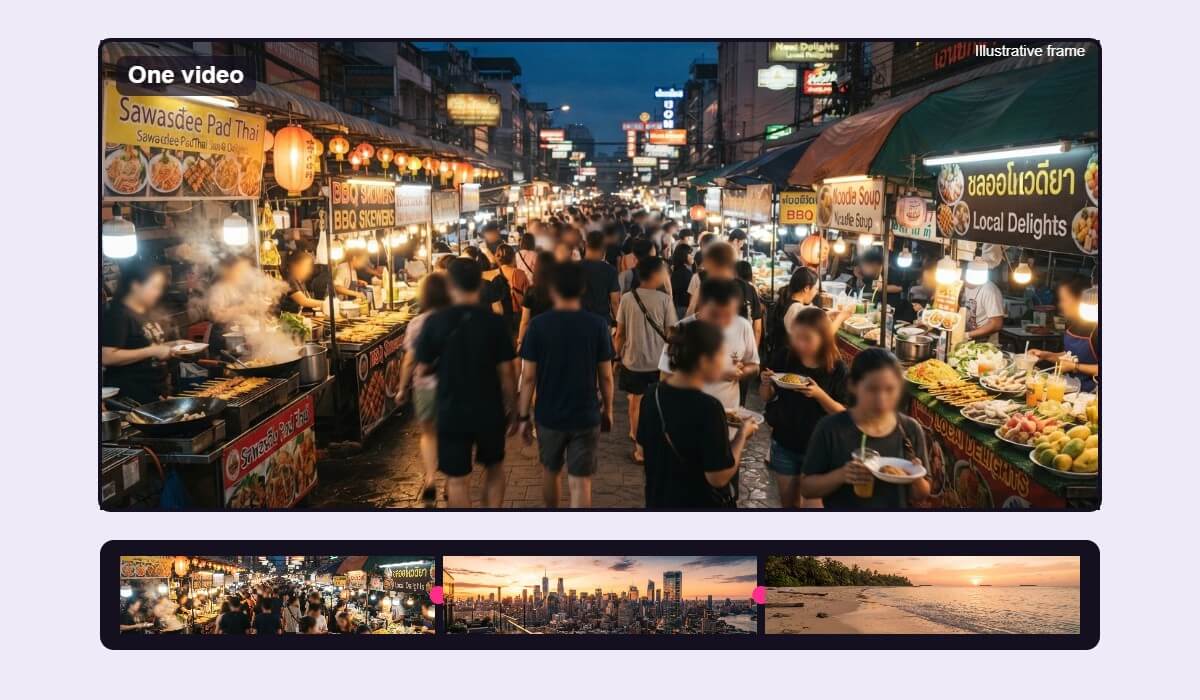
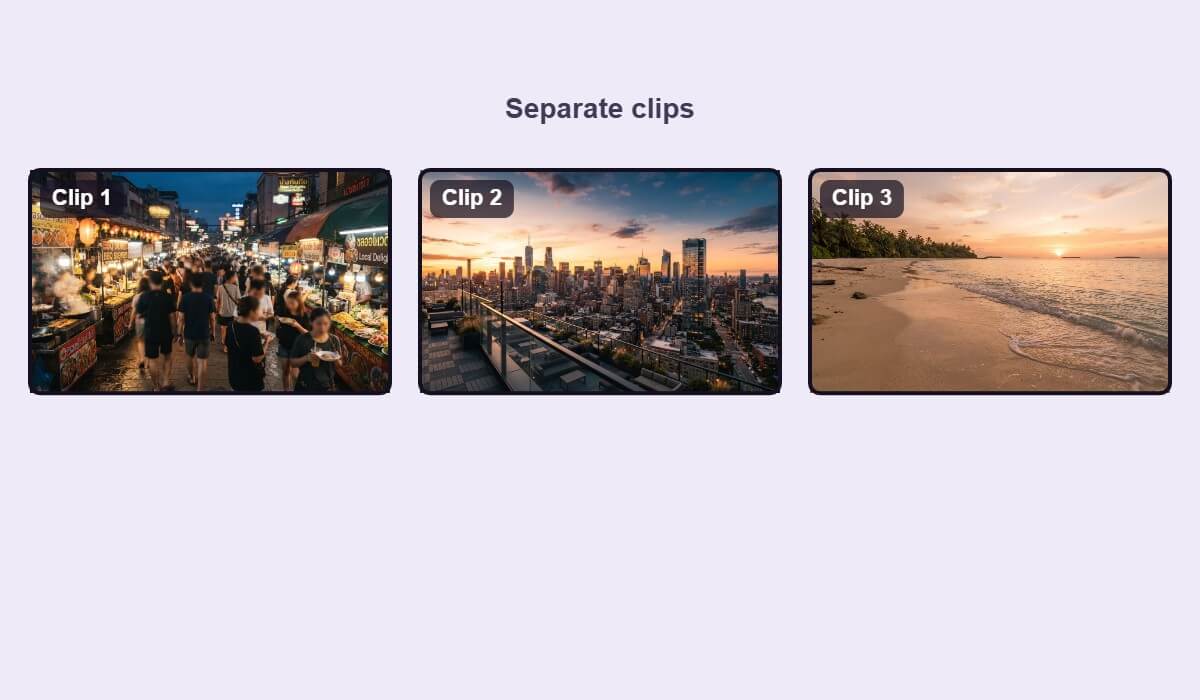
A merged video feels better when the clips fit together. These habits help.
Cut the first and last moments of each clip. Shaky starts and long pauses are the most common reason a merged video feels choppy.
Mixing wide and tall clips leaves black bars or crops. Pick landscape or portrait for the whole video before you export.
Place clips in the order you want viewers to follow. A clear start, middle and end makes a short video easier to watch.

Open YouCam Video, add the clips you want to join, arrange them in order, trim the ends and export. The result is one video file you can share.
You can add several clips to one video. For the best result, keep the project short and focused, and use only the clips that move your story forward.
Black bars usually appear when clips have different shapes, such as wide and tall. Choose one aspect ratio for the whole video so every clip fits the same frame.
Quality depends on your original clips and your export settings. Starting with sharp clips and exporting at a suitable quality gives the best result.
Yes. Clips can come from different days or places. Check that the lighting and sound feel similar, or keep each clip short so the change is not distracting.
Only with their permission. Use footage you filmed or have the right to use, especially if you plan to post the video publicly.
Open YouCam Video on your phone to get started.