


 Author: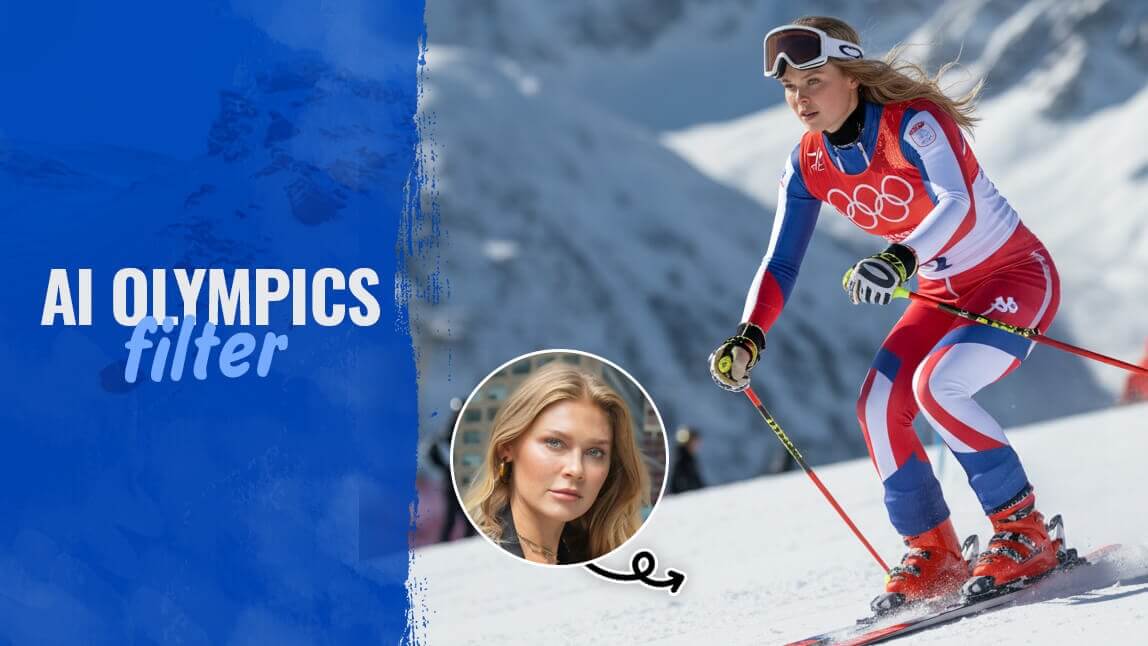
The Milano Cortina 2026 Winter Olympics are finally here, and the energy is electric. Whether you’re watching the figure skating in Milan or the downhill skiing in Cortina d'Ampezzo, there’s a universal feeling: “I wish I could do that.” While we can’t all land a quadruple toe loop or hit 80 mph on a bobsled, we can look the part. Thanks to the latest AI tech, you can ditch the couch-potato look and transform into a world-class competitor in seconds.
In this guide, I’ll show you how to use the viral Winter Olympics filter to create social-media-ready athlete portraits that will have your followers doing a double-take.
Key Takeaways: Your Fast Track to the Podium
- The Trend: Why the Winter Olympics Games are taking over social media.
- The Tools: Why YouCam AI Pro is the gold standard for AI filters.
- The How-To: A 5-step guide to turning your selfie into a pro athlete.
- The Pro Tip: How to animate your photos into cinematic Olympic videos.
What is the Milano Cortina 2026 Winter Olympics All About?
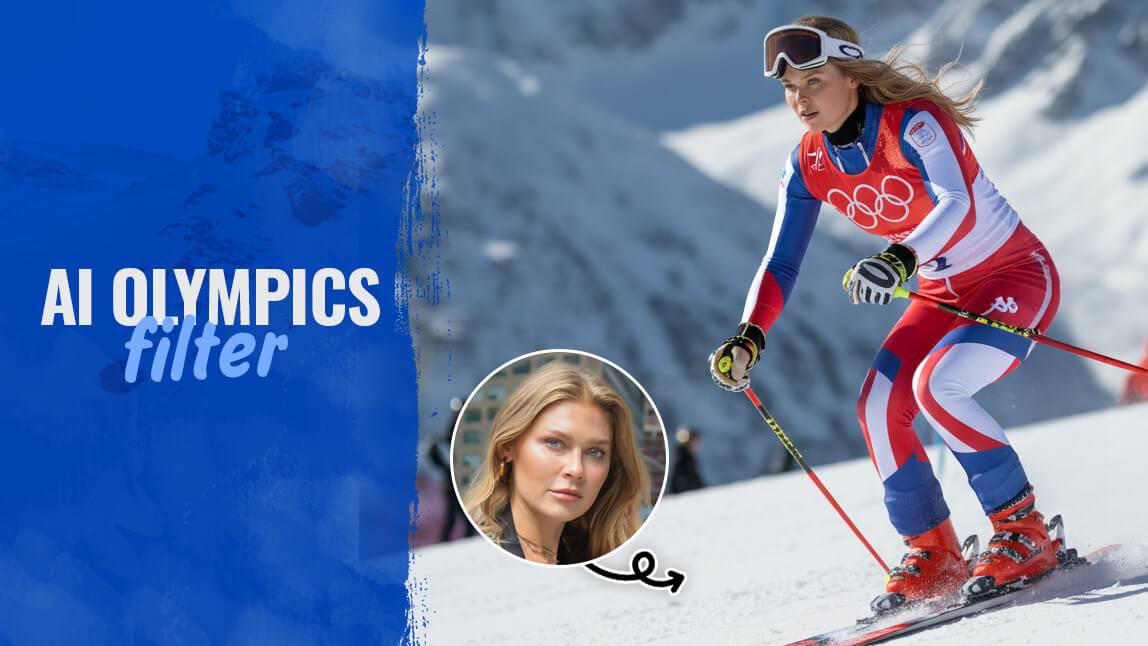
The 2026 Games are a historic "two-city" event spanning the chic urban landscape of Milan and the breathtaking peaks of Cortina d'Ampezzo. It’s where heritage meets innovation. This year, the focus isn't just on the sports; it’s about the "Look of the Games"—a dynamic, generative graphic language that celebrates human movement. Using an AI Olympics filter is the perfect way to participate in this digital-first celebration.
Viral Olympics Filter Taking Over Your Feed
If you’ve been scrolling TikTok lately, you’ve definitely seen these:
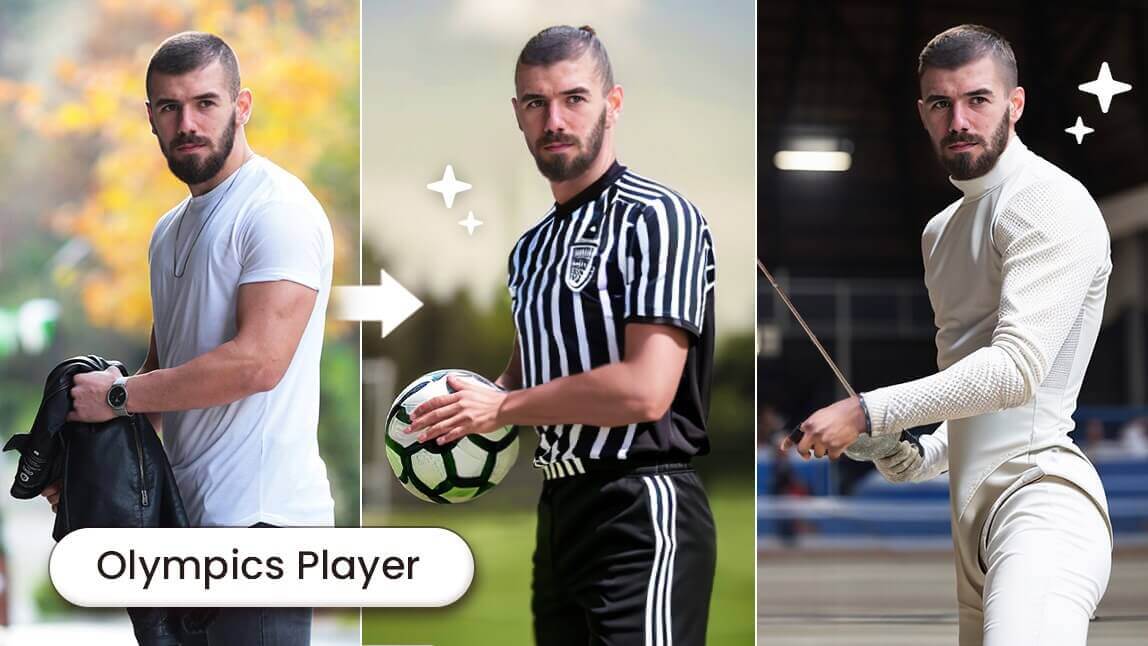
The "Random Athlete" Filter
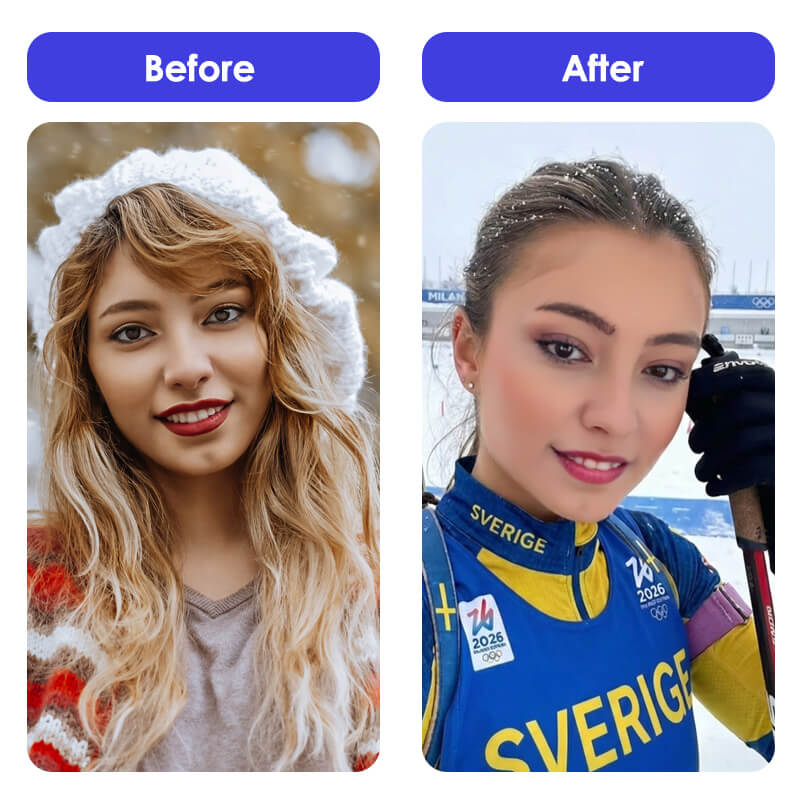
This AI transformation places you in high-tech gear, from sleek speed skating skinsuits to rugged snowboarding kits.
How to Turn Yourself into a Winter Olympics Athlete with YouCam AI Pro
Ready to join Team AI? Follow these simple steps to generate your own professional-grade athlete photo.
Step 1: Download YouCam AI Pro

AI Image & Video Generator
Turn text into AI art instantly.
Supports Text-to-Image & Image-to-Video.
First things first, you need the right gear. Download YouCam AI Pro, the top-rated app for realistic AI transformations. It’s available on both iOS and Android.
Step 2: Select "Image to Image"
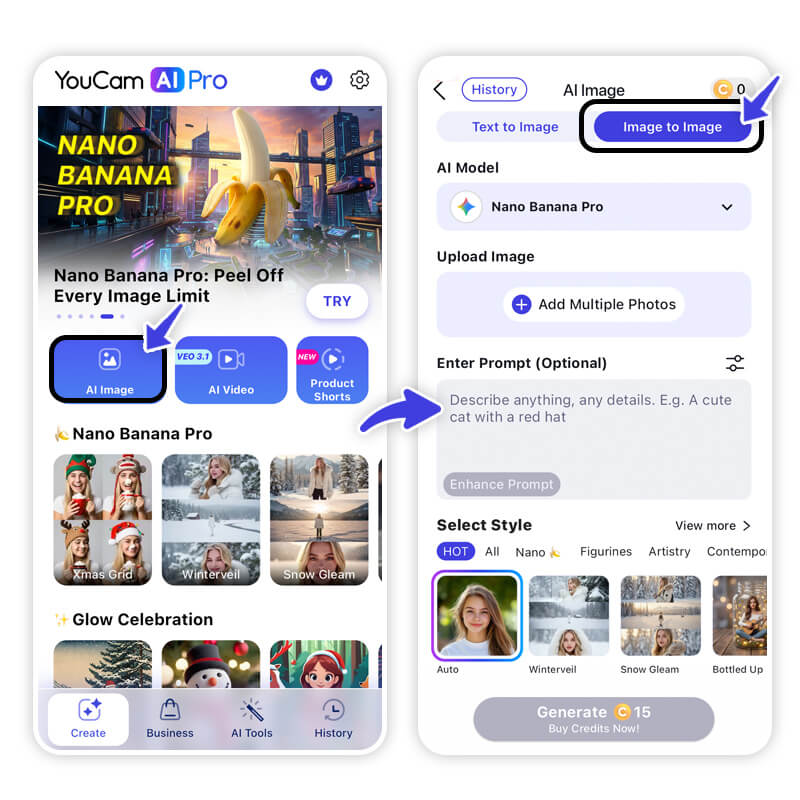
Open the app and navigate to the AI Image section. Choose the Image to Image feature. This allows the AI to use your actual face and structure as a "blueprint" for the athlete look.
Step 3: Upload Your Best Selfie
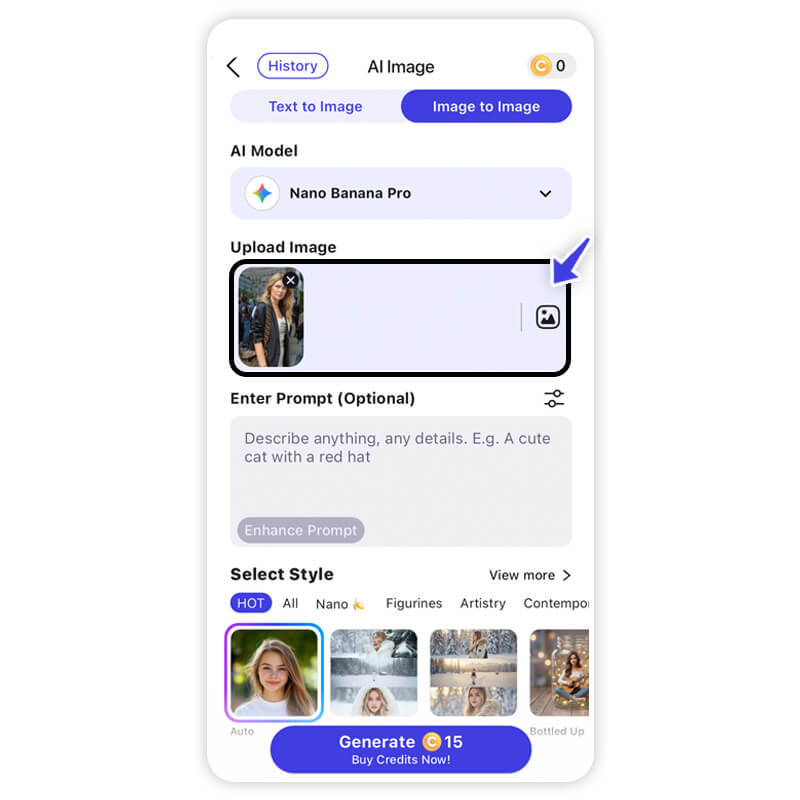
Pick a clear photo with good lighting. The better the photo, the more "Olympic-ready" the result will be!
Step 4: Enter Your Winning Prompt
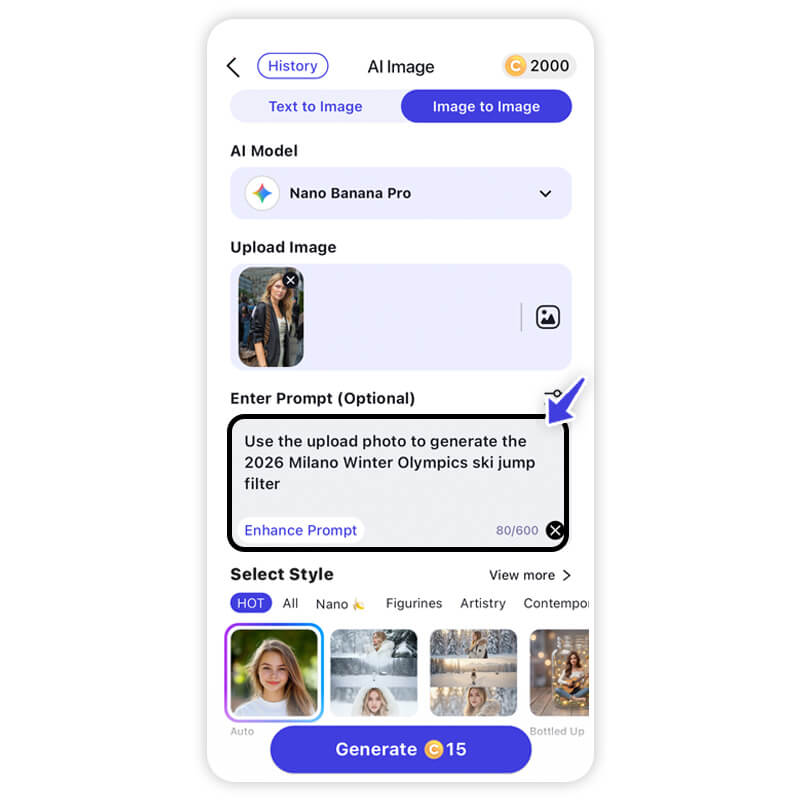
This is where the magic happens. In the prompt box, describe your dream sport.
- Try this: "A professional Winter Olympics athlete competing in [Alpine Skiing/Figure Skating], wearing a high-tech sleek uniform, snow-capped mountains of Cortina in the background, cinematic lighting, 8k resolution, realistic style."
Step 5: Generate & Save
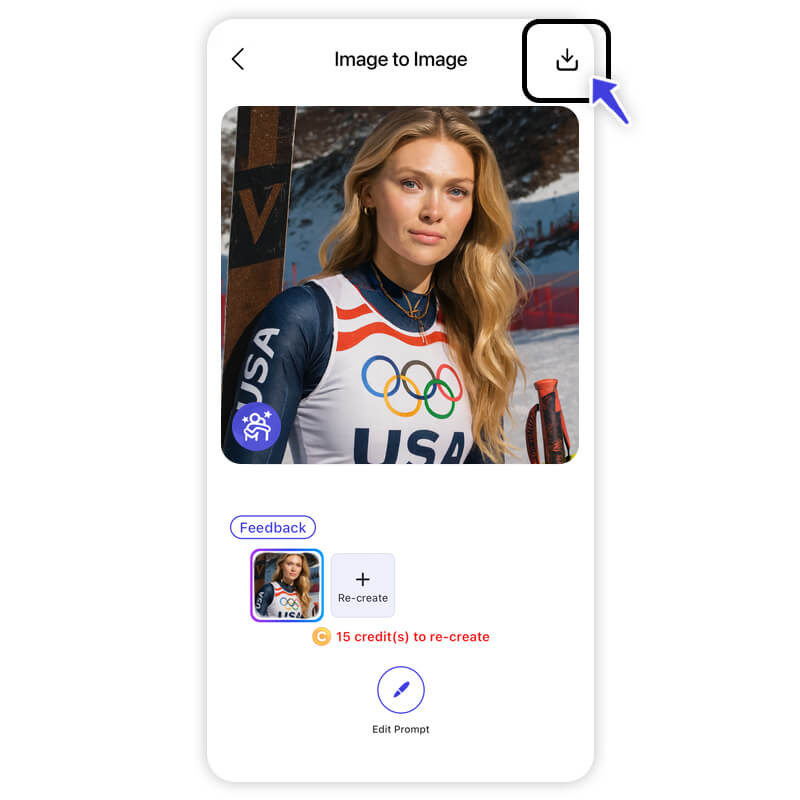
Hit generate and watch as the AI crafts four unique versions of you as a pro. Pick your favorite, save it, and get ready to post!
Pro Tip: Make Winter Olympics Videos with Image to Video
Static photos are great, but cinematic clips are better. Use YouCam’s Image to Video tool to bring your athlete persona to life.
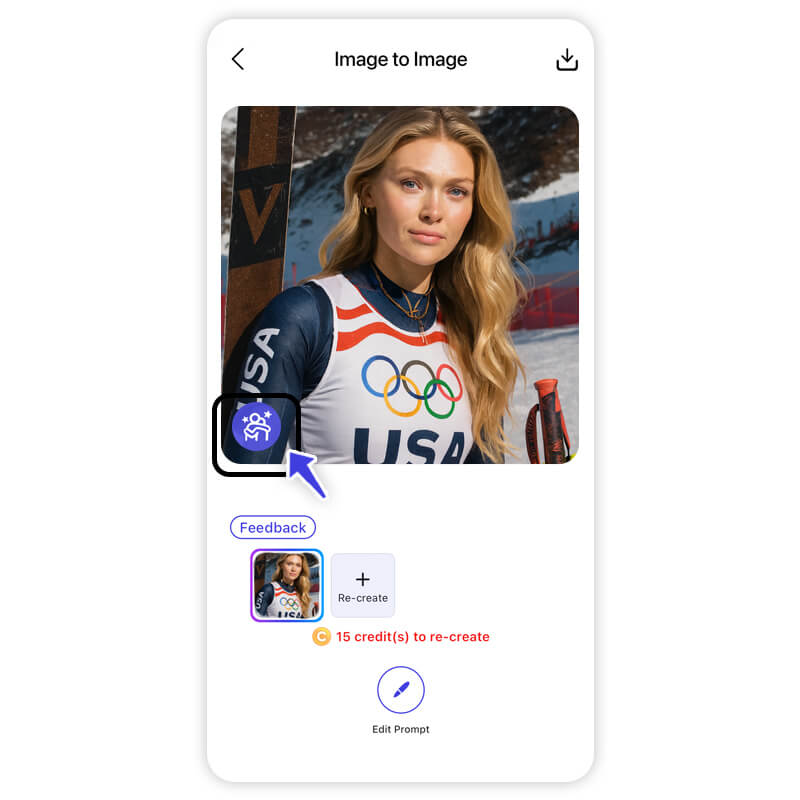
- Tap the Image to Video Icon: Found right on the home screen.
- Select a Video Template or Write a Prompt: You can use a "Winter Sports" template or type a prompt like "Snowboarder performing a 720-degree spin in slow motion."
- Generate & Save: The AI will animate your photo, adding realistic snow spray and motion blur.
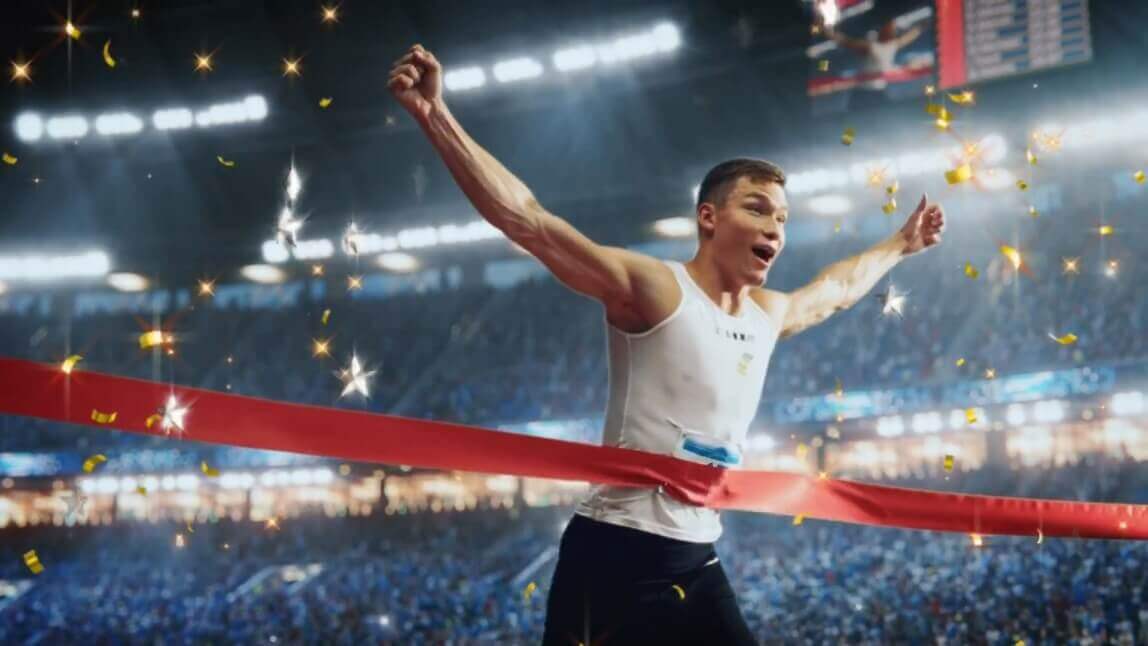
Turn Yourself into an Olympics Winner with AI
AI Image & Video Generator
Turn text into AI art instantly.
Supports Text-to-Image & Image-to-Video.
You don't need years of training or a plane ticket to Italy to feel the spirit of the Winter Olympics Games. With just a few taps and the power of the Winter Olympics filter, you can celebrate the 2026 Games as the star of the show. It’s simple, it’s fun, and—let’s be honest—you look great in a bobsled suit.
Ready to see yourself on the podium?
About the Editors
The PERFECT Corp. Editorial Team
We are a team of experts on photo and video editing apps. Our goal is to deliver engaging content on everything from stunning selfie edits to eye-catching video effects. We cover the latest trends and share niche tips to help you master digital creation.



