


 Author:
 ![12 Best AI Marketing Tools that Really Help Marketers in 2026 [Tested]](https://plugins-media.makeupar.com/smb/blog/post/2025-12-17/webp_fe949bc8-49d1-4a29-9004-4a51f5411f11.jpg)
Are You Ready to Future-Proof Your Marketing?
Let’s face it: the digital landscape is moving faster than ever. If you’re a marketer, creator, or business owner, you might feel that familiar anxiety—the fear of falling behind while competitors zoom past you with shiny new tech. But here’s the good news: You don't need a PhD in computer science to win.
The right AI marketing tool isn't just about automation; it's about unlocking creativity you didn't know you had. Whether you need to generate viral videos, write compelling copy, or optimize your entire workflow, help is here.
In this guide, we’ve tested and curated the 12 best ai marketing tools that are actually shaping the industry in 2026. We’ll show you exactly how to use them to save time, cut costs, and create content that stops the scroll.
Ready to transform your business? Let’s dive in.
Key Takeaways
- Video is King: YouCam AI Pro leads the pack with its new "AI Business" feature, offering the most lifelike AI avatars and support for top-tier models like Sora 2 Pro and Google Veo 3.
- All-in-One Power: Tools like Gemini and Jasper remain essential for strategy and copy.
- Visuals Matter: High-quality image and video generation is no longer optional—it's the standard for 2026.
What is an AI marketing tool?
An AI marketing tool is software that uses artificial intelligence technology—like machine learning and natural language processing—to automate decisions, generate content, and analyze data.
In 2026, these tools have evolved from simple chatbots to creative powerhouses. They can now generate hyper-realistic videos from text, predict SEO trends before they happen, and even act as your personal design team. The goal? To let you focus on strategy while AI handles the execution.
12 Best AI Marketing Tools that Really Help Marketers in 2026
YouCam AI Pro for Video Marketing
Best For: Creating viral AI videos, lifelike AI business avatars, and high-end image generation.
If you only download one app in 2026, make it YouCam AI Pro. It has rapidly evolved into the ultimate creative suite for marketers. The standout feature this year is " AI Business," designed specifically to help brands create human-centric content without hiring expensive actors or studios.- Pricing: Freemium model; Pro subscription starts at ~$29.99/month (varies by region).
Key Features:
- AI Business- Most Lifelike AI Talking Avatar: Make expressive AI Avatar videos for business. Access 25+ pro templates for beauty, electronic, food & fashion products.
- Multilingual Power: Speak 80+ languages with natural lip-sync & movement. Ideal for creating viral UGC content.
- Image to Video & Text-to-Video: Transform any image or text into a smooth, high-quality AI video.
- Text-to-Image & Image-to-Image: Generate hyper-realistic AI photos or reimagine existing images with 1 tap.
- All Top AI Models in 1 App: Access Sora 2 Pro, Google Veo 3, Kling AI, Vidu, Nano Banana Pro (Gemini AI), Imagen 4, and more.
- Advanced Image Gen: Includes Nano Banana Pro (Gemini AI), FLUX, Imagen 4, and the ChatGPT image generator.
Editor’s Review:
YouCam AI Pro has completely democratized high-end video production. After testing the new 'AI Business' update, this app has graduated from a consumer toy to a legitimate marketing asset. I specifically tested the AI Speaking Avatar feature on static product shots, the lifelike AI avatars here maintained consistent facial features across different camera angles. It fills a massive gap for creators who need 'human' presenters without the studio budget. It’s not just9 for fun anymore; it’s a production studio in your pocket.
I ran the same product photo through YouCam AI Pro's video generator a few times, and the output stayed most consistent when the source image had a clean, uncluttered background — busier product shots produced more noticeable AI artifacts around the edges.
How to Use the AI Talking Avatar in YouCam AI Pro
Turn your static portraits into dynamic, speaking videos. This feature uses advanced AI to lip-sync your photo to a script or audio file you provide.
Step 1: Download YouCam AI Pro & Locate the Business Tab
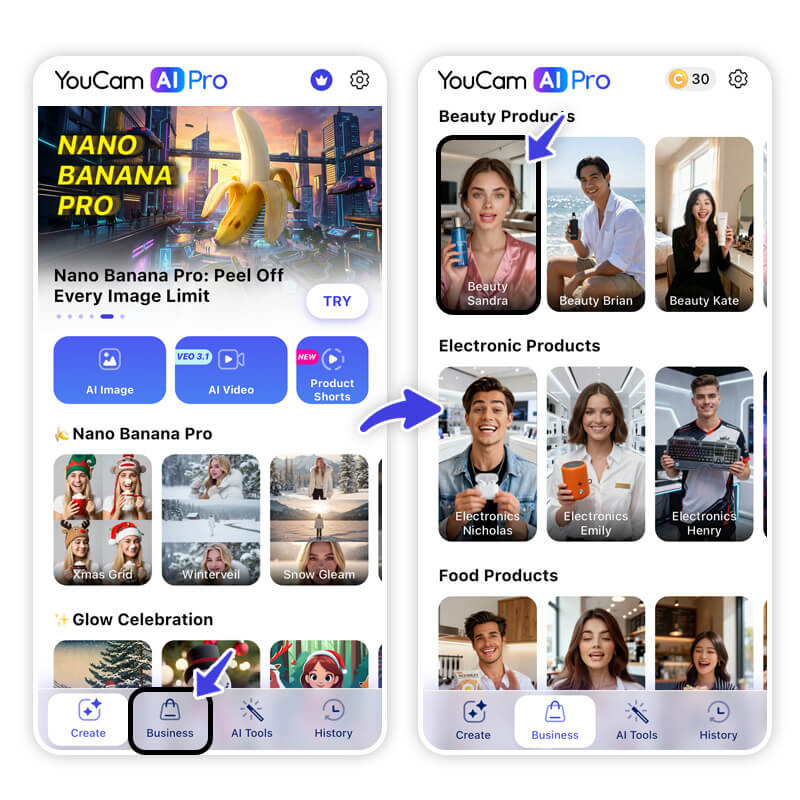
Download the YouCam AI Pro app. On the bottom of the main home screen, look for the "Business" tab.
Step 2: Select Product Template
Access 25+ pro templates for beauty, electronic, food & fashion products, you can easily swap your own face, products & voice.
Step 3: Customize Your Video
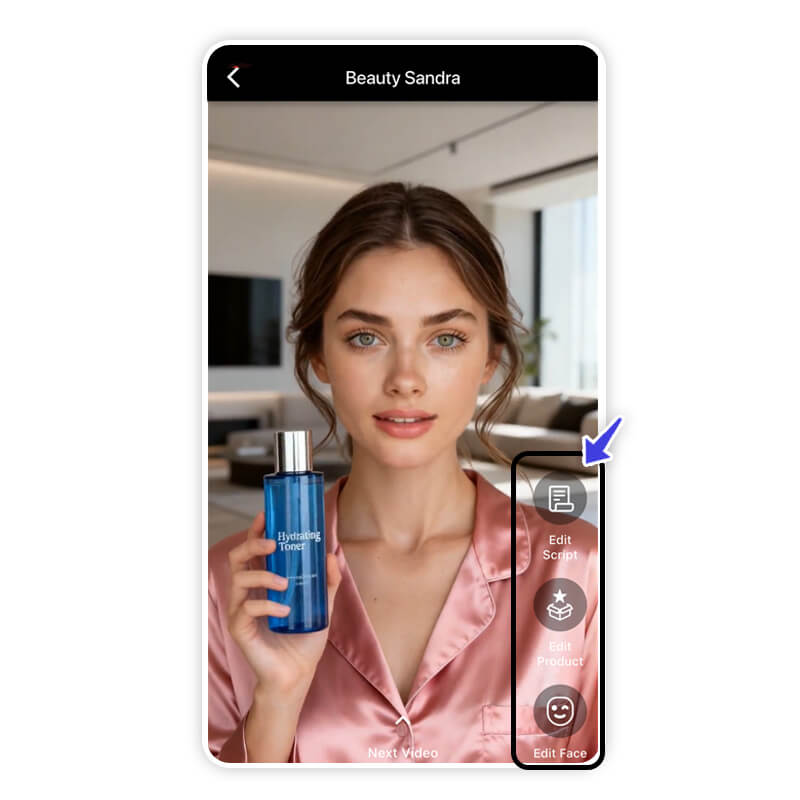
This is where you determine what your avatar will say, your product and your voice.
Step 4: Input Your Images, Script & Voice
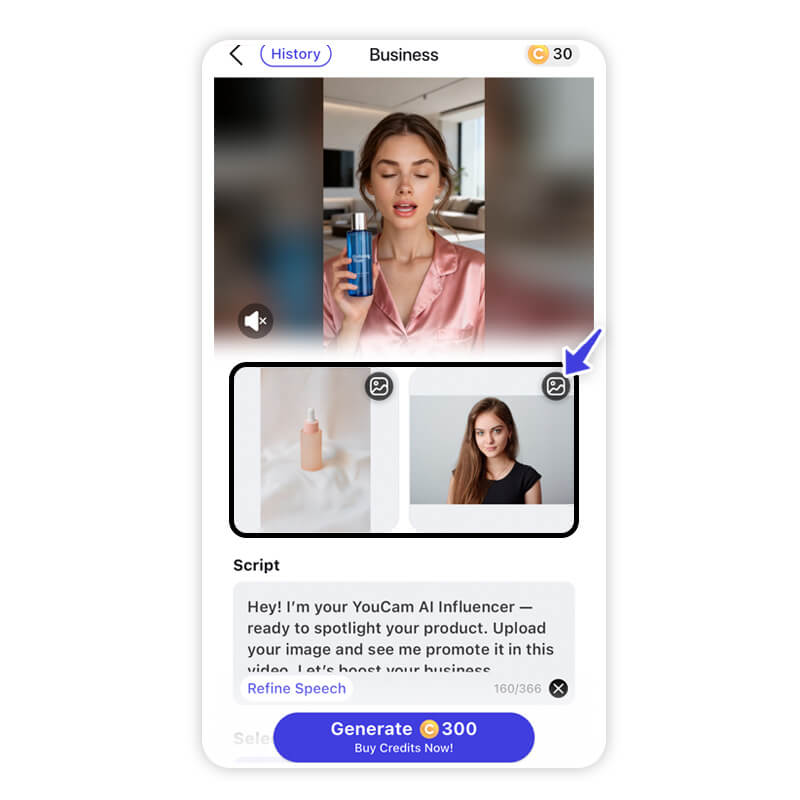
- Select a photo from your gallery to serve as the "avatar." What to do: Choose a high-quality, clear photo of a face.Pro Tip: For the most realistic lip-syncing, use a front-facing portrait where the subject is looking directly at the camera with a closed mouth or a slight smile. Avoid photos where the face is covered by hair, hands, or sunglasses.
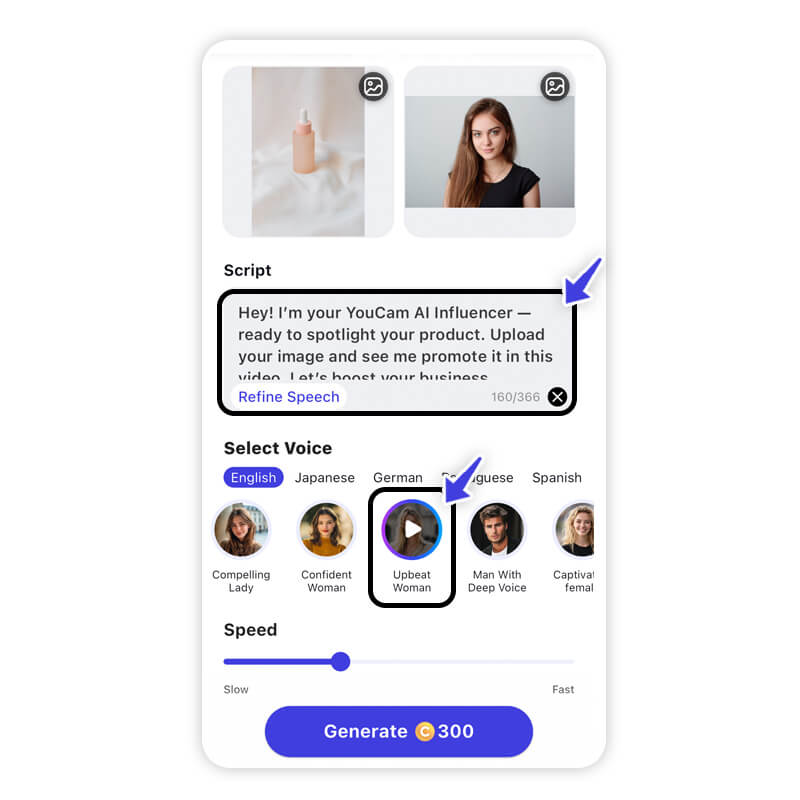
- Text-to-Speech: Type out the script you want the avatar to speak.
- Upload Audio: Upload a pre-recorded voice clip. Browse the library of voices, speak 80+ languages with natural lip-sync & movement.
Step 5: Generate & Save
After generation, watch your video! If you are happy with the movement and voice synchronization, tap "Save" to download it to your device's camera roll. You can then share it directly to Instagram, TikTok, or messaging apps.
Shared Materials by Strapi
*Adjust the size of images ONLY. Please go to Strapi to edit the materials info.
Gemini as Top All-Purpose AI Marketing Assistant
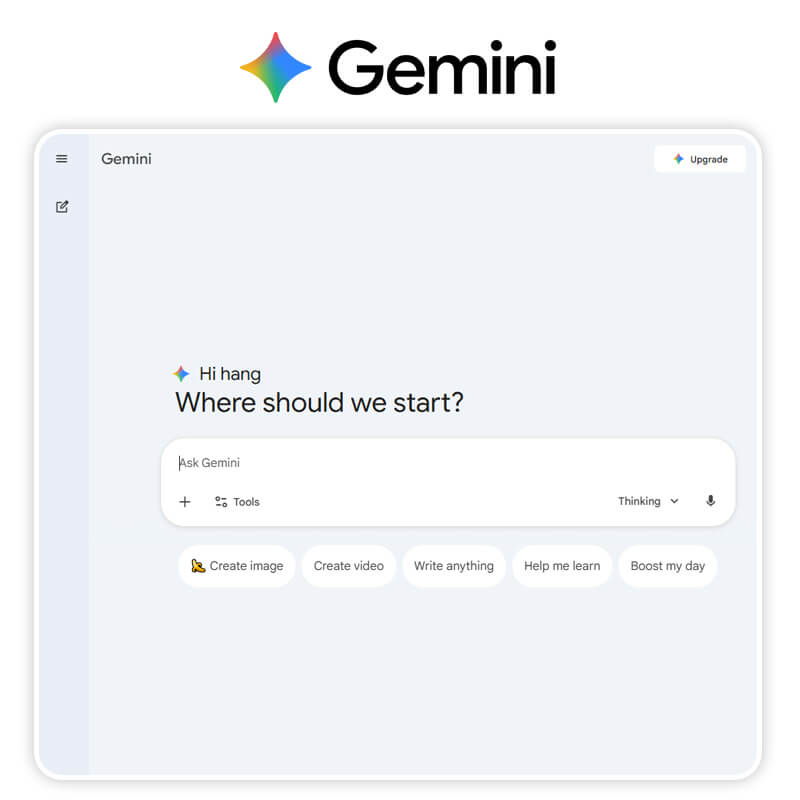
Best For: Deep research, strategy planning, and multimodal content analysis.
- Pricing: Free version available; Gemini Advanced is part of the Google One AI Premium plan ($20/mo).
Key Features:
- Multimodal Reasoning: Can analyze images, video, and audio simultaneously.
- Deep Research: Connected to Google Search for real-time fact-checking and trend analysis.
Editor’s Review:
While ChatGPT is great for general chats, I use Gemini specifically for its multimodal reasoning. I fed it a video file of a competitor's ad and asked for a SWOT analysis—it actually watched the video and broke down the visual cues, not just the transcript. It feels less like a chatbot and more like a senior strategist who can 'see' and 'hear' your data. The deep integration with Google Workspace also means I can draft strategies directly inside my existing docs.
In my own testing, Gemini handled broad brainstorming prompts well but needed more specific follow-up prompts before the copy sounded like it fit our actual brand voice rather than generic marketing copy.
YouCam Online Editor for Design & Visuals Editing
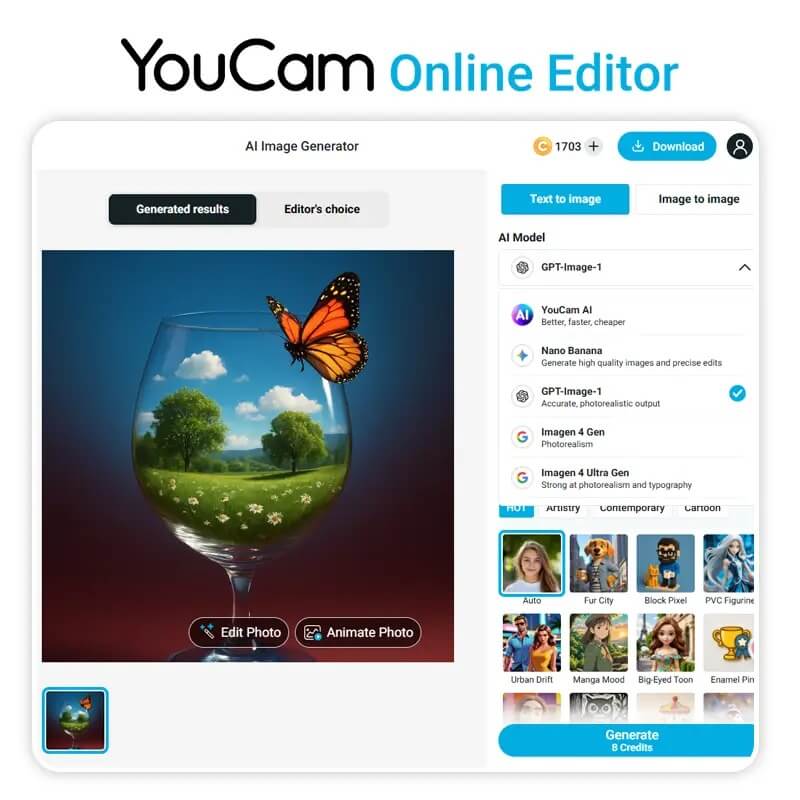
Best For: Quick web-based photo enhancements, background removal, and product photo generation.
- Pricing: Free credit system; Subscription plans start around $7/month.
Key Features:
- AI Object Removal & Replacement: Clean up images in seconds.
- AI Background Changer: Instantly place products in professional settings.
Editor’s Review:
Jasper for Content Creation & Writing
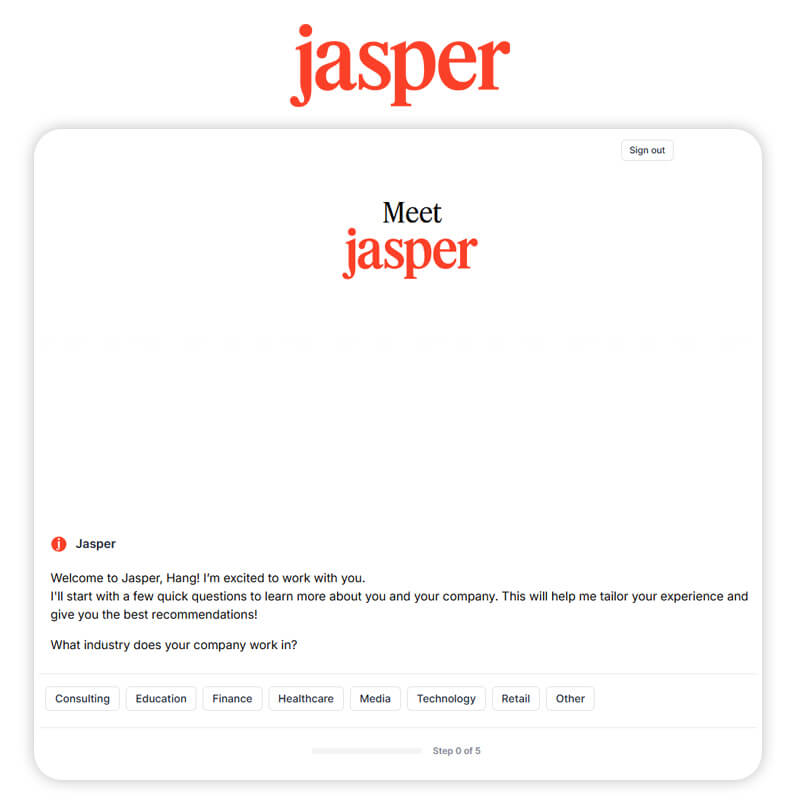
Best For: Long-form blog posts, brand voice consistency, and enterprise marketing copy.
- Pricing: Creator plan starts at $39/mo; Pro at $59/mo.
Key Features:
- Brand Voice & Knowledge Base: Learns and applies your company's specific tone.
- Campaigns: Turn one brief into assets for email, social, and ads automatically.
Editor’s Review:
I tested Jasper on a few blog outlines, and it was fastest to get useful output when I fed it an existing style guide up front rather than trying to correct the tone after the fact.
Semrush for SEO & Content Optimization
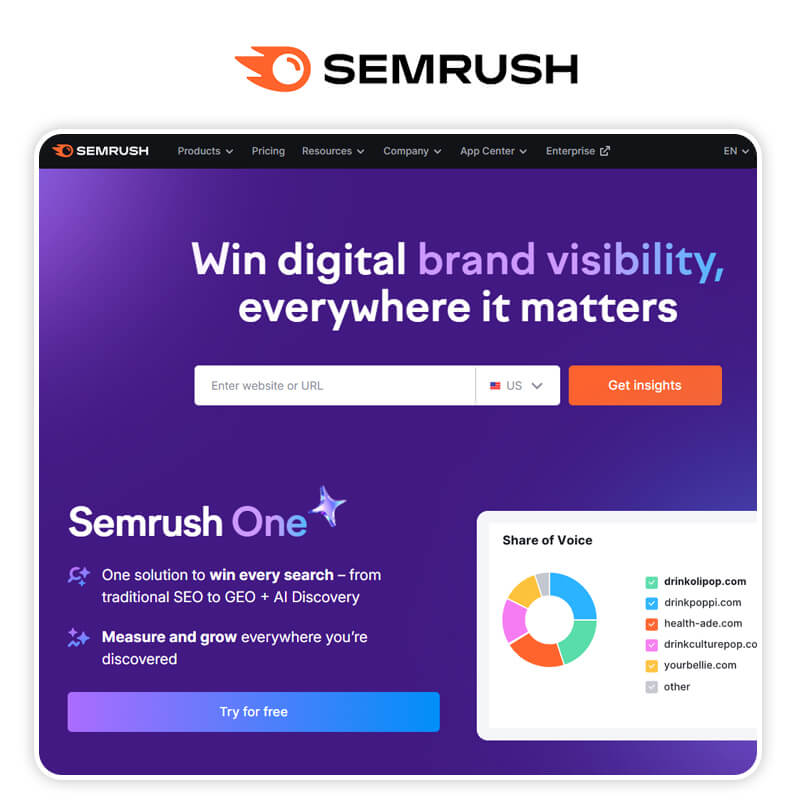
Best For: Keyword research, competitor analysis, and AI-driven SEO writing assistance.
- Pricing: Pro plan starts at $139.95/mo.
Key Features:
- SEO Writing Assistant: Scores your content readability and SEO friendliness in real-time.
- AI Keyword Clusters: Groups keywords automatically to save hours of research.
Editor’s Review:
When I tried Semrush's keyword suggestions against a niche topic, the volume estimates for very long-tail terms were noticeably rougher than for broader keywords — still useful as a starting point, just worth sanity-checking.
Flick for Social Media Management
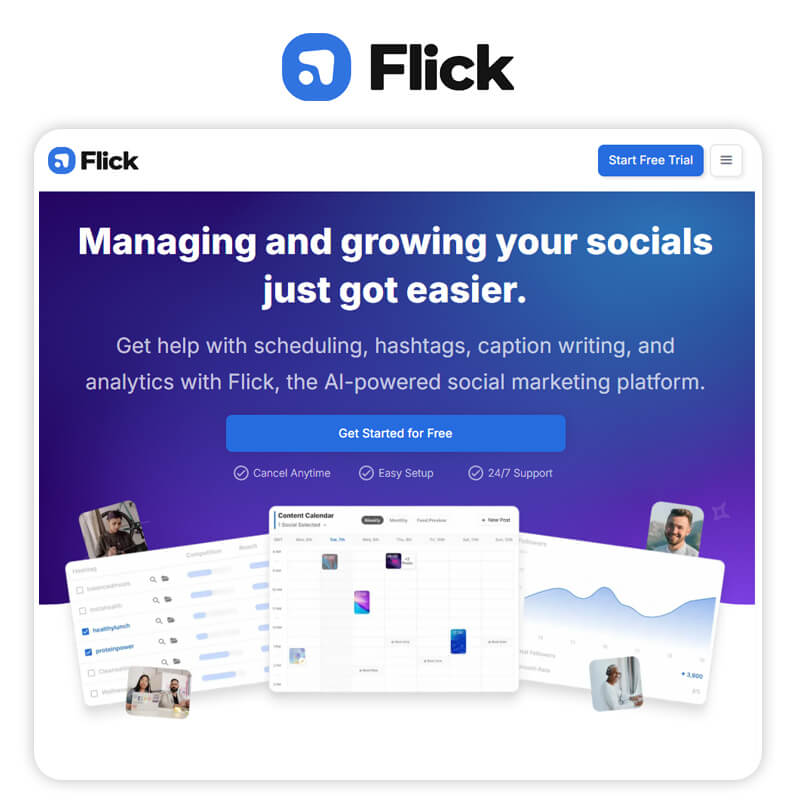
Best For: Social media scheduling, hashtag strategy, and caption writing.
- Pricing: Solo plan starts around £11/mo (approx $14).
Key Features:
- AI Caption Writer: Generates engaging captions based on your image.
- Hashtag Analytics: Tells you exactly which tags are driving reach.
Editor’s Review:
AdCreative.ai for Scaling High-performing Ads
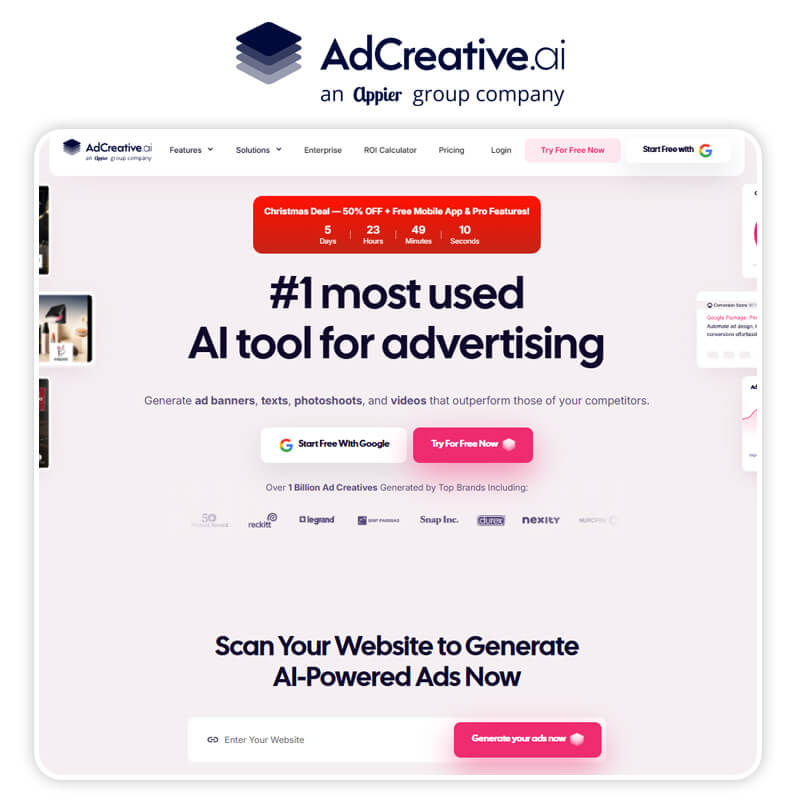
Best For: Generating hundreds of ad creative variations for Facebook and Google Ads.
- Pricing: Starter plan from $39/mo.
Key Features:
- Creative Scoring: AI predicts which ad design will perform best.
- Text Generator: Writes the headlines and ad copy for you.
Editor’s Review:
Notion AI for Productivity
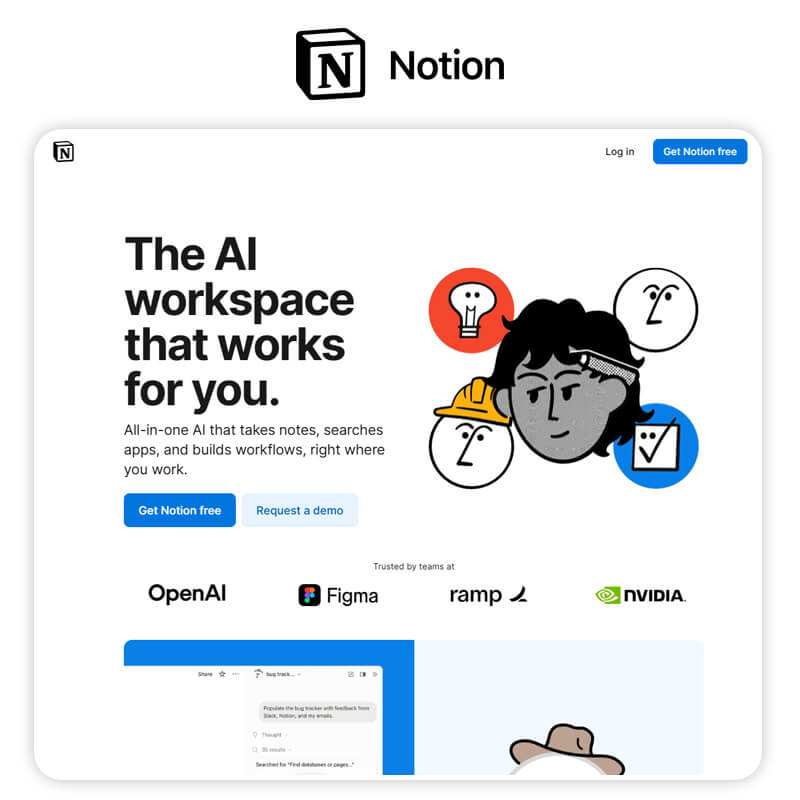
Best For: Organizing workspaces, summarizing meeting notes, and project management.
- Pricing: AI add-on is $8-$10/member/month on top of Notion plans.
Key Features:
- Q&A: Ask questions about your entire workspace.
- Autofill: Extract key info from databases automatically.
Editor’s Review:
Zapier for Workflow Automation
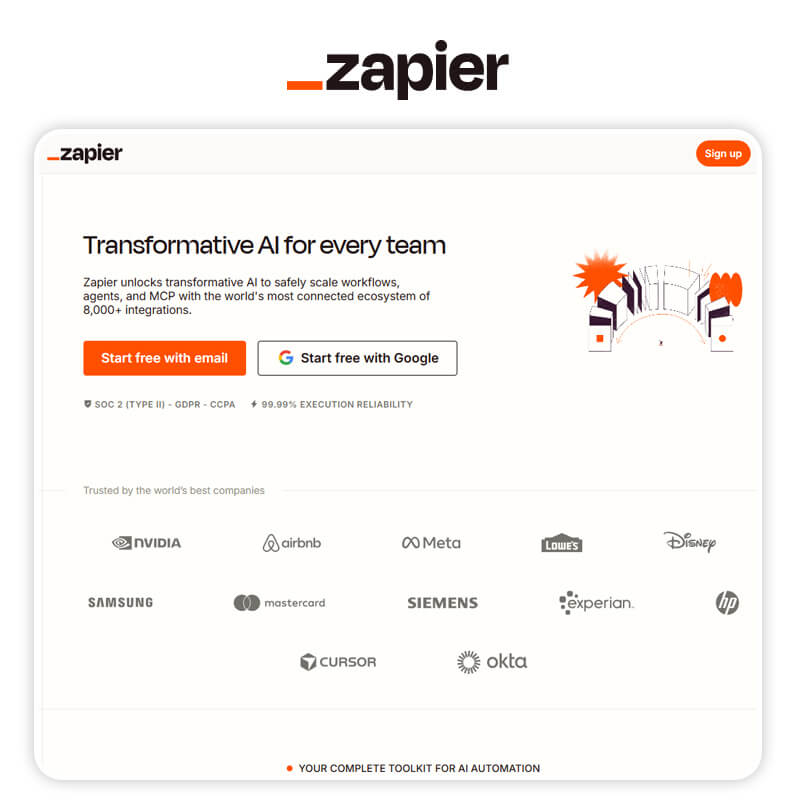
Best For: Connecting apps and automating repetitive marketing tasks.
- Pricing: Free tier available; Professional starts at $19.99/mo.
Key Features:
- Copilot: Helps you build complex workflows using natural language.
- Tables & Interfaces: Build mini-apps without coding.
Editor’s Review:
I set up a simple two-step Zap during testing, and it worked reliably, but the free tier's task limit filled up faster than I expected once I added a couple more automated steps.
MailMaestro for Email Management & Automation
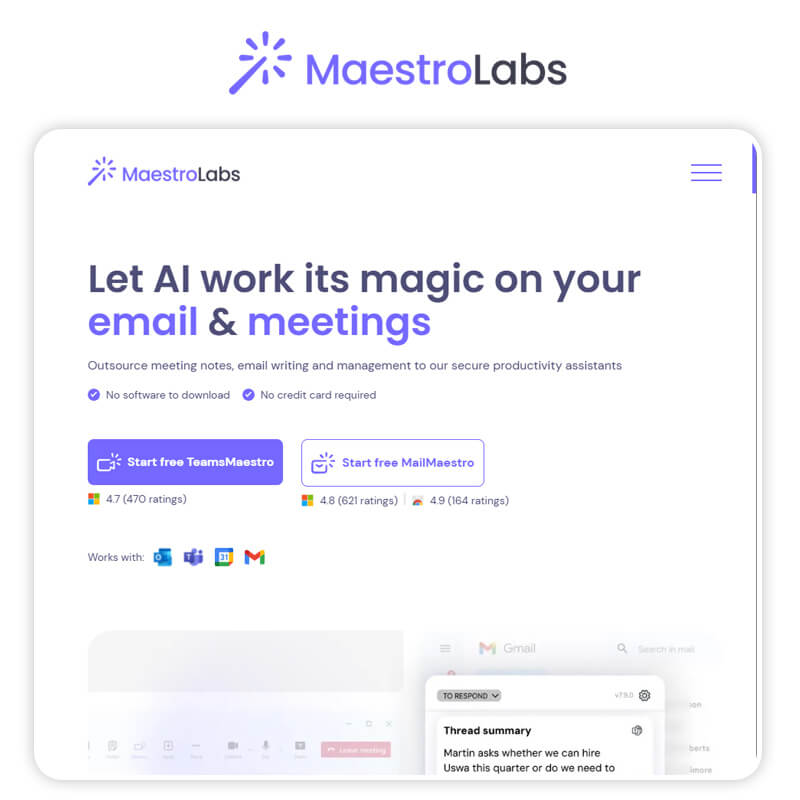
Best For: Writing professional emails, summarizing threads, and Outlook/Gmail integration.
- Pricing: Plans start around $15/seat/month.
Key Features:
- Magic Compose: Drafts emails from bullet points.
- Thread Summary: Summarizes long email chains instantly.
Editor’s Review:
Mockuplabs.ai for An AI-powered mockup
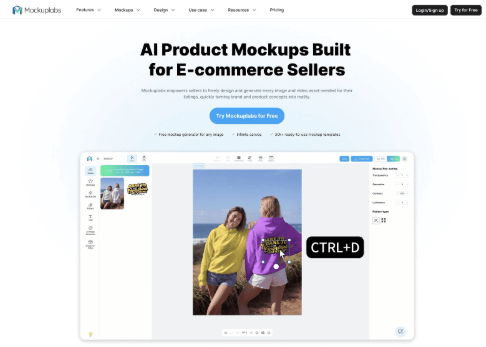
Mockuplabs.ai is an AI product mockup studio for e-commerce. Convert any image into realistic, reusable mockups while generating high-res visuals and videos for your listings, all in one workspace.
Best For: E-commerce sellers, and designers. Specifically engineered to eliminate high photography overhead and long design cycles while maintaining absolute brand control.
Key features:
- The Design Trinity: Seamlessly integrates an Infinite Canvas, Any Image Mockup technology, and a Proprietary Real-time Color Changer into a single, unified workflow.
- Elite AI Model Integration: Access a powerhouse of generation models including Nano Banana, Seerdream, Kling and Hailuo...
- Advanced AI Creative Suit: Features integrated AI tools—including Object Eraser, Image Upscaler, and Background Remover—specifically tuned to support professional mockup design.
Async as a Fast, AI-Powered Video Editor for Content Teams
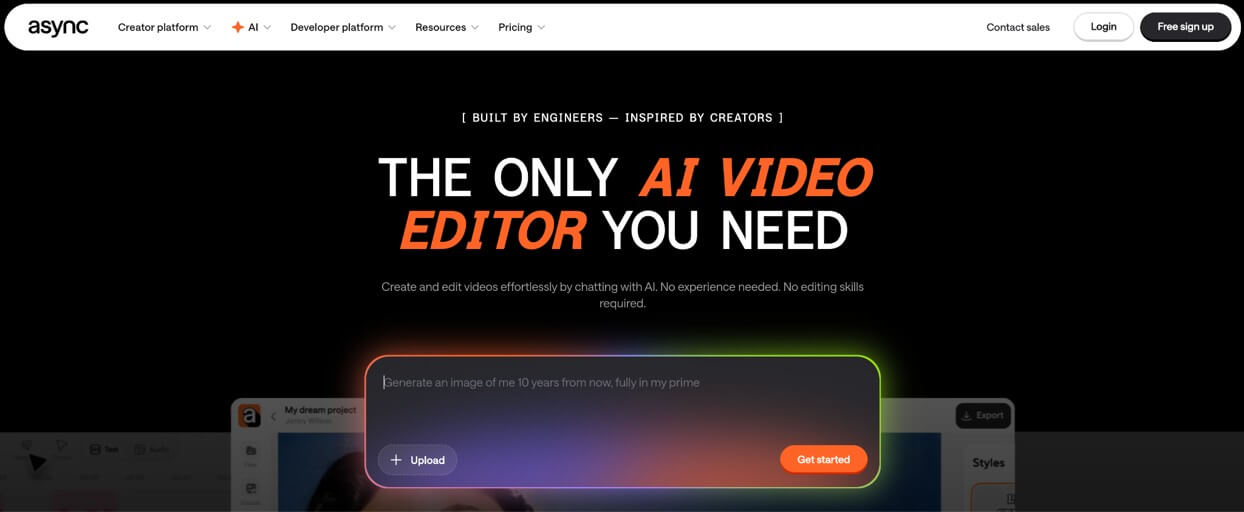
Best For: Editing social videos, repurposing long-form content, and streamlining video workflows without complex software.
Works best for fast content production and repurposing workflows.
Async is built for creators, marketers, and teams that need to produce videos quickly without spending hours manually editing timelines. The platform combines AI-powered editing with chat-based workflows, allowing users to make edits through simple prompts while automatically handling repetitive production tasks like subtitles, reframing, audio cleanup, and clip generation.
- Pricing: Free version available with additional premium features in paid plans.
Key features:
- Chat-Based Editing: Edit videos using simple text prompts directly inside the editor.
- Social Content Repurposing: Turn long videos into short clips optimized for TikTok, Instagram Reels, and YouTube Shorts.
Editor’s Review:
What makes Async stand out is how approachable the editing process feels, especially for teams that don’t want to deal with complicated editing software. Instead of manually handling every cut and adjustment, you can quickly clean up footage, generate subtitles, resize videos for different platforms, and create short-form clips inside one workflow. For content marketers and creators publishing across multiple channels, it significantly reduces the time between recording and publishing.
Best AI Marketing Tools Summary Table in 2026
| Tool | Best For | Pricing (Est. 2026) |
|---|---|---|
| YouCam AI Pro | Video Marketing, AI Avatars, All-in-One Gen AI | Free / Pro ~$29.99/mo |
| Gemini | Research & Strategy Assistant | Free / $20/mo (Advanced) |
| YouCam Online Editor | Quick E-commerce Design & Edits | Free / ~$7/mo |
| Jasper | Brand Voice & Copywriting | $39 - $59/mo |
| Semrush | SEO & Competitive Intelligence | Starts $139.95/mo |
| Flick | Social Media Scheduling | Starts ~$14/mo |
| AdCreative.ai | Paid Ad Design Scaling | Starts $39/mo |
| Notion AI | Organization & Note Summaries | $8-$10/mo add-on |
| Zapier | Workflow Automation | Free / $19.99/mo |
| MailMaestro | Email Productivity | Starts ~$15/mo |
| Mockuplabs.ai | Product Mockup | Free / $7.3/mo ~ |
| Async | Video Editor | Free / $11.99/mo ~ |
Discover the Best AI Tools for Marketing in 2026
Shared Materials by Strapi
*Adjust the size of images ONLY. Please go to Strapi to edit the materials info.
The future of marketing belongs to those who can blend human creativity with AI speed. By adopting tools like these, you aren't just saving time; you are unlocking a level of production quality that used to cost millions.
Whether you are an individual creator or a business owner, the barrier to entry has never been lower. And with YouCam AI Pro now supporting Nano Banana Pro and other elite models, you have a Hollywood-level studio right in your pocket.
Don't let 2026 leave you behind.
Start creating your AI Business Empire today!
About the Editors
The PERFECT Corp. Editorial Team
We are a team of experts on photo and video editing apps. Our goal is to deliver engaging content on everything from stunning selfie edits to eye-catching video effects. We cover the latest trends and share niche tips to help you master digital creation.
AI Marketing Tools FAQs
Can I use AI to do my marketing?

Absolutely. In 2026, using AI isn't "cheating"—it's efficient. You can use tools like YouCam AI Pro to create video assets, Jasper to write the copy, and Semrush to ensure it ranks. The human role is to guide the strategy and add the emotional touch.
Which AI is best for marketing?
For video and visual content, YouCam AI Pro is the top choice due to its "AI Business" features and support for models like Sora and Veo. For text and strategy, Jasper and Gemini are industry leaders.
How do I choose the right AI marketing tool?
Identify your bottleneck.
- Need better videos? Get YouCam AI Pro.
- Need to rank on Google? Get Semrush.
- Drowning in admin work? Get Zapier and Notion AI.
Which AI does Elon Musk use?
Elon Musk creates his own AI, Grok (via xAI), which is integrated into X (formerly Twitter). However, for general marketing visuals, many creators on his platform rely on advanced generators like FLUX or the models available inside aggregators like YouCam AI Pro.
Can you make money with AI marketing?
Yes. Marketers use these tools to:
- Scale Content: Create 10x more content in less time.
- Freelance: Offer AI video creation services using YouCam AI Pro.
- Optimize Ads: Use AI to lower ad costs and increase ROI.



