


 Author: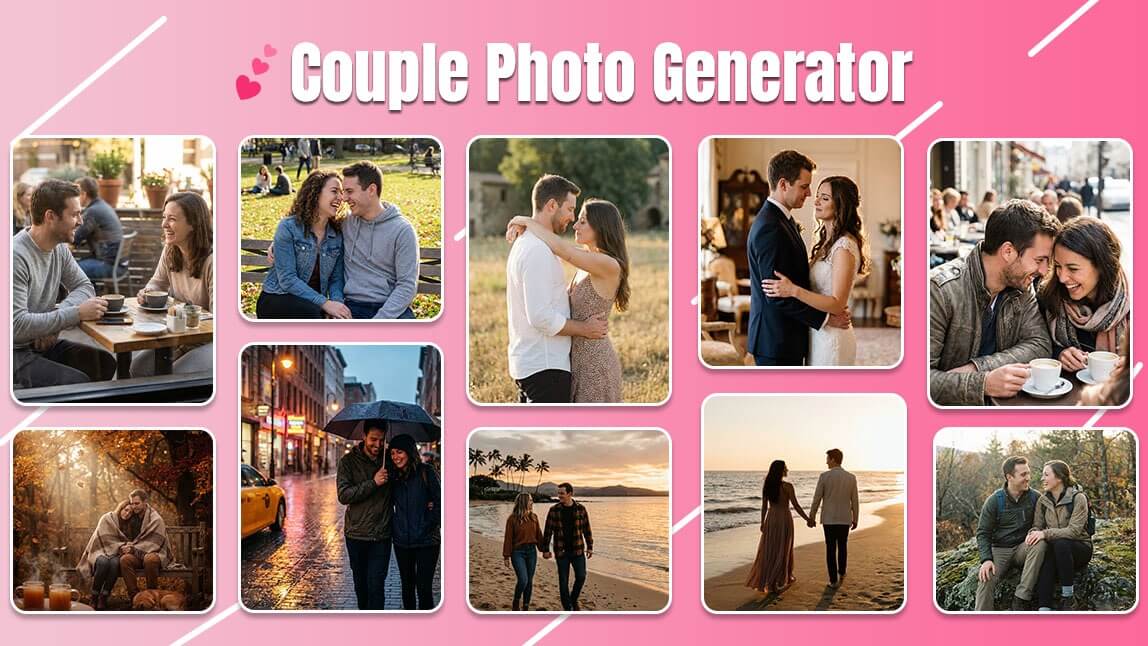
Creating the perfect couple photo used to mean planning outfits, finding good light, and hoping no one blinked. Now? You can do it in pajamas, with coffee in hand, and a little help from AI.
With a couple photo generator, you can turn a simple idea or an existing photo into a romantic, cinematic, or just plain adorable image in minutes.
Whether you want a dreamy anniversary shot, a cozy at-home moment, or a travel photo you never actually took, AI makes it easy and fun.
In this guide, we’ll show you exactly how to create couple photos using AI, plus copy-and-paste prompt examples that actually look realistic. Let’s get into it.
How to Create a Couple Photo Using AI
You don’t need design skills or photo editing experience. Just follow these simple steps using YouCam Enhance.
1. Download the YouCam Enhance App
Start by downloading the YouCam Enhance app on your device. It’s designed to make AI photo creation simple, even if it’s your first time.

AI Photo Enhancer
Fix blurry photos & enhance quality.
AI unblur, sharpen, and colorize.
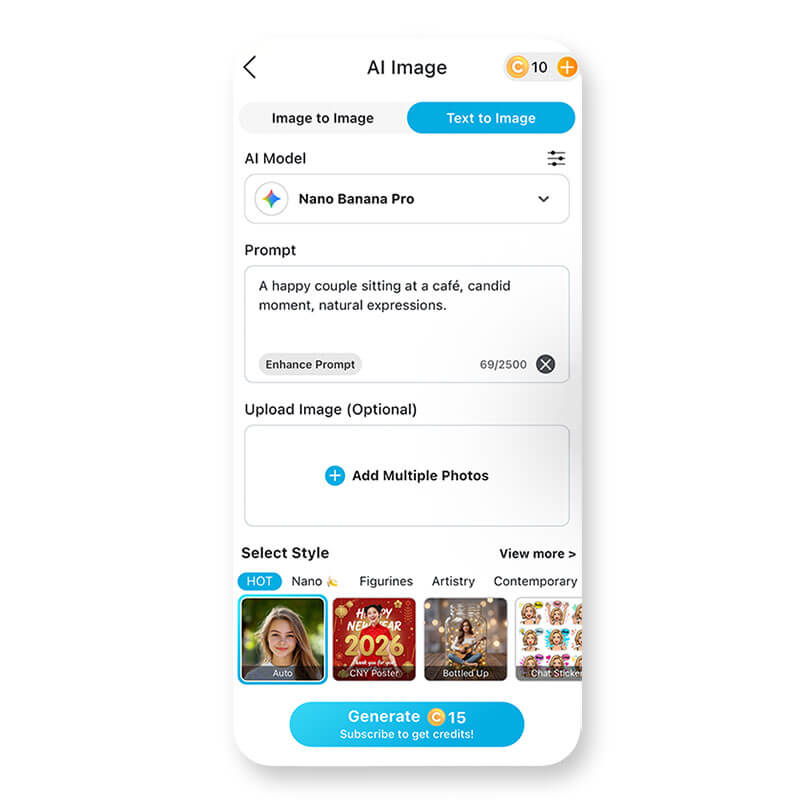
2. Open the Text-to-Image Tool

Tip: If you’re going for a natural-looking couple photo, choose a model focused on realism or portraits.
3. Start Creating Your Couple Photo
You have two easy options here.
Option A: Create from scratch
Type a prompt that describes your couple photo idea. This works great if you want a completely new image.
Quick prompt examples:
- “A romantic couple walking hand in hand at sunset, soft lighting, realistic photo”
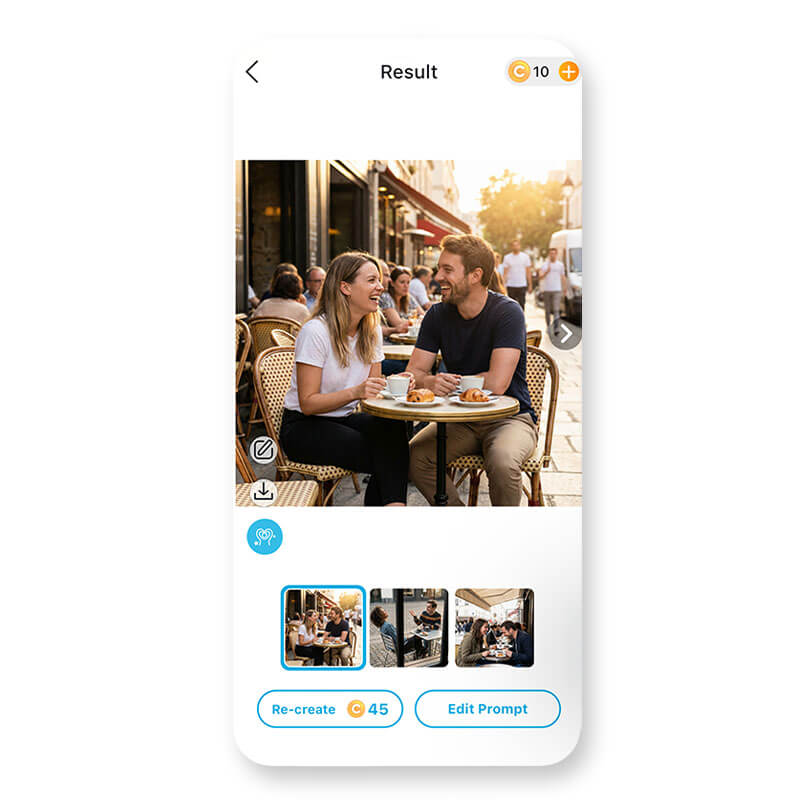
- “A happy couple sitting at a café, candid moment, natural expressions”
Upload an existing photo of you and your partner, then use text prompts to enhance the mood, background, or style. This is perfect for keeping faces accurate while upgrading the vibe.
4. Save Your Couple Photo
Couple Photo Ideas You Can Create with AI
Looking for inspiration before writing your prompt? A couple photo generator lets you explore styles and moments that might be hard to capture in real life. From romantic classics to casual everyday vibes, AI makes it easy to experiment.

Popular couple photo ideas include:
- Romantic sunset couple photos – Beach sunsets, balcony views, or golden-hour cityscapes
- Casual everyday couple photos – Coffee at home, walking the dog, or candid laughter
- Travel-style couple photos – Paris streets, mountain viewpoints, or tropical vacations
- Engagement or anniversary photos – Clean backgrounds, elegant lighting, and timeless poses
- Seasonal couple photos – Autumn leaves, winter cozy scenes, or spring garden settings
20 Copy & Paste Couple Photo AI Prompts
Use the prompts below with YouCam Enhance’s Text-to-Image tool. Most are designed for uploaded couple photos, so faces stay accurate while the mood, setting, and lighting improve naturally.
1. “Enhance this couple photo with soft natural daylight, realistic skin texture, gentle shadows, and a warm romantic mood. Keep faces unchanged.”
2. “Transform this couple photo into a cozy indoor scene with warm lighting, neutral tones, and a candid lifestyle photography look.”
3. “Replace the background with a sunset beach scene, golden hour lighting, soft sky colors, and realistic reflections on the water.”
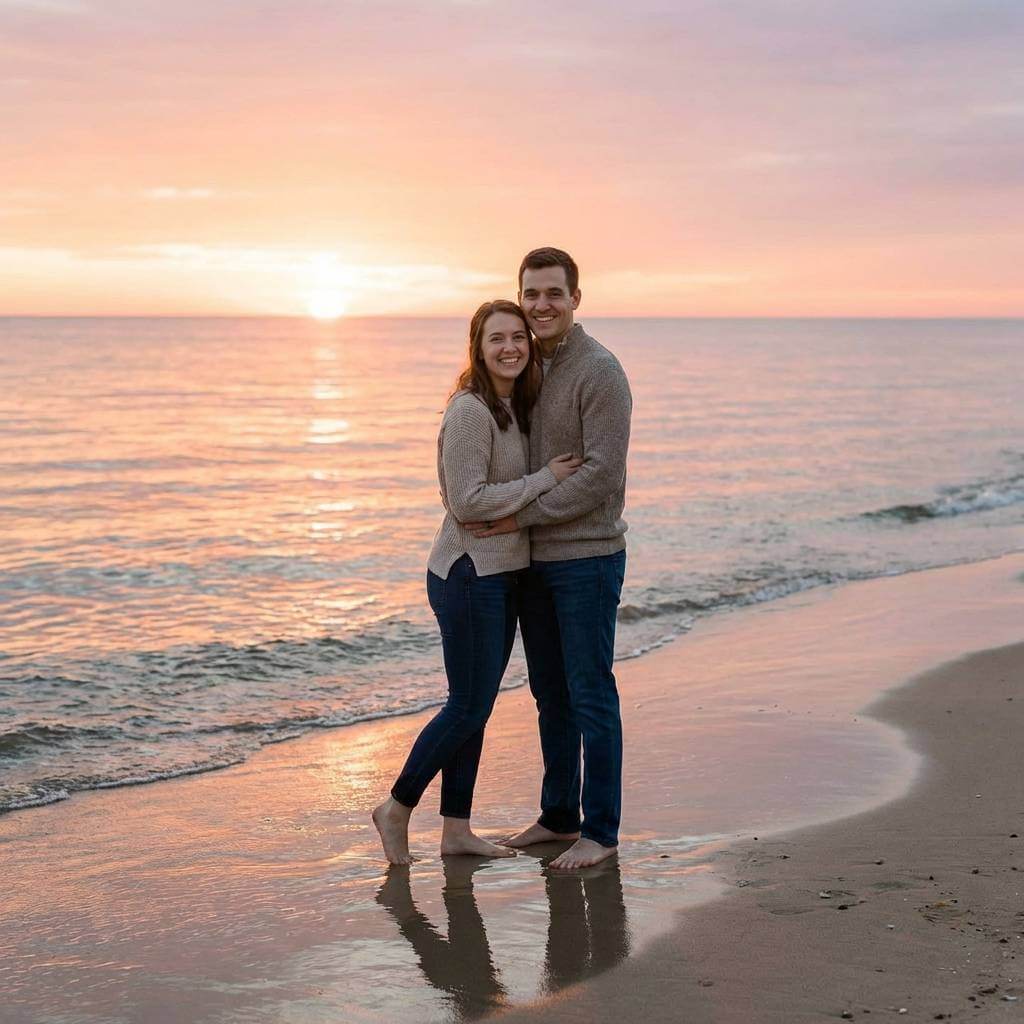
4. “Give this couple photo a cinematic portrait style with shallow depth of field, natural color grading, and realistic lighting.”
5. “Change the background to a Paris street in the evening, warm street lights, soft shadows, and a romantic atmosphere.”
6. “Enhance facial details subtly while keeping natural skin texture, realistic proportions, and authentic expressions.”
7. “Turn this couple photo into a professional engagement shoot with soft studio lighting and a clean, elegant background.”
8. “Replace the background with a mountain viewpoint at golden hour, soft sunlight, natural colors, and realistic depth.”
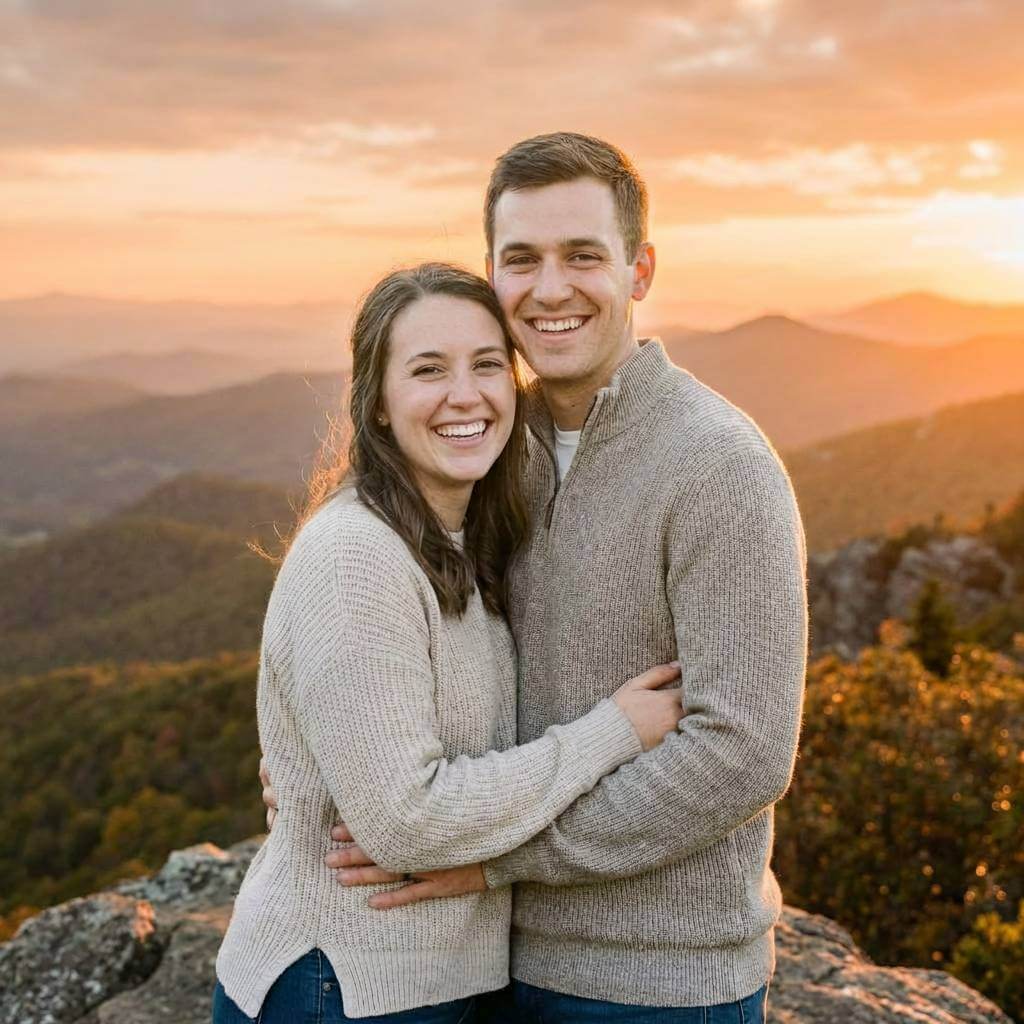
9. “Create an autumn outdoor scene with warm tones, subtle falling leaves, soft lighting, and a cozy romantic vibe.”
10. “Transform this couple photo into a rainy city street scene with realistic reflections, moody lighting, and natural expressions.”
11. “Apply a candid lifestyle photography style, natural lighting, minimal retouching, and authentic couple interaction.”
12. “Turn this couple photo into a wedding-style portrait with elegant lighting, soft highlights, and realistic details.”
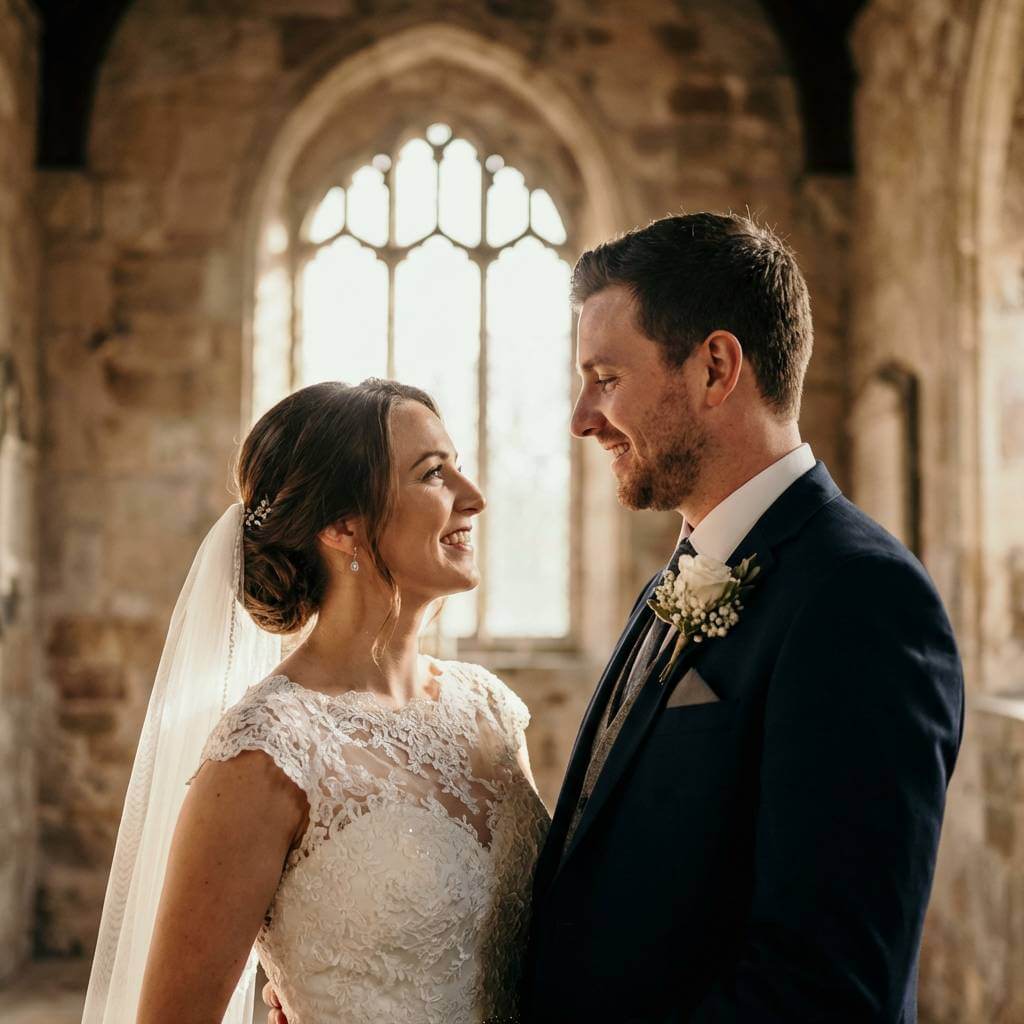
13. “Add a garden background with soft sunlight, natural greenery, and gentle shadows while keeping faces realistic.”
14. “Create a nighttime city vibe with warm street lights, soft bokeh in the background, and realistic skin tones.”
15. “Make this couple photo look like a vacation photo with natural daylight, relaxed mood, and realistic colors.”
16. “A realistic photo of a couple laughing together in a park, candid moment, natural daylight, casual outfits.”
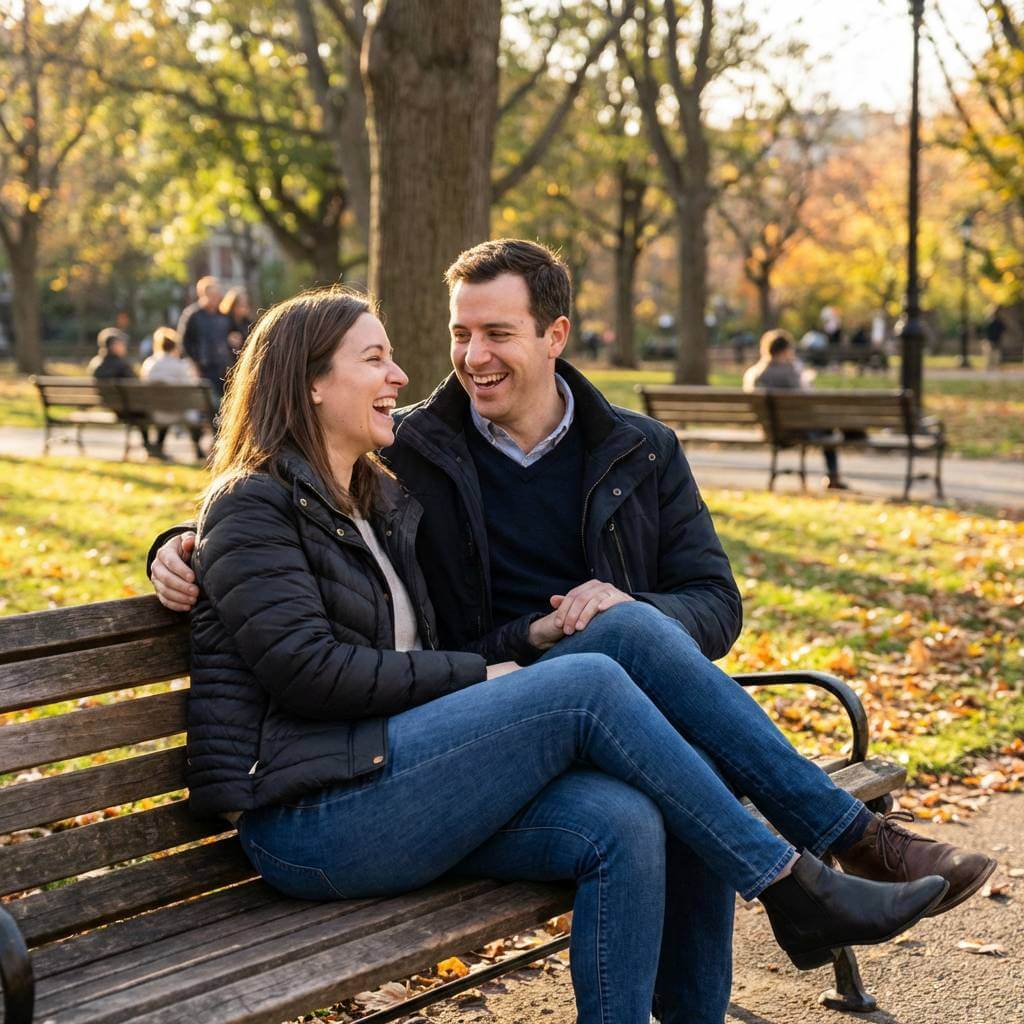
17. “A romantic couple sitting on a balcony at sunset, soft golden light, relaxed poses, realistic photography style.”
18. “A cozy couple at home drinking coffee, warm indoor lighting, casual clothing, natural expressions, and realistic photos."
19. “A couple walking through a city street at night, warm lights, candid movement, realistic photography.”
20. “A happy couple posing for a natural engagement photo, soft lighting, minimal retouching, realistic details.”
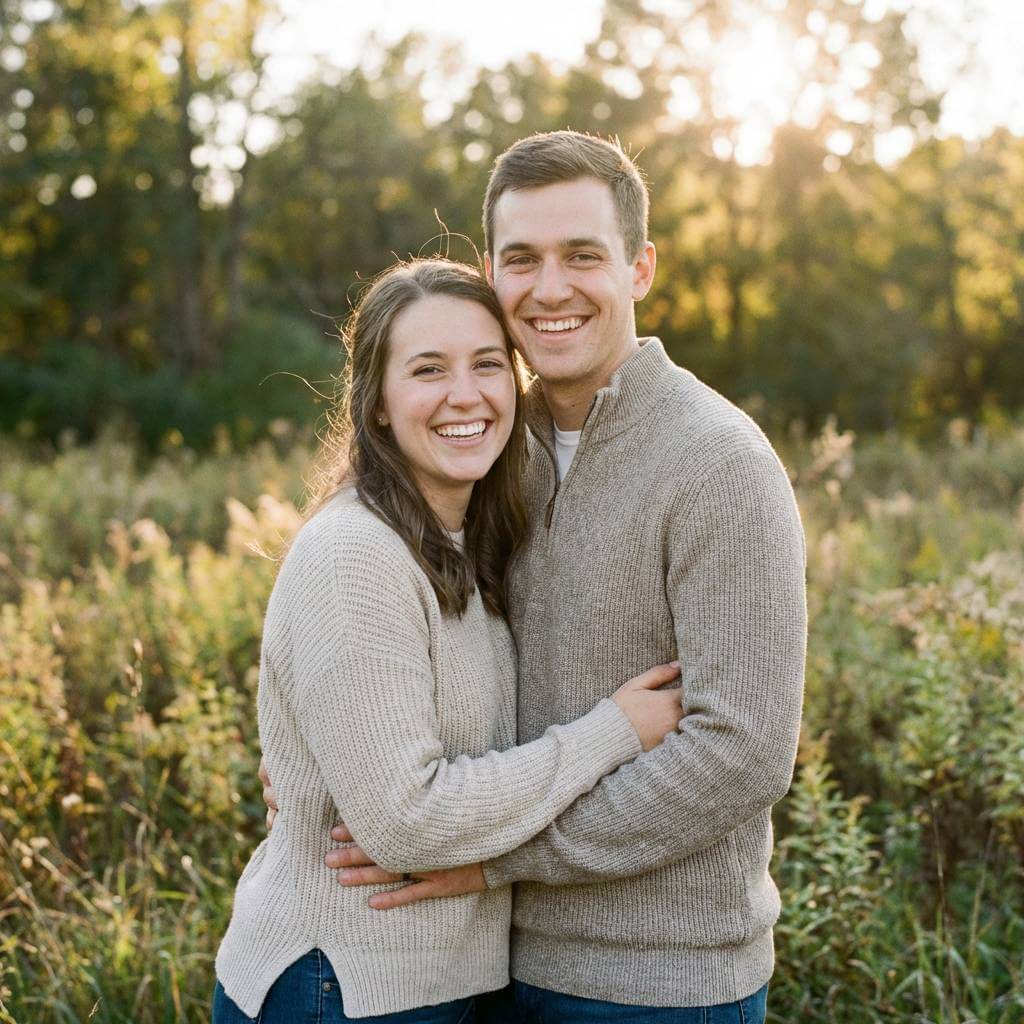
Prompt tip: If results feel too stylized, add phrases like realistic photo, natural skin texture, candid moment, or professional photography to your prompt.
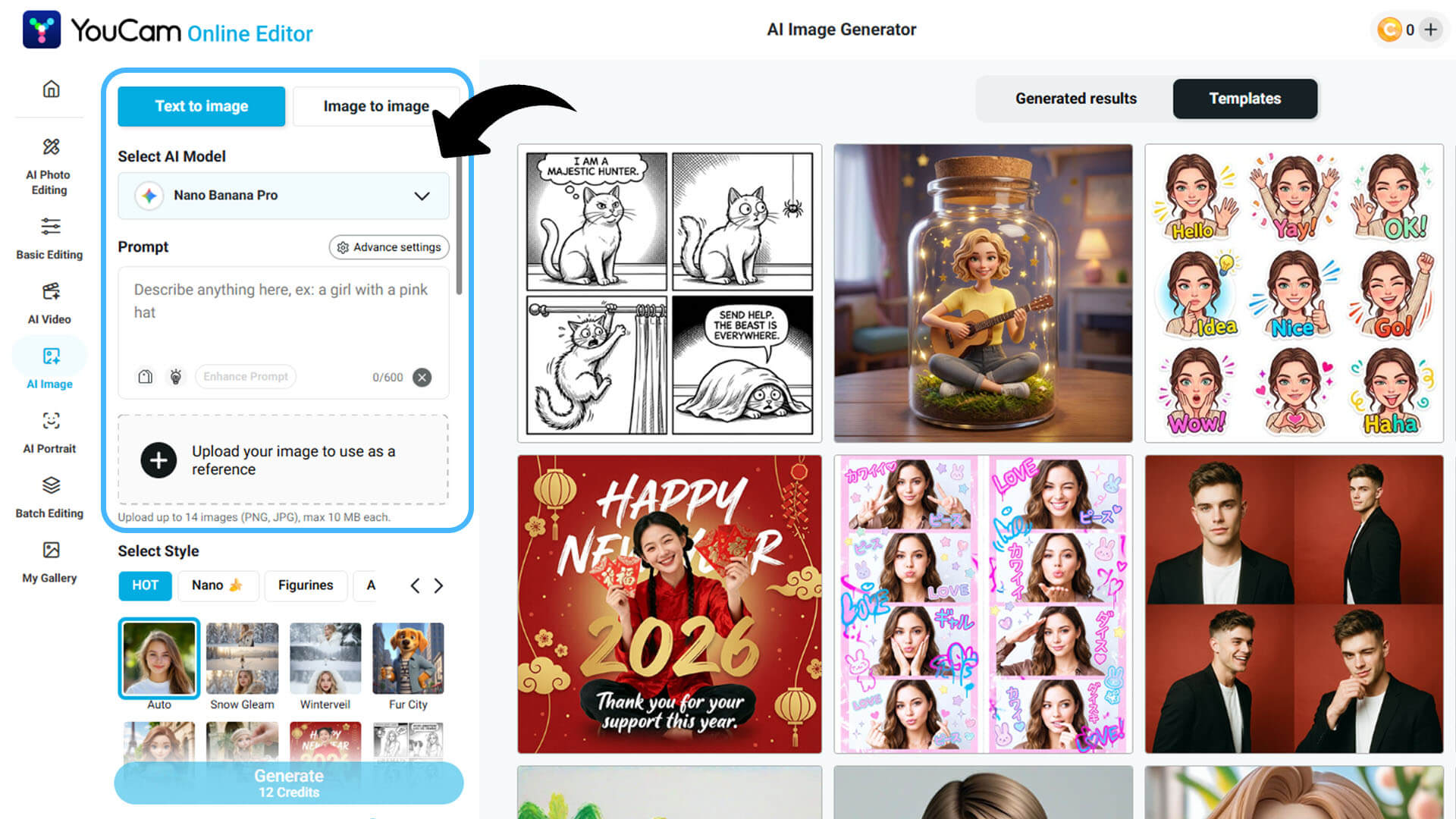
No App Download? Try YouCam Online Editor
If you’d rather skip downloading an app, YouCam also offers an Online Editor you can use directly in your browser. It’s a great option for quick edits or trying out AI tools on desktop.
You can upload your couple photo, apply AI enhancements, and save your results in just a few clicks. Simple, fast, and beginner-friendly.
Ready to Create Your Perfect Couple Photo?
Whether you’re celebrating an anniversary, planning a surprise post, or just want a cute photo for fun, a couple photo generator makes it easy.
With YouCam Enhance, you can turn ideas into romantic images in minutes. Download the app, try the prompts above, and start creating couple photos you’ll actually love looking at 💕
AI Photo Enhancer
Fix blurry photos & enhance quality.
AI unblur, sharpen, and colorize.
Couple Photo FAQs
What makes a good couple photo?

A good couple photo feels natural and emotional. Strong lighting, relaxed body language, and genuine interaction matter more than perfect poses. Whether taken by a camera or created with AI, the best couple photos show connection, balanced composition, and realistic details without heavy editing.
How can I make a couple photo?
You can make a couple photo by taking one with your phone or using an AI couple photo generator. Upload an existing photo or create one from scratch using text prompts. AI tools like YouCam Enhance help improve lighting, backgrounds, and mood while keeping faces realistic.
How to not look awkward in couple photos?
To avoid looking awkward in couple photos, focus on natural interaction instead of stiff posing. Stand close, move slightly, and look at each other or laugh. Using AI to enhance an uploaded photo can also help refine posture, lighting, and expressions while keeping the moment authentic.
How do couples take pictures together?
Couples take pictures together by using tripods, phone timers, or asking someone to take the photo. Many now use AI tools to create or enhance couple photos. Uploading a photo into an AI editor allows couples to improve lighting, backgrounds, and overall mood easily.
Do AI couple photos look realistic?
Yes, AI couple photos can look very realistic when you use detailed prompts and choose the right AI model. Uploading a real photo helps preserve facial features, while AI enhances lighting, backgrounds, and mood. The result often looks like professional photography rather than an artificial image.
Is YouCam Enhance beginner-friendly?
Yes, YouCam Enhance is very beginner-friendly. The app is designed with simple tools and clear steps, so you don’t need editing experience. Users can upload photos, enter text prompts, and create realistic couple photos in just a few taps, making it ideal for first-time AI users.



