


 Author: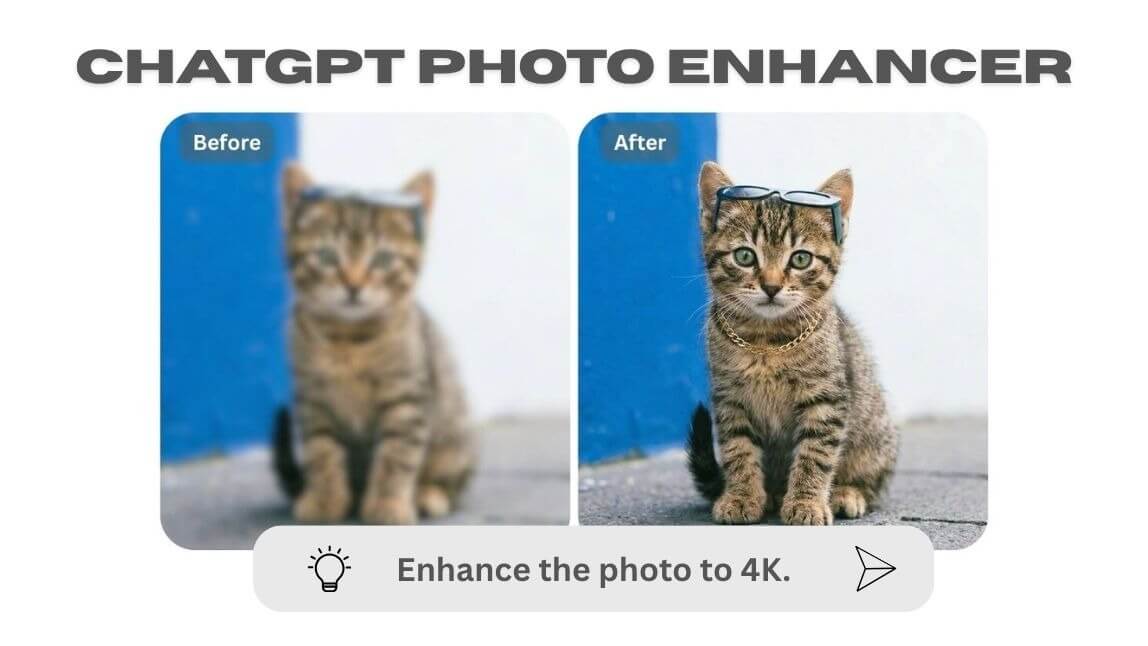
Want to turn blurry, low-quality photos into stunning high-resolution images using AI?
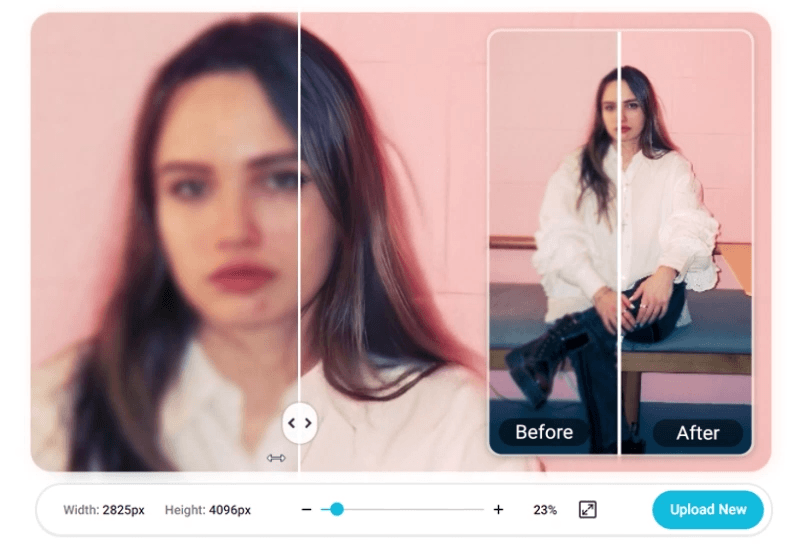
The rise of the ChatGPT photo enhancer is changing how we edit photos—making it easier than ever to enhance images with simple text prompts.
In this guide, you’ll learn how to enhance photos with ChatGPT prompts, plus the easiest way to get professional results using YouCam Enhance’s AI Agent.
What Is a ChatGPT Photo Enhancer?

A chatgpt photo enhancer refers to using AI prompts (like ChatGPT-style instructions) to improve image quality. Instead of manually editing photos, you simply describe what you want, such as:
- “Enhance this photo to 4K resolution”
- “Sharpen details and remove blur”
- “Improve lighting and color balance”
AI then automatically applies advanced enhancements based on your prompt. This makes photo editing faster, smarter, and beginner-friendly.
AI Photo Enhancer vs Traditional Editing
| Feature | AI/ ChatGPT Photo Enhancer | Traditional Editing |
|---|---|---|
| Ease of Use | ⭐⭐⭐⭐⭐ | ⭐⭐ |
| Speed | Instant ⚡ | Time-consuming |
| Skill Required | None 🙌 | Medium–High |
| Quality | AI-powered 🤖 | Manual dependent |
How to Enhance Photos with ChatGPT Prompts (Step-by-Step)
You don't need professional editing skills to enhance images. Here’s how to use "AI Agent" as your next level-ChatGPT with YouCam Enhance:
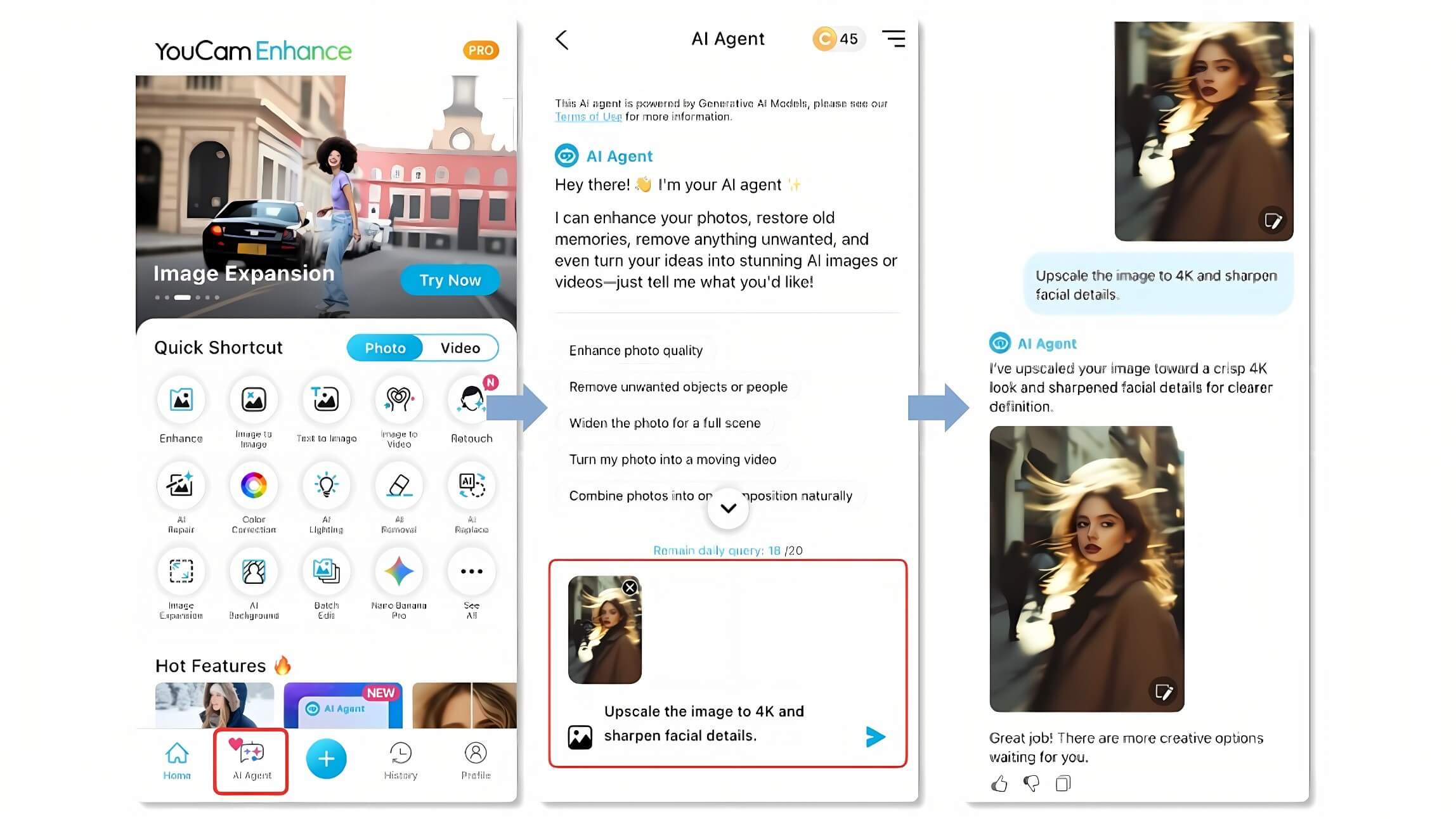
Open YouCam Enhance "AI Agent" and upload your image to start. 📸
Type a prompt like "enhance to 4K, sharpen, improve lighting" ✨
The AI Agent analyzes and improves your photo automatically.
Download your enhanced image in high resolution. 💾
Best ChatGPT Prompts for Photo Enhancement
To get the best results, try these high-performing prompts:
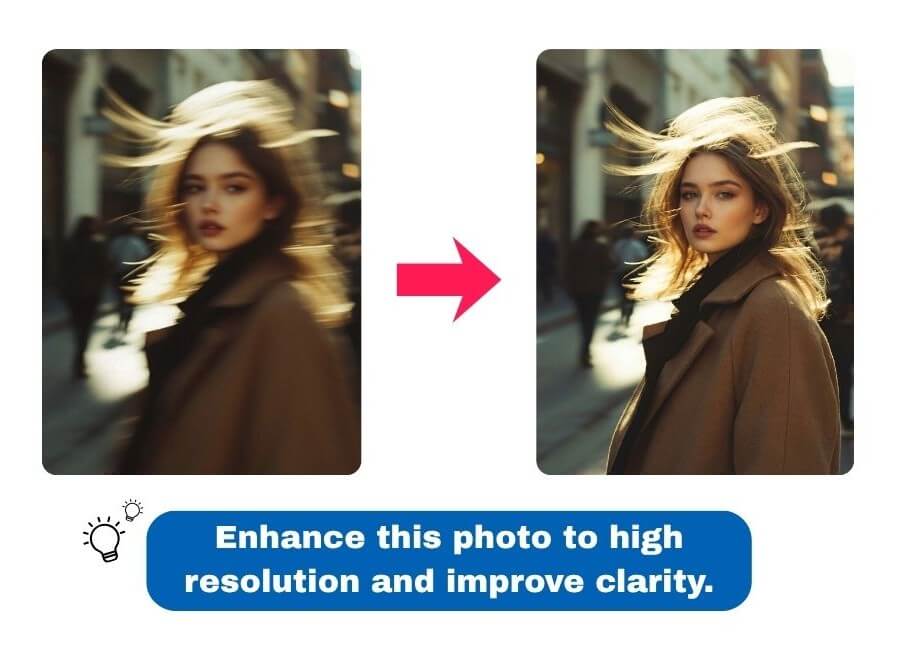
General Enhancement
- “Enhance this photo to high resolution and improve clarity”
- “Upscale image to 4K and sharpen details”
Fix Blurry Photos
- “Fix blur and improve sharpness”
- “Restore details and reduce noise”
Lighting & Color
- “Improve brightness, contrast, and color balance”
- “Make colors more vibrant and natural”
Portrait Enhancement
- “Enhance facial details and smooth skin naturally”
- “Improve lighting and sharpen facial features”
👉 Pro tip: Combine multiple instructions for better results!
Enhance Your Photos with YouCam Enhance
The ChatGPT photo enhancer shows how AI can help with transforming photo editing.
Instead of complex tools, you can now:
👉 Describe what you want
👉 Let AI do the work
👉 Get high-quality results instantly
With tools like YouCam Enhance, enhancing photos is no longer a technical task—it’s as simple as typing a sentence.



