


 Author:
In 2026, AI photo editors with prompt capabilities let you type what you want to change in a photo and get stunning results — no manual editing skills needed.
In this comprehensive comparison, we compare five prompt‑capable AI photo editors, highlighting their strengths, weaknesses, and ideal use cases.
What Is an AI Photo Editor with Prompt?
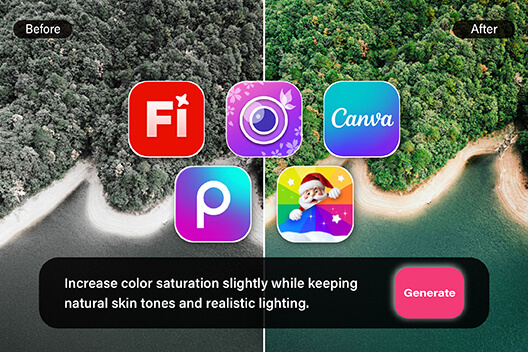
An AI photo editor with prompt lets you describe desired edits — such as “change background to sunset” or “add cinematic lighting” — and the AI applies them automatically.
These tools drastically simplify complex tasks like masking, background replacement, or aesthetic transformation.
Which AI Photo Editors with Prompt Is The Best?
| AI Photo Editors with Prompt | Prompt Support | Best For |
| 1. YouCam Perfect | All prompt edits+AI Photo Editing | - Any kind of photo edits - Features AI Agent, collage, object removal, face swap and more AI photo editing tools |
| 2. Adobe Firefly | Professional prompt edits | - Pros & designers |
| 3. Canva AI | Prompt edits + design | - Marketers |
| 4. Picsart | Simple prompt edits | - Social vibes + trends |
| 5. Fotor | Simple prompt edits | - Quick & budget |
1. YouCam Perfect — Best AI Photo Editor with Prompt
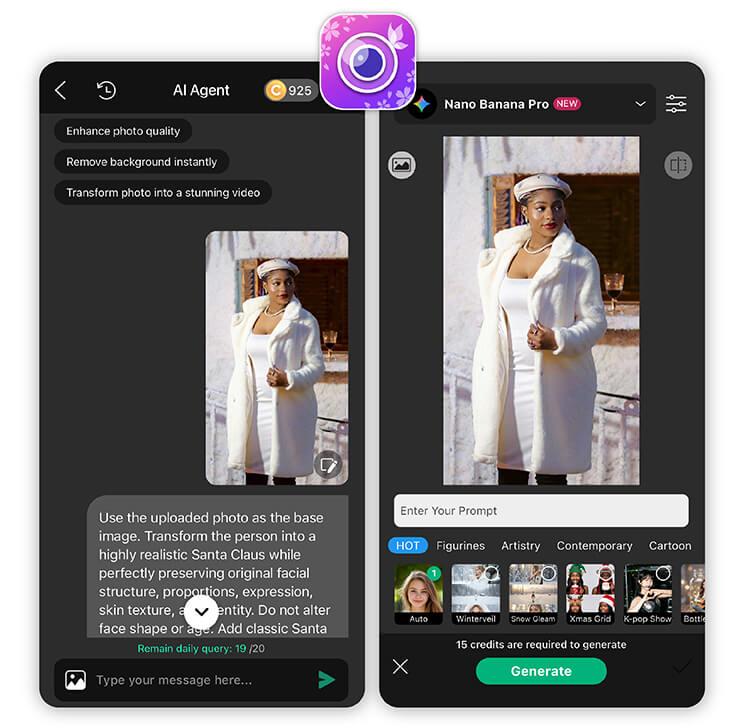
YouCam Perfect combines powerful AI features with intuitive prompt input (especially through its AI Agent), enabling users to generate creative edits quickly. It’s ideal for mobile users and social content creators.
Key Features
- AI Agent for prompt-based editing– Edit your photos or generating videos using prompts with ease.
- Object removal, background replacement– Instantly remove unwanted elements, enhance faces, or change backgrounds.
- Image-to-Image Editing – Transform existing photos into new styles or apply creative effects while retaining the original content.
- AI Photo Repair – Restore old, damaged, or low-quality photos to pristine condition automatically.
Real User Comments
- “I’ve been using YouCam Perfect for selfies and the photo editing features are easy to use — 10/10!” — reviewer on appsupports.co
- “I love how easy it is to edit random people or things out of my picture. It works very well!” — positive user review on JustUseApp.com
2. Adobe Firefly — Professional Prompt Editing
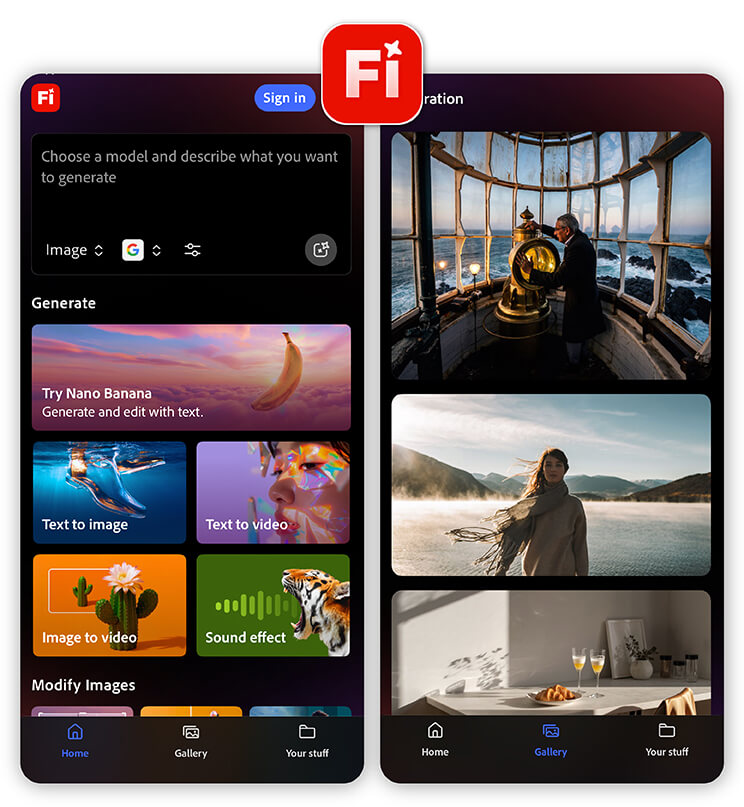
Adobe Firefly’s generative editing tools (especially via Photoshop or Adobe Express) let you make intricate edits using natural language — such as generative fill, high‑fidelity object additions, or background replacement. It’s ideal for creators who need high control and quality.
Real User Comments
“I’m rarely able to use it because many prompts are blacklisted or blocked.” — user from Reddit
3. Canva AI — Design‑Friendly Prompt Editing
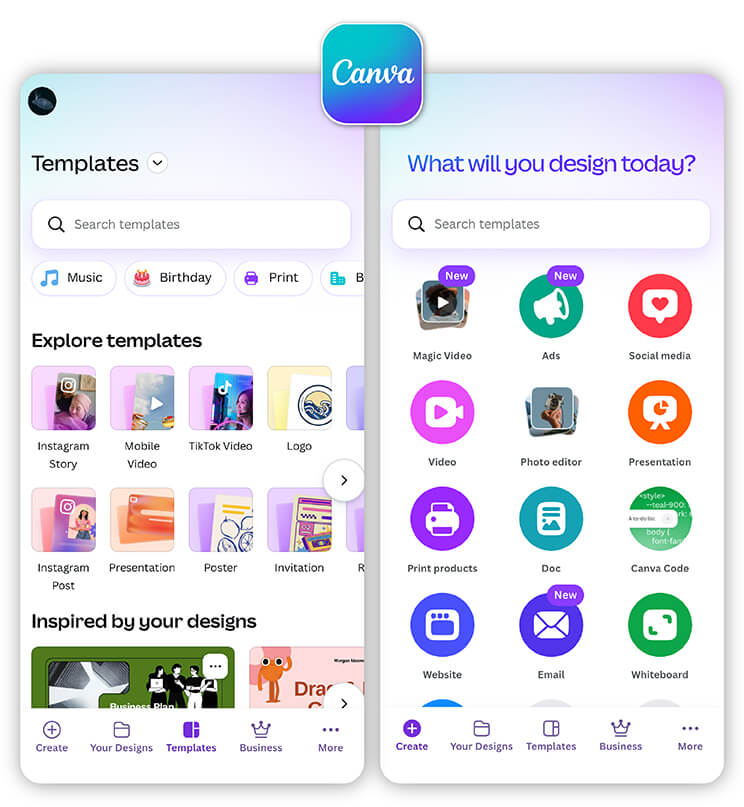
Canva’s AI tools (Magic Edit, Magic Write) allow prompt‑based changes like replacing objects, adjusting backgrounds, or generating elements with text prompts. It integrates seamlessly with design workflows.
Real User Comments
- “I can quickly change backgrounds and objects with the AI tools.” — from app store reviews for Canva.
4. PicsArt — Creative Prompt Edits
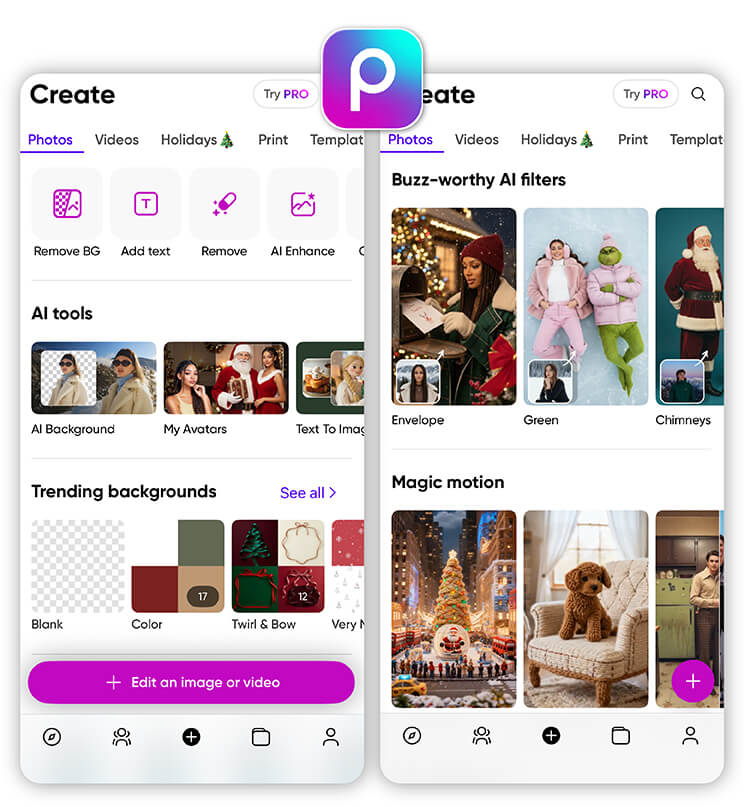
Best for: Content creators focused on social visuals and stylistic edits.
PicsArt offers AI‑assisted editing and generative tools where you can apply creative transformations with language input, effects, and filters. It’s popular among social creators for rapid, stylized edits.
Real User Comments
- “I enjoy experimenting with creative filters and prompt-based edits.” — representative review phrasing for PicsArt.
5. Fotor — Quick Prompt Editing
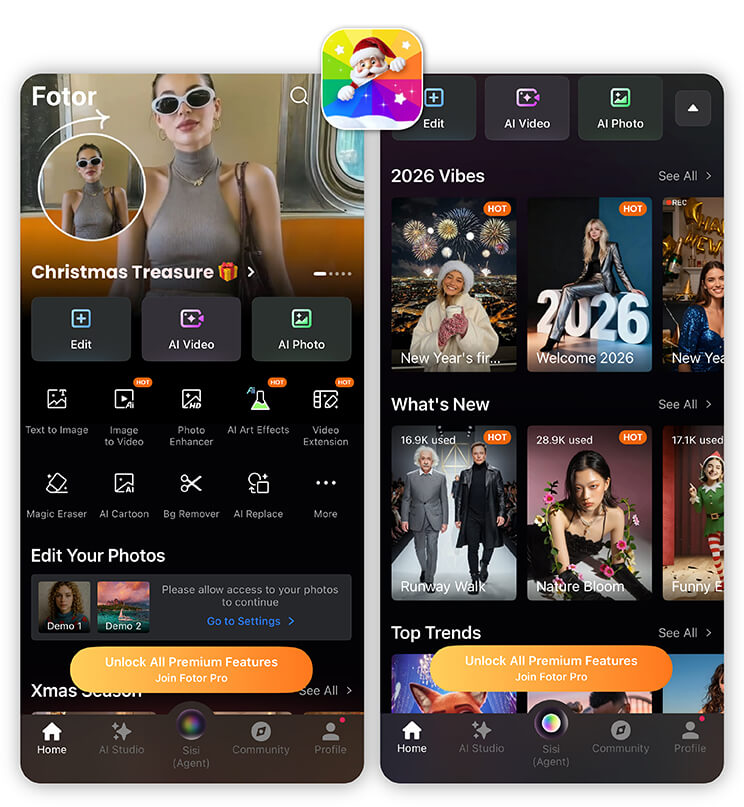
Fotor offers prompt‑driven enhancements, background replacement, and AI retouching, combining simplicity with performance. It’s a solid choice for users needing efficient edits without complexity.
Real User Comments
“I appreciate how simple it is to fix old photos with AI.” — common positive feedback for Fotor.
AI Photo Prompts Examples
Here are examples of prompts you can use:
- Change Background: Replace the current background with a serene sunset beach with gentle waves and warm golden light, while keeping the woman in a red dress exactly as photographed. Maintain the original pose, clothing details, lighting, and sharpness.
- Remove Object: Remove the trash can on the left side completely. Fill the empty area with natural background elements that match lighting, shadows, colors, and textures.
- Camera Perspective Change: Change the camera perspective to a bird’s-eye view while keeping all existing subjects and objects intact. Maintain consistent lighting, shadows, and textures.
- Edit Text in Image: Edit the text in the image by replacing it with “Happy Birthday.” Maintain the original font style, size, color, and alignment.
- Image Merge: Create a photorealistic image of three characters interacting in a park. Ensure consistent lighting direction (morning sun from left), natural shadows, unified depth of field, and cohesive color grading. Maintain identity fidelity for all characters and seamless integration.
Final Takeaways
Prompt‑based AI photo editing is no longer futuristic — it’s practical, fast, and widely accessible. From quick mobile edits to polished professional work, these tools offer a range of capabilities.
Whether you’re enhancing portraits, creating viral social content, or designing professional visuals, there’s a prompt‑based photo editor built for your needs in 2026.
AI Photo Editor with Prompts FAQs
What is an AI photo editor with prompt?

It’s a photo editing tool where you can type natural language instructions — or prompts — to make automatic edits like changing backgrounds, removing objects, or enhancing faces.
Can AI photo editors restore old or damaged photos?
Yes. Features like AI Photo Repair in YouCam Perfect can automatically restore low-quality, old, or damaged photos with minimal effort.
Which AI photo editor is best for mobile users?
YouCam Perfect is mobile-first, offering prompt-based edits, object removal, image-to-image transformation, and creative AI effects all on your phone.



