


 Author:
As autumn rolls around, new photo opportunities present themselves. Pumpkin patch photos have long been a Halloween season staple, allowing families, couples, and individuals to capture beautiful memories.
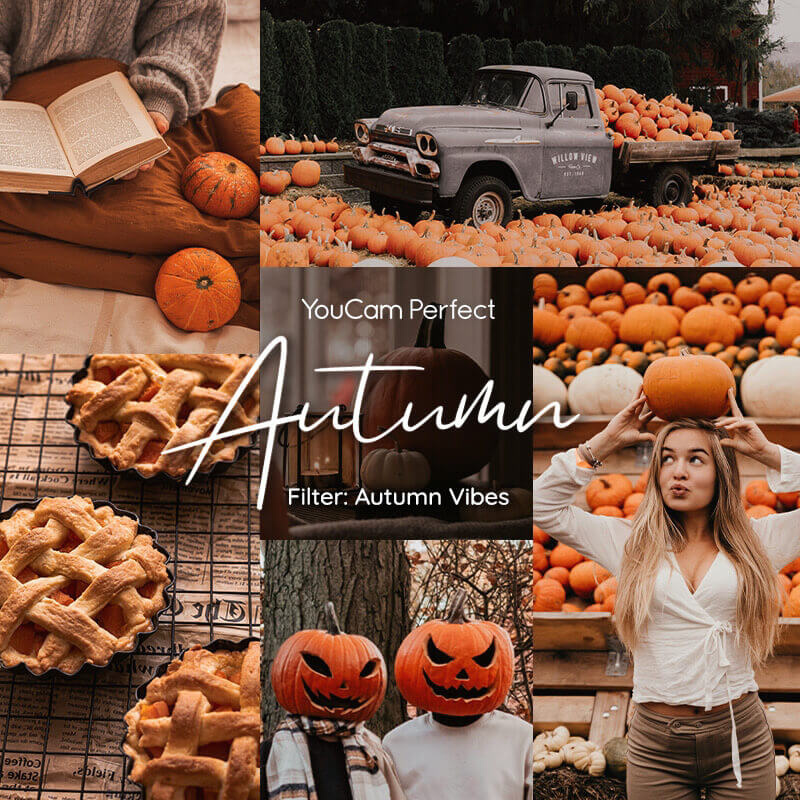
This fall (updated for 2026), capture the seasonal beauty by taking advantage of these 15 pumpkin patch photo shoot ideas.
🧪 How I tested this: For this fall 2026 update, I went through these pumpkin patch ideas on my own phone and then edited the shots in YouCam Perfect. The biggest difference-maker wasn’t the pose — it was the light. Shots taken in soft late-afternoon light looked warm and natural, while the midday ones came out harsh and needed much more editing. I also learned that simple ideas with one clear subject photographed better than busy setups with lots of pumpkins and people competing for attention.
Pumpkin Arrangements
🧪 My test notes: Arrangements looked best when I kept the pumpkins in a tight group and shot slightly from above so they filled the frame. When the pumpkins were spread out, the background crept in and the photo lost that cozy, all-orange feel.
Pumpkin Pile
For pictures with a baby, arrange pumpkins around them. Place the baby on the ground or in a basket on top of a blanket that matches autumn's reds, yellows, and orange colors. Sprinkle leaves around the edges to finish off the look.
Pumpkins by Size
This is one of the best pumpkin patch family photo ideas. Have each member of the family hold or stand next to a pumpkin that reflects their part in the family. Parents might have large pumpkins, and children have pumpkins that range in size, showing their birth order.
Pumpkin Stand

Pumpkin Heads
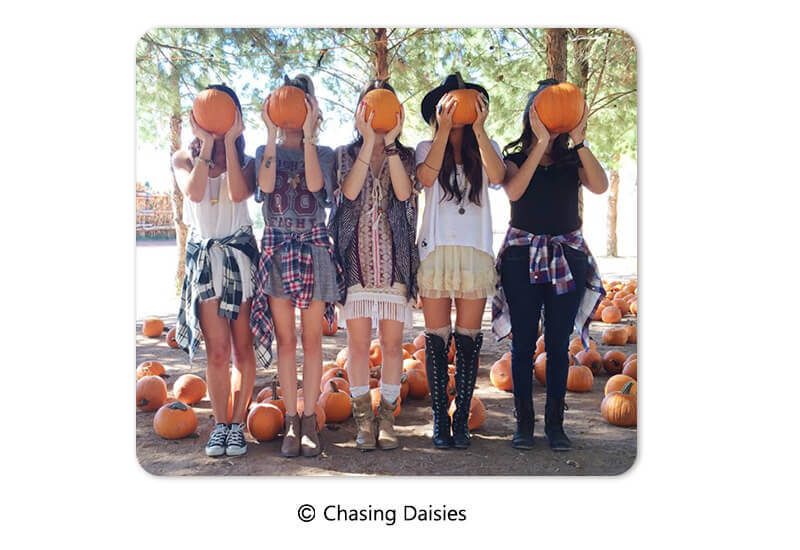
You can even try to find mini pumpkins to hold in front of your eyes, nose, or mouth for different variations.
🧪 My test notes: This one is funnier than it looks on paper. Smaller, lighter pumpkins were much easier to hold steady, and shooting at the subject’s eye level made the “pumpkin head” read clearly instead of looking like someone just holding a pumpkin.
Pumpkin Balancing

Try balancing the pumpkin on your head or use your hands to hold it in place.
Wheelbarrow Photos
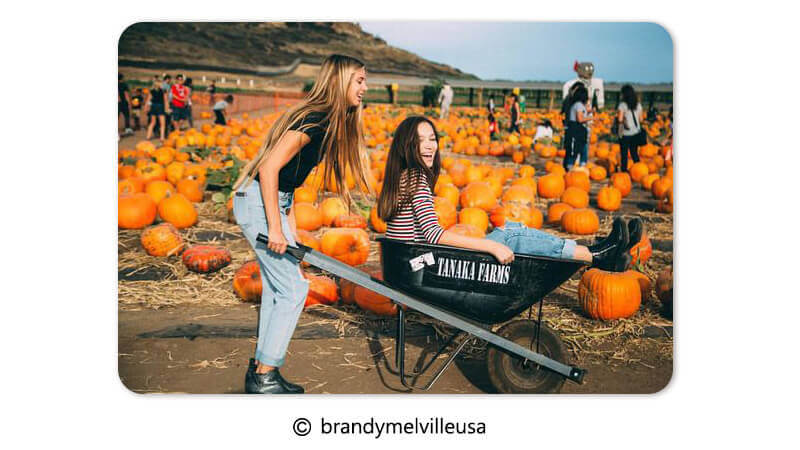
Get some pictures of yourselves pushing or pulling each other or the pumpkins in the wheelbarrows or wagons.
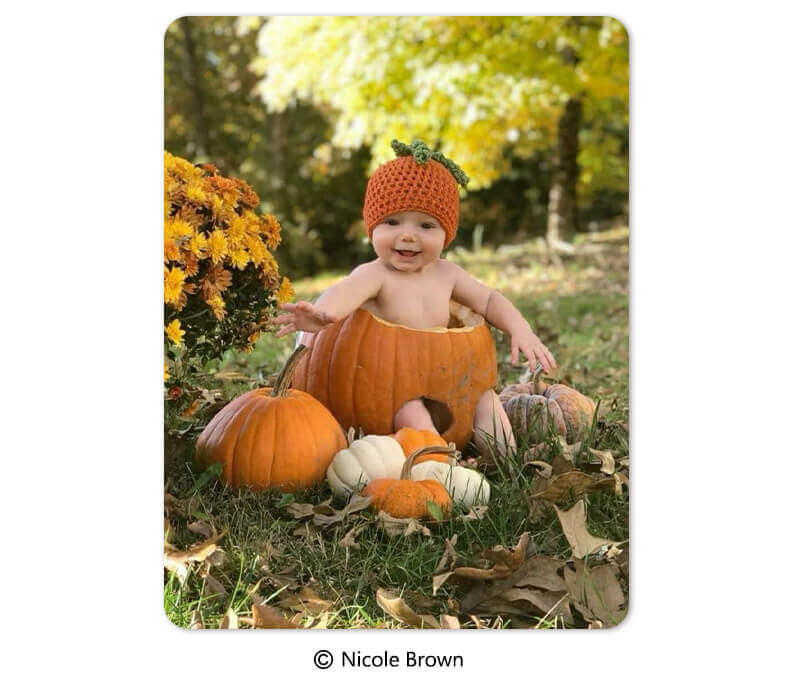
Baby in a Pumpkin
Shadows on a Pumpkin
Try experimenting with the lighting! On a sunny day, you can position your hands to cast shadows over a pumpkin. Use the pumpkin as a canvas to make a shadow heart, peace sign, or other images.
🧪 My test notes: Shadow shots only worked for me when the sun was low and behind the photographer — at midday, the shadows were too short and faint to show up. A smooth, light-colored pumpkin also showed the shadow shape much more clearly than a bumpy, dark one.
Write or Draw on the Pumpkins
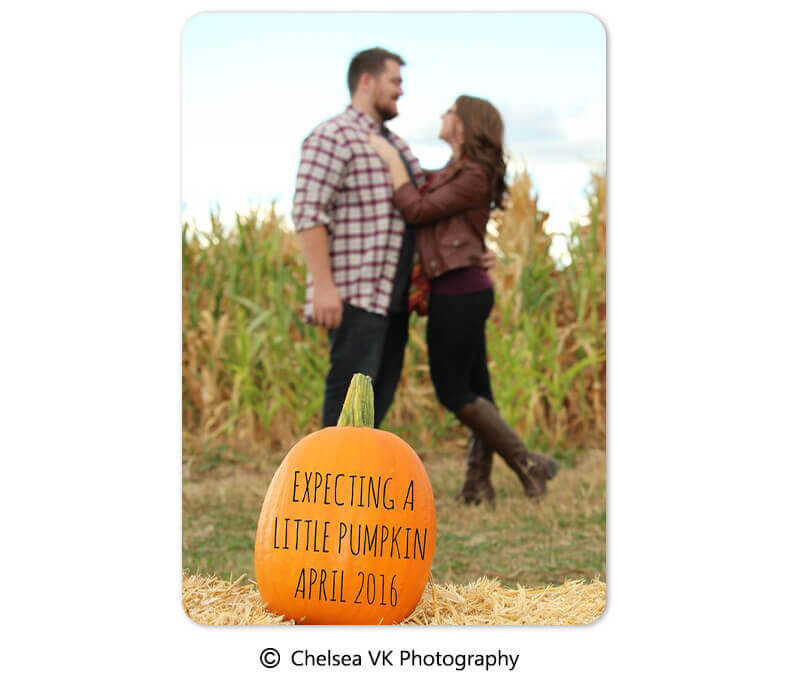
You can use markers to write a short message, the date, or draw a Halloween face on a larger pumpkin. Photographing it is a great way to keep track of this autumnal memory.
🧪 My test notes: Thick marker or paint read clearly on camera, while thin pen lines disappeared once I stepped back. Short words worked better than long messages, and I got the cleanest shots by angling the pumpkin toward the light.
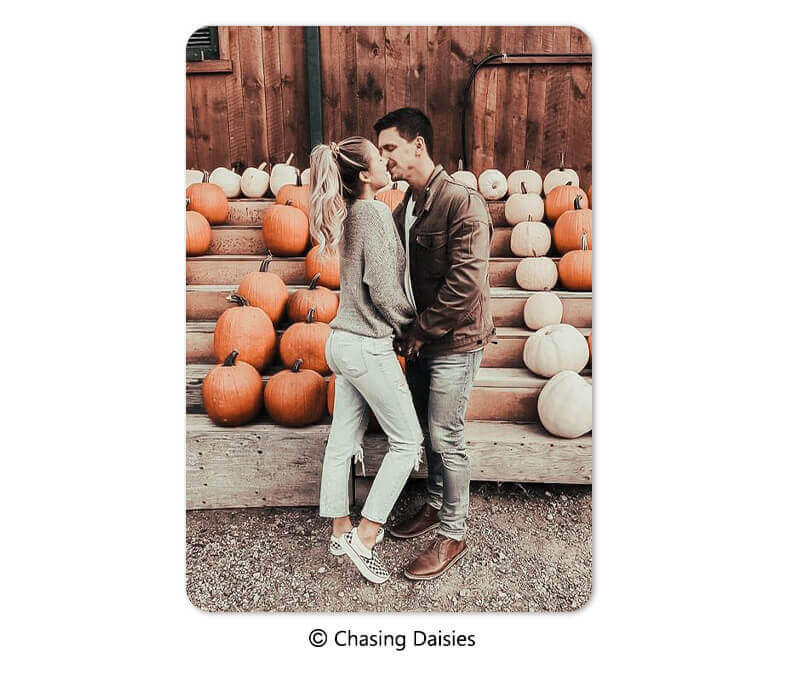
Pumpkin Kiss
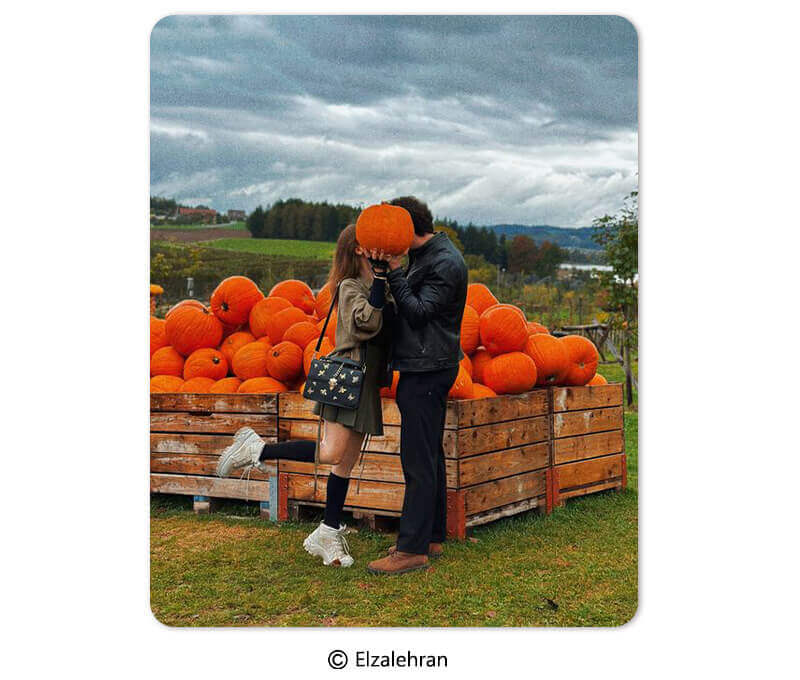
Couples can get a photo of a sneaky kiss. Hold or position a pumpkin in front of the camera to cover up the actual kiss.
Pumpkin Lean
Another idea for pumpkin photos with kids is finding a giant pumpkin and having one or more of them sit and lean against it. This can also work for couples or friends!
🧪 My test notes: The lean looks relaxed only if the pumpkin is big enough to actually support you. I’d skip wobbly ones and pick a large, flat-bottomed pumpkin, then shoot a little lower than eye level so the pumpkin looks even bigger.
Finding a Pumpkin
Capture some candid moments of your kids searching through the pumpkin patch for the perfect pumpkin. Get some shots of the excitement and fun when they find their match!
Pumpkin Hug
An adorable photo for a small child involves a pumpkin hug. Find a pumpkin that's the same size or larger than a toddler and have the child hug it.
Take multiple photos, from close-ups to wide shots, to see which works best.
Pumpkin Patch Walk
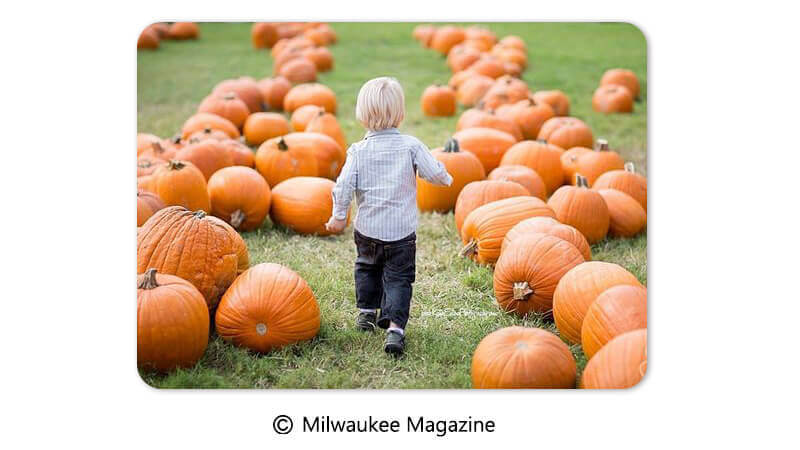
A classic picture for families, friends, or individuals is simply walking through the pumpkin patch. This could be searching for the perfect pumpkin or enjoying each other’s company.
Take your photos from multiple angles to get the best shot.
🧪 My test notes: Walking shots came out most natural when I asked people to talk to each other instead of looking at the camera. Using burst mode and picking the best frame afterward gave me a much better keeper than trying to time a single tap.
Use YouCam Perfect To Enhance Your Pumpkin Patch Photos
Once you’ve taken your fall pictures with pumpkins, you can make them look even better with the YouCam Perfect app. Use YouCam Perfect’s features and tools to add the finishing touches to your pictures to give them that autumn feel.
Here’s how:
- Download the YouCam Perfect app: Find the YouCam Perfect app in the App Store or Google Play Store. Download the app, open it, and log in or sign up for a new account to get started.

- Upload the picture: Select and upload the pumpkin patch photo you want to enhance with YouCam Perfect’s tools and features.
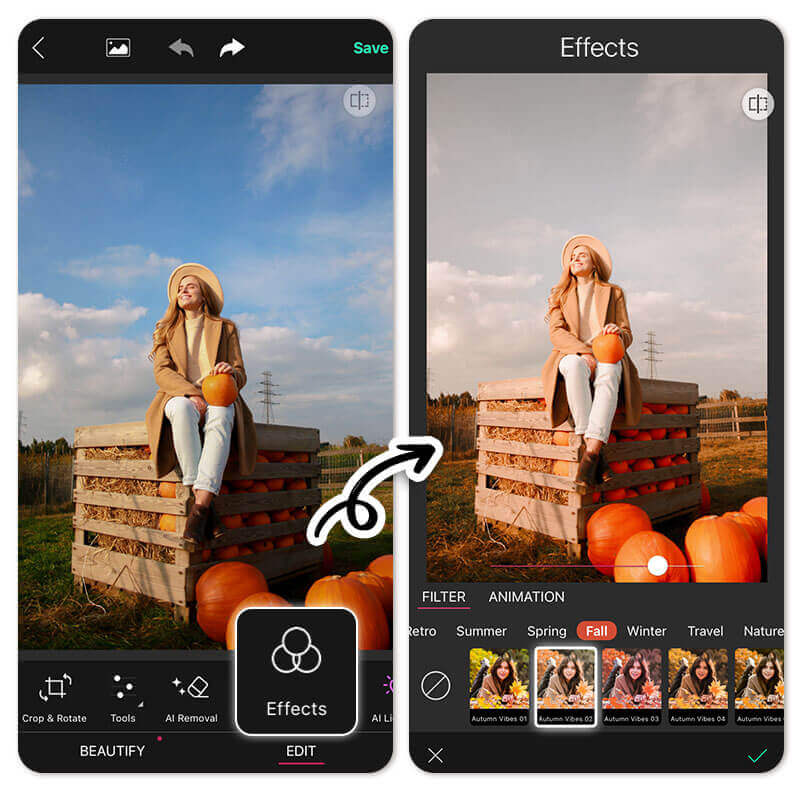
- Use YouCam Perfect’s tools and features: Try out YouCam Perfect’s filters to boost the fall vibe of your photos and capture the pumpkin patch aesthetic. Use features like AI Replace to switch out objects, open eyes, or fix other issues with your photos. Experiment with other tools to adjust the picture to your liking.
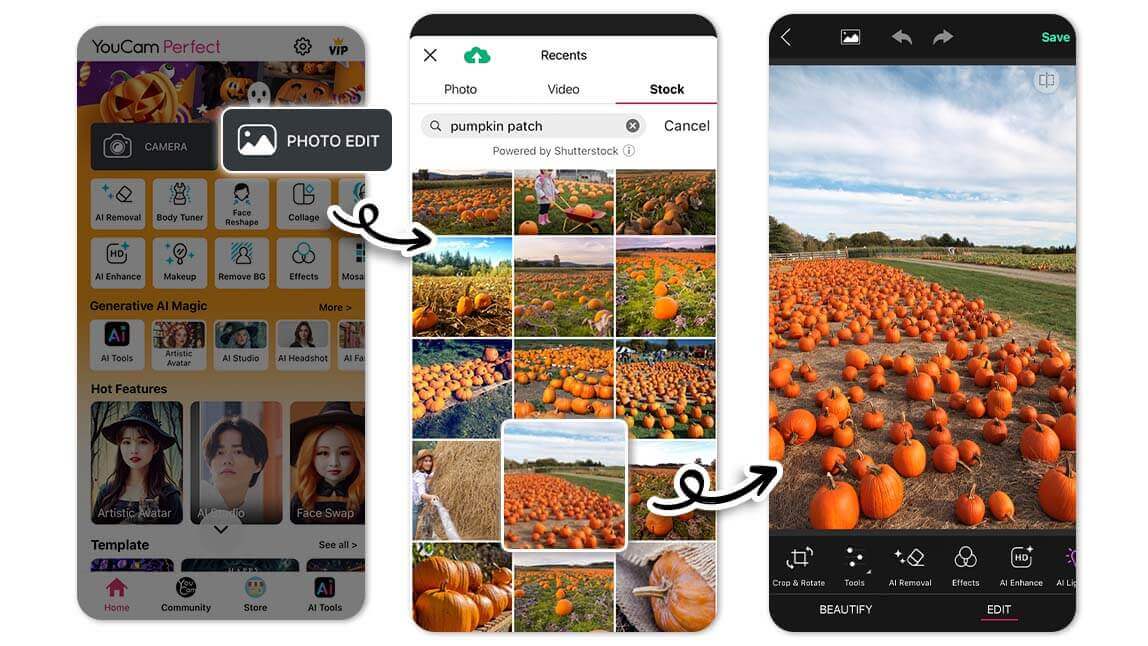
- Try out YouCam Perfect’s collage options: Use YouCam Perfect’s collage tool to arrange your cute pumpkin patch photos in a way that highlights the experience.
- Save and export: When you’re happy with your edit, save your photo to your camera roll or export it to your social media to show family and friends.
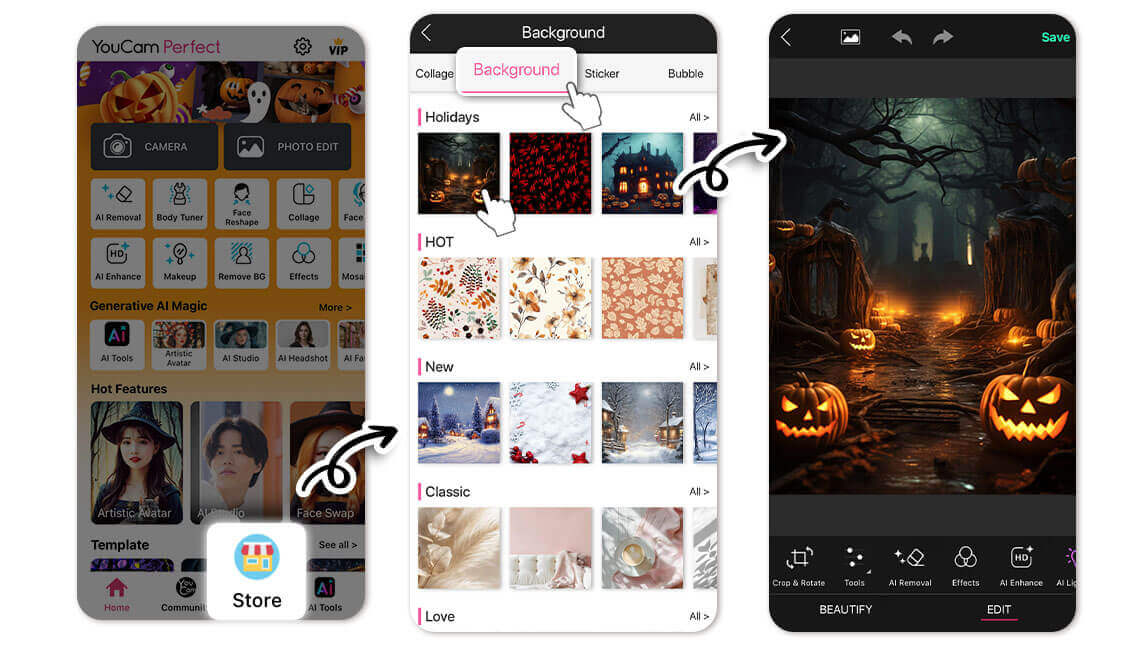
🧪 My test notes: A warm fall filter did most of the work on my shots, but I kept the intensity moderate so skin tones still looked natural. The collage tool was the best way to share a set — one strong wide shot plus a couple of close-ups told the story better than posting everything separately.
Create Lasting Autumn Memories With YouCam Perfect
Don’t let the fall season’s magic go to waste! Head out, arrange a pumpkin patch photo shoot, and preserve this autumn’s memories for years to come.
With YouCam Perfect, you can make sure your pictures look their very best and reflect the mood of the Halloween season.
Download YouCam Perfect today and polish your pumpkin patch photos until they’re exactly how you want them!
Pumpkin Patch Photo Styles Compared: Which Option Is Best?
Not every idea suits every group. Here’s how the main styles in this list compare after trying them.
| Option | Best For | My Verdict |
|---|---|---|
| Posed arrangements (arrangements, pile, pumpkins by size) | Families and group portraits | Reliable and easy; shoot slightly from above to fill the frame with color |
| Playful props (pumpkin heads, balancing, wheelbarrow) | Kids, friends and funny social posts | Most shareable; lighter pumpkins make it easier and safer |
| Candid moments (finding a pumpkin, patch walk, hug) | Couples and natural-looking shots | Feels the most authentic; burst mode helps catch the best frame |
| Creative details (shadows, writing or drawing) | Announcements and artsy close-ups | Depends heavily on light; plan for low sun |
| Editing in YouCam Perfect (filters, AI Replace, collage) | Polishing and sharing any of the above | Quick fall filters plus a collage are the easiest upgrade |
Verdict: For a first visit, start with a posed arrangement and a candid patch walk — together they give you a classic portrait and a natural moment. Then add one playful prop idea and finish everything with a warm filter and a collage in YouCam Perfect.
New for Halloween 2026: Nostalgic Pumpkin Displays Are Back
“Old-fashioned” Halloween decor is making a comeback this season, with tastemakers pointing to nostalgic touches like outdoor pumpkin displays, carved jack-o’-lanterns and lanterns hanging from trees (Source: Yahoo Lifestyle, September 29, 2026). For your pumpkin patch photos, that means classic carved pumpkins and warm lantern light are an easy way to make your shots feel on-trend.
What Real Users Say
Here’s what App Store reviewers have said about editing with YouCam Perfect — the good and the constructive.
"I have tried SO MANY photo editors, and a lot are identical to the next, just basically a database of filters. YouCam actually edits the PHOTO" — Islandgirl75, ★★★★★ (App Store review)
"you can make your eyes a different color but I think it looks a little flaky. It does a nice job whitening teeth as long as you don’t overdo it." — Stefanie0320, ★★★★★ (App Store review)
Pro Tips for Better Results
- Go at golden hour: Visit in the late afternoon for warm, soft light that makes orange pumpkins glow and avoids squinting.
- Dress in contrast: Neutral, cream or deep-toned outfits stand out against orange pumpkins better than bright orange clothes that blend in.
- Get low for scale: Shooting from a lower angle makes pumpkins look bigger and the patch look endless.
- Use burst mode with kids: Little ones move fast — take a burst and pick the best frame later.
- Edit with a light hand: Keep fall filters at a moderate intensity so faces stay natural while the colors stay warm.
- Tell a story in one post: Combine a wide shot, a close-up and a candid moment in a collage instead of posting them separately.
Planning more fall shoots? Try these Halloween photoshoot ideas or swap in a spooky backdrop with AI Replace in YouCam Online Editor.
Pumpkin Patch Photo Ideas FAQs
What’s the best way to edit pumpkin patch photos?

A top-of-the-line photo editing app like YouCam Perfect is a great way to edit your seasonal photos. YouCam Perfect uses advanced tools like AI Replace, editing tools, and filters to help you get the best pictures.
What are some unique pumpkin patch photo ideas?
Pumpkin patches offer a variety of photo opportunities. Some fun pictures you can take in a pumpkin patch include stacking pumpkins, making shadows on pumpkins, and positioning pumpkins in creative places.



