


 Author: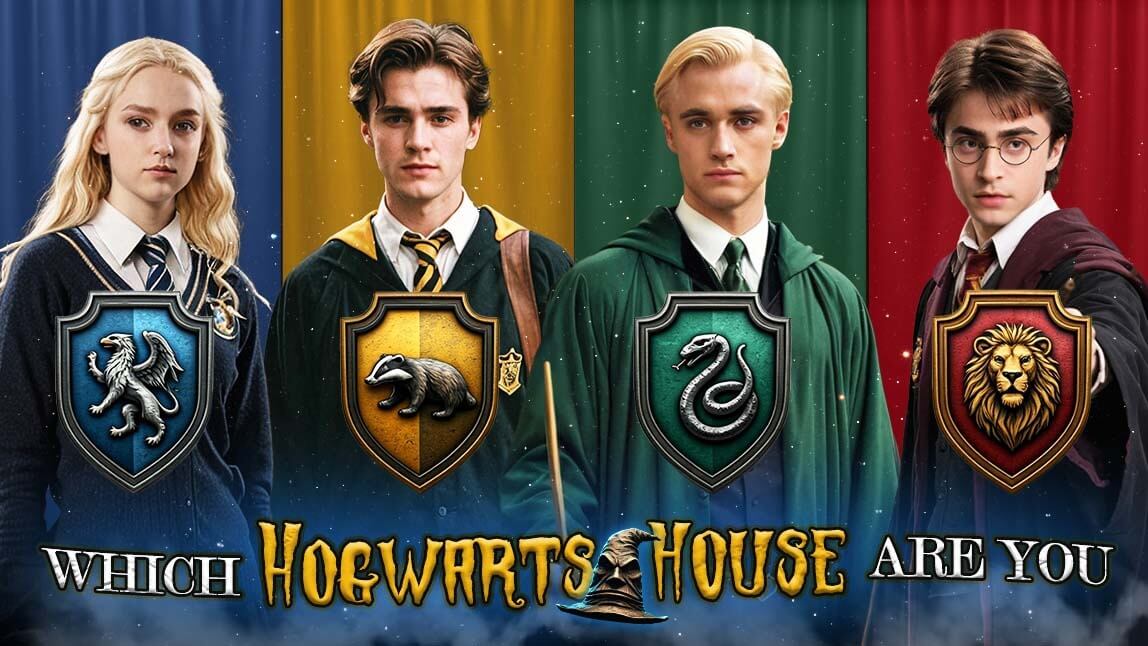
The magic of Harry Potter is returning, with a new series from HBO set to premiere in 2026 on HBO Max. As excitement builds, there’s now a fun new way to experience Hogwarts—through AI.
1. Quiz: Discover Your Hogwarts House
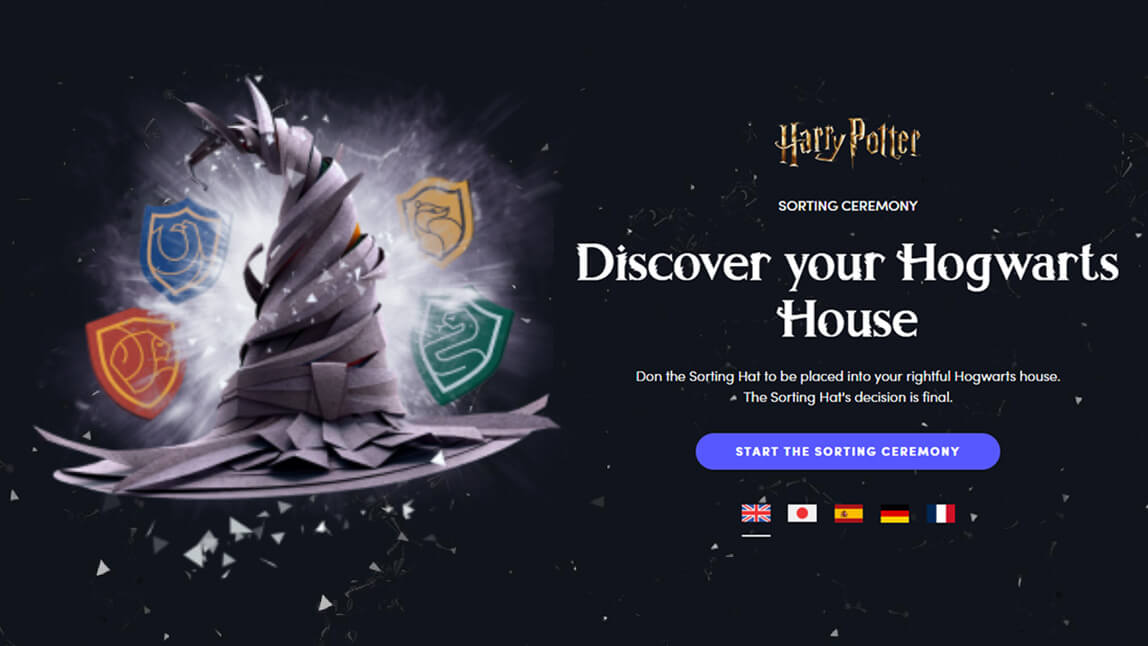
The best way to determine your Hogwarts house is by taking the official quiz on the Harry Potter website. This quiz evaluates your personality and assigns you to one of the four houses:
- Gryffindor (bravery, courage, determination)
- Hufflepuff (loyalty, patience, hard work)
- Ravenclaw (intelligence, wisdom, creativity)
- Slytherin (ambition, cunning, resourcefulness)
Simply answer a few questions, and you’ll discover where you truly belong at Hogwarts!
Once you know your Hogwarts House, you can transform yourself into a Hogwarts character with AI! The YouCam Perfect app offers several AI-powered features that can magically transform your photos.
2. AI Agent: Turn Yourself into Harry Poter Character

Best AI Photo Editor
The Best AI Photo Editor & Selfie Camera.
Remove objects, apply filters & more.
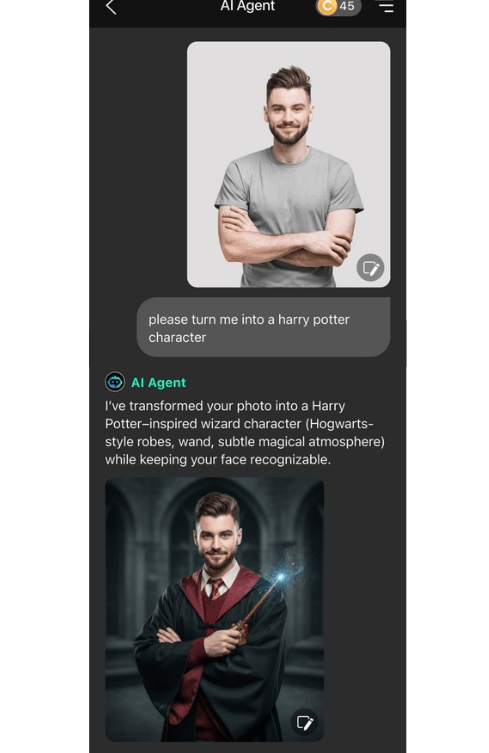
With the AI Agent in YouCam Perfect, you can transform yourself into a magical character inspired by the world of Harry Potter in just a few taps.
Whether you want to become a wizard, a student at Hogwarts, or a dark magic sorcerer, the results look cinematic, immersive, and incredibly fun. Here's the how to step:
1. Open YouCam Perfect and select “AI Agent.”
2. Upload a clear photo of yourself.
3. Enter your prompt, such as:
- “turn me into a Hogwarts wizard with robe and wand”
- “Harry Potter style portrait with magical lighting and castle background”
- “dark wizard character with glowing spells and cinematic effects”
4. Generate and save your magical AI-edited photo!
3. Face Swap: Become Your Favorite Harry Potter Character

The Face Swap feature lets you swap your face with famous Hogwarts students. Simply:
- Tap the Face Swap feature.
- Choose a Shutterstock photo (iOS only) or upload a photo of a Harry Potter character from your phone.
- Upload your own photo.
- Watch AI seamlessly blend your face into the image!

Here are some characters you can swap faces with:
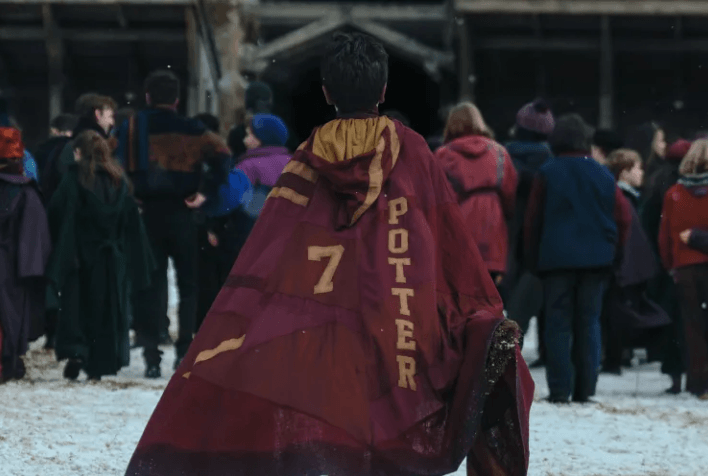
- Gryffindor: Harry Potter, Ron Weasley, Hermione Granger, Neville Longbottom, Seamus Finnigan
- Hufflepuff: Cedric Diggory, Newt Scamander, Nymphadora Tonks, Hannah Abbott
- Ravenclaw: Luna Lovegood, Cho Chang, Rowena Ravenclaw, Padma Patil, Filius Flitwick
- Slytherin: Draco Malfoy, Severus Snape, Pansy Parkinson, Bellatrix Lestrange, Narcissa Malfoy
If you want to learn more about face swap AI and how to use it, we have created a face swap feature tutorial.
4. AI Studio: Transform into a Wizard or Witch

If you want a more unique artistic Hogwarts look, try the AI Studio feature in YouCam Perfect. This feature offers four magical filters, perfect for a spellbinding feminine wizard look or a mystical male wizard transformation.
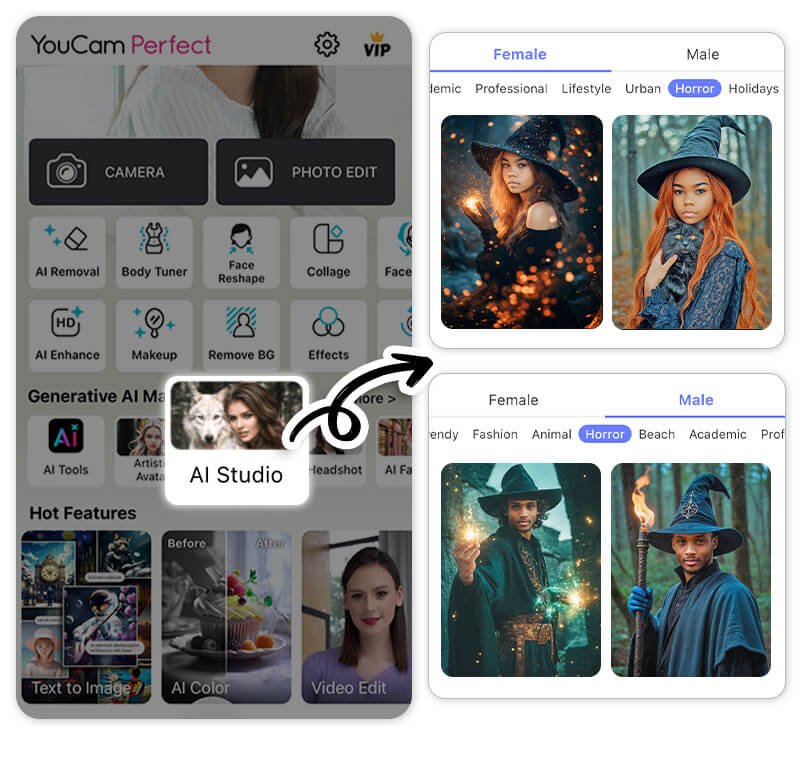
Just tap AI Studio, choose your preferred AI style under the Horror tab, upload your photo, and let AI create an enchanting wizard version of you!
And don't forget to explore the other amazing styles in the AI Studio feature, that allow you to see yourself as a model in a Vogue shooting, a Y3K fashion model or bikini model.
5. Artistic Avatar: Try the “Wicked Whiskers” Style

Another fun way to see yourself as a wizard is the Artistic Avatar feature.
YouCam Perfect offers a male and female wizard style called "Wicked Whiskers." This style creates a stunning AI-generated wizard avatar that looks like it came straight from the magical world of Hogwarts!
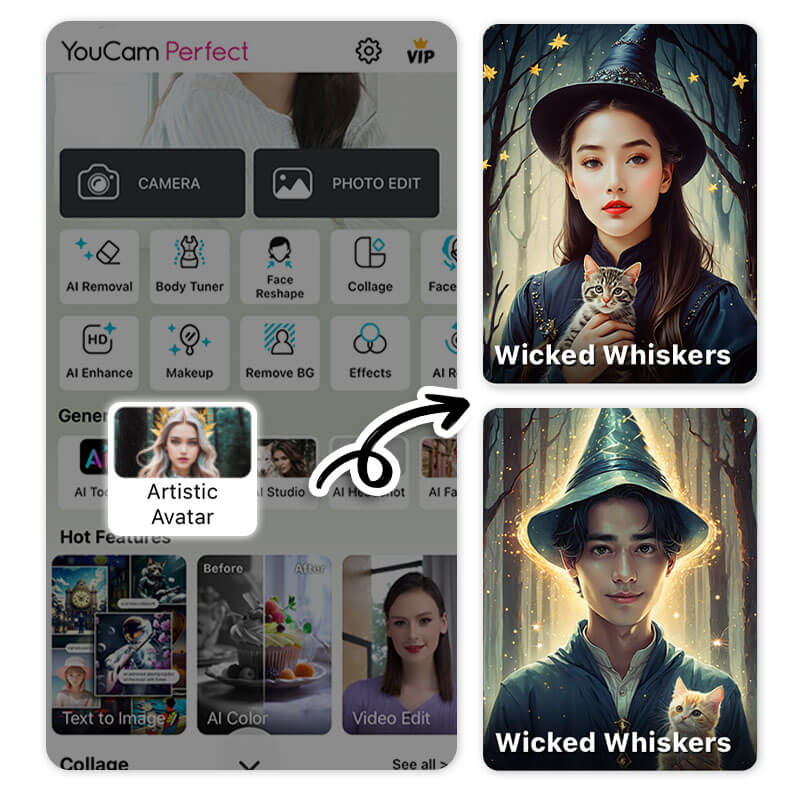
Simply find the Artistic Avatar feature, go to the Ghost tab and choose the Wicked Whiskers style. Then, all you need to do is select a photo from your gallery and watch the magic happen!

The Artistic Avatar feature in YouCam Perfect offers many amazing AI styles. The Wicked Whiskers style is perfect for transforming your photo into an animated picture. Keep reading to learn how!
Don't forget to also explore other Artistic Avatar styles that let you transform into an Arcane character, the Grinch or an Anime character.
See Yourself as a Harry Potter Character Using AI
Best AI Photo Editor
The Best AI Photo Editor & Selfie Camera.
Remove objects, apply filters & more.
Finding your Hogwarts house is just the beginning! With YouCam Perfect, you can see yourself as a real Hogwarts student using AI Agent, AI Face Swap, AI Studio, Artistic Avatar and Image To Video features.
Once your magical transformation is complete, don’t forget to enhance your image further. Ready to enter the Wizarding World? Download YouCam Perfect today and bring your Hogwarts dreams to life with AI!



