


 Author: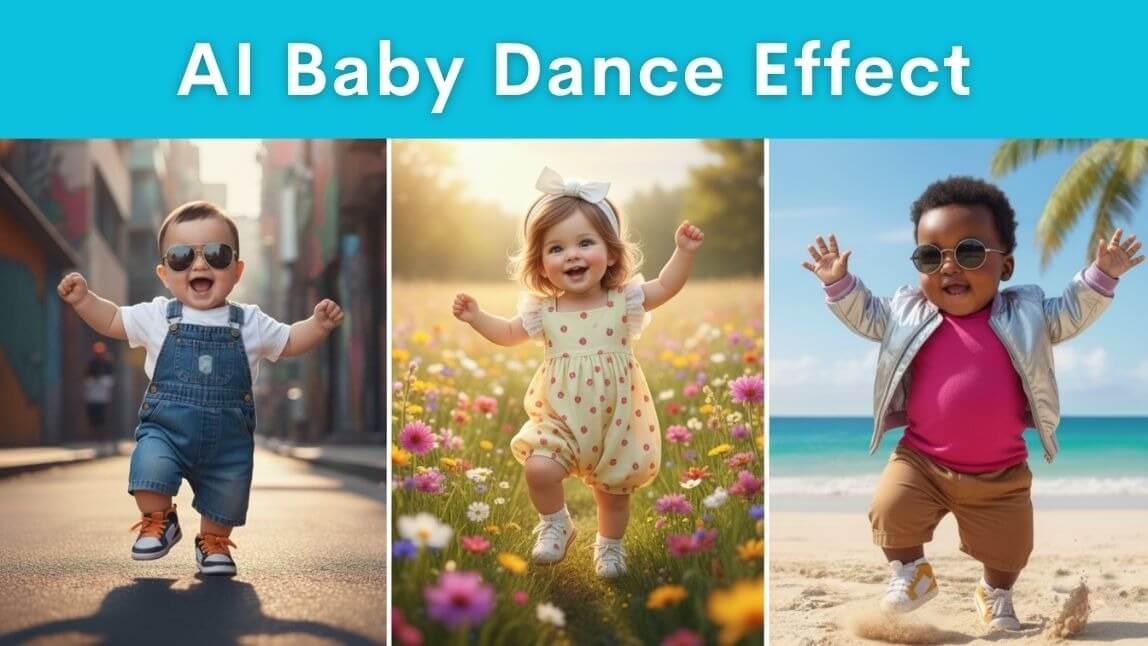
To join the viral AI Baby Dance Trend, you must use a motion swap app like YouCam Video by uploading a dance clip and a baby photo to animate the toddler with professional dance moves.
If you've scrolled through TikTok lately and suddenly seen dancing babies, you're not alone. The AI Baby Dance Trend is officially taking over social media, and it’s giving major “Dancing Baby” meets Gen Z remix energy. It’s cute. It’s weird. It’s hilarious. And yep, it’s 100% AI-generated. Whether you’re looking to make your own or just want to understand why your feed is full of toddlers doing hip-hop routines, we’ve got you covered.
What Is the AI Baby Dance Trend?
The AI Baby Dance Trend is a hilarious (and kind of genius) video format where people take a dance video and replace the dancer with a baby using AI.
The baby takes on the same movements, timing, and expressions as the original dancer, creating a wildly entertaining clip that looks like a toddler is absolutely killing it on the dance floor.
How the Trend Works?
This isn’t your average face swap. Here's what makes the 2026 AI Baby Dance Trend so unique and why Motion Swap is the go-to app for it.
With Motion Swap, you:
- Upload a video of someone dancing (it can be you or anyone else).
- Upload a photo of a baby.
- The app uses AI to turn the dancer into a dancing baby, keeping the exact same moves.
It’s both adorable and slightly unhinged, which is why it’s going insanely viral.
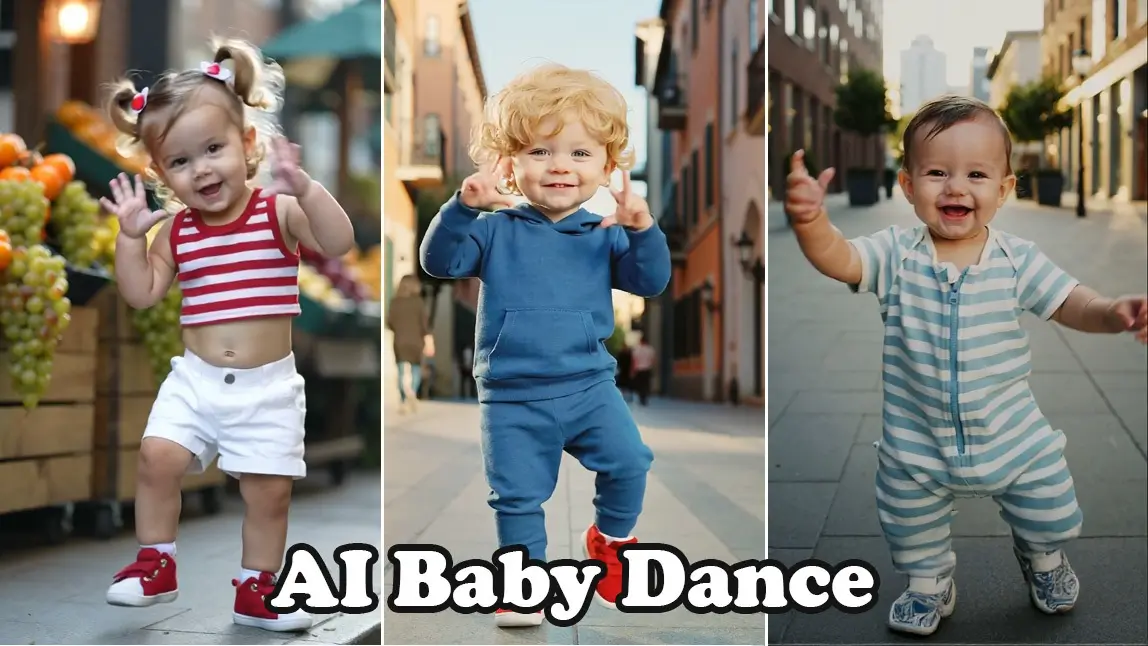
How to Make an AI Baby Dance Video with Motion Swap
Here’s your step-by-step guide to making your own dancing baby in minutes:
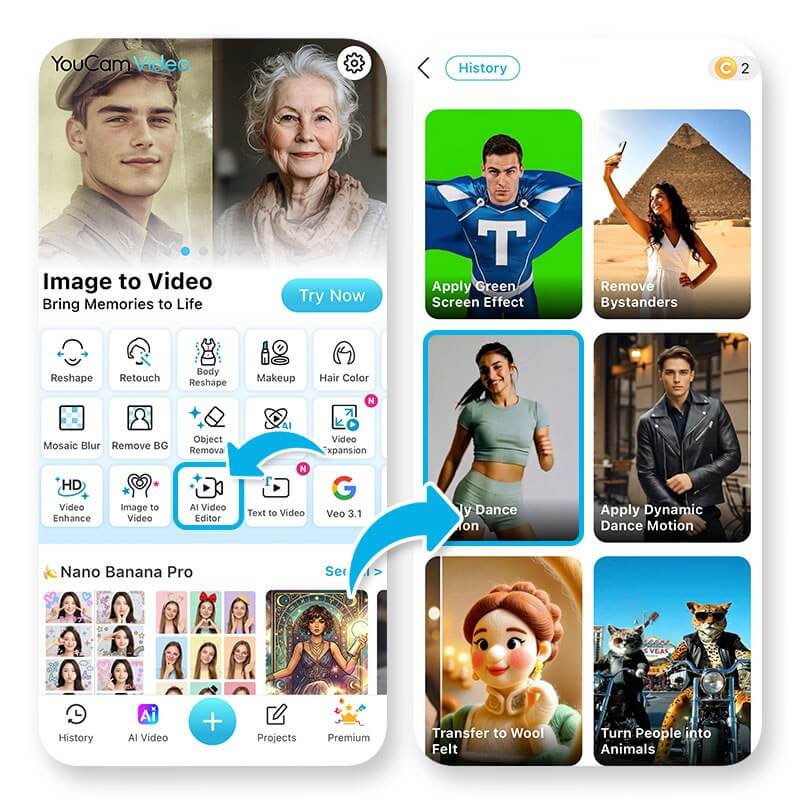
Step 1: Download YouCam Video

YouCam Video is available for both iOS and Android. It’s known for video beautifying tools, aesthetic effects, and now — viral AI features like Motion Swap.
You can download it for free and try Motion Swap right away.
Step 2: Upload a Dance Video and a Baby Photo
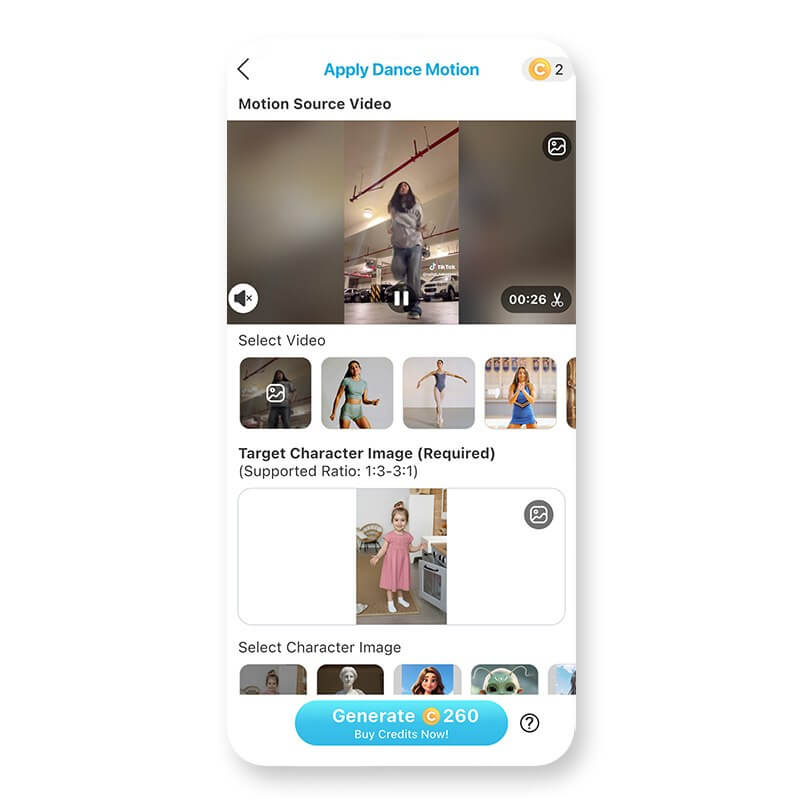
Open the app and navigate to the "AI Video Editor" feature. Click on 'Apply Dance Motion' and upload a dance video.
Next, upload a baby’s face. This is the character that will be placed over the dancer in your video.
Step 3: Let Motion Swap Work Its AI Magic
Once you upload both:
- YouCam Video’s Motion Swap feature will analyze the dance moves
- It will replace the dancer with the baby image
- The final result? A mini version of your baby (or you!) dancing their heart out
The animations are smooth, the faces are expressive, and the result is just pure joy.
Join the AI Baby Dance Trend Now
The AI Baby Dance Trend is easily one of the most creative and entertaining things to hit the internet in 2026. And now, you can be part of it.
Just grab YouCam Video, try the Motion Swap feature, and upload your dance. Whether you’re turning your toddler into a pop star or making a baby version of yourself, this trend is nothing but fun.
Download YouCam Video now, and let a baby dance their way into the spotlight.
About the Editors
The PERFECT Corp. Editorial Team
We are a team of experts on photo and video editing apps. Our goal is to deliver engaging content on everything from stunning selfie edits to eye-catching video effects. We cover the latest trends and share niche tips to help you master digital creation.
Discover more about us:



