Author:


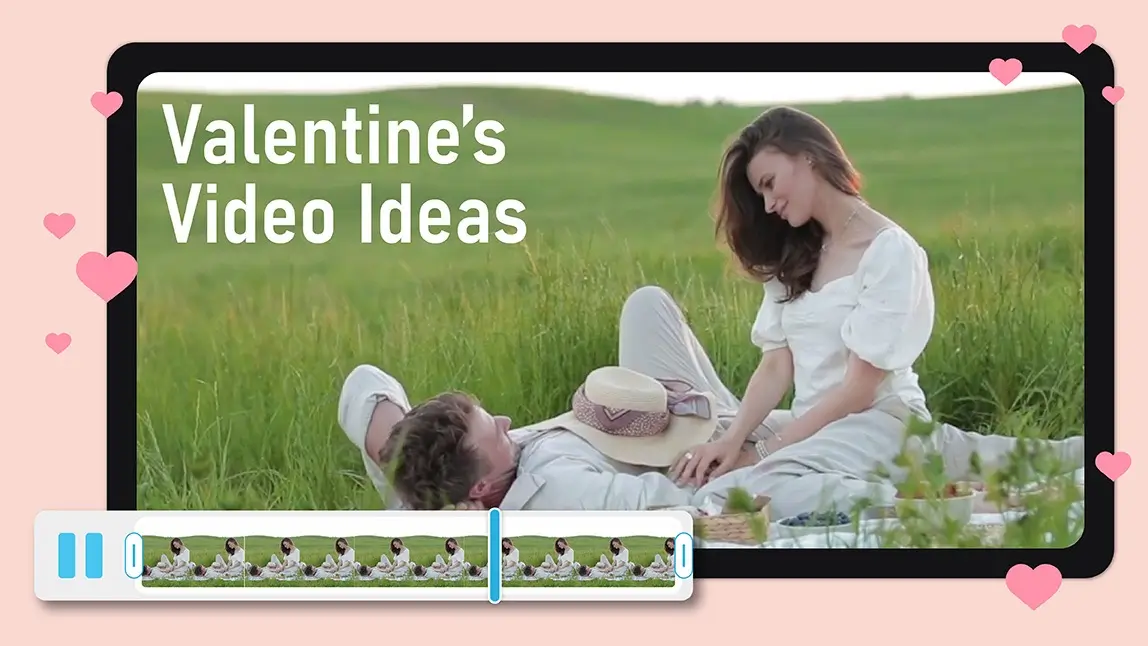
Valentine’s Day is not just about flowers and chocolates anymore. It is about moments, memories, and stories worth sharing. A thoughtfully made Valentine video can capture all of that in a way a card simply cannot.
Whether you want to surprise your partner, celebrate your relationship, or just have fun creating something meaningful, video has become the most heartfelt way to say “I love you.”
With AI-powered tools like YouCam Video, creating a romantic video no longer requires editing skills or hours of work. All you need are a few photos, a little inspiration, and the right features to bring your love story to life.
Why a Valentine Video Makes Love Stories More Meaningful
A Valentine video does more than show memories. It turns them into a narrative. Photos from trips, everyday moments, and inside jokes suddenly feel cinematic when paired with motion, music, and thoughtful editing.
Video also feels more personal. It allows you to express emotion through pacing, visuals, and sound. Whether it is playful, sentimental, or dramatic, a well-crafted video can match your relationship’s unique tone.
And thanks to AI, anyone can create one without technical barriers.
How to Create a Valentine Video With YouCam Video
Creating a romantic video does not have to be complicated.
Here is a simple step-by-step guide using YouCam Video’s most popular tools.
Step 1: Download the YouCam Video App
Start by downloading the YouCam Video app from the App Store or Google Play. Once installed, open the app and explore the home screen to see the creative tools available.

Best AI Video Editor
The Best AI Video Editor & Makeup App.
Smooth skin and edit videos easily.
Step 2: Turn Photos Into Motion With Image-to-Video
Navigate to the Image-to-Video feature, one of the easiest ways to create a Valentine video.
Simply upload your favorite photos and select a template. YouCam Video offers over 12 love-themed templates, ranging from soft and romantic to playful and modern.
These templates automatically add motion, transitions, and timing to your images, instantly transforming still photos into a flowing video. This step is perfect for couples who want fast results without sacrificing style.
Step 3: Try the AI Video Editor for a Love Message Transformation

It feels personal, charming, and slightly magical, making it ideal for surprising your partner. If you want your Valentine video to feel unique and memorable, this transformation is a great place to start.
Step 4: Enhance Your Video With Smart AI Tools
Once your video is assembled, you can refine it using YouCam Video’s editing tools.
AI Object Removal
Remove unwanted background distractions to keep the focus on what matters most.

AI Lighting
Improve brightness and mood to create a warm, romantic atmosphere, even if your original videos were taken in less-than-perfect lighting.
AI Music Generator
Generate music that matches your story’s emotional tone. Whether you want something soft and sentimental or upbeat and fun, the AI Music Generator helps set the mood effortlessly.
You can experiment freely, making small tweaks until your Valentine video feels just right.

Step 5: Save and Share Your Valentine Video
When you are happy with the final result, save your video in high quality and share it however you like. Send it privately to your partner, post it on social media, or keep it as a personal keepsake.
Valentine Video Ideas to Spark Romantic Storytelling
Not sure what kind of video to create? Here are a few ideas to help you get started.
Tell Your Love Story Timeline
Show how your relationship evolved, from your first photo together to recent memories. This works beautifully with image-to-video templates.
Create a Digital Love Letter
Use the Send a Love Message transformation to deliver words you might feel shy saying out loud.

Celebrate Everyday Moments
Not every Valentine video has to be dramatic. Small moments like coffee dates, walks, or shared laughs often feel the most genuine.
Add a Playful Twist
Mix humor into your video with fun templates or unexpected music choices. Romance does not always have to be serious.
Tips for Making Your Valentine Video Stand Out
A few thoughtful choices can elevate your video from good to unforgettable.
- Choose photos with emotion rather than perfection
- Keep your video concise and focused
- Match the music to your story’s mood
- Use effects sparingly to maintain authenticity
Remember, the best Valentine video feels personal, not overproduced.
Create Your Valentine Video Today
Valentine’s Day is the perfect excuse to turn your memories into something meaningful. With YouCam Video, creating a heartfelt Valentine video is simple, creative, and surprisingly fun.
From image-to-video templates to AI-powered editing tools, everything you need is right at your fingertips.
Download YouCam Video now and start creating a Valentine video that tells your love story in a way words never could.
Best AI Video Editor
The Best AI Video Editor & Makeup App.
Smooth skin and edit videos easily.