


 Author: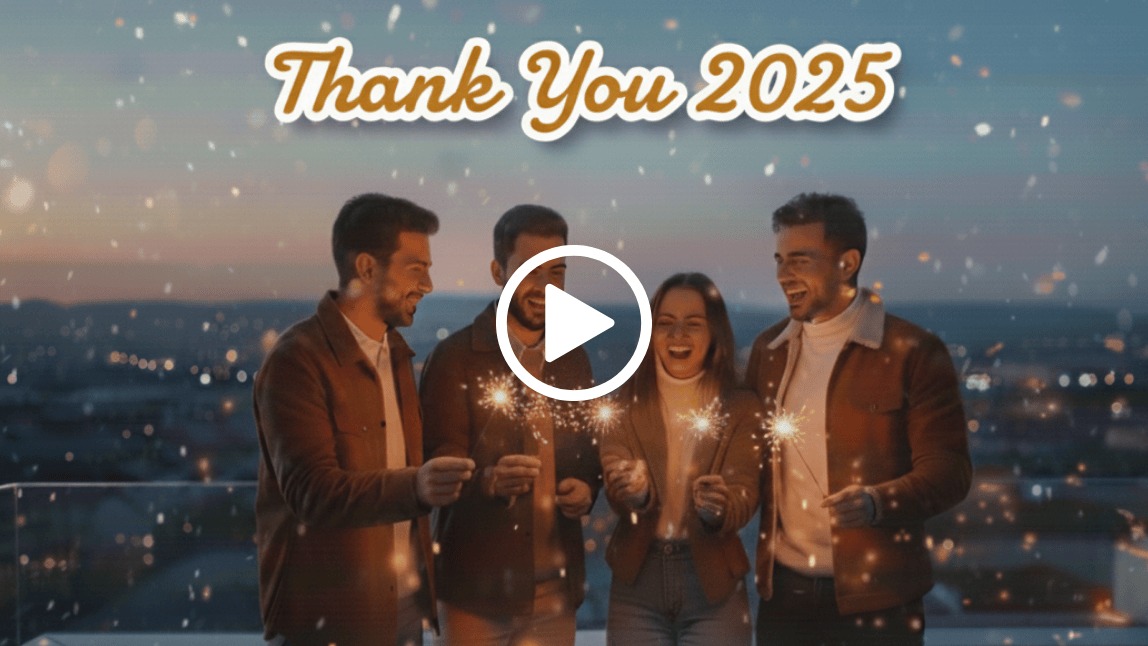
To create a 2025 year recap video, gather your favorite photos and clips from the past twelve months, select a trending audio track, and use an editing app like YouCam Video to apply stunning filters, music, and effects.
The end of the year is finally here. That means one thing. It is time for year recap video season. Your 2025 might have been full of wild adventures, cozy moments at home, big career wins, or just some serious personal growth. No matter what happened, making a 2025 recap video is the perfect way to reflect on your journey.
There is something magical about watching your entire year unfold in one feel-good video. You might be wondering how to make a year recap video that looks aesthetic and truly meaningful. You are in the right place.
Step 1: Gather Your Best 2025 Moments
Start by scrolling through your camera roll, Instagram highlights, TikTok drafts, or even your Snapchat memories. You want to look for specific types of content, such as:
- Trips and vacations
- Birthday parties or holidays
- Work or school milestones
- Funny clips, selfies, or random aesthetic shots
- Daily moments that meant something special to you
Tip: Try to pick at least one video or photo from each month. This helps create a full narrative of your year.
Step 2: Pick Your Recap Video Format
Think about how you want to tell your 2025 story. Here are some popular year recap video formats to consider:
- Timeline style: Chronological order, month by month.
- Mood board vibe: A mix of aesthetic visuals, edits, and sounds.
- Day in the life mashup: Small clips from everyday routines.
- Text overlay style: Add text like "First trip of 2025" or "2025 in 20 seconds".
If you are not sure, scroll through the #2025Recap tag on TikTok to get inspired.
Step 3: Use a Video Editing App
You do not need to be a pro editor to make something amazing. A good video editing app makes it easy to trim, add music, filters, and transitions. One of our favorites is YouCam Video. It is beginner-friendly and lets you do the following:
- Cut and merge clips seamlessly
- Add aesthetic filters to match your mood
- Add background music to set the vibe
- Add text overlays for context
- Use trending TikTok-style effects
If you want your year recap video to feel polished without the technical headache, this is the tool for you.
Step 4: Choose Your 2025 Recap Soundtrack
The music can totally change the vibe of your recap video. Ask yourself if you want it emotional, hype, chill, or funny. Try these vibe-setting ideas:
Emotional vibes:
Songs like "Ceilings" by Lizzy McAlpine or "Until I Found You" by Stephen Sanchez often trigger happy tears.
Hype and motivation vibes:
Classics like "On Top of the World" by Imagine Dragons or "Good Life" by OneRepublic always work well.
Trending 2025 sounds:
Check out the trending audio list on your favorite social app for the freshest sounds to match your aesthetic.
Step 5: Add Personal Touches
This is your year. Make it personal with these additions:
- Add captions or text for each big moment.
- Use filters that match your 2025 vibe. Think warm tones, Y2K sparkle, or grainy film.
- Include bloopers or funny clips for authenticity.
Bonus idea: End your video with a "2026, I am ready" moment to look forward to the future.
Step 6: Export and Share
Once you are done editing, export your recap video in high quality. Then you can choose your path:
- Share it on TikTok, Instagram Reels, or YouTube Shorts.
- Send it to your close friends or family group chats.
- Keep it saved in a private album to look back on later.
Tip: Add hashtags like #2025Recap, #YearInReview, and #My2025 to get discovered on social media.
Final Thoughts: Celebrate Your 2025 Story
Your 2025 recap video is more than just a highlight reel. It is a love letter to your growth, your memories, and everything you went through this year. Whether you are celebrating wins or just surviving tough moments, you deserve to look back and feel proud.
So grab your clips, pick your soundtrack, and start editing. The best time to make your year recap video is now. It is the perfect way to say goodbye to 2025 and cherish the moments that defined your year.
Ready to start?
Try YouCam Video and bring your 2025 memories to life with just a few taps.
About the Editors
The PERFECT Corp. Editorial Team
We are a team of experts on photo and video editing apps. Our goal is to deliver engaging content on everything from stunning selfie edits to eye-catching video effects. We cover the latest trends and share niche tips to help you master digital creation.
Year Recap Video Questions, Answered (FAQ)
- What should I include in a 2025 recap video?
- Include moments that made your year meaningful. This usually includes travel clips, career achievements, friends, family gatherings, and personal growth milestones. Do not overthink it. Just be real and authentic.
- How long should a year recap video be?
- 30 to 90 seconds is perfect for TikTok and Instagram Reels. If you are posting on YouTube, you can go longer. A 3 to 5 minute video works well for that platform.
- What app should I use for a year recap video?
- YouCam Video is a top pick for mobile editing. It is great for beginners and has aesthetic features that make your video pop without requiring advanced skills.



