Author:


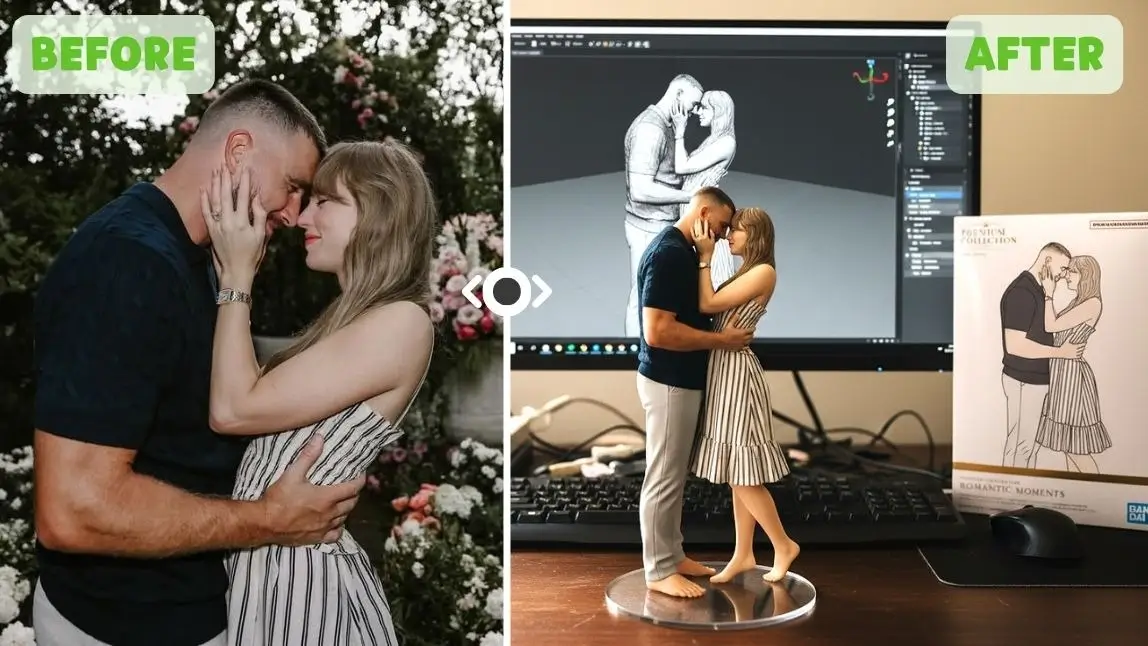
Ever dreamed of seeing yourself as a limited-edition PVC action figure, complete with a display box and intricate details? This guide will show you how to jump into the viral AI figure trend. You'll learn how to transform your photos into stunning AI 3D figures using Gemini's Nano Banana, and even create dynamic videos with your new AI action figure. Get ready to unleash your inner collectible!
| Table of Contents |
|---|
What Is the AI 3D Figure Trend from Gemini?
@cocoli767 google gemini ai figure filter tutorial 😘😘💕 #gemini#capcutforus#capcut#capcutpioneer#aifigure3d♬ original sound - tôi muốn ăn mcflurry🦋🦋 - 射手座
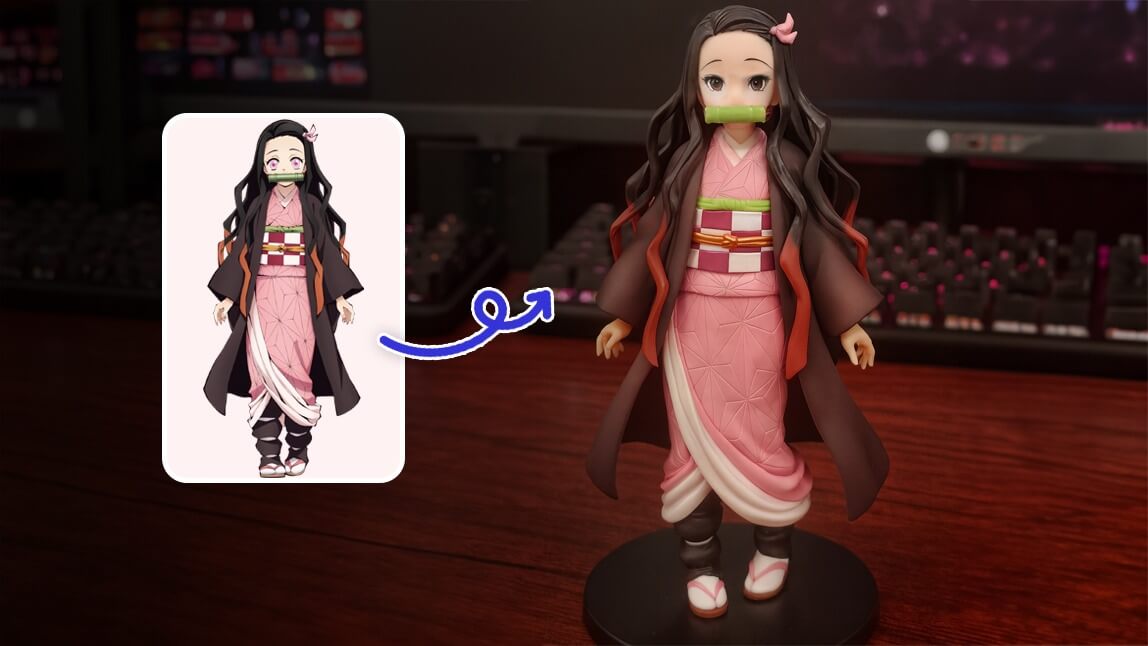
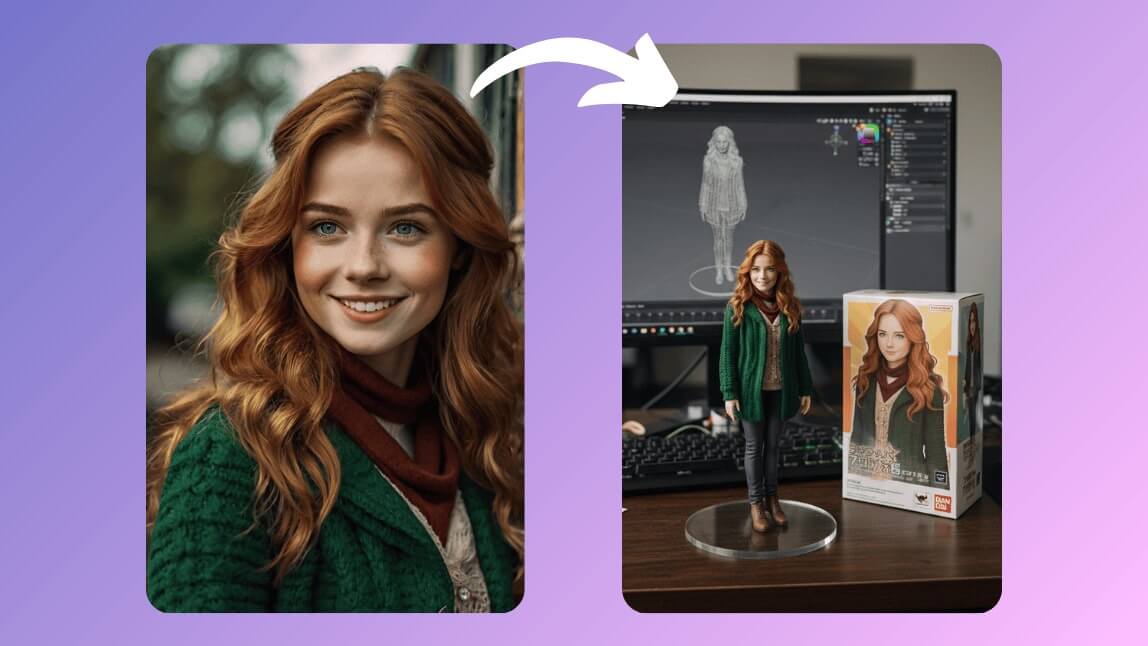
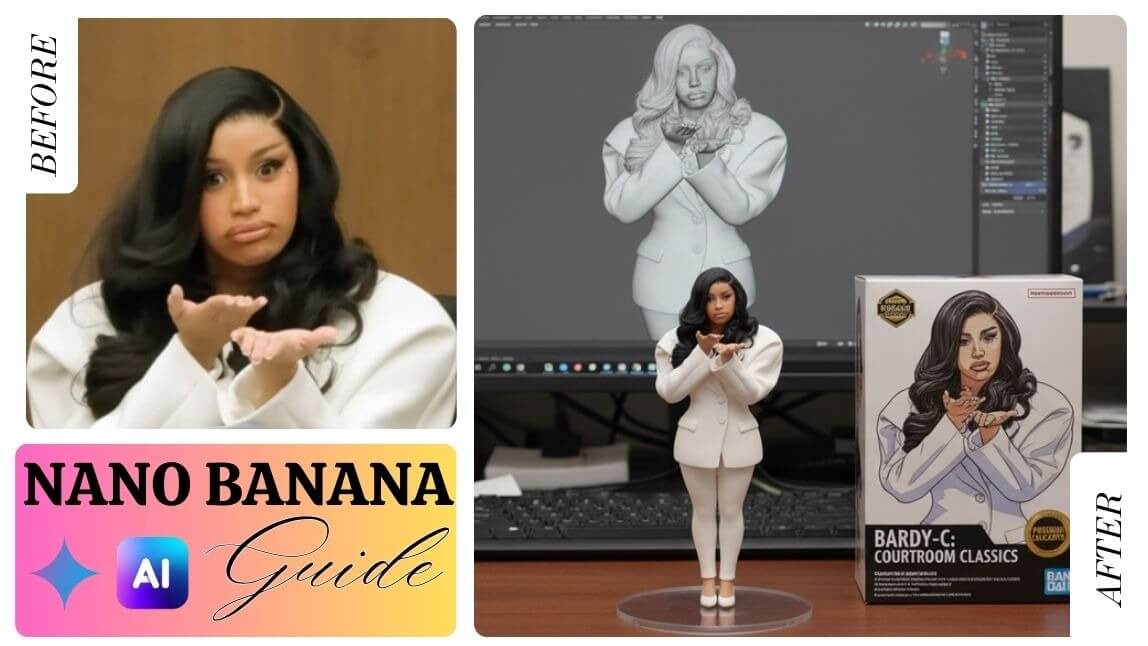
The AI figure trend is taking social media by storm, blending hyper-realistic AI rendering with the exciting world of toy culture. Imagine a miniature, commercialized version of yourself that looks like it stepped right off a collector's shelf from a brand like Bandai.
Picture this:
- Your very own 1/6 scale commercialized figurine.
- Sitting proudly on a desk with a clear acrylic base.
- Your likeness showcased on a professional-style toy box.
- Even a simulated ZBrush modeling process on a monitor behind it.
It's about making your digital self tangible and incredibly cool.
AI 3D Figurine: How to Generate the AI 3D Figure with Nano Banana (Gemini 2.5 Flash Image)

Step 1: Open Gemini 2.5 Flash Image (Nano Banana)

First, head over to the Gemini 2.5 Flash Image interface from Nano Banana. This powerful tool lets you generate high-quality, 3D-style images from text and photo prompts. It’s incredibly intuitive and, best of all, it’s completely free!
Pro Tip: If you're new to AI image generators, Gemini works similarly to MidJourney or DALL·E but is specifically tuned for stylish, product-style renders.
Step 2: Upload Your Photo and Enter Prompt

Prompt Suggestion:
Create a 1/6 scale commercialized figurine of the characters in the picture, in a realistic style, in a real environment. The figurine is placed on a computer desk. The figurine has a round transparent acrylic base, with no text on the base. The content on the computer screen is the ZBrush modeling process of this figurine. Next to the computer screen is a BANDAI-style toy packaging box printed with the original artwork. The packaging features two-dimensional flat illustrations.
Step 3: Generate & Save the 3D Figure Image

Once your photo is uploaded and your prompt is entered, hit "Generate." In moments, Gemini will craft your unique AI 3D figure. Review the results and save your favorite!
Make Anime Action Figure with AI>>>
How to Do the AI 3D Figure Trend with YouCam AI Pro

For even more customization and a dedicated experience, YouCam AI Pro is an excellent choice for creating your AI action figure.
Step 1: Download the Best AI 3D Figure Generator App: YouCam AI Pro
Shared Materials by Strapi
*Adjust the size of images ONLY. Please go to Strapi to edit the materials info.
Find YouCam AI Pro in your app store and download it. This app is designed to make the creative process as smooth as possible.
Step 2: Tap "Add a Photo" for AI 3D Figure

Open the app and tap "Add a Photo" to begin creating your AI figure. Select the image you want to use as your base.
Step 3: Write a Prompt for the AI 3D Figurine

Just like with Nano Banana, a good prompt is key. Use a similar detailed prompt to guide the AI:
Prompt Suggestion:
Create a 1/6 scale commercialized figurine of the characters in the picture, in a realistic style, in a real environment. The figurine is placed on a computer desk. The figurine has a round transparent acrylic base, with no text on the base. The content on the computer screen is the ZBrush modeling process of this figurine. Next to the computer screen is a BANDAI-style toy packaging box printed with the original artwork. The packaging features two-dimensional flat illustrations.
Step 4: Add PVC Figurine Style for the AI 3D Figure

YouCam AI Pro has a unique feature where you can select specific styles. Look for the "PVC Figurine" styler to give your image that perfect, polished look.
Step 5: Generate & Save the AI 3D Figurine

Hit "Generate" and watch your AI action figure come to life. Save your creation to share with the world!
Pro Tip: Turn Your AI 3D Figure into Videos with Image to Video
Why stop at a static image? Bring your AI figure to life with a video!
Step 1: Head to an Image to Video Tool

Go to image-to-video feature under AI Video section in YouCam AI Pro.
Step 2: Upload Your AI 3D Figure Image
Upload the AI 3D figure image you just created.
Step 3: Select Video Template or Write a Prompt

Choose from existing video templates to add dynamic effects, or write a prompt to describe the kind of animation you envision for your figure.
Step 4. Generate & Save the AI 3D Figure Video
Generate your video, and soon you'll have a dynamic, animated version of your custom AI figure!
Edit your AI Figure video with YouCam Video>>>
Bonus: Make AI 3D Figurine Videos with YouCam Video
Want to add movement and life to your creations? With YouCam Video, you can easily animate your new AI figurine and turn it into a captivating short video. It’s the perfect way to share your masterpiece with the world!

- Step 1: Get YouCam Video & Head to Image to Video
- Step 2: Upload Your Photo
- Step 3: Select AI Figure Video Template
- Step 4: Generate & Save Your AI 3D Figure Video
Slay the Gemini AI 3D Figure Trend with YouCam AI Pro
Shared Materials by Strapi
*Adjust the size of images ONLY. Please go to Strapi to edit the materials info.
Creating your own AI figure is simpler and more fun than you ever imagined. With tools like Gemini's Nano Banana and YouCam AI Pro, you can easily turn a simple photo into a stunning, collectible-worthy PVC action figure.
Don't let your creativity stay still – empower yourself to join the trend. Ready to make your own AI action figure?
Download YouCam AI Pro today and start your AI figure journey!
About the Editors

The PERFECT Corp. Editorial Team
We are a team of experts on photo and video editing apps. Our goal is to deliver engaging content on everything from stunning selfie edits to eye-catching video effects. We cover the latest trends and share niche tips to help you master digital creation.