


 Author: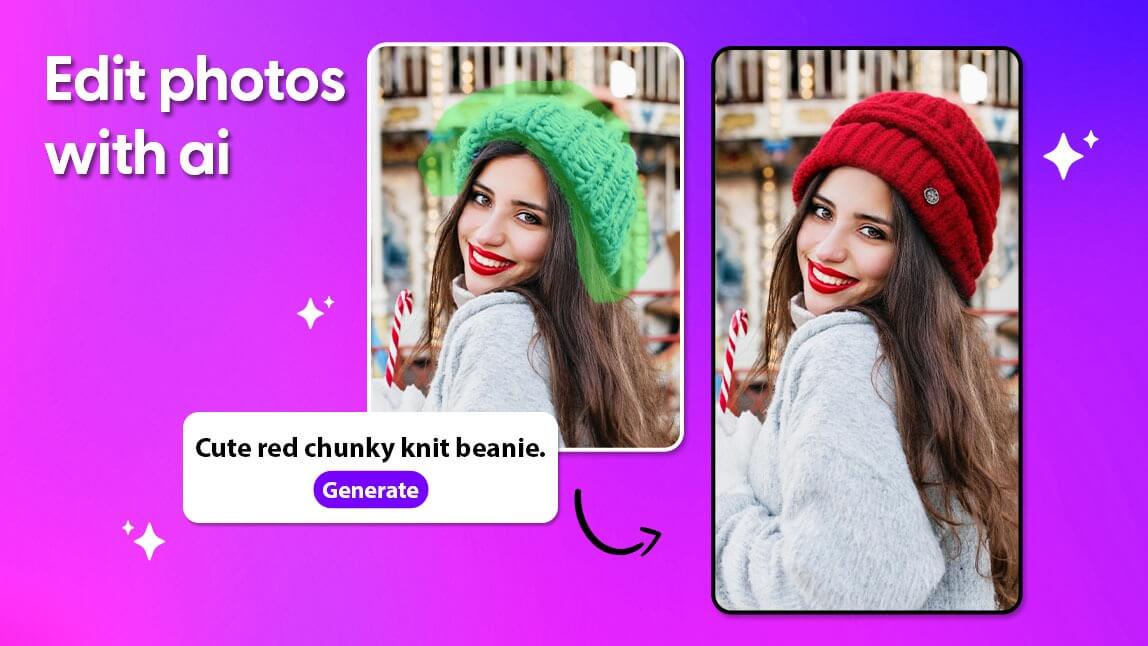
After testing over 30 AI photo editing tools, the best all around choice is YouCam Perfect for its powerful one tap enhancements and intuitive interface, making it ideal for creating high quality social media content quickly and easily.
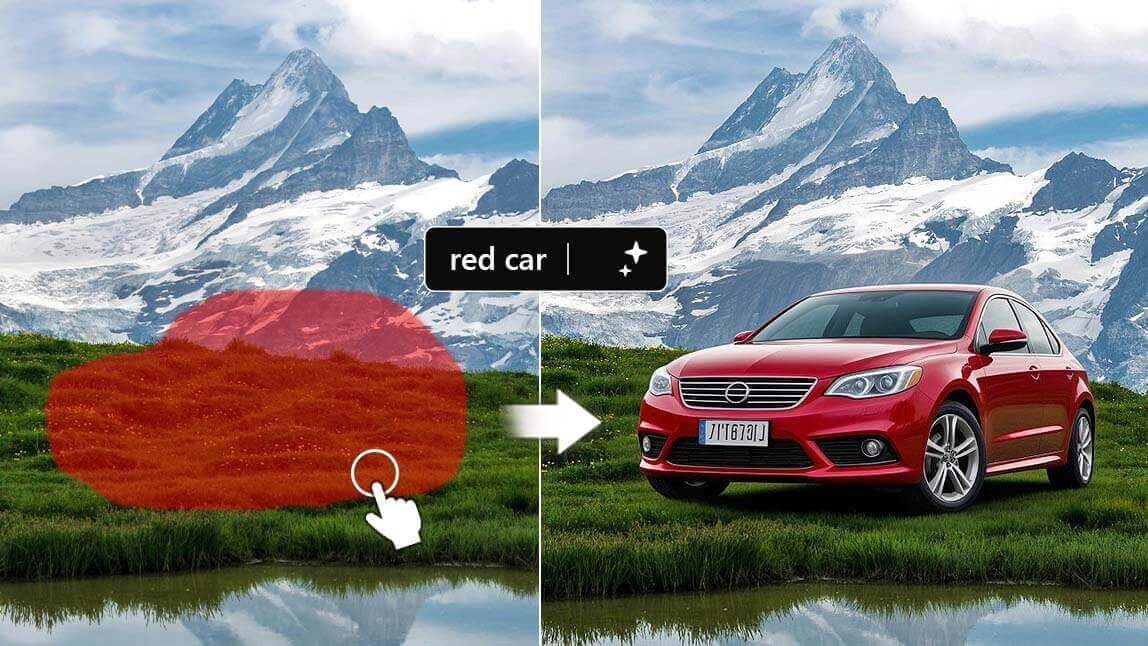
Have you ever spent hours trying to get a photo to look just right? I definitely have. As a content creator and photo enthusiast, I went deep into the world of AI photo editing and tested more than 30 different tools, ranging from simple one tap enhancers to advanced editors with layered controls. I did all the testing so you do not have to.

Whether you're editing content for social media, creating visuals for clients, or just polishing pics from your last trip, these are the top AI photo editing tools that actually deliver on their promises and make editing feel effortless.
How I Tested These AI Photo Editing Tools?
To compile this list, I put more than 30 AI photo editing tools through a hands on testing process using real world images, including portraits, landscapes, and product shots. I did not rely on marketing claims. I used each tool the same way a real user would in everyday editing scenarios.
My testing criteria included:
- Real World Scenarios: I tested each tool on portraits with makeup and skin imperfections, complex background replacements, and quick social media edits to see how they handled common challenges.
- Speed & Performance: I measured how long each tool took to process AI edits and prioritized those that delivered high quality results in under three minutes.
- Quality & Realism: I evaluated whether the edits looked natural or introduced artifacts and blurriness. Strong tools improved photos without making them look artificial, while preserving skin texture and producing clean cutouts.
- Ease of Use: I considered how intuitive each interface felt, especially for beginners. Tools with clear layouts and effective one tap solutions ranked higher.
- Free Accessibility: I tested the free version of every app to confirm it offered real value without immediately forcing a subscription.
Overall, I focused on tools that were not just visually flashy, but consistently delivered reliable AI edits that genuinely made photos better, not just different.
What are the Top AI Photo Editing Tools?
Quick Comparison at a Glance:
| Tool | Best For | AI Power | Ease of Use | Free Option |
|---|---|---|---|---|
| YouCam Perfect 👑 | Portrait edits | ⭐⭐⭐⭐ | ⭐⭐⭐⭐ | Yes |
| Canva | Social design + edit | ⭐⭐⭐ | ⭐⭐⭐⭐ | Yes |
| Photoroom | Product photos & e-commerce | ⭐⭐⭐⭐ | ⭐⭐⭐⭐ | Yes |
| Pixlr | Free, powerful | ⭐⭐⭐⭐ | ⭐⭐ | Yes |
| Picsart | Creative effects | ⭐⭐⭐⭐ | ⭐⭐⭐ | Yes |
| Fotor | Balanced editing | ⭐⭐⭐ | ⭐⭐⭐⭐ | Yes |
1. YouCam Perfect: Best App to Edit Photo with AI
- Best For: Quick, high-quality AI enhancements for portraits and creating social media-ready edits in seconds.
- Key Features: Built in AI agent with multiple AI models including Nano Banana, one-tap beautify, AI background changer, magic object removal, aesthetic filters, and collage templates.
In-Depth Review
YouCam Perfect consistently came out on top in my testing for its strong balance of ease of use and genuinely powerful AI features. Its one tap Beautify tool is noticeably smarter than most, delivering natural looking skin smoothing and blemish removal without flattening real skin texture.
What really elevates the experience is its built in AI agent, which turns photo editing into a more conversational and intuitive process. Instead of manually adjusting sliders, you can simply tell the AI agent what you want to change, such as removing a person from the background, keeping skin natural, or making the photo look more polished for social media.
The AI understands your intent and applies edits in a way that feels fast, natural, and surprisingly accurate. The AI Object Removal is also among the best I tested, effortlessly erasing photobombers or distracting background elements and filling in the space naturally with generative AI. Overall, it is a great choice for influencers, content creators, and anyone who wants professional looking photos without spending hours editing.
2. Canva
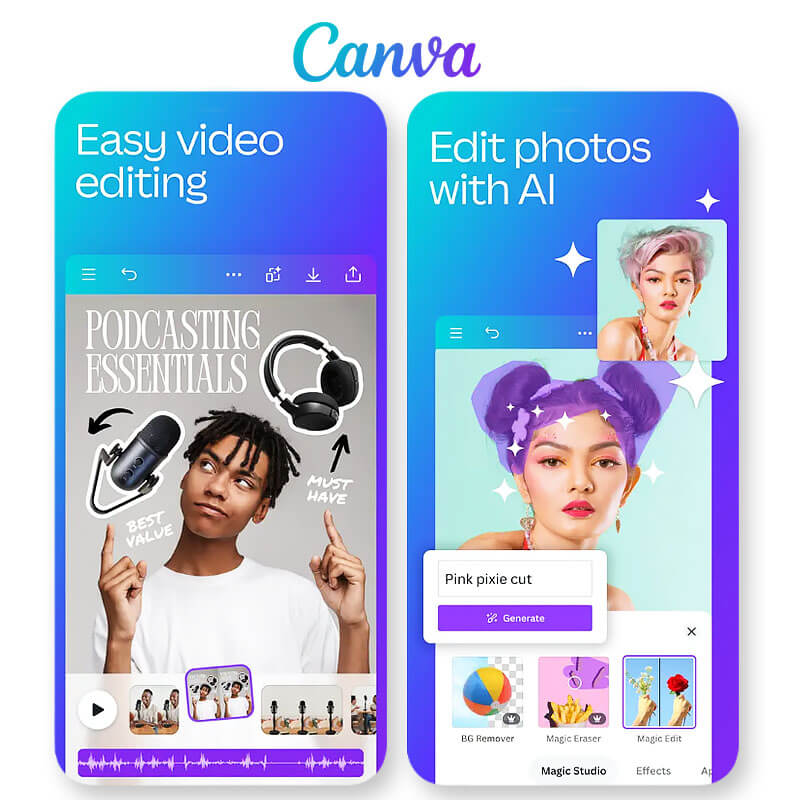
- Best For: All-in-one design and photo editing with a focus on social media templates.
- Key Features: AI enhancer, background remover, massive library of design templates, social media sizing presets.
In-Depth Review
Canva is a powerhouse for social media content creation, and its integrated AI photo editing tools are surprisingly robust. The "Magic Edit" and "Background Remover" features are incredibly useful for creating branded content. The best part is the seamless workflow: you can edit a photo and then instantly drop it into a professionally designed Instagram Story or post template. While its photo editing tools aren't as deep as a dedicated editor like YouCam Perfect, it's the best choice for anyone whose primary goal is creating polished social media graphics.
3. Photoroom
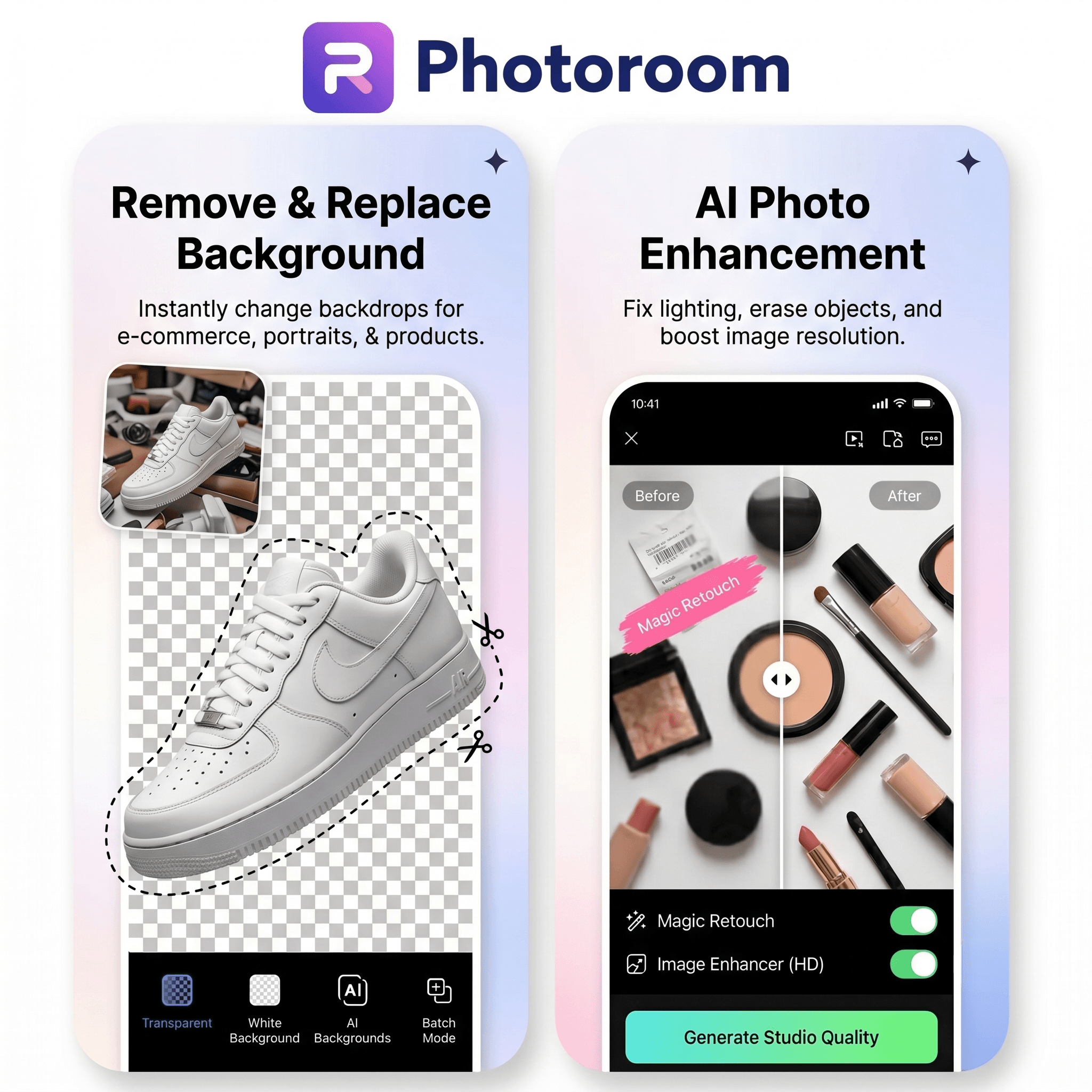
- Best For: Creating professional product photos, marketplace listings, and e-commerce visuals with AI.
- Key Features: AI background remover, AI-generated backgrounds, Product Staging, Virtual Models, batch editing, and marketplace-ready image optimization.
In-Depth Review
Photoroom stands out as one of the strongest AI photo editing tools for online sellers, brands, and marketers who need professional product visuals without a traditional studio setup. During testing, its AI background removal delivered consistently clean results, while its AI-generated backgrounds and Product Staging tools made it easy to create realistic lifestyle and studio scenes in just a few clicks.
What makes Photoroom different from many general-purpose editors is its focus on e-commerce workflows. Features like batch editing, Virtual Models, and automated product image enhancements help teams create large volumes of consistent, marketplace-ready content quickly. Whether you're preparing product listings for Shopify, Amazon, or Etsy, Photoroom significantly reduces the time required to produce polished, professional imagery.
While it isn't designed primarily for portrait retouching or creative social media effects, it excels at product photography and visual merchandising, making it a top choice for businesses that rely on high-quality product images to drive sales.
4. Pixlr
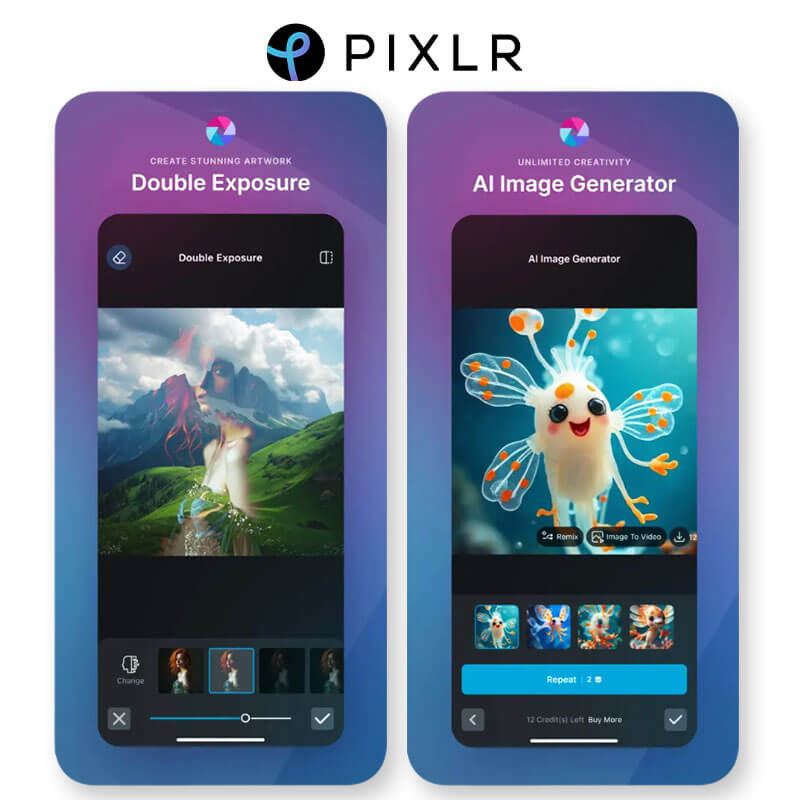
- Best For: Free, powerful online photo editing with a rich set of AI features.
- Key Features: AI cutout, auto-enhance, artistic filters, and layer support.
In-Depth Review
Pixlr has been a long-time favorite in the free online editor space, and its integration of AI has made it even more powerful. It offers a "Photoshop-lite" experience with layers, masks, and a variety of AI-powered tools like AI Cutout and Auto Enhance. It's a fantastic option for users who want more manual control without paying for a subscription. The interface can feel a bit crowded, and the free version has ads, but the sheer number of features it offers for free is hard to beat.
5. Picsart
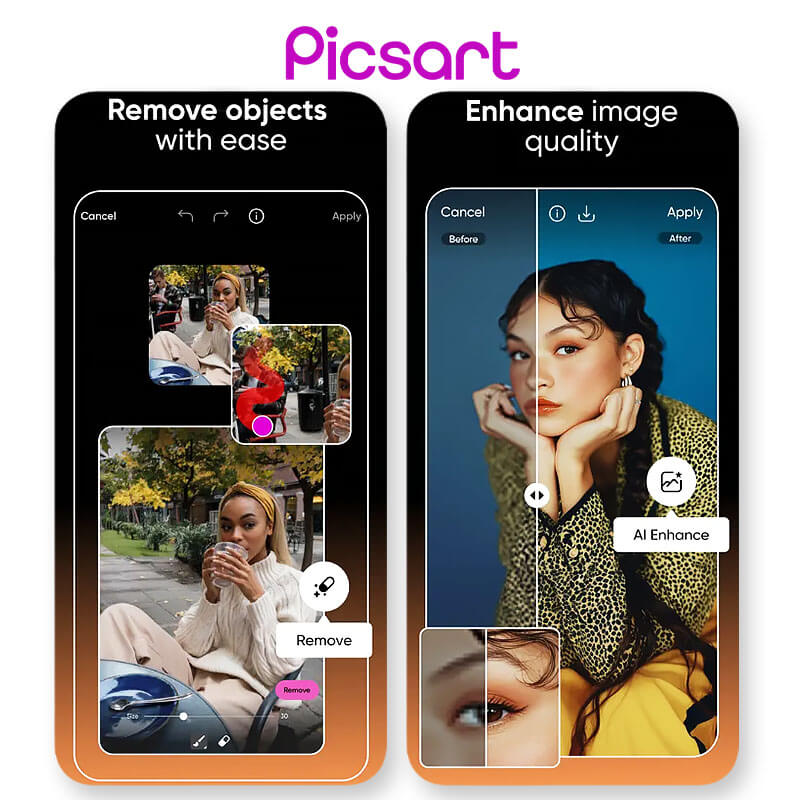
- Best For: Creative, trendy edits with a strong community and a massive library of stickers and templates.
- Key Features: AI effects and backgrounds, a massive sticker library, collage maker, and artistic filters.
In-Depth Review
Picsart is less of a photo editor and more of a creative playground. If you love the highly stylized, layered, and artistic edits you see on TikTok and Instagram, this is the app for you. Its AI tools are geared towards fun transformations, like turning your photo into a cartoon or applying wild, artistic filters. The community aspect is also huge—you can "remix" other users' edits and share your own. It can be a bit overwhelming for those looking for simple, clean edits, but it's a must-have for anyone who wants to get creative.
6. Fotor
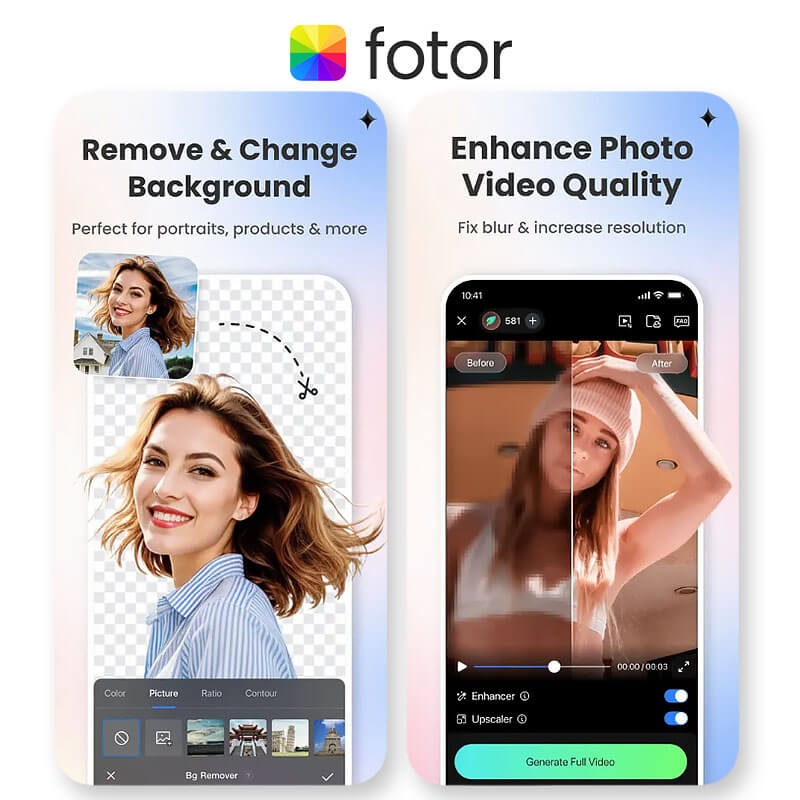
- Best For: A balanced photo editor that is easy to use but still very capable.
- Key Features: One-tap enhance, portrait retouching, background remover, and AI filters.
In-Depth Review
Fotor strikes a great balance between simplicity and functionality. Its interface is clean and intuitive, and its AI-powered features, like the "1-Tap Enhance" and portrait retouching tools, deliver solid, natural-looking results. It's not as feature-packed as YouCam Perfect or as creative as Picsart, but it's a reliable and straightforward editor that gets the job done without any fuss. It's a great choice for users who want a simple, no-nonsense tool for everyday photo enhancements.
Key Takeaways
- AI Has Changed the Game: In 2026, AI photo editors are no longer a gimmick. They automate complex tasks, save you hours of time, and make professional-quality editing accessible to everyone.
- Choose Based on Your Needs: The "best" app depends on what you're editing. For all-around social media content, YouCam Perfect is a powerhouse. For integrated design, Canva is king. For creative expression, Picsart is your playground.
- A Good AI Editor is Natural: The top tools don't make your photos look "fake." They use AI to make subtle, realistic enhancements that preserve the integrity of the original image.
- Free Versions are Incredibly Powerful: All the apps on this list offer robust free versions, so you can test them out and find the one that best fits your workflow without spending a dime.
Final Thoughts
If you want the best AI photo editing tools right now, this list gives you options from simple beautifiers to powerful creative platforms. For everyday portrait tweaks, YouCam Perfect and Glam are strong picks. For more of a design-and-edit combo, Canva and Picsart shine. Try a couple, see what fits your workflow, and don’t be afraid to mix and match. Editing should feel fun, not frustrating.
About the Editors
The PERFECT Corp. Editorial Team
We are a team of experts on photo and video editing apps. Our goal is to deliver engaging content on everything from stunning selfie edits to eye-catching video effects. We cover the latest trends and share niche tips to help you master digital creation.
AI Photo Editing Tools: Questions Answered (FAQ)
- What is the best AI photo editing tool overall?
- Based on extensive testing of over 30 tools, YouCam Perfect is the best all-around AI photo editor for most users. It offers the most comprehensive set of powerful AI features (like object removal and portrait retouching) in a very user-friendly package, making it perfect for creating high-quality social media content.
- What makes AI photo editing tools different from regular editors?
- AI photo editors automate complex and time-consuming tasks. For example, instead of manually tracing an object to remove it, an AI editor can identify and erase it in one click. They use machine learning to understand the content of your photo and make intelligent, context-aware adjustments.
- Are AI photo editing tools worth it?
- Yes, absolutely. For both beginners and professionals, they drastically cut down on editing time. They also make advanced techniques, like generative fill and seamless background replacement, accessible to everyone, regardless of their skill level.
- Do these tools work on both mobile and desktop?
- Most of the tools on this list have both mobile and web/desktop versions. Apps like YouCam Perfect and Picsart are mobile-first and offer the best experience on a phone, while tools like Canva and Pixlr have excellent browser-based versions for desktop use.



