Author:


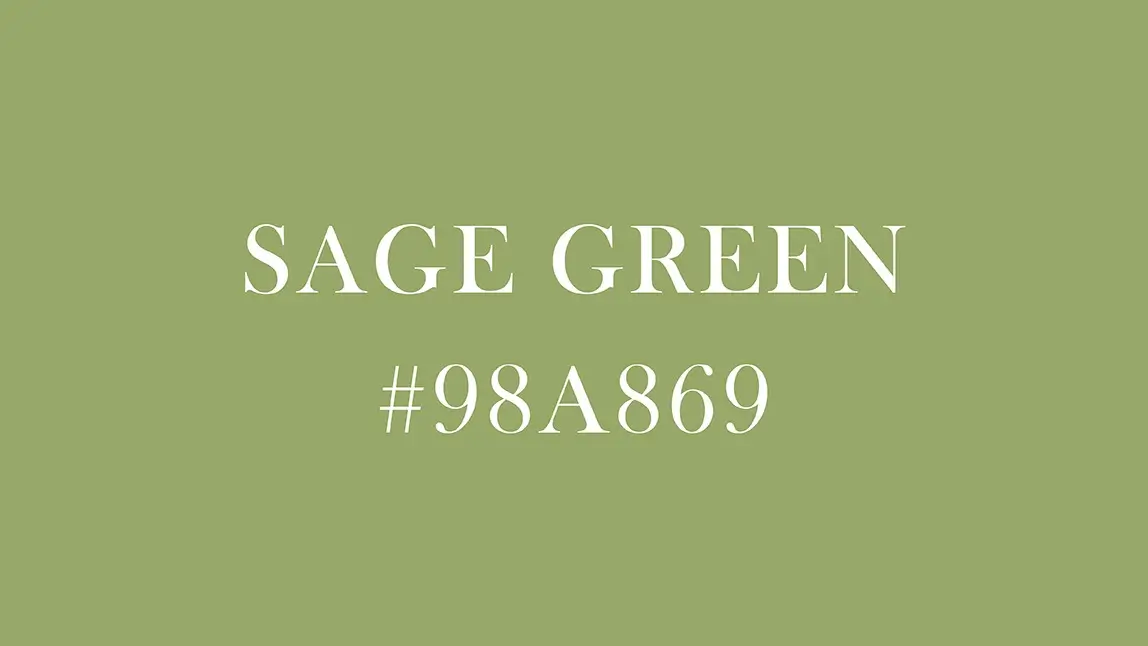
Sage green has become a beloved and trendy hue across interiors, branding, fashion, and digital aesthetics. Its muted, earthy character gives it a calming presence that works beautifully both as a neutral backdrop and as a subtle accent.
| Table of Contents |
|---|
|
What Is Sage Green?

Definition & Origins
Sage green is typically described as a muted green with gray undertones — it’s not vibrant or saturated, but rather softened and subtle.
According to Merriam-Webster, “sage green” is a variable color “averaging a grayish yellow green that is greener and deeper than mermaid, stronger and very slightly yellower …”
Hex / RGB / CMYK Representations
Depending on source, typical values for sage green (or close variants) might look like:
- Hex: #98A869
- RGB: (152, 168, 105)
- CMYK: (10, 0, 38, 34) (i.e. ~10% cyan, 0% magenta, 38% yellow, 34% black)
- HSL: ~ 75°, 26.6% saturation, 53.5%
- lightnessHSV / HSB: 75°, 37.5% saturation, 65.9% brightness
What Colors Match Sage Green?

- Neutrals: Cream, beige, off-white, taupe — perfect for soft, airy combinations.
- Earth Tones: Terracotta, burnt sienna, warm browns — adds warmth and depth.
- Blush & Pastels: Dusty pink, muted rose, soft peach — for a gentle, feminine feel.
- Dark & Contrasting Colors: Charcoal, navy, deep gray — for elegant, high-contrast designs.
What Colors Are Similar to Sage Green?

- Olive Green (#808000) — slightly warmer and more yellow.
- Moss Green (#8A9A5B) — a natural, earthy green with a hint of gray.
- Celadon (#ACE1AF) — a lighter, pastel green with subtle gray undertones.
- Artichoke (#8F9779) — muted green with gray-brown undertones.
- Avocado Green (#9AB973) — deeper and more vibrant, still in the earthy green family.
How to Use YouCam Perfect to Transform Colors into Sage Green
With YouCam Perfect’s powerful editing tools, you can easily apply the trendy sage green hue to different parts of your photos, whether it’s backgrounds, objects, or interior spaces. Here’s how:
1. Change Background Color to Sage Green

- Choose Photo Editing and upload a photo
- Remove the original background
- Choose sage green from background feature
- Save your photo
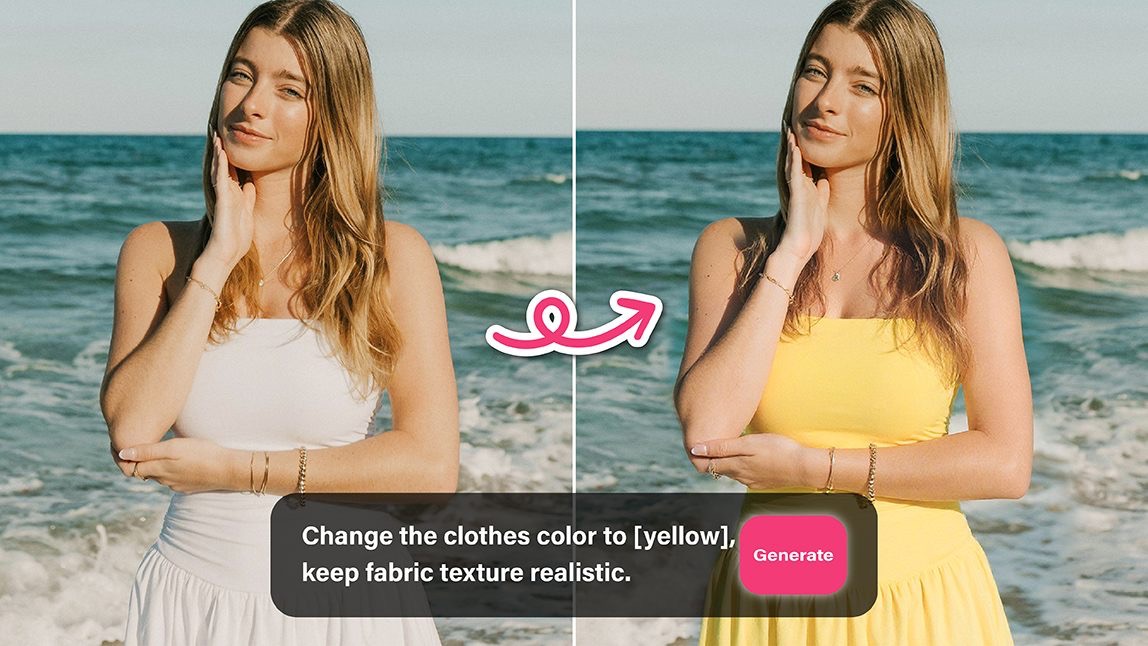
2. Editing Agent: Change Item Color to Sage Green

- Choose Editing Agent and upload a photo
- Enter prompt “change the item into sage green”
- Save your photo
3. Art Generator: Change Interior Style into Sage Green

- Choose Image to image and upload a photo
- Use basic style and type prompt “change the room into sage green and white style”
- Save your room design with sage green and white style
Final Thoughts
Sage green is more than a passing trend — it sits at the sweet spot between calm neutrality and gentle color. It offers emotional grounding, aesthetic flexibility, and a refined visual personality.
And when you integrate it into a photo/design tool like YouCam Perfect, it empowers users to not just adjust images, but to set a mood, a brand signature, or a nuanced aesthetic.