


 Author: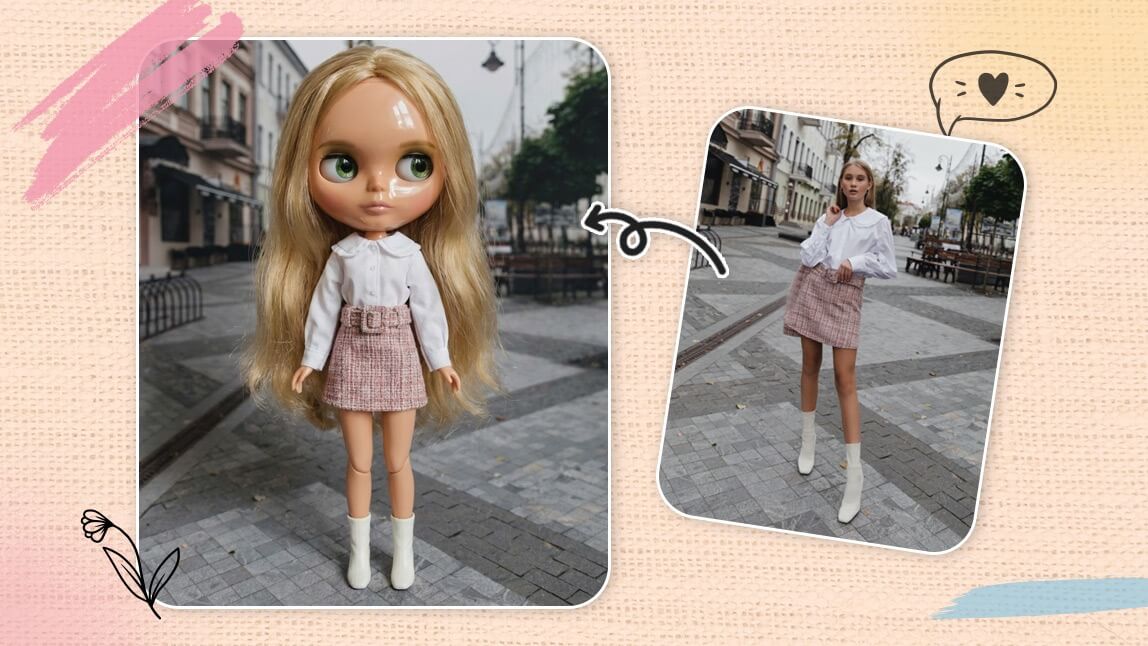
The My Blythe Doll trend is taking over Instagram and TikTok, with users transforming their selfies into dreamy, wide eyed doll versions of themselves. Inspired by the iconic Blythe doll aesthetic, this trend blends nostalgia, fantasy, and AI creativity into one viral moment. If you have ever wondered what you would look like as a Blythe doll, this trend makes it easy to find out.
With AI tools like YouCam Makeup’s AI Agent, you can instantly create your own Blythe doll lookalike using just one photo.

Create Custom Blythe Doll
The #1 Virtual Makeover & Selfie Camera App.
Experience real-time AR makeup trials.
What Is the My Blythe Doll Trend?
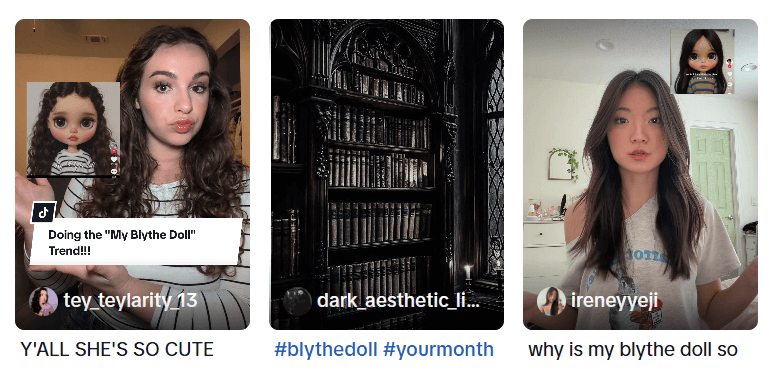
The My Blythe Doll trend is a viral photo style where people recreate themselves as Blythe dolls using AI. Blythe dolls are known for their oversized eyes, tiny noses, porcelain skin, and slightly surreal charm. The trend turns real selfies into illustrated or hyper realistic doll portraits that look straight out of a collector’s display.
On social media, users are sharing before and after photos, posting doll style avatars as profile pictures, and asking followers which version they like more.
What Does a Blythe Doll Look Like?
A Blythe doll lookalike version of you typically includes:
- Large, expressive eyes
- Smooth porcelain like skin
- Small lips and delicate facial features
- A dreamy or slightly melancholic expression
- Soft pastel inspired styling
AI tools analyze your facial features and recreate them in this signature doll style while still keeping you recognizable.
How to Create My Blythe Doll Lookalike with YouCam Makeup
You do not need advanced editing skills to join the trend. With YouCam Makeup’s AI Agent, you can create a Blythe doll version of yourself in seconds.
Step 1: Open YouCam Makeup and tap on AI Agen
Step 2: Upload a clear selfie with good lighting. For better results, upload a full body picture.
Step 3: Enter a prompt like “What would I look like as a Blythe doll?”
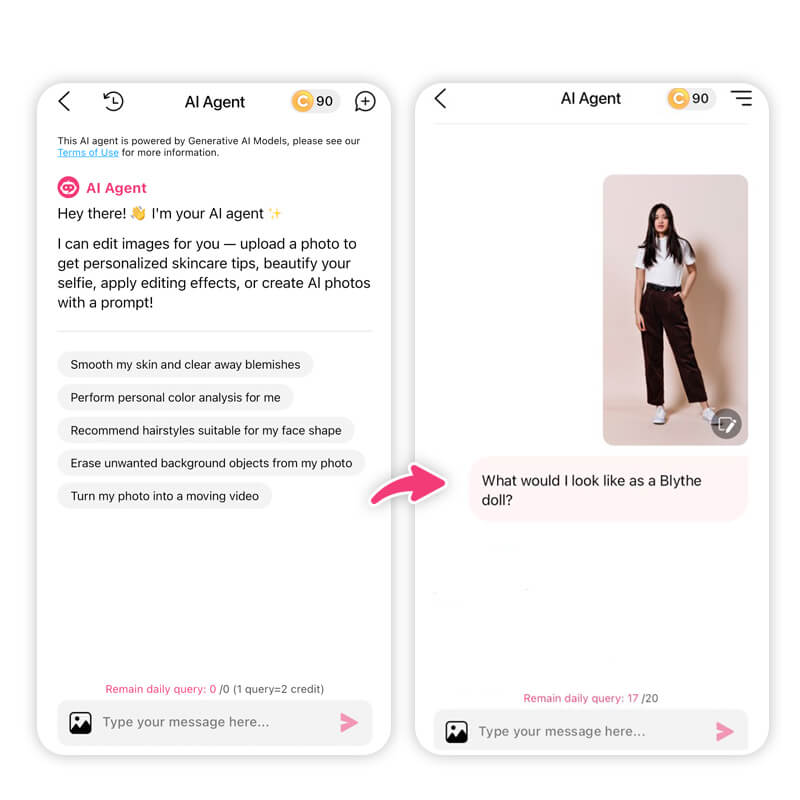
Step 4: Let the AI generate your Blythe doll lookalike
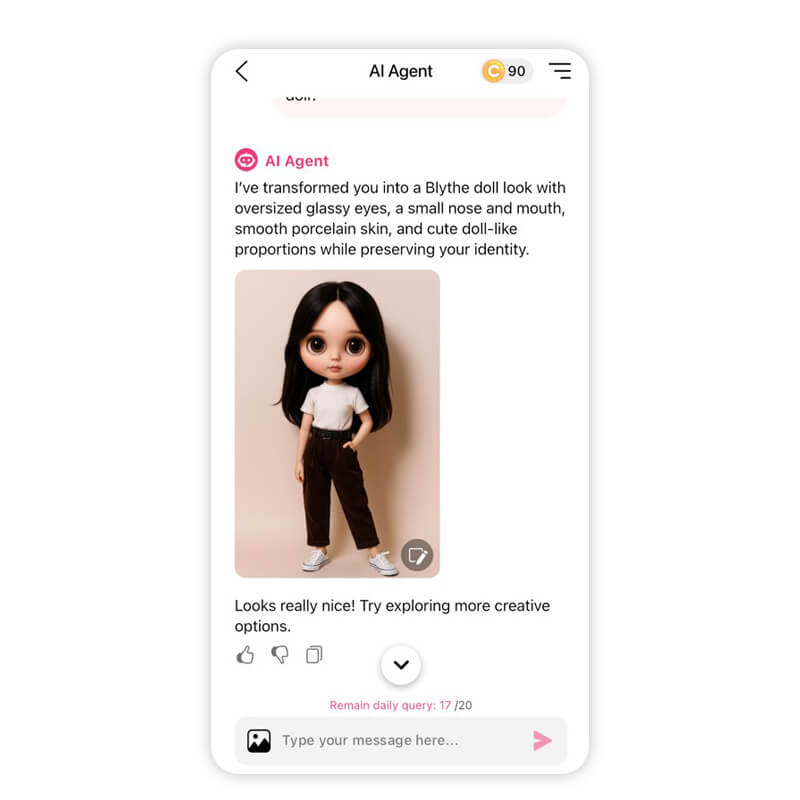
You can regenerate multiple versions to find the style that fits your vibe best.
Try On Blythe Doll Makeup Look with AI Agent
If you want to go beyond a digital Blythe doll lookalike and actually recreate the Blythe doll makeup aesthetic on your own face, YouCam Makeup’s AI Agent makes it easy to preview and perfect the look before you try it in real life.
Blythe doll makeup is all about oversized eyes, soft blush, porcelain skin, and subtle doll-like details. Instead of guessing what will work, AI lets you see the full transformation instantly.
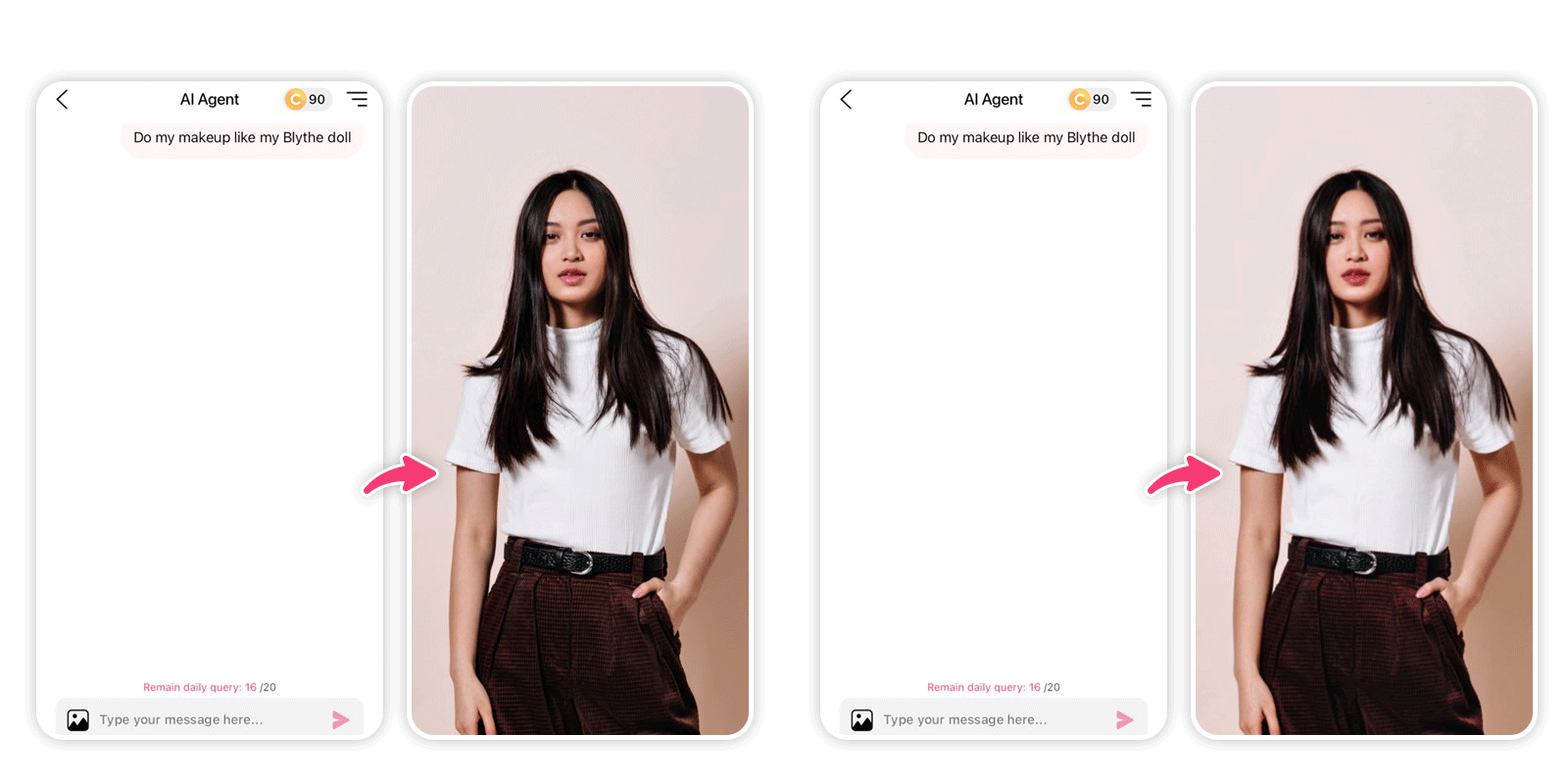
With the same photo, just enter a prompt like “Apply the same Blythe doll makeup on my photo.”
The AI will enhance your eyes, smooth the skin, add rosy blush, and create a soft doll aesthetic while keeping your features realistic.
Blythe Doll Makeup Prompts to Try
You can copy and paste prompts like these into AI Agent:
- Apply Blythe doll style makeup with oversized sparkling eyes, soft pink blush, porcelain skin, glossy lips, and a cute doll-like expression.
- Create a Blythe doll inspired makeup look with large anime style eyes, subtle eyeliner, pastel eyeshadow, and rosy cheeks.
- Transform this face into a Blythe doll aesthetic with innocent makeup, smooth skin, light contour, and dreamy lighting.
Try My Blythe Doll Trend With YouCam Makeup
The My Blythe Doll trend is more than just a filter. It is a mix of nostalgia, creativity, and AI art that lets people reimagine themselves in a playful way. Whether you love cute aesthetics or just want a unique profile picture, this trend is worth trying.
If you want to see your own Blythe doll lookalike, YouCam Makeup’s AI Agent makes it easy to join the trend in just a few taps.
Create Custom Blythe Doll
The #1 Virtual Makeover & Selfie Camera App.
Experience real-time AR makeup trials.
About the Editors
The PERFECT Corp. Editorial Team
We are a team of experts on photo and video editing apps. Our goal is to deliver engaging content on everything from stunning selfie edits to eye-catching video effects. We cover the latest trends and share niche tips to help you master digital creation.
Discover more about us:
My Blythe Doll Lookalike FAQs
Can I make my own Blythe doll?

You cannot physically manufacture an official Blythe doll unless you are a professional doll maker, but you can easily create a custom Blythe doll version of yourself using AI. With YouCam Makeup’s AI Agent, you can upload your photo and generate a Blythe doll style lookalike that captures the oversized eyes and soft doll aesthetic. This is the most popular way people are joining the My Blythe Doll trend on social media.
How do I turn my picture into a Blythe doll?
To turn your picture into a Blythe doll, use an AI powered photo app that supports stylized character generation.
With YouCam Makeup, the process is simple:
- Open YouCam Makeup and select AI Agent
- Upload a clear selfie
- Enter a prompt asking for a Blythe doll style transformation
- Generate and save your Blythe doll lookalike
The AI will transform your facial features into a doll inspired style while keeping your identity recognizable.
How can I get the Blythe doll filter?
There is no official Blythe doll filter on Instagram or TikTok. Most creators are using AI tools instead of built in social media filters. You can get the Blythe doll look by using YouCam Makeup’s AI Agent, which creates a high quality Blythe doll style image from your photo.
This gives you more control over the final result and produces images that are perfect for posting on Instagram, TikTok, and profile pictures.



