Author:


![Best Way to Turn Photo into Line Drawing with AI [Step-by-Step Guide]](https://plugins-media.makeupar.com/smb/blog/post/2026-01-16/webp_1ae6b6c2-fd86-4343-96a4-9cfcf6f37553.webp)
Ever looked at a stunning piece of line art and thought, "I wish I could draw like that"? You’re not alone.
With the power of AI, you can bridge the gap between a standard snapshot and a professional masterpiece. Whether you're looking to create unique social media content or custom coloring pages, the solution is right in your pocket. Download YouCam Makeup today and watch your photos transform instantly.
Key Takeaways
- Instant Transformation: No manual tracing is required; AI handles the complexity.
- Versatile Styles: Go from minimalist "one-line" art to high-detail pencil sketches.
- AI Agent Power: Use natural language prompts to customize your results with YouCam Makeup's AI Agent feature.
- Accessible to All: Perfectly designed for beginners and professional creators alike.
Why Turn Photo into Line Drawing with AI?
In the past, converting an image to line art required expensive software and hours of tedious editing. Today, AI makes it a breeze. Here is why you should try it:
1. Turn Photo into Line Drawing Portraits Easily

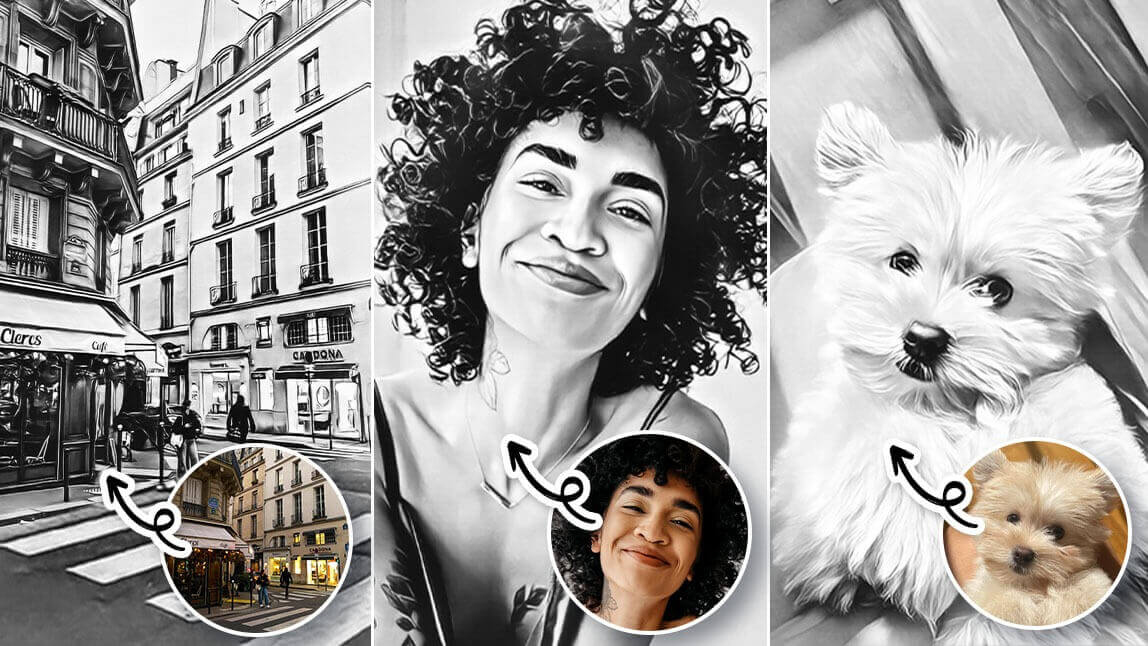
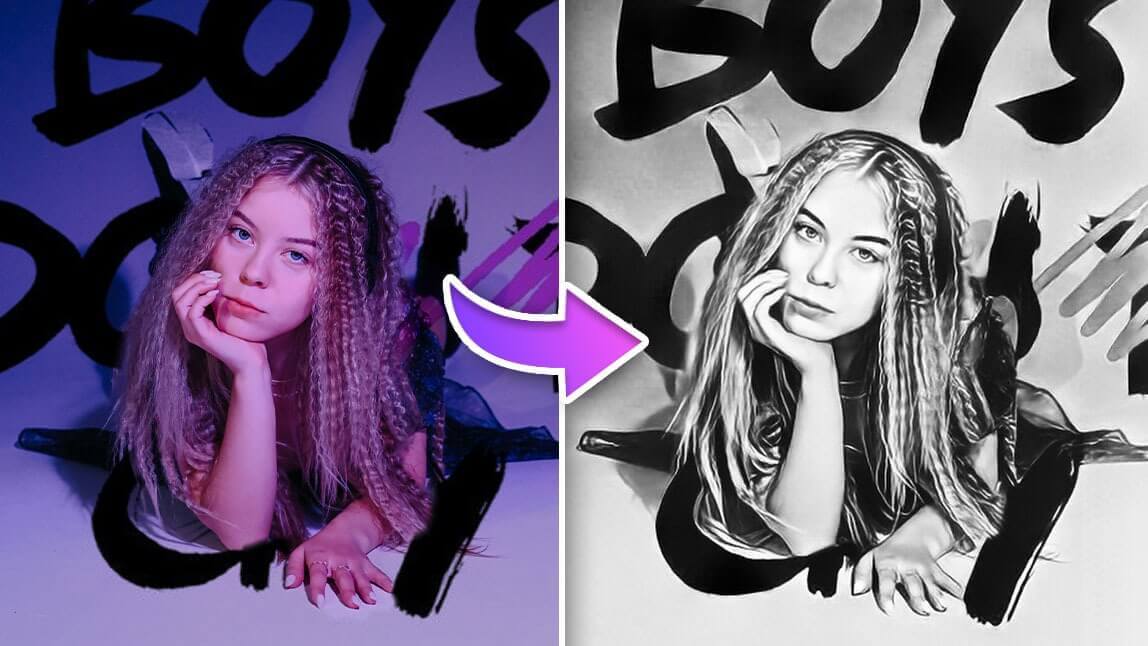
Give your profile pictures a sophisticated, artistic edge. AI captures the essential contours of your face, creating a clean, professional-looking portrait that stands out in a crowded feed.
2. A Variety of Line Art Styles

Not all line art is created equal. Whether you want a gritty charcoal look, a clean digital ink outline, or a soft graphite sketch, AI allows you to toggle between styles until you find the perfect vibe.
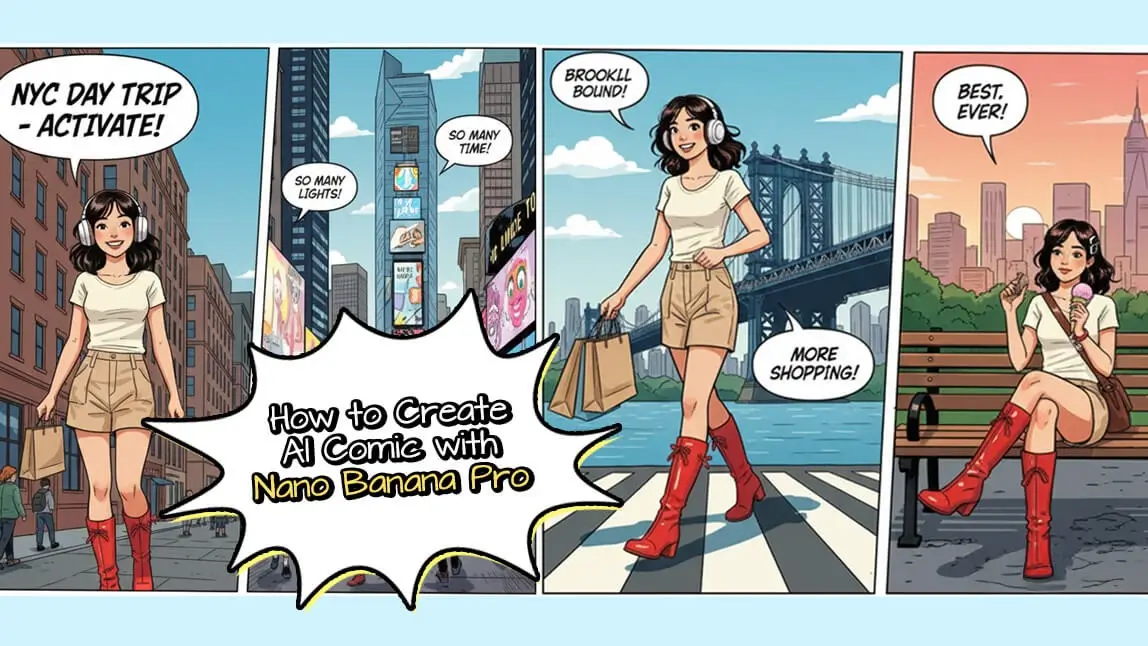
3. Turn Photo into Line Art Cartoon Characters

Ever wanted to see yourself as a comic book hero or a manga character? By converting your photos into stylized line drawings, you can create the foundation for incredible cartoon avatars.
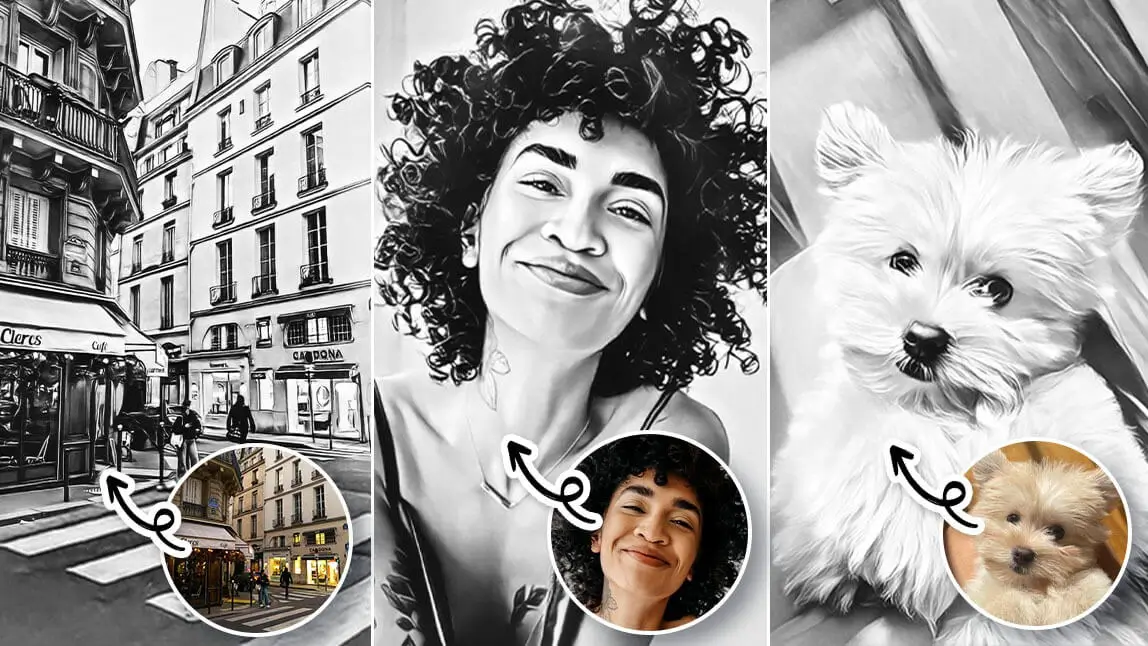
4. Convert Photo to Line Art for Making Coloring Pages

This is a game-changer for parents and teachers. You can turn family photos or pet pictures into custom coloring pages, providing endless screen-free entertainment for kids (and adults!).
How to Turn Photo into Line Drawing with YouCam Makeup
The secret to professional-grade results lies in the YouCam Makeup AI Agent. Unlike basic filters, the AI Agent acts as your personal digital artist, understanding your specific requests to deliver precise edits.
How to Use the AI Agent Feature
Follow these simple steps to bring your vision to life:
Step 1: Download YouCam Makeup

Best AI Selfie Camera
The #1 Virtual Makeover & Selfie Camera App.
Experience real-time AR makeup trials.
Available on the App Store and Google Play. It’s the highest-rated AI photo editor for a reason.
Step 2: Tap AI Agent
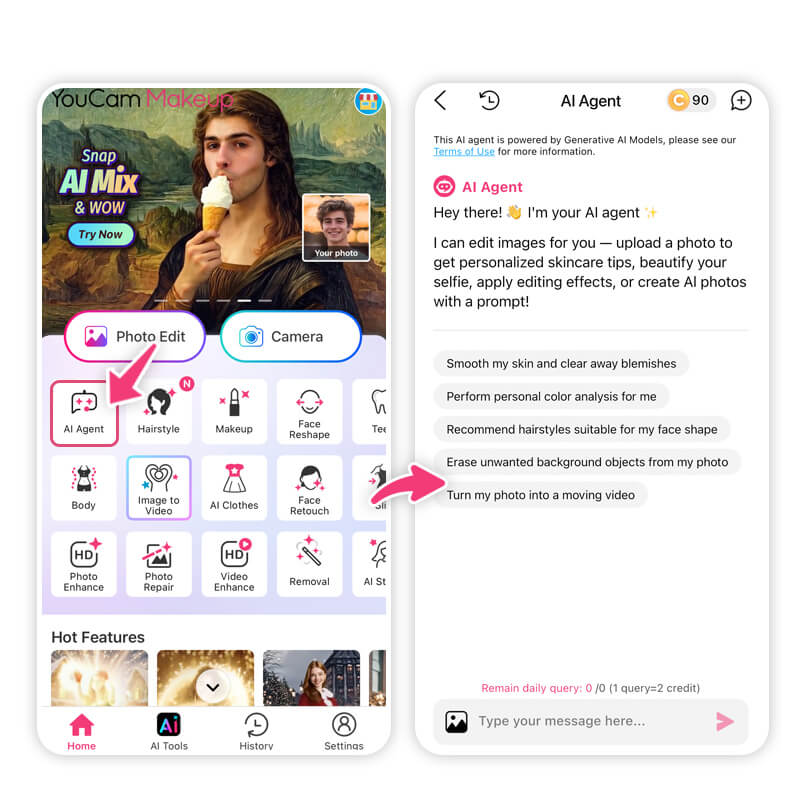

Open the app and locate the AI Agent icon on the home screen. This feature supports virtually any photo editing request you can dream up.
Step 3: Enter Your Prompt & Upload Photo
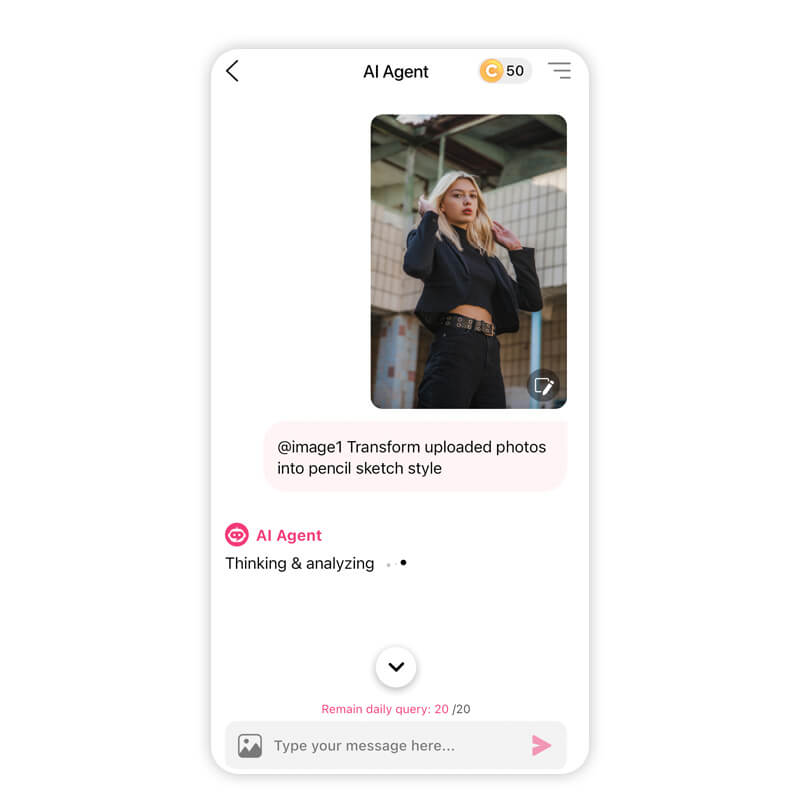

Select the photo you want to transform. In the prompt box, simply type:
- "Transform this uploaded photo into a detailed pencil sketch style with clean line art."
Step 4: Get Result & Save
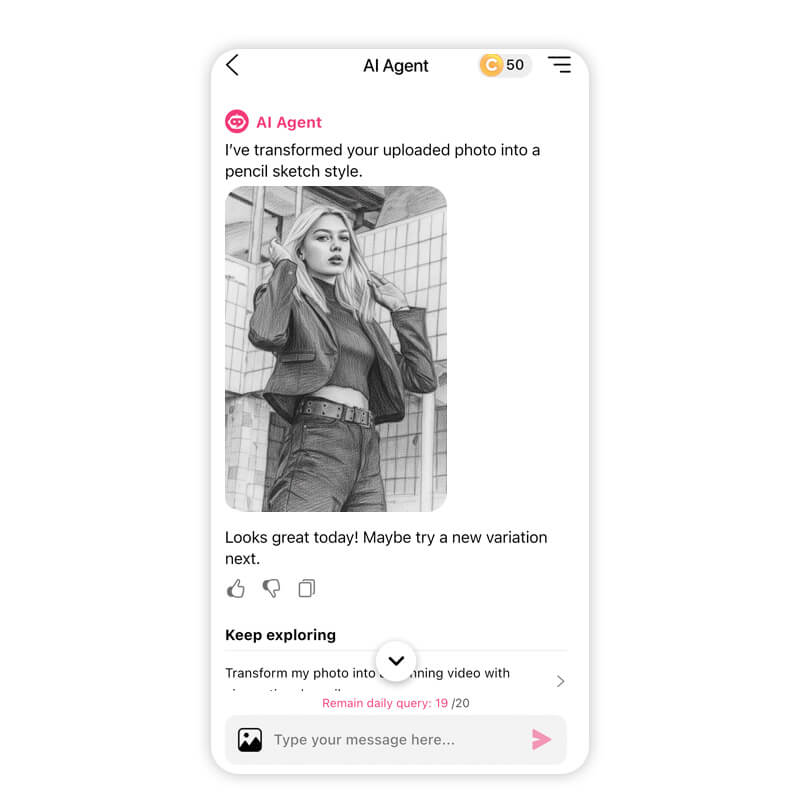

The AI will process your request in seconds. Once you're happy with the masterpiece, hit Save to export it to your gallery.

Turn Photo into Line Drawing with AI
Best AI Selfie Camera
The #1 Virtual Makeover & Selfie Camera App.
Experience real-time AR makeup trials.
Turning your photos into line drawings shouldn't be a chore—it should be a creative adventure. With the right AI tools, you can skip the learning curve and go straight to the "Wow!" factor. Whether you are crafting a gift, designing a logo, or just having fun, the power to create is now at your fingertips.
Ready to see your photos in a whole new light? Download YouCam Makeup now and start creating!
About the Editors

The PERFECT Corp. Editorial Team
We are a team of experts on photo and video editing apps. Our goal is to deliver engaging content on everything from stunning selfie edits to eye-catching video effects. We cover the latest trends and share niche tips to help you master digital creation.