


 Author: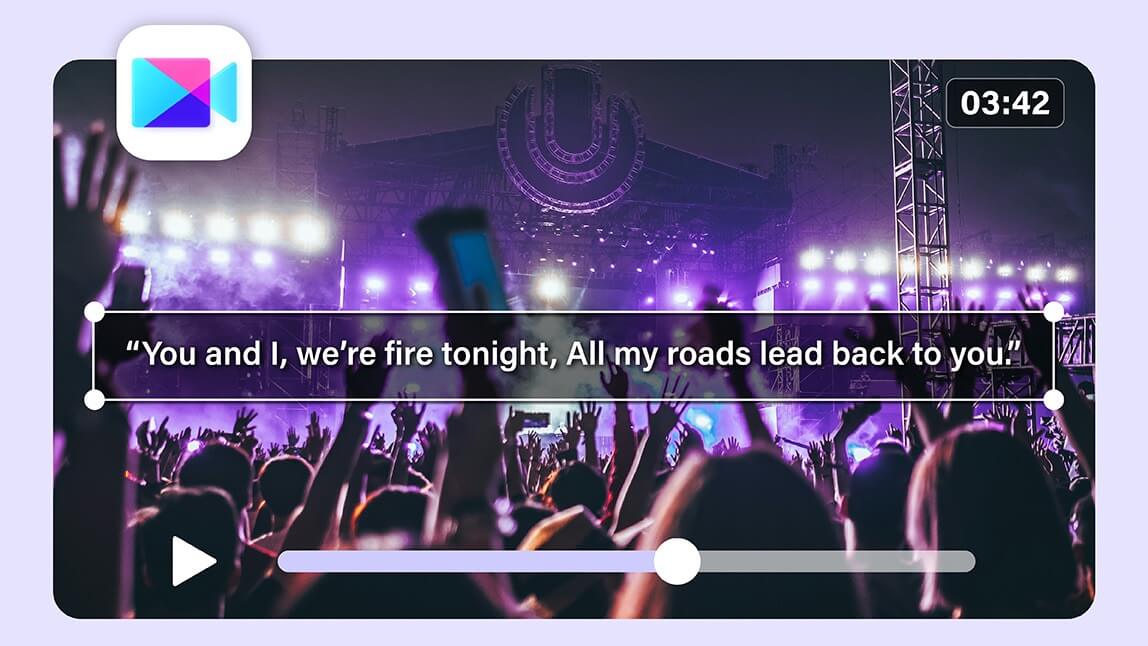
Music moves us. Words move us. And lyric videos? They’re the best of both worlds: a playful, eye‑catching way to share your music and your message with fans, followers, and anyone who taps play.
Whether you want to spotlight your newest track, hype a release on TikTok and Instagram, or just play with visuals while your favorite song sings, lyric video makers are the creative tools that make it happen without a headache.
In 2026, plenty of apps help you turn lyrics into shareable magic. Some are super simple, others have slick AI features.
This roundup focuses on tools that casual creators and social media makers can actually use without a steep learning curve. Let’s break them down, starting with a favorite for everyday creators.

Best AI Video Editor
The Best AI Video Editor & Makeup App.
Create and edit lyric videos easily.
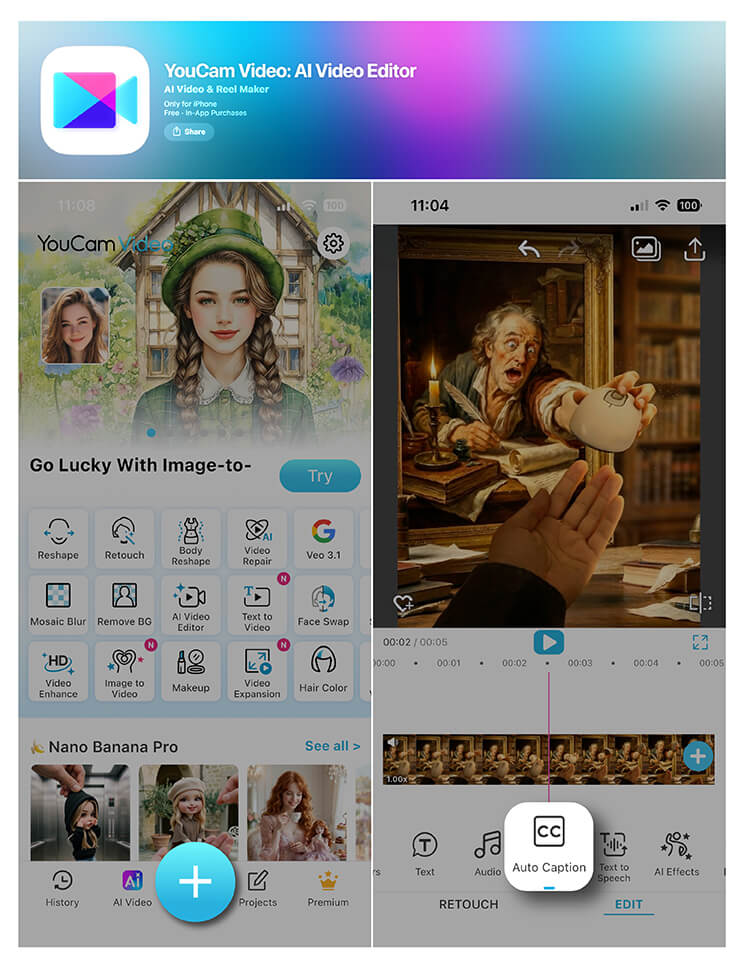
1. YouCam Video — Best All‑Around Lyric Video Maker
Why It’s Great
- Built‑in auto caption and manual text tools
- AI enhancements keep everything smooth and polished
- Options to stabilize, enhance, add filters and effects
- Direct export to formats perfect for Instagram, TikTok, YouTube, and more
Pros
- Very beginner friendly
- Tons of creative freedom
- Helpful AI enhancements
- Great for social media formats
Cons
- A few advanced tool options don’t show up in free plans
- Power editors might want finer control than YouCam Video offers
How to Make Your Lyric Video in YouCam Video
1. Download the app onto your phone and open it.
2. Upload your video or audio track. If you only have audio, you can add your own visuals or a background clip.
3. Use the auto caption tool to generate synchronized lyrics, or tap into the Text tool to paste your words manually.
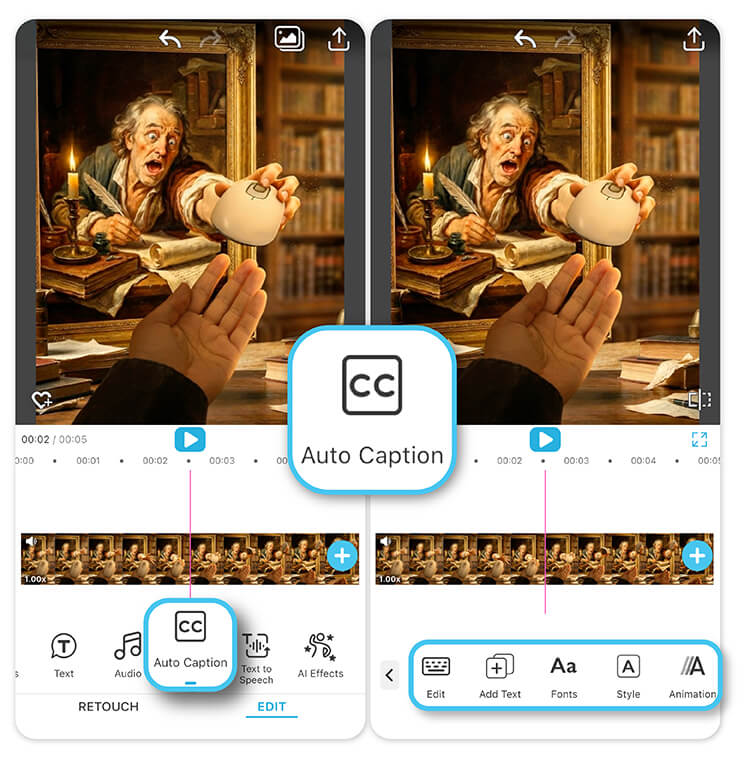
5. When it looks great, save your lyric video and share it wherever you want. You’re not wrestling with complicated timelines or weird export settings. The interface keeps your eyes on art, not menus.
2. VEED.io — Easy Online Lyric Videos with AI Subtitles
If you prefer working in a browser rather than an app, VEED.io is a solid pick. Its standout feature is an automatic subtitle generator that can actually pull lyrics from your audio track, making it a good bridge between manual editing and pure automation. You can animate lyrics, add visual elements, and clean up audio too — all without downloading software.
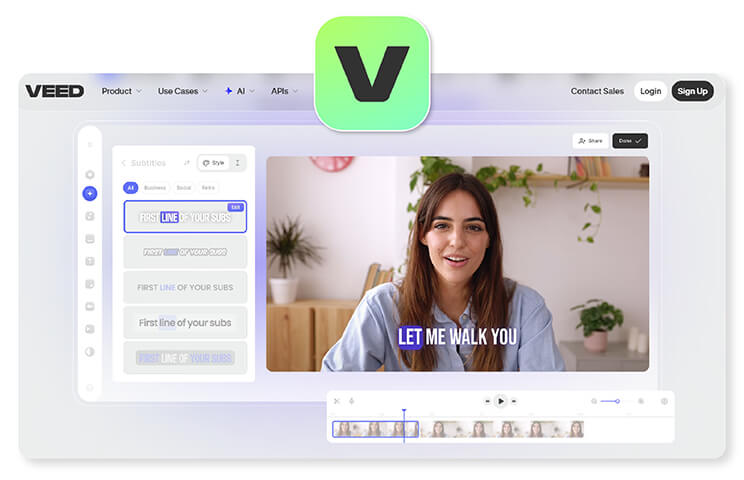
- No downloads required
- Strong auto‑subtitle and animation tools
- Works great for web uploads
Cons
- Free plan has export limitations
- Text animations may be a bit limited compared to dedicated apps
Best For
Creators who want a quick browser-based lyric video tool with helpful auto-subtitle generation.
3. Adobe Express — Templates and Simplicity for Social Creators
Adobe Express isn’t just a lyric video maker, but its video editor includes excellent tools for adding synchronized lyrics to visuals. You get access to lots of templates, fonts, and built‑in graphics that make your videos look polished without starting from scratch.
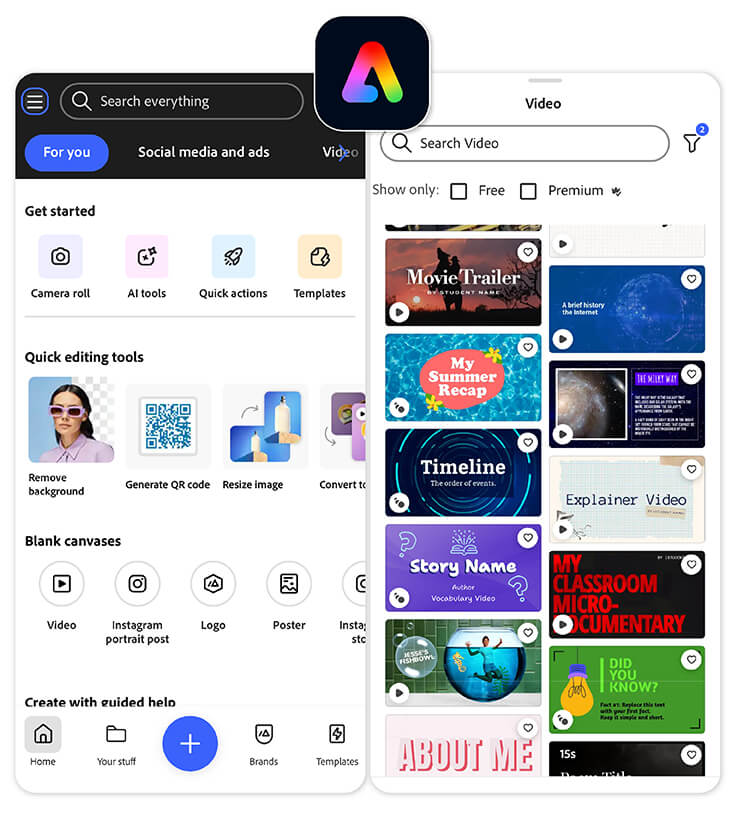
- Tons of templates
- Great for branding and consistent style
- Free tier available
Cons
- Not solely focused on lyric videos
- Some advanced effects require a premium plan
Best For
Social media creators who want polished lyric videos using ready-made templates and branded visuals.
4. VizMigo — Quick and Simple Online Lyric Maker
VizMigo is a straightforward platform that lets you upload audio or video, add lyrics, sync them in real time, and export HD content in just a few clicks. It’s especially great if you want a web‑based experience with easy drag‑and‑drop design and minimal fuss.
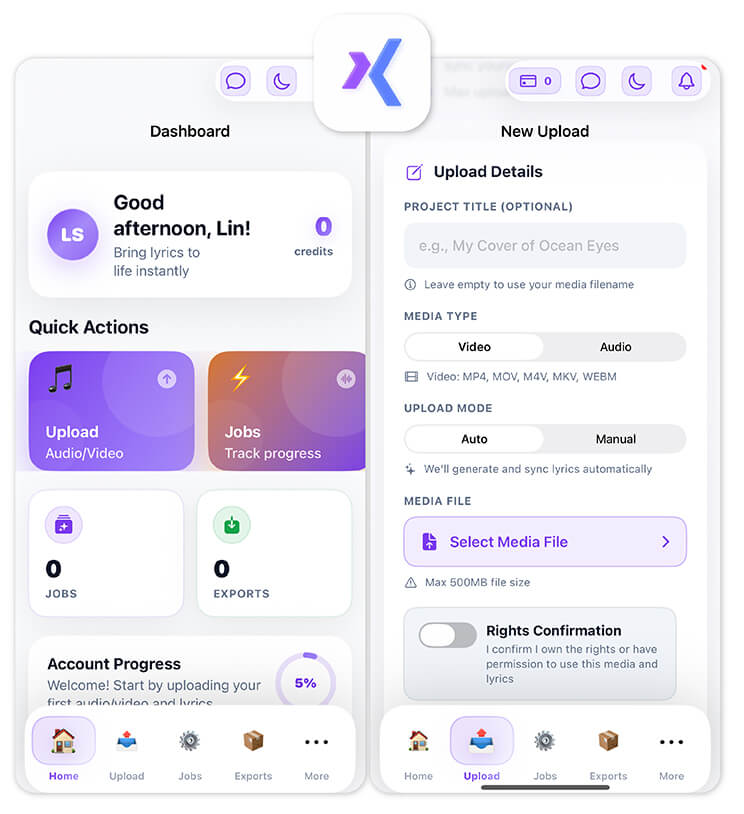
- Clean, beginner‑friendly interface
- Sync lyrics fast
- HD ready exports
Cons
- Fewer advanced visual options
- Limited creative flair compared to full editors
Best For
Beginners who want a fast, no-frills way to sync lyrics and export a simple HD video.
5. CapCut — Mobile Favorite With Free AI Sync
CapCut has grown into much more than a basic mobile editor, and its lyric video features are a testament to that. You can auto‑detect lyrics in multiple languages and sync them quickly with your track. For mobile creators who want on‑the‑go ease, CapCut is tough to beat.
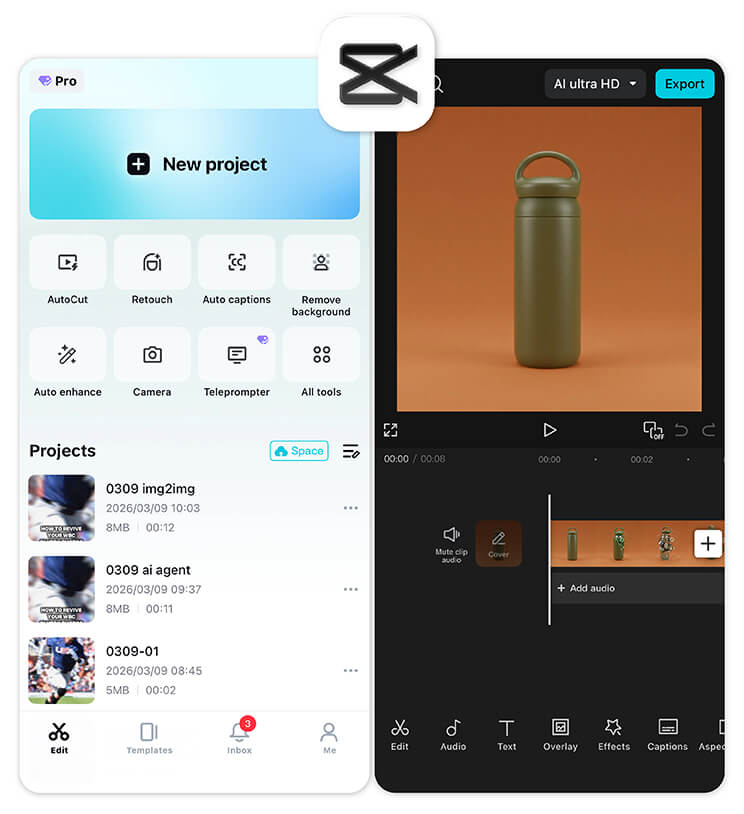
- Free and mobile‑friendly
- AI lyric detection
- Great for Reels and TikTok
Cons
- Sync accuracy can vary
- Export quality may depend on settings
Best For
Mobile creators making lyric videos for short-form platforms like TikTok, Reels, and Shorts.
6. Pictory.ai — AI‑Powered Lyric Syncing and Styling
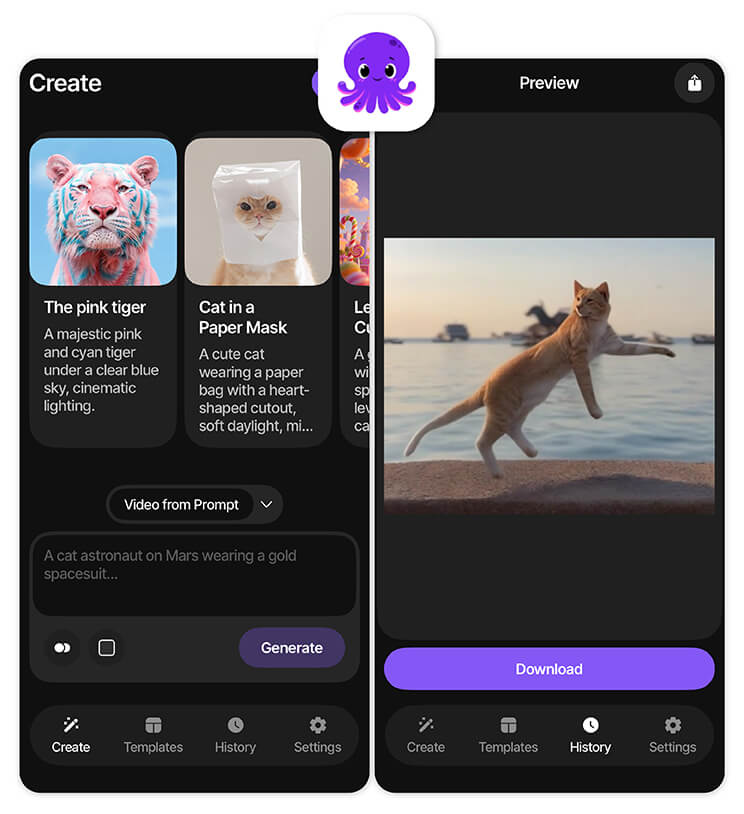
This tool uses artificial intelligence to automatically align your lyrics with audio, then lets you customize presentation with style options and animated text. It’s especially handy when you’d rather let AI guess the hard stuff and then tweak afterward.
- Strong AI syncing
- Quick to generate results
- Good for batches of videos
Cons
- Limited fine‑tuning control
- Paid plans unlock most capabilities
Best For
Creators who want AI to handle most of the lyric syncing and production work automatically.
7. Async — Free Online Editor With Lyric Sync Tools
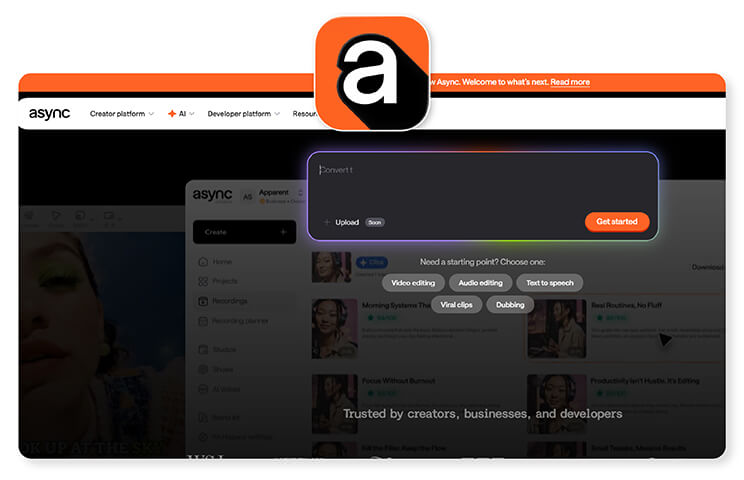
For creators who want something light and browser based, Async’s lyric video maker has intuitive tools like animated text, customizable fonts, and music synchronization that work right in your browser.
- Free and no download
- Flexible font and animation options
Cons
- Less refined UI compared to premium tools
- Limited advanced features
Best For
Budget-conscious creators looking for a lightweight, browser-based lyric video editor.
Comparison Table
| Tool | Ease of Use | AI Lyric Sync | Templates / Effects | Best For |
| YouCam Video | ⭐⭐⭐⭐ | ⭐⭐⭐ | ⭐⭐⭐⭐ | Social creators & casual users |
| VEED.io | ⭐⭐⭐ | ⭐⭐⭐⭐ | ⭐⭐⭐ | Quick web lyric creation |
| Adobe Express | ⭐⭐⭐ | ⭐⭐ | ⭐⭐⭐⭐ | Branded video projects |
| VizMigo | ⭐⭐⭐⭐ | ⭐⭐ | ⭐⭐ | Simple, fast edits |
| CapCut | ⭐⭐⭐⭐ | ⭐⭐⭐ | ⭐⭐ | Mobile creators |
| Pictory.ai | ⭐⭐ | ⭐⭐⭐⭐ | ⭐⭐ | AI-focused creators |
| Async | ⭐⭐⭐ | ⭐⭐ | ⭐⭐ | Browser-only editors |
Make Your Words Sing with the Best Lyric Video Maker
There’s no shortage of lyric video makers in 2026, from powerful AI sync tools to simple browser editors. But if your priority is a fun, fast, and flexible way to make stand‑out lyric videos for social platforms, YouCam Video hits that sweet spot of ease and creativity every time. It gives you the tools you need without burying you in complexity.
Ready to turn your lyrics into eye‑catching content? Download YouCam Video today and start creating lyric videos that vibe with your audience.
Best AI Video Editor
The Best AI Video Editor & Makeup App.
Create and edit lyric videos easily.
Lyric Video Maker FAQs
Which app is best for making video with a song?

For casual creators and social media users, YouCam Video is the best app for making videos with songs. It allows you to add auto or manual captions, enhance visuals with AI effects, stabilize footage, and apply filters. Its user-friendly interface and social-media-ready export formats make creating music videos fast, fun, and professional-looking.
Is there a free music video generator?
Yes, several free music video generators are available. CapCut, VEED.io, and Async allow you to upload your track, add synced lyrics or captions, apply templates or effects, and export videos at no cost. While free plans often have limits on resolution or advanced features, they are perfect for social media content or casual projects.
How do I make my own music video?
To make your own music video, choose a video or lyric video app like YouCam Video, upload your song or footage, and add text or lyrics. Customize visuals with filters, effects, and AI enhancements. Preview your video, adjust timing if needed, then export in a social-media-ready format. Simple, beginner-friendly apps make this process quick.
What is the No. 1 video editing app?
The No. 1 video editing app depends on your needs, but for social creators and casual users, YouCam Video ranks top for ease, features, and AI enhancements. It combines lyric video tools, text animations, video stabilization, and creative filters. Professionals might prefer Adobe Premiere or Final Cut, but YouCam Video excels for quick, polished content creation.
Can I add lyrics automatically to a video?
Yes, apps like YouCam Video, CapCut, and Pictory.ai let you add lyrics automatically using AI-powered syncing tools. These features detect your audio track, match lyrics to the beat, and animate text on-screen. You can also edit manually for precise timing, making it easy to create professional-looking lyric videos in minutes.
Which app is easiest for beginners to make lyric videos?
YouCam Video is ideal for beginners thanks to its intuitive interface, text tool, and auto-caption features. You don’t need prior editing experience to create eye-catching lyric videos. Built-in AI enhancements, filters, and social-media-ready exports make it simple for anyone to turn songs into polished, shareable content.



