 Author:


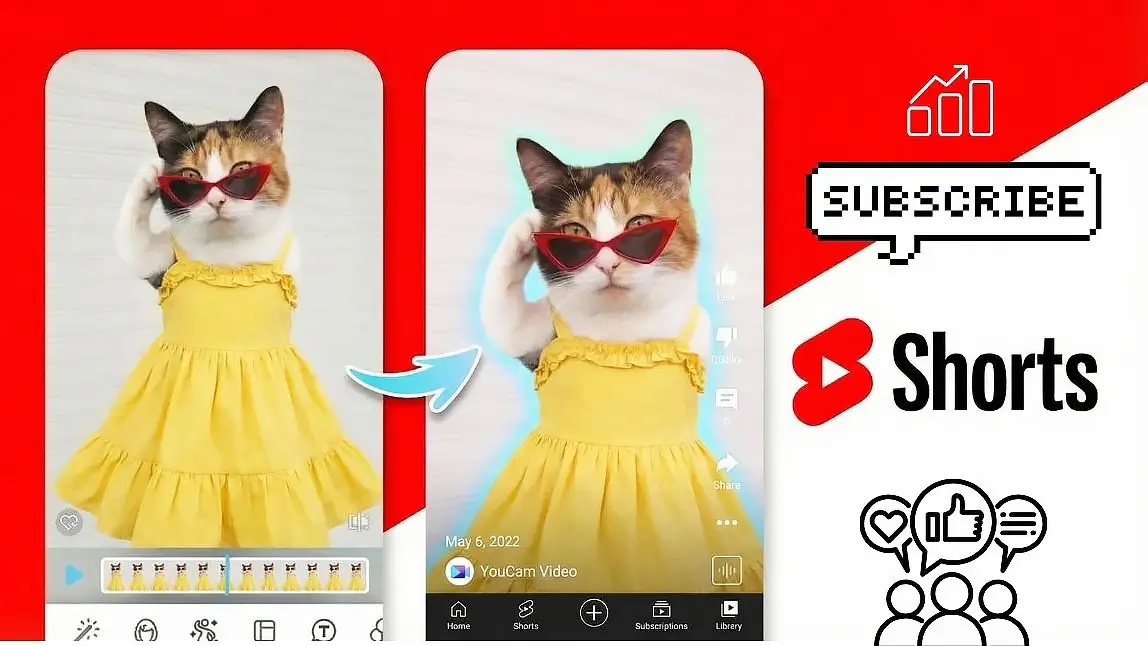
Short-form videos are one of the fastest ways to grow on YouTube. With over billions of daily views on Shorts, creators and brands are constantly looking for an easy YouTube Shorts maker to turn ideas into engaging vertical videos.
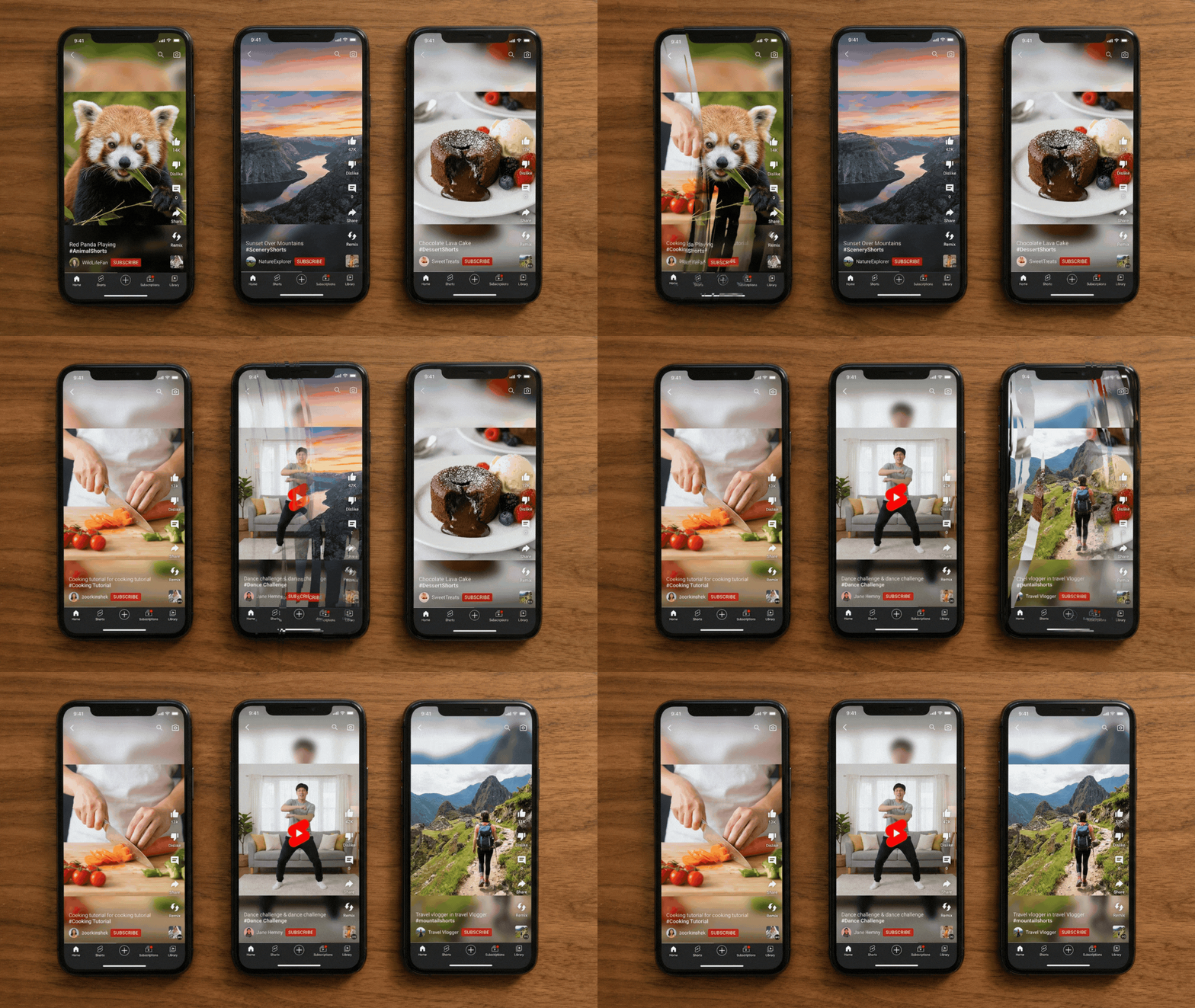
The good news is that you don’t need professional editing skills. With tools like YouCam Video, you can trim clips, add captions, apply effects, and export your video in the perfect Shorts format—all in minutes.
Why Try Making YouTube Shorts?
We are now living in the era of short-form video. Platforms like YouTube, TikTok, and Instagram have changed the way people consume content, with millions of users watching quick, engaging videos every day.
Short videos are popular because they are:
- Fast to watch – Most videos are under 60 seconds
- Highly engaging – Quick cuts and visuals keep viewers interested
- Easy to share – Short clips spread quickly on social media

For creators, this also means huge growth potential. Even new channels can gain visibility because short videos are often recommended by platform algorithms.
Creating Shorts can help you:
- Reach a larger audience quickly
- Increase channel engagement
- Experiment with creative content ideas
- Turn longer videos into short highlights
The best part is that you don’t need professional editing software. With a simple YouTube Shorts maker like YouCam Video, you can trim clips, add captions, apply effects, and create vertical videos optimized for Shorts in just a few minutes!
YouTube Shorts Statistics in 2026
Short-form video is no longer just a trend—it has become one of the dominant ways people consume content online. Here are some of the latest YouTube Shorts statistics in 2026:
- 200+ billion Shorts views every day worldwide
- Over 2 billion monthly users watch YouTube Shorts
- More than 25 million Shorts are uploaded every month
- 72% of YouTube users watch Shorts every week
- Around 74% of Shorts views come from non-subscribers, making it a powerful discovery tool for creators

This explosive growth shows why so many creators and brands are investing in short-form video. Shorts also offer a unique advantage: they help new creators get discovered quickly, since the algorithm frequently recommends videos to viewers who don't already follow the channel.
Because of this, many creators now use Shorts to:
- Grow their YouTube channel faster
- Reach new audiences globally
- Repurpose long videos into short highlights
- Test viral content ideas quickly
With the right YouTube Shorts maker, creating engaging short-form videos can take just a few minutes. Tools like YouCam Video make it easy to trim clips, add captions, apply effects, and export videos in the perfect vertical format for Shorts.
How to Make YouTube Shorts from a Long Video
Many creators already have long videos but don’t realize they can easily turn them into Shorts. Instead of filming new content, you can simply extract the most engaging moments from an existing video and convert them into a vertical short.
Step 1. Trim the Most Engaging Moments

Short-form videos should focus on one clear idea or highlight. Use the Trim tool from your phone to cut out unnecessary pauses, long introductions and repetitive footages. Keep the most exciting 10–30 seconds.
Step 2. Download YouCam Video & Upload Your Video

Best AI Video Editor
The Best AI Video Editor & Makeup App.
Smooth skin and edit videos easily.
Get the app on App Store or Google Play and upload your video.
Step 3. Click on "Video Expansion"
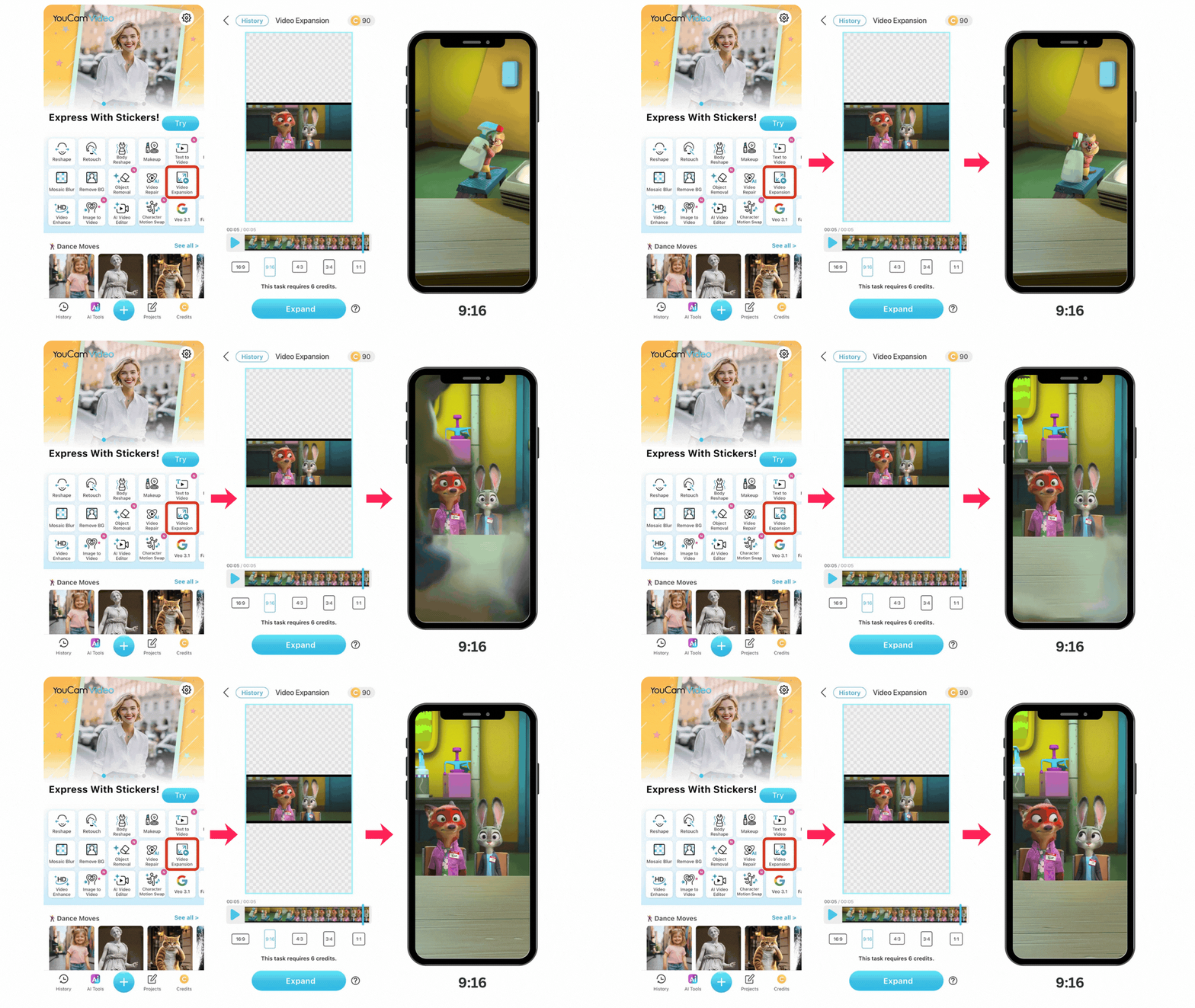
Convert the video to vertical (9:16), the format that YouTube Shorts requires. With "Video Expansion" you can easily adjust the aspect ratio to 9:16, making the video optimized for mobile viewers.
Step 4. Add Captions, Filters, or Stickers to Improve Retention
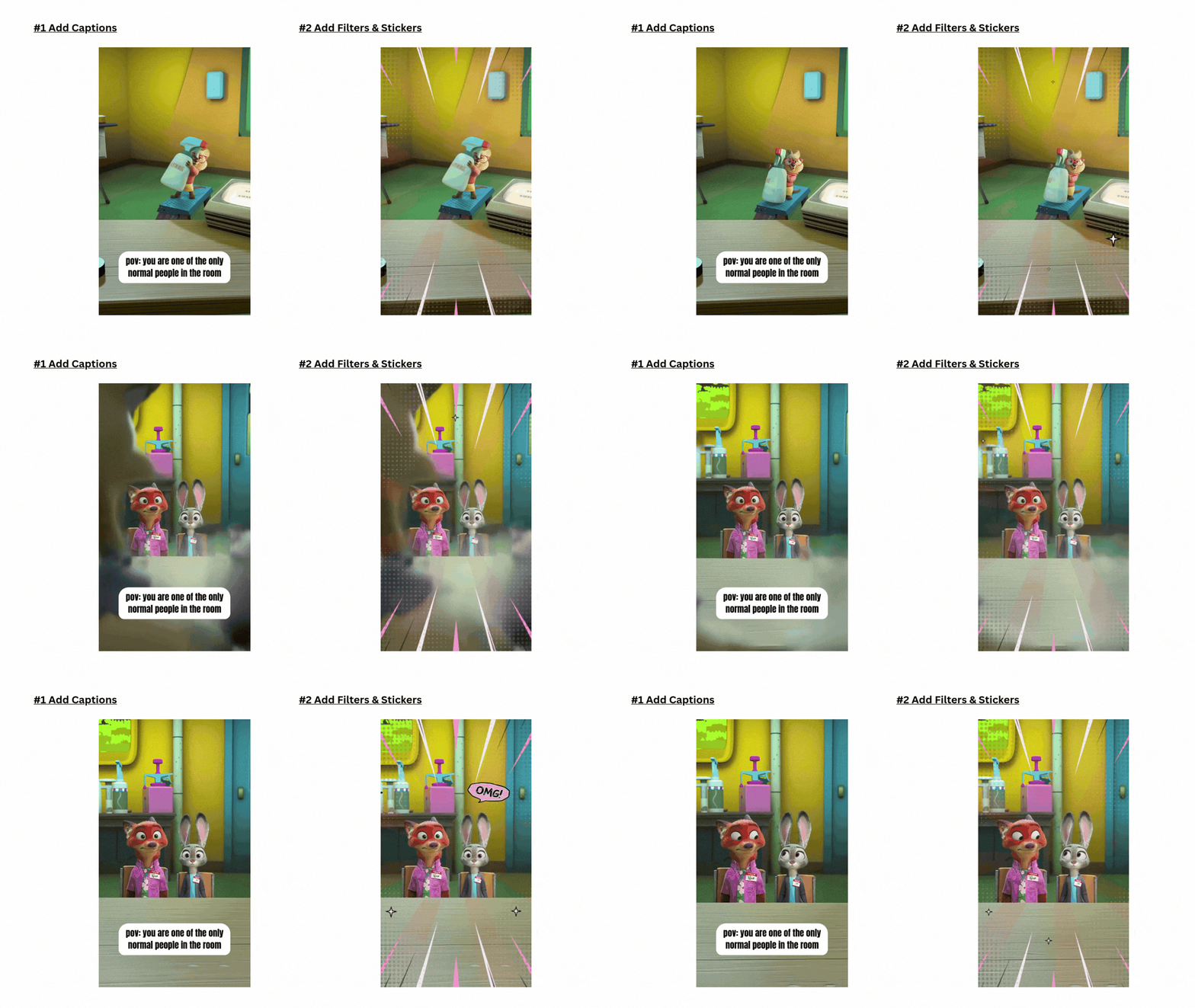
Captions are one of the biggest factors in Shorts engagement. Use the Text tool to add subtitles, highlight key phrases to emphasize the hook. Many viewers watch Shorts without sound, so captions help keep them engaged.
Step 5. Export and Upload as a Short
Finally, it's time to:
- Export the video in 1080 × 1920 resolution
- Upload it to YouTube
- Add the #Shorts tag if needed
Now your video is ready to reach new viewers!
YouTube Shorts Editing Tips for More Views
Creating a Short is easy—but making a viral Short requires the right editing techniques. Here are some proven editing tips.
1. Hook the Viewer in the First 3 Seconds
Shorts viewers scroll quickly. Start with:
- a surprising moment
- a bold statement
- an interesting question
2. Keep the Video Fast-Paced
Use quick cuts and remove unnecessary silence. Shorts should feel dynamic and energetic.
3. Use Captions to Highlight Key Moments

Captions help viewers understand the content even when muted. Create highlights like:
- punchlines
- tips
- key phrases
4. Use Filters and Effects Carefully

Visual effects can help your video stand out. With YouCam Video you can apply:
- video filters
- visual effects
- stickers and overlays
These postmakings turn your Shorts more visually engaging!
Best AI Video Editor
The Best AI Video Editor & Makeup App.
Smooth skin and edit videos easily.
Best YouTube Shorts Maker for Beginners
If you’re looking for the easiest way to create Shorts, using a dedicated YouTube Shorts maker can save a lot of time. Tools like YouCam Video provide everything you need to trim clips, resize videos, add captions, and apply effects in one place.
👉 If you want to explore more tools, check out our complete guide to the best YouTube Shorts maker apps to find the right option for your needs.
![8 Best Video Editors for YouTube We've Tested [iOS, Android]](https://plugins-media.makeupar.com/smb/blog/post/2026-03-12/webp_620a5e0e-edb2-47ca-bafc-18398392ed32.webp)