


 Author: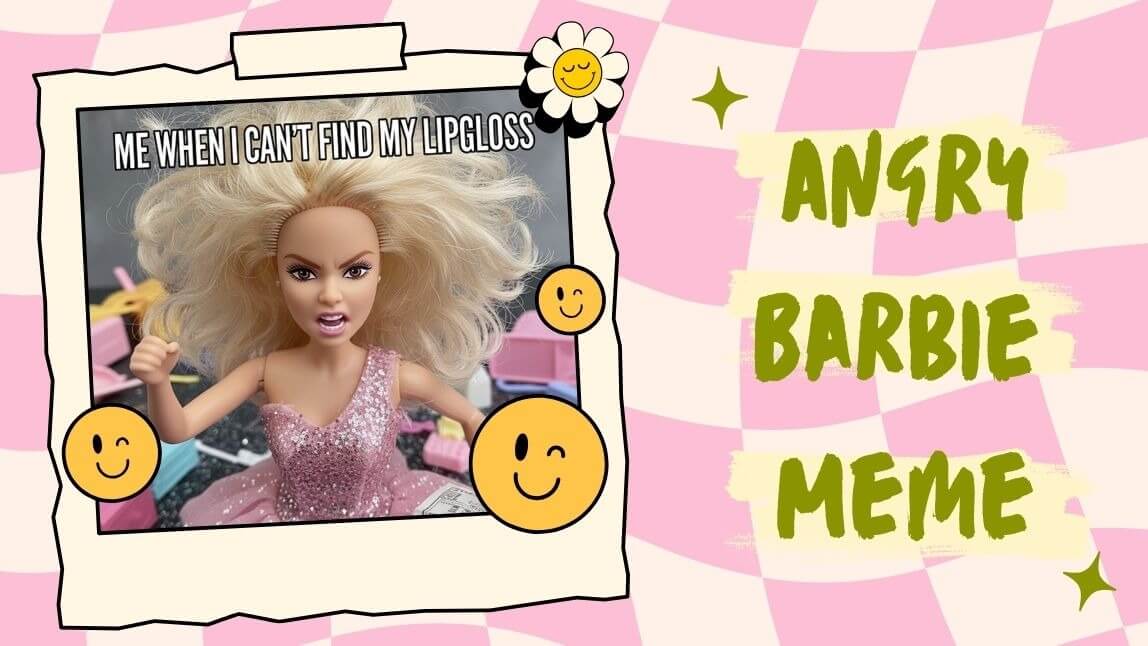
We’ve all seen the perfectly polished, "everything is wonderful" Barbie. But let’s be real—sometimes, life calls for a little more… attitude.
The angry Barbie meme has taken the internet by storm because it’s the ultimate mood. Whether you’re venting about a Monday morning, a slow Wi-Fi connection, or just the general chaos of 2026, a sassy, frustrated Barbie says it better than words ever could.
In this guide, we’ll show you how to use AI to create your own viral Barbie masterpieces in seconds.
 FREE in app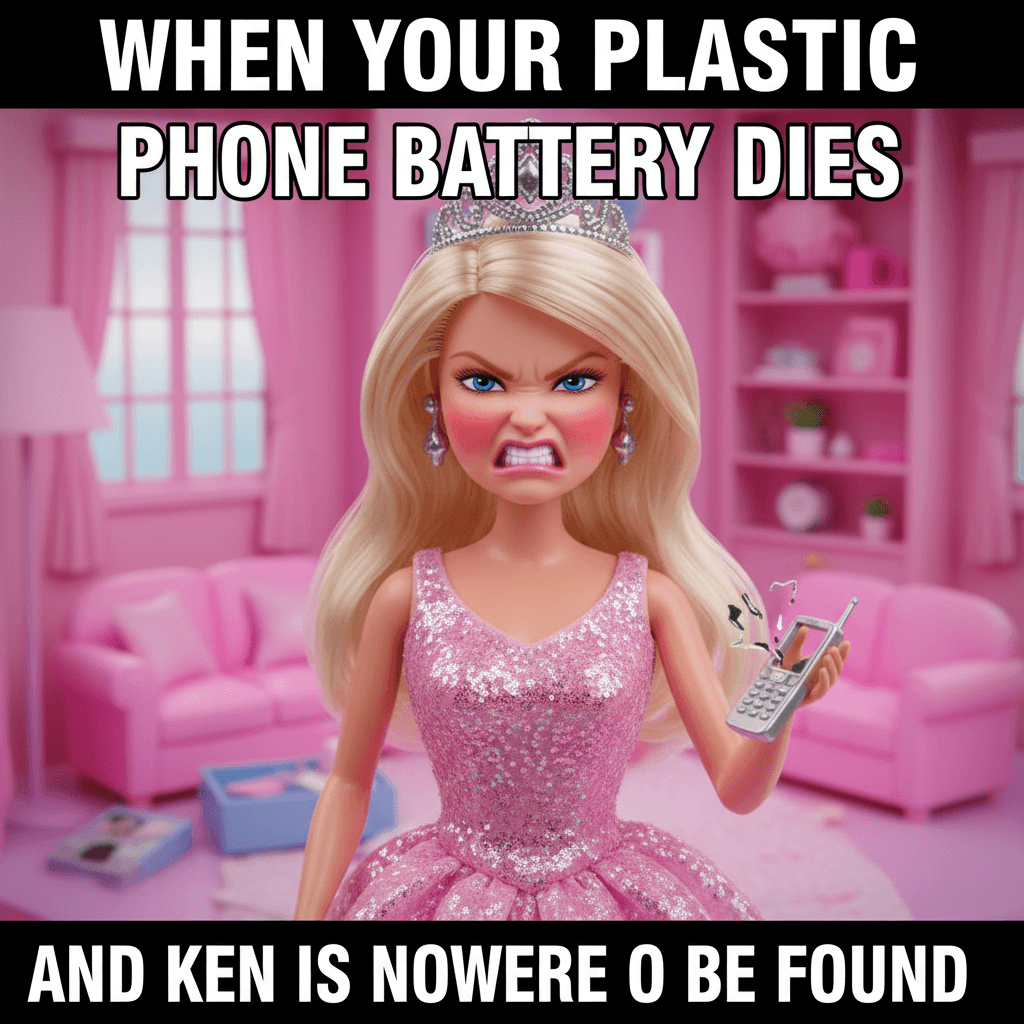
What is the Barbie Meme?
The Barbie meme phenomenon exploded into the mainstream as a way to juxtapose the classic, "perfect" aesthetic of the iconic doll with the messy, hilarious realities of everyday life. While the original memes focused on "This Barbie is a [Career]," the internet quickly evolved.
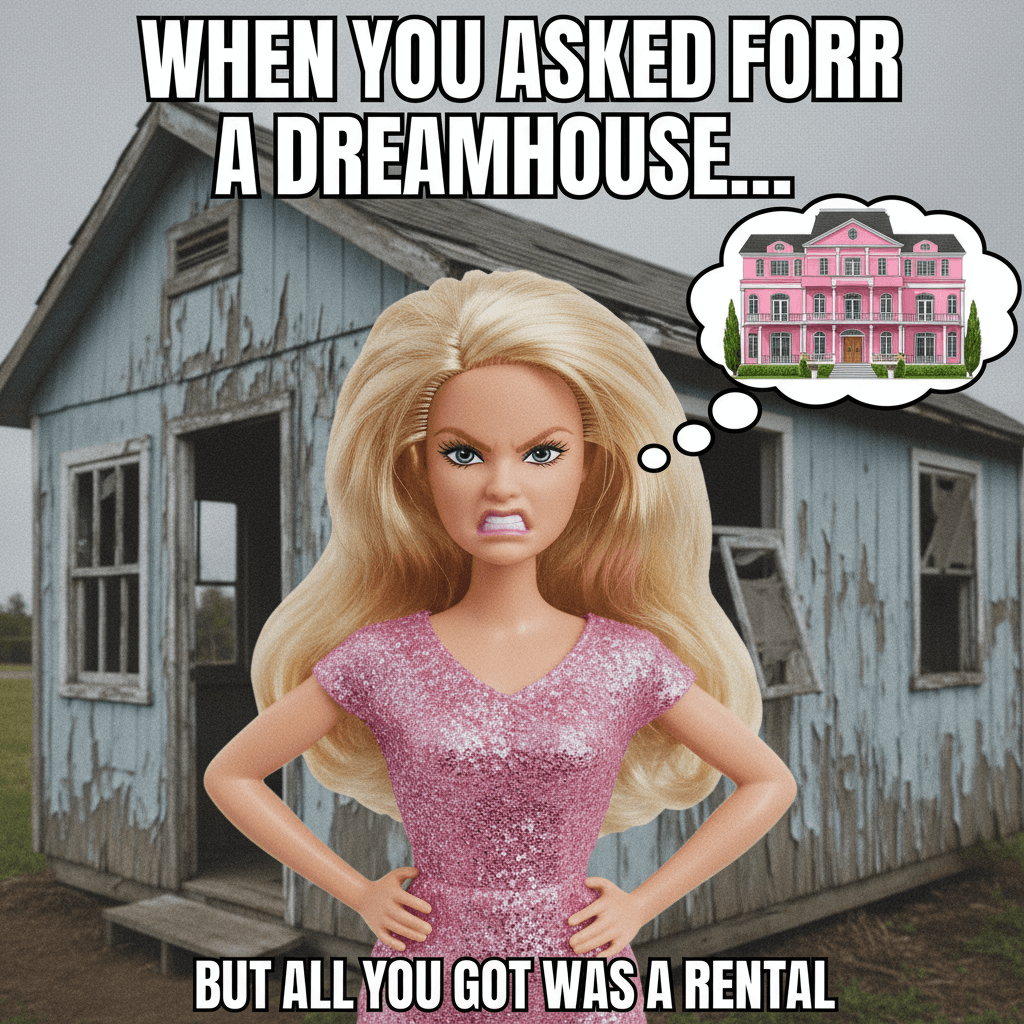
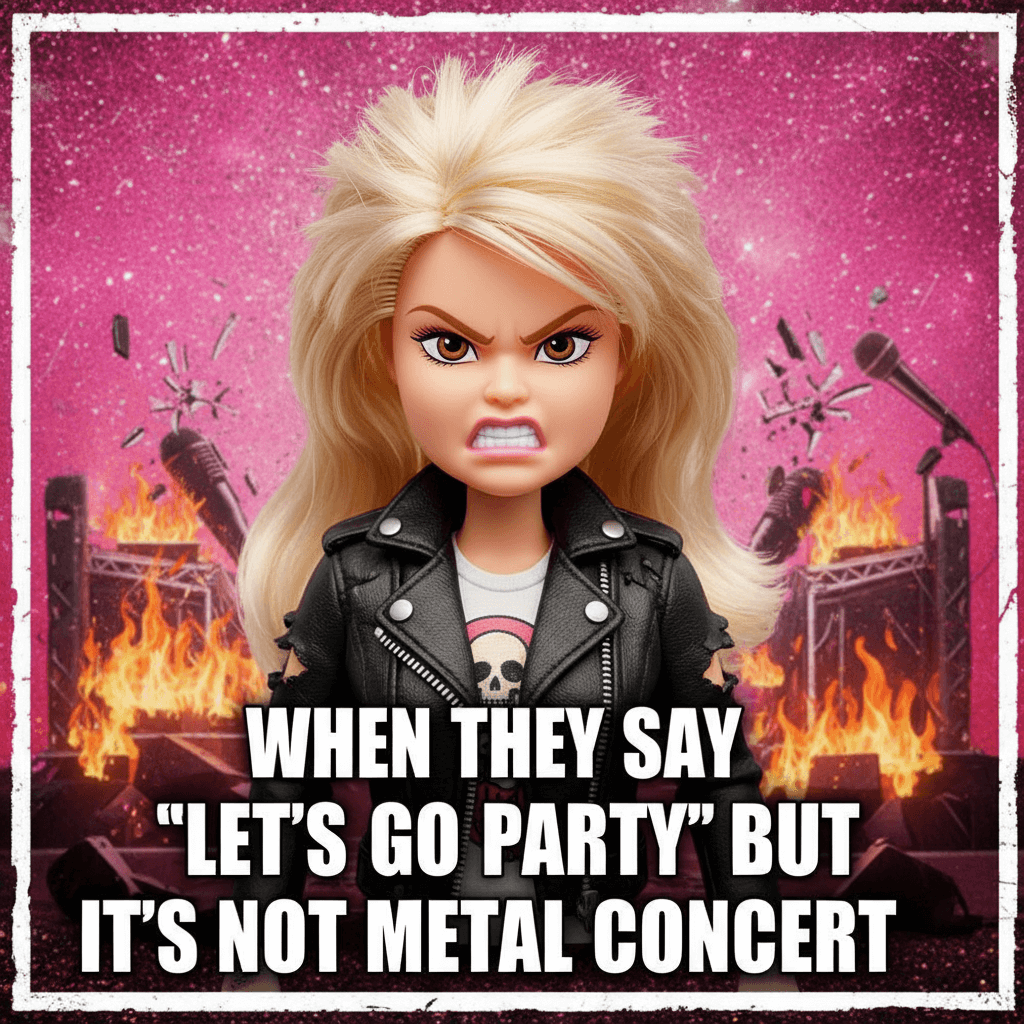
The latest iteration—the angry Barbie meme—features Barbie (or a Barbie-inspired character) looking visibly annoyed, tired, or downright furious. It’s the perfect blend of nostalgia and modern-day relatability.
Why is the Barbie Meme So Viral?
Why can't we stop scrolling past these pink-hued temper tantrums? It comes down to three things:
- Relatability: Seeing a high-fashion icon lose her cool is a universal vibe.
- Contrast: The "Barbiecore" aesthetic is bright and happy; giving it a dark or grumpy twist creates instant comedic gold.
- Customization: With AI, anyone can put themselves—or their specific frustrations—into the Barbie world.
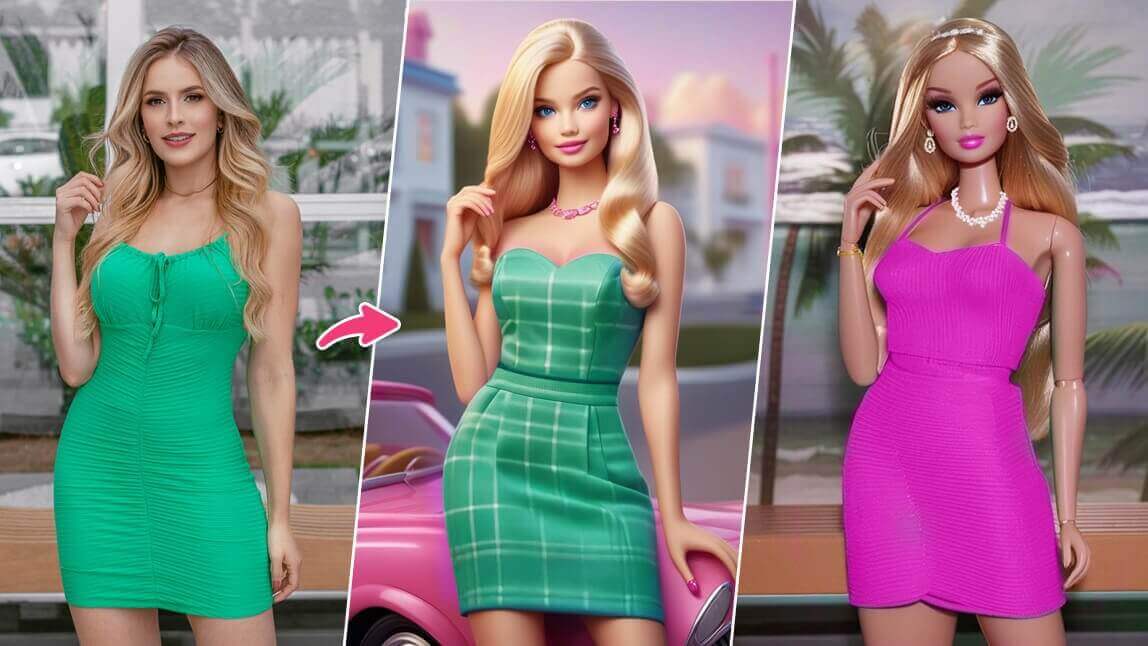
How to Create an Angry Barbie Meme with YouCam AI Pro
Creating a high-quality, professional-looking meme is easier than ever with YouCam AI Pro. Here is how you can master the "angry Barbie" look in four simple steps:
Step 1. Download YouCam AI Pro

AI Image & Video Generator
Turn text into Barbie Memes instantly.
Supports Text-to-Image & Image-to-Video.
Head to the App Store or Google Play Store and download the YouCam AI Pro app. It’s the leading tool for turning simple text prompts into stunning AI-generated visuals.
Step 2. Tap AI Image & Text to Image
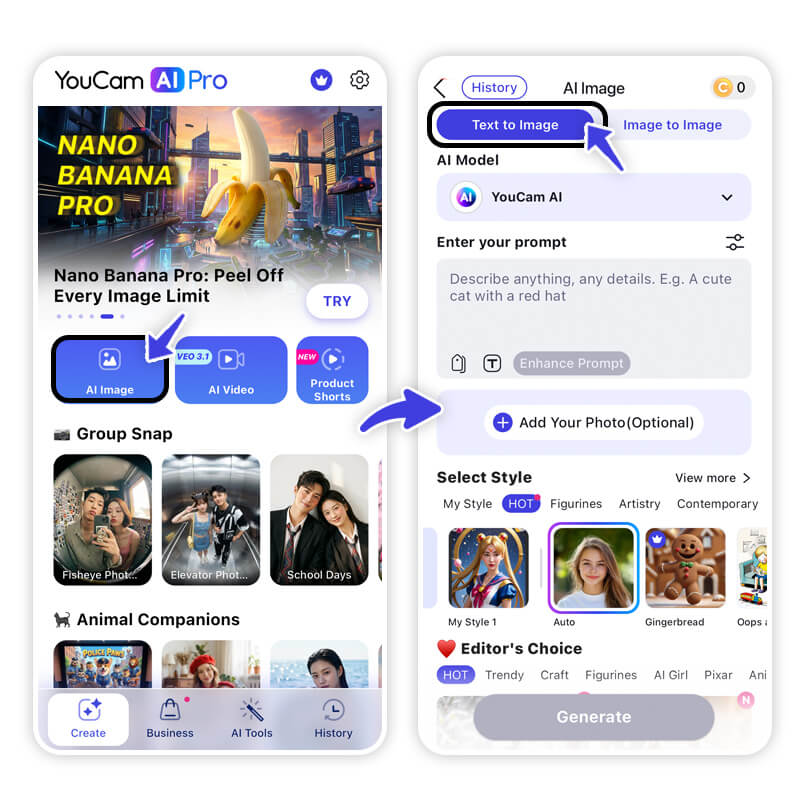
Open the app and select the AI Image or Text to Image feature. This is where the magic happens.
Step 3. Enter Prompts
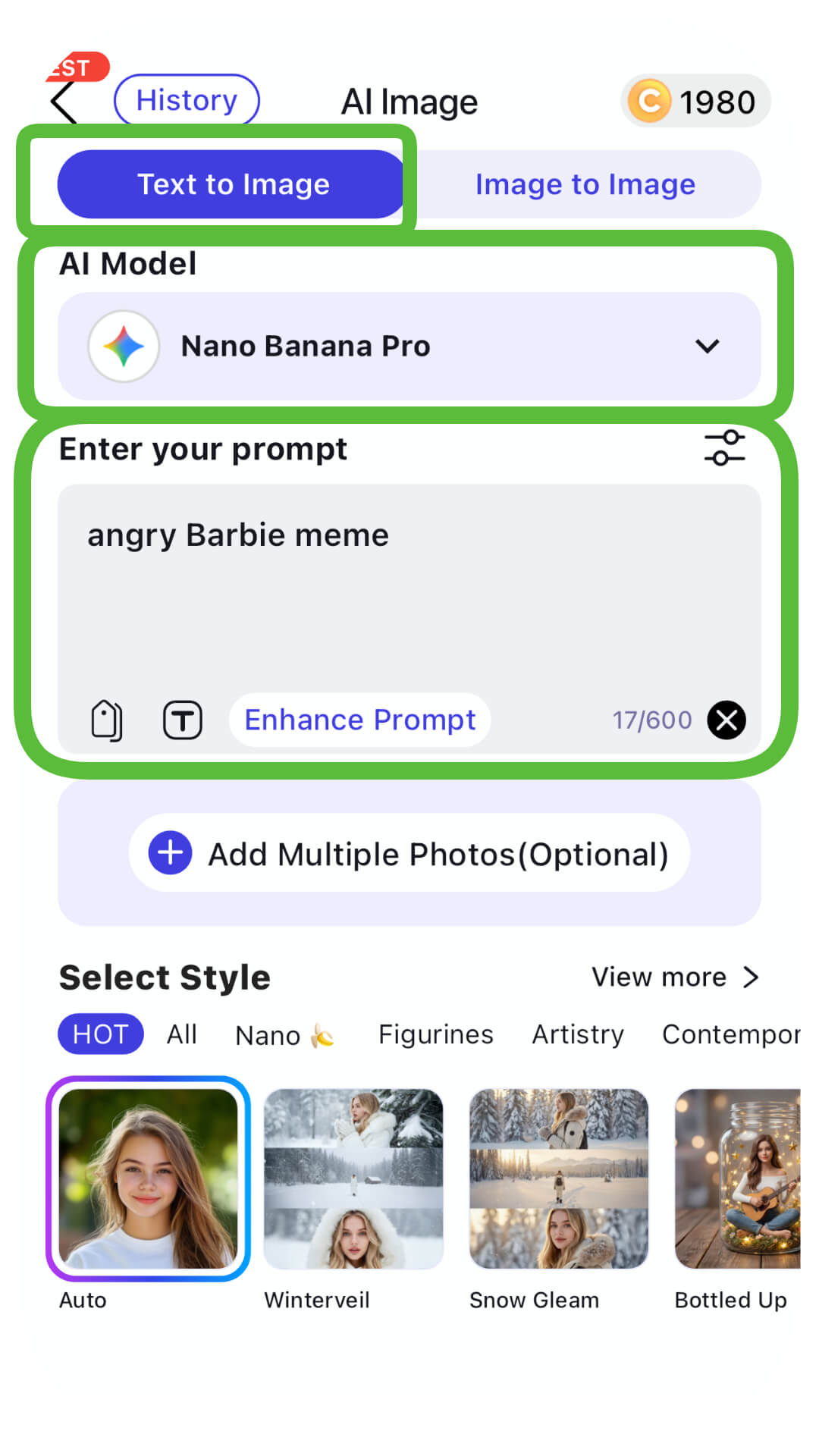
Pro Tip: Try something like:
"Angry Barbie meme."
"A cinematic, high-detail 3D doll, Barbie style, blonde hair, wearing a pink suit, looking extremely annoyed and crossing her arms, cinematic lighting, vibrant pink background."
Step 4. Generate & Save
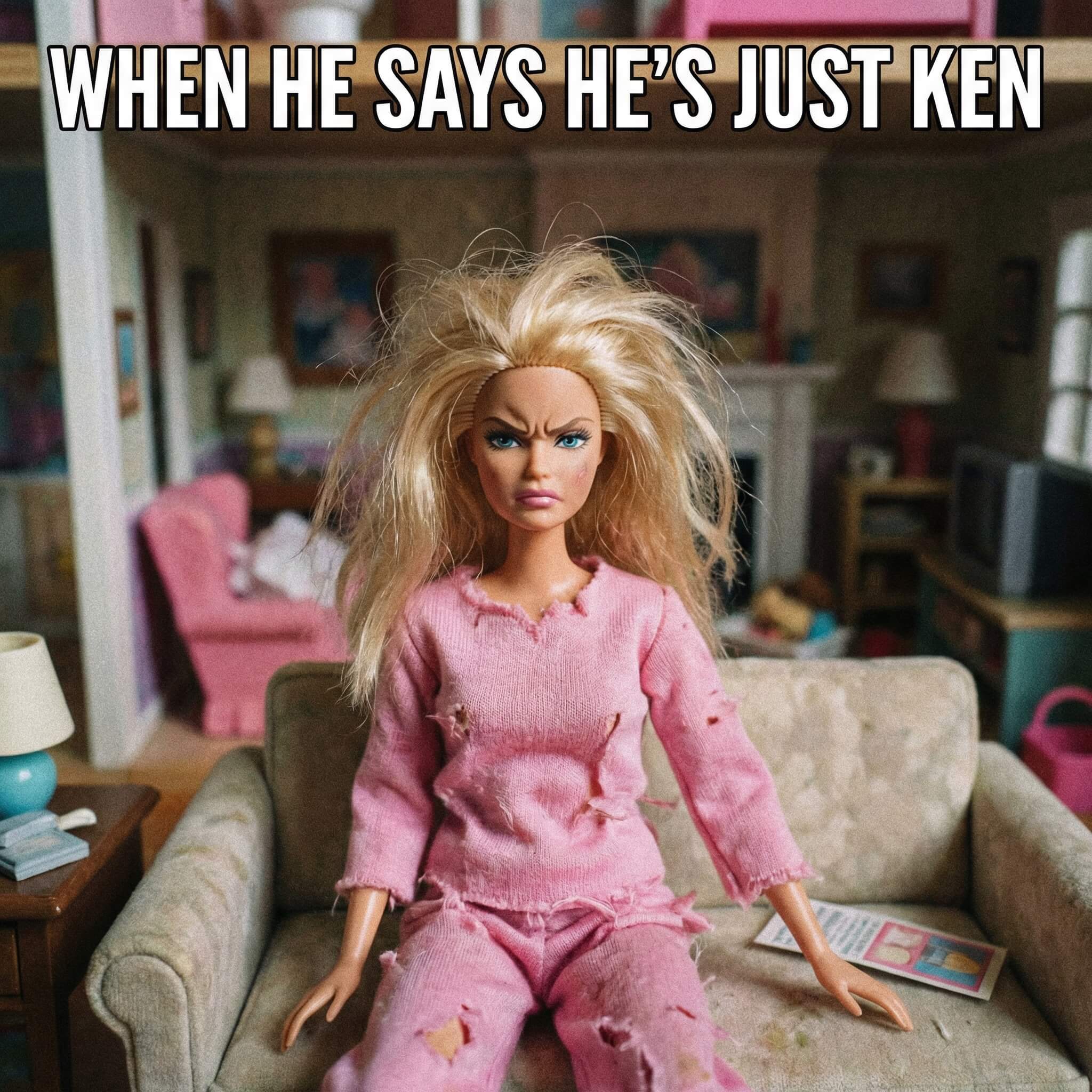
Hit the generate button! The AI will provide several variations. Pick the one that best captures your internal rage, hit Save, and you're ready to post.
Bonus Tip: Make a Viral Barbie Meme Video
Static images are great, but video content is king on TikTok and Reels. You can actually bring your grumpy Barbie to life!
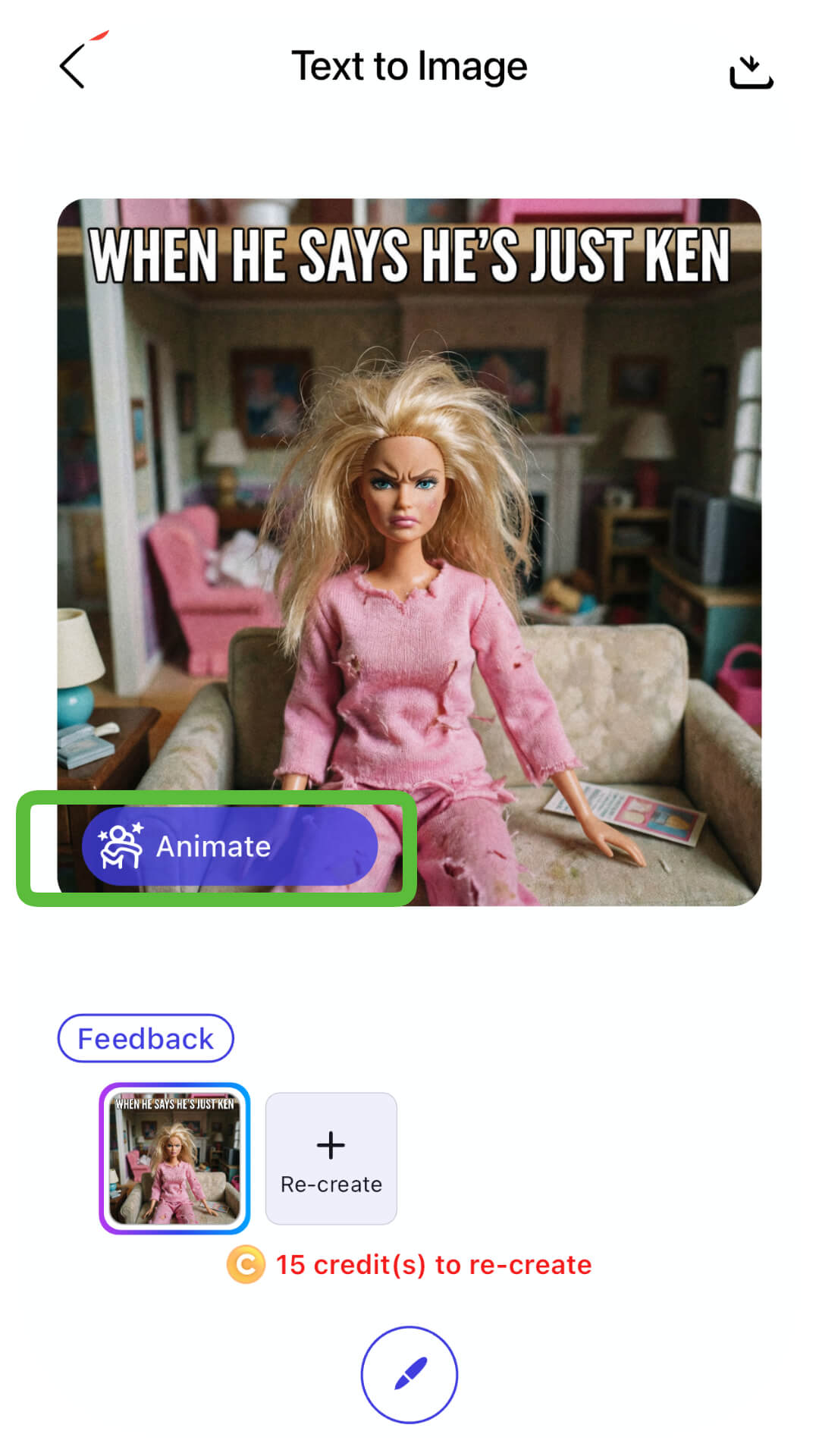
- Step 1. Tap Image to Video Icon: On the save page of your generated Barbie, look for the Image to Video icon.
- Step 2. Enter Prompts or Select Template: Describe the movement (e.g., "Barbie rolling her eyes" or "Barbie throwing a pink handbag") or choose a trending animation template.
- Step 3. Generate & Save: Export your video and add a trending audio clip for maximum viral potential.
![How to Make Barbie Box Images & Videos With ChatGPT [Tutorial]](https://plugins-media.makeupar.com/smb/blog/post/2026-02-05/webp_d712ea4e-2540-4814-9521-a1d77b872e80.jpg)
Unleash Your Inner Sassy Barbie with AI Barbie Memes
AI Image & Video Generator
Turn text into Barbie Memes instantly.
Supports Text-to-Image & Image-to-Video.
Creating viral content doesn't have to be a chore. Whether you want to make your friends laugh or grow your social media following, the angry Barbie meme is your ticket to instant engagement. It’s fun, it’s relatable, and with AI, it’s incredibly easy to do.
Would you like me to help you draft some specific AI prompts to get that perfect "Barbie attitude" for your first meme?
Download YouCam AI Pro Now and Start Creating!
About the Editors
The PERFECT Corp. Editorial Team
We are a team of experts on photo and video editing apps. Our goal is to deliver engaging content on everything from stunning selfie edits to eye-catching video effects. We cover the latest trends and share niche tips to help you master digital creation.
Barbie Meme FAQs
How do I make my Barbie look more realistic?

Use keywords like "8k resolution," "hyper-realistic," or "cinematic lighting" in your YouCam AI Pro prompt to avoid a "flat" look.
Can I create memes of myself as Barbie?
Yes! You can use the "AI Avatar" feature to upload your own photo and transform your likeness into a Barbie-style character.
Is the angry Barbie meme free to make?
YouCam AI Pro offers free daily credits, allowing you to start creating your viral content without any upfront cost.



