



 Author:
 Are you ready to elevate your photo editing game in 2026?
Look no further, as we tested 11 Fotor alternative online AI photo editors that promise cutting-edge features and innovative enhancements.
Discover a new realm of possibilities as we guide you through the top platforms designed to transform your images with the latest in artificial intelligence technology.
We ran the same set of photos through each of these 11 tools to see how the results actually compare — background removal and one-click enhancement were consistently the strongest categories across the board, with more variation showing up in the AI-generated and object-removal features.
What Is Fotor AI Photo Editor
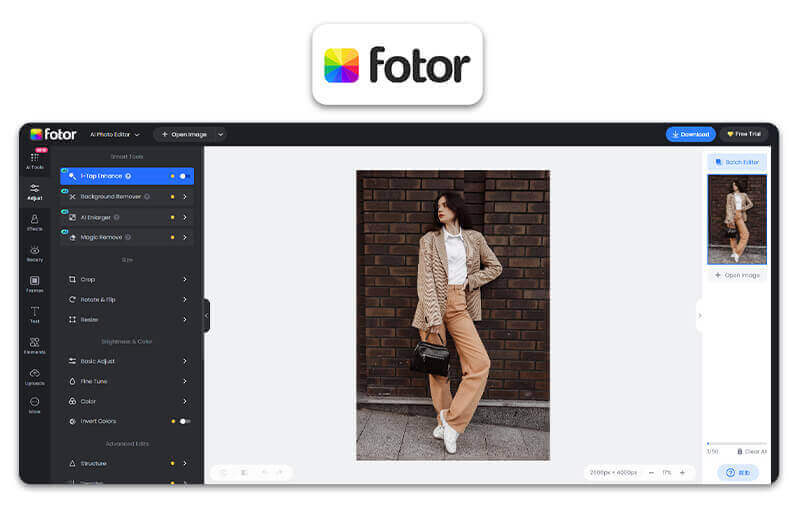
Top Features of Fotor AI
- Advanced editing tools
- Filters and effects.
- Retouching capabilities
- Batch processing
- One-Click Automatic Photo Enhancement
- Remove and Change Backgrounds
- Remove Unwanted Objects
- AI Photo Editing Using Text Command
- Turn Text into Images
Top User Reviews of Fotor AI Photo Editor
"Best for Quick Fixes and Enhancements"
As a real estate agent, my photos are everything. The one-click photo enhance feature in the fotor photo editor is an absolute lifesaver, instantly making my listings look brighter and more professional. I also love that the fotor ai photo editor can remove unwanted objects in the background to keep the focus on the property. — David Chen, Real Estate Agent
"The Most Powerful Photo Enhancer I've Used"
The automatic enhancement feature on fotor ai photo editor has streamlined my workflow immensely, delivering professional-grade results on all my marketing visuals with minimal effort. While the enhancement is my main reason for using it, the ability to effortlessly change a background is also a fantastic bonus that I utilize often to create polished graphics. — Mike Rodriguez, Freelance Marketer
"Best Creative Powerhouse"
I’ve been blown away by the capabilities of the fotor ai image generator. It’s incredibly fast at creating unique visual assets from simple text prompts, and the AI upscaling ensures they’re always high-resolution for my design projects. This tool has definitely become an essential part of my creative process. — Ethan Cole, Graphic Designer
Besides Fotor, numerous other powerful alternative apps are available that offer robust photo enhancement capabilities. The choice depends on your preference and needs for enhancing quality.
11 Best Fotor AI Alternatives in 2026
Explore the top 10 Fotor AI alternative online AI photo editors in 2026, each offering unique features and capabilities to enhance your photo editing experience and meet your creative needs.
- YouCam Online Editor
- Canva Online Photo Editor
- Befunky Online Photo Editor
- Tucia Photo Editing
- Pixelcut AI Photo Editor
- PicsArt AI Photo Editor
- Cutout Pro Online Photo Editor
- Pixlr Online Photo Editor
- PicWish AI Photo Editor
- VanceAI Online Photo Editor
- Photoroom AI Photo Editor
YouCam Online Editor
Shared Materials by Strapi
*Adjust the size of images ONLY. Please go to Strapi to edit the materials info.
- Website: YouCam Online Editor
- Mobile App: iOS/ Android
YouCam Online Editor stands out as a formidable alternative to Fotor with its AI-powered photo enhancement and AI photo editing features. This online tool not only offers a wide range of creative tools but also employs advanced algorithms for AI Object Remover, AI Background Remover, and AI Avatar Generator, making it a compelling choice for users seeking professional-quality edits.

Shared Materials by Strapi
*Adjust the size of images ONLY. Please go to Strapi to edit the materials info.
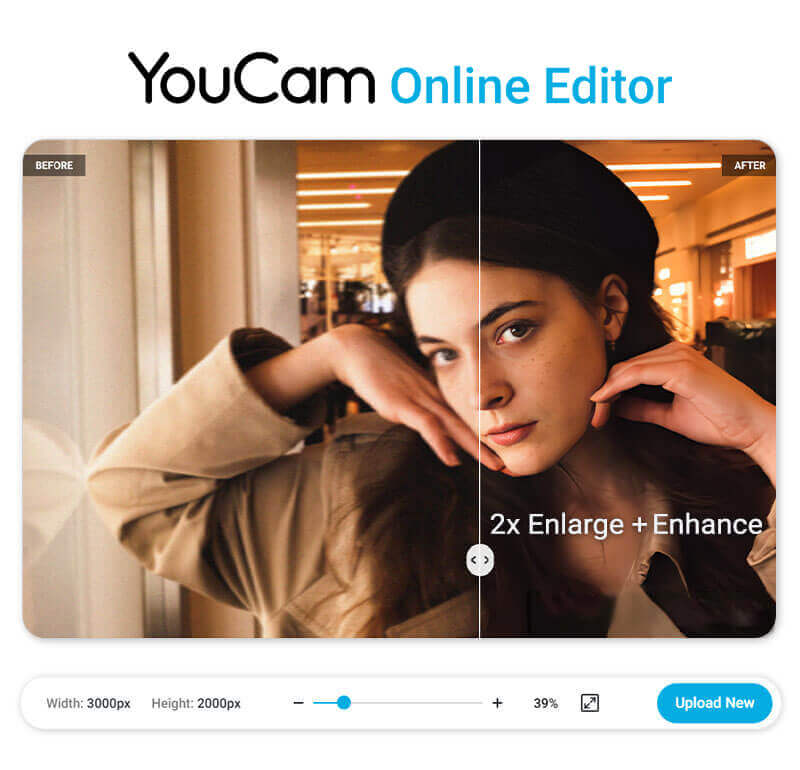
Powered by AI technology, YouCam Online Editor has precise algorithms that analyze your photos' contour, color, light and enhance the details automatically.
It can even upscale your photo by 2x without quality loss.
Discover the 5 compelling reasons why YouCam Online Editor stands out as the best alternative to Fotor AI.
Beyond general enhancement, YouCam Online Editor covers background editing, old-photo restoration, object removal, and AI avatar generation in the same tool. Background swaps and object removal are the most reliable of the four; old-photo restoration and avatar generation are useful but, like most AI tools in this category, work best on clear, well-lit source photos rather than heavily damaged or low-resolution ones.
What Reviewers Say About YouCam Online Editor
Independent reviews describe YouCam as "generally solid" with a "strong all-round AI editing toolkit," particularly for straightforward edits and object removal on simple backgrounds. The most common criticism is the pricing structure — one review called the credit system "fairly unintuitive," noting that even paid plans come with limited monthly credits. Generative features like image extension and colorization were also flagged as less consistent than the core enhancement and background tools.
Canva Online Photo Editor
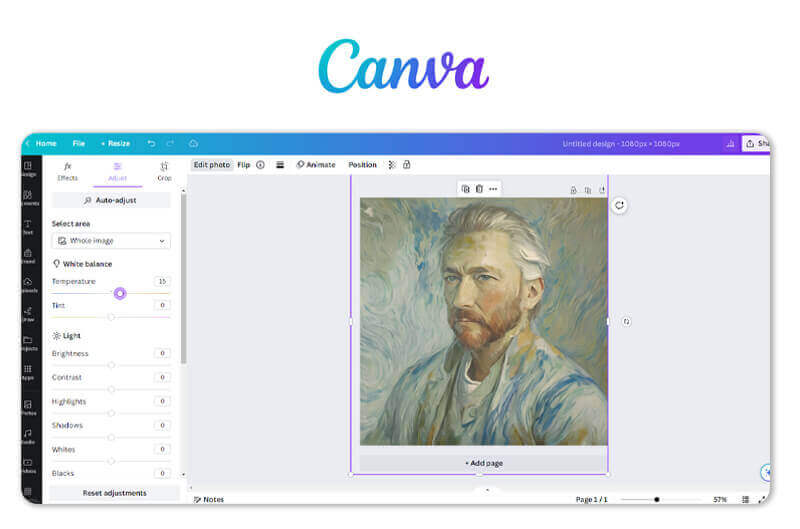
Canva stands out as a robust alternative to Fotor with its extensive library of design elements and intuitive interface. It excels in collaborative features and offers a wide range of templates, making it an excellent choice for users looking to create visually appealing designs alongside photo editing.
Befunky Online Photo Editor
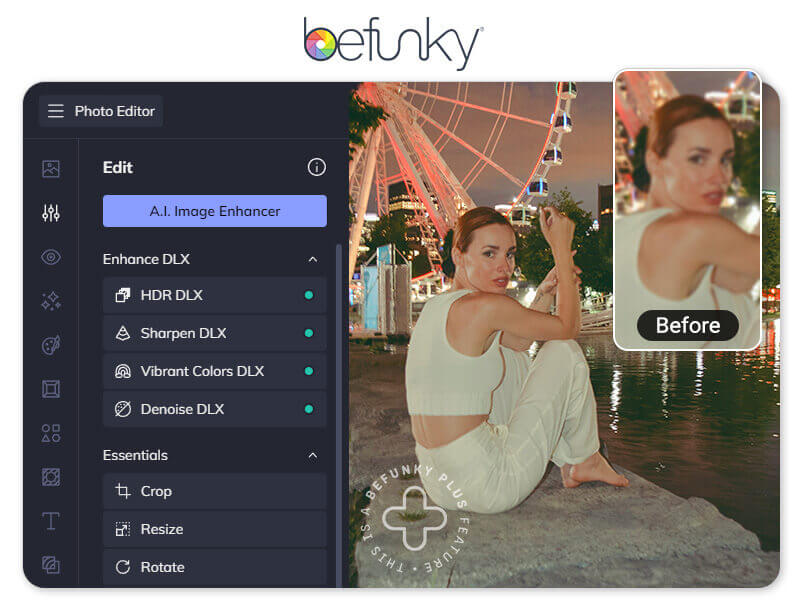
Befunky is a good alternative to Fotor, providing a creative and user-friendly platform with a focus on customizable filters and artistic effects. Its one-click enhancements and a variety of creative tools make it an attractive choice for users seeking an easy yet powerful photo editing experience.
Tucia Photo Editing Services

Tucia provides done-for-you photo editing services fully handled by professional human editors.
It’s often chosen for more complex tasks, such as swapping faces across multiple photos, adding missing members into group portraits, or working with very high-resolution images.
Tucia is also ideal for busy users who don’t have time to keep learning new apps and techniques—simply describe what you need, and everything is done by experts quickly and affordably.
Pixelcut AI Photo Editor
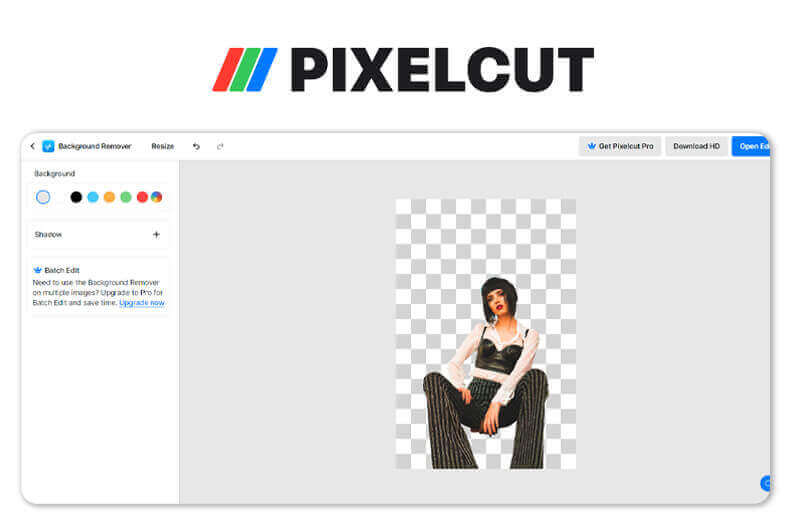
Pixelcut AI Photo Editor distinguishes itself as an alternative to Fotor with its specialized focus on precise background removal and image cutouts. This feature makes Pixelcut particularly valuable for users who prioritize professional-level editing, making it an ideal choice for those seeking advanced capabilities in this specific area.
PicsArt AI Photo Editor
PicsArt is a strong alternative to Fotor, offering a rich platform that combines photo editing with social networking. The extensive array of filters, effects, and AI enhancements in PicsArt caters to creative communities, providing users with a diverse range of tools to elevate their photos and share visually enhanced creations seamlessly.
Cutout Pro Online Photo Editor
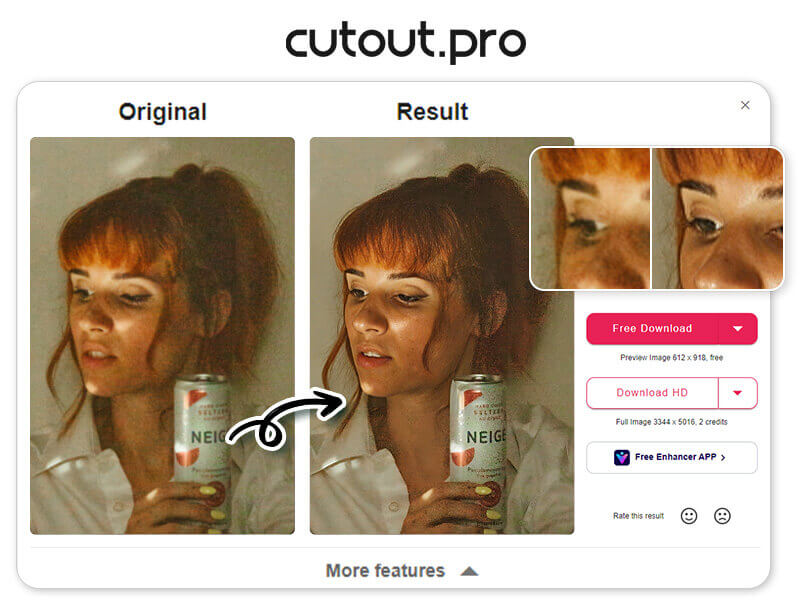
Cutout Pro is an excellent alternative to Fotor, particularly for users who prioritize precise background removal and image cutouts. Its AI-powered tools simplify the process of isolating subjects, offering a level of efficiency and professionalism that makes it a standout choice for those with specific editing needs in this domain.
Pixlr Online Photo Editor

Pixlr serves as a versatile alternative to Fotor, offering a powerful yet accessible platform for photo editing. With its range of features and AI enhancements, Pixlr strikes a balance between functionality and ease of use, making it an appealing choice for users seeking a comprehensive yet user-friendly photo editing experience.
PicWish AI Photo Editor

PicWish distinguishes itself as an alternative to Fotor with its robust AI capabilities for photo enhancement. Its intuitive interface and powerful enhancement tools, including clarity and color correction, make PicWish a suitable choice for users looking for an accessible and effective solution to transform their photos.
VanceAI Online Photo Editor
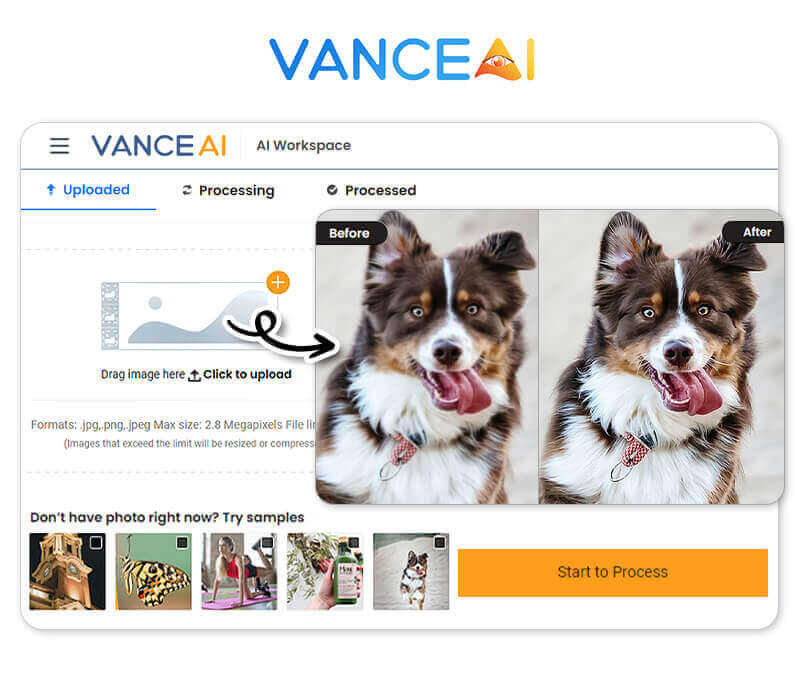
VanceAI stands out as an alternative to Fotor with its comprehensive AI-based enhancements, catering to various editing needs. Its user-friendly interface and a broad range of tools make VanceAI an attractive choice for users seeking a seamless experience in fine-tuning their photos with AI-powered precision.
Photoroom AI Photo Editor
Photoroom comes up constantly in background-removal comparisons and positions itself as an all-in-one visual tool for e-commerce, handling background removal, AI-generated product scenes, and batch editing across mobile, web, and API.
We only had time for a first look at Photoroom rather than the same depth of testing as the other apps above, but the background-removal accuracy stood out immediately, and reviewers elsewhere consistently echo that. Object removal was a bit more hit-or-miss in our quick test, leaving fills that looked slightly repetitive on busier backgrounds — a limitation other reviewers have flagged too. Some of the more advanced scene-generation features sit behind a paid plan.
How to Use the Best Fotor AI Alternative to Enhance an Image
Learn how to effectively enhance your images and elevate their quality using the best Fotor AI alternative online AI photo editor with a simple and intuitive step-by-step process.
Open the Best Fotor Alternative

Shared Materials by Strapi
*Adjust the size of images ONLY. Please go to Strapi to edit the materials info.
Click to open YouCam AI Photo Enhancer, the best Fotor alternative, and unleash the power of advanced image enhancement for your photos.
Upload Your Photos
Easily upload your desired photo from your device onto YouCam Online Editor to begin harnessing the advanced image enhancement capabilities.
Auto AI Enhancement
Shared Materials by Strapi
*Adjust the size of images ONLY. Please go to Strapi to edit the materials info.
After uploading, YouCam AI Photo Enhancer will automatically start improving your photo within a few seconds. The outcome will also be twice as large, catering to various applications.
Download Your Photo
You can now download enhanced photos to your device and experiment with other images for further enhancements.
Start Using YouCam Online Editor: The Best Fotor AI Alternative in 2026
Shared Materials by Strapi
*Adjust the size of images ONLY. Please go to Strapi to edit the materials info.
Looking for the ultimate alternative to Fotor AI?
Look no further than YouCam Online Editor, delivering exceptional capabilities and transformative results.
Click the link and start improving your photos with YouCam Online Editor.
More AI Photo Enhancer Tips
- How to Remove Motion Blur From Photos?
- How to Enhance Product Photo Quality for Free?
- Best PicWish Alternative AI Photo Enhancer
- How to Upscale Image Online
Fotor Alternative FAQ
Are there more Fotor alternative apps?
Yes, there are several other Fotor alternative apps available on the internet. Some notable options include YouCam Enhance, PhotoScape X, Luminar AI, Adobe Lightroom, Canva, and Snapseed, each offering unique features and capabilities for photo enhancement and editing.
Which AI photo enhancer is best for beginners?
For beginners, YouCam AI Photo Enhancer is a highly recommended AI photo enhancer.
Its user-friendly interface, intuitive controls, and automated enhancement features make it an ideal choice for those new to photo enhancing, providing a seamless and enjoyable experience while enhancing photos using AI technology.
What are Fotor AI's pros and cons
Here we summarize some reviews and feedback from the internet:
Pros of Fotor AI:
- User-friendly interface.
- Advanced editing capabilities.
- Retouching options.
- Collage and design templates.
Cons of Fotor AI:
- Limited free features.
- Occasional performance issues.
- Less advanced than professional-grade software
How to enhance photos online?
To enhance photos online, you can use YouCam Online Editor. Simply visit the website, upload your photo, and let their powerful AI algorithms automatically enhance and improve the quality of your photo, giving it a professional touch with just a few clicks.
Enhance Your Images with the Best Fotor Alternative in 2026
Shared Materials by Strapi
*Adjust the size of images ONLY. Please go to Strapi to edit the materials info.



