Author:


Another year, another holiday season—and the annual challenge of the family Christmas photo ideas begins! Are you dreaming of a beautiful, frame-worthy card but dreading the planning, coordinating outfits, and the inevitable meltdown (yours or the kids')?
This year, your Christmas family photoshoot doesn't have to be a chore. With the power of AI and the innovative tools in YouCam Perfect, you can turn ordinary snaps into extraordinary, professional-looking holiday masterpieces in minutes.
Ready to create holiday photos that are pure joy, not pure chaos? We’ll show you exactly how to make it simple, fun, and unbelievably beautiful, even if you’ve never touched an AI app before.

🌟 Key Takeaways
| Feature | Description | Benefit |
|---|---|---|
| YouCam Perfect AI Agent | Generates completely new photos based on your prompts and uploaded family pictures. | Effortlessly creates stunning, themed family portraits without a real photoshoot. |
| Top AI Feature | AI Replace | Instantly changes family Christmas photo outfits to match any style. |
Explore more Christmas photo editing tricks>>>
Popular Family Christmas Photo Ideas

AI opens up a universe of creative possibilities, moving beyond simple filters to complete stylistic transformations. Here are the top trending styles to elevate your holiday card this year:
Vintage Illustration: Nostalgic, Heartwarming Charm
- The Vibe: Evoke the cozy, classic feel of a 1950s or 1960s Christmas card. Think rich, warm colors, gentle grain, and a soft, painted texture.
- The Prompt Focus: Focus on warm, inviting tones, classic holiday elements (sleighs, fireplaces, snowglobes), and a 'hand-drawn' or 'vintage lithograph' style.
Luxury Winter Wonderland: High-Fashion Holiday Glamour
- The Vibe: A hyper-realistic, high-end studio portrait with a sophisticated, snowy theme. Imagine a fashion magazine cover, but with your family!
- The Prompt Focus: Use terms like "hyper-realistic studio portrait," "snow-dusted pine trees," "silver and white ornaments," and details on shimmering, elegant attire.
Classic Cartoon: Fun and Animated Holiday Cheer
- The Vibe: Turn your family into adorable, fun Christmas cartoon characters—perfect for a lighthearted and memorable card.
- The Prompt Focus: Specify a "cute animated style," "Pixar-like rendering," or "classic Christmas cartoon" with exaggerated, joyful features.
Holiday Movie Scene: Recreate Iconic Moments
- The Vibe: Recreate a beloved scene from a classic Christmas film. It’s an instant conversation starter!
- The Prompt Focus: Be specific! For example, describe "Buddy the Elf having breakfast in a yellow and green outfit," or the "aftershave scene from Home Alone on a snowy suburban street."
Vintage Polaroid: Retro Instant Memories
- The Vibe: Apply a retro, instant-camera aesthetic to your modern photo, giving it a cool, throwback feel.
- The Prompt Focus: Ask for a "vintage Polaroid photo style," including the iconic border, faded colors, and a slightly blurry, authentic snapshot feel.
Learn How to make the perfect holiday family pictures with AI>>>
How to Make AI Christmas Family Photoshoot with YouCam Perfect
Creating your AI masterpiece is surprisingly simple. YouCam Perfect's AI Agent does the heavy lifting so you can focus on the fun:
Step 1. Download YouCam Perfect
Shared Materials by Strapi
*Adjust the size of images ONLY. Please go to Strapi to edit the materials info.
Search for YouCam Perfect on your app store and download the application.
Step 2. Tap AI Agent on Launcher

Open the app and navigate to the "AI Agent" feature.
Step 3. Enter Prompts & Upload Photo

- Upload: Choose a high-quality photo of your family.
- Prompt: Enter a detailed AI prompt describing your desired style (use the ideas above!). The more detail, the better the result.
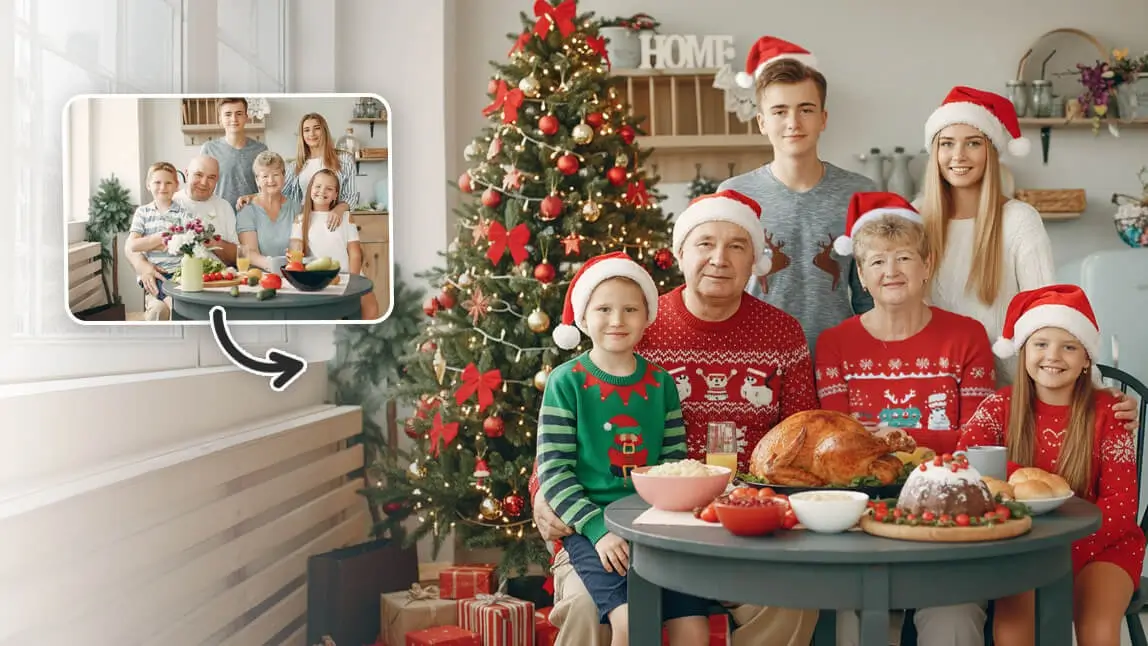
- The photo was transformed into a Christmas decoration backdrop, with everyone dressed in Christmas sweaters and hats.The photo was transformed into a Christmas decoration backdrop, with everyone dressed in Christmas sweaters and hats.
Step 4. Save & Download

Select your favorite generated image and save the final, high-resolution Christmas picture to share, print, or post!
Discover how to generate Holidays Pictures like a pro>>>
Best AI Family Christmas Picture Prompts
The key to a stunning AI image lies in a good prompt. Use these examples as a starting point, and remember to replace [Description of Family] with details about your photo (e.g., *'4 people smiling in casual sweaters'*).
- For Vintage: "A vintage 1950s Christmas card illustration of [Description of Family] sitting by a cozy fireplace, warm color palette, grainy texture, and soft lighting."
- For Glamour: "Hyper-realistic, high-fashion studio portrait of [Description of Family] wearing silver formal outfits, standing in a luxurious winter wonderland, snow-dusted pine trees, elegant silver ornaments."
- For Cartoon: "A cute, joyful Christmas cartoon animation of [Description of Family] sledding down a snowy hill, bright primary colors, Pixar style, happy expressions."
- For Movie Scene: "Recreate the iconic [Movie Name] scene: [Description of Family], cinematic lighting, detailed background, professional film quality."
More Holidays Image generation prompts and tips>>>
Bonus: More AI Family Christmas Photo Ideas & Editing Tips
Beyond the full AI generation, YouCam Perfect offers quick, easy-to-use tools to perfect any photo:
1. AI Family Christmas Photo Outfits

- Problem: Everyone is wearing different clothes in the original photo.
- Solution: Use the AI Fashion tool to instantly swap out clothing items. Simply choose from a Holidays colllection from YouCam. Goodbye, outfit coordination stress!
2. Turn into Santa: Face Swap
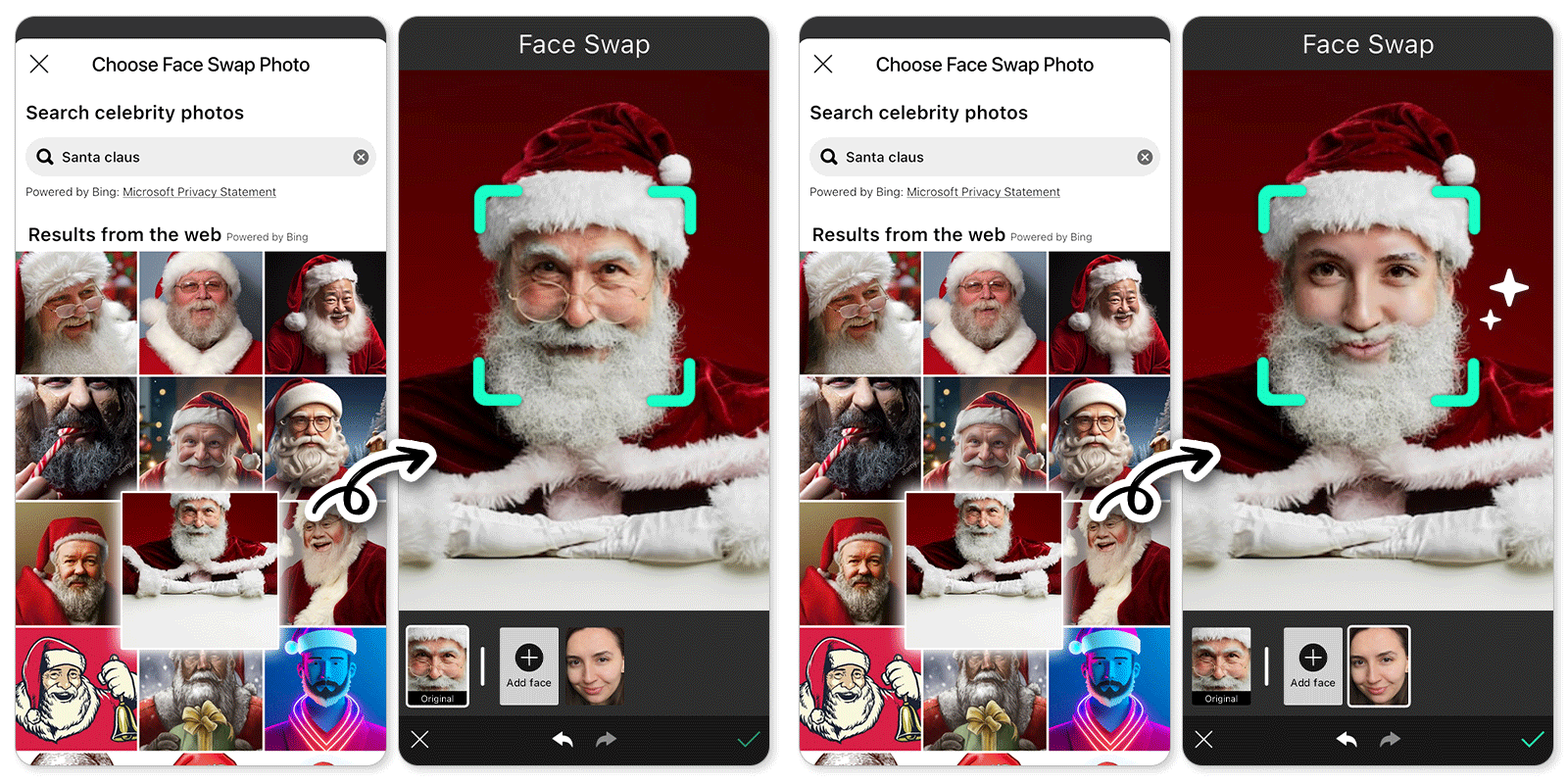
Want a silly, fun photo? Use the Face Swap feature to easily put a family member’s face onto a picture of Santa Claus, an elf, or even a reindeer!
3. Christmas Collage

Combine your best snaps—both real and AI-generated—into a beautiful Christmas Collage to tell your holiday story.
4. Holidays Backgrounds

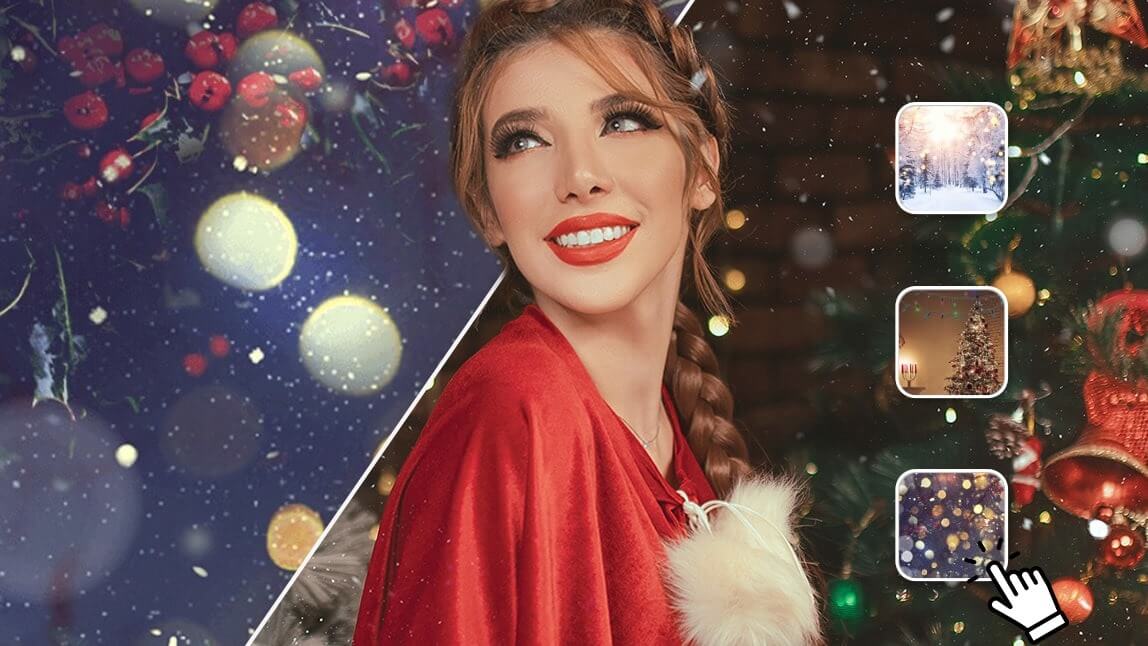
Instantly change the scenery! Use the Background feature to swap your ordinary living room for a snowy cabin, a glittering city street, or a festive North Pole workshop.
5. Holiday Animations
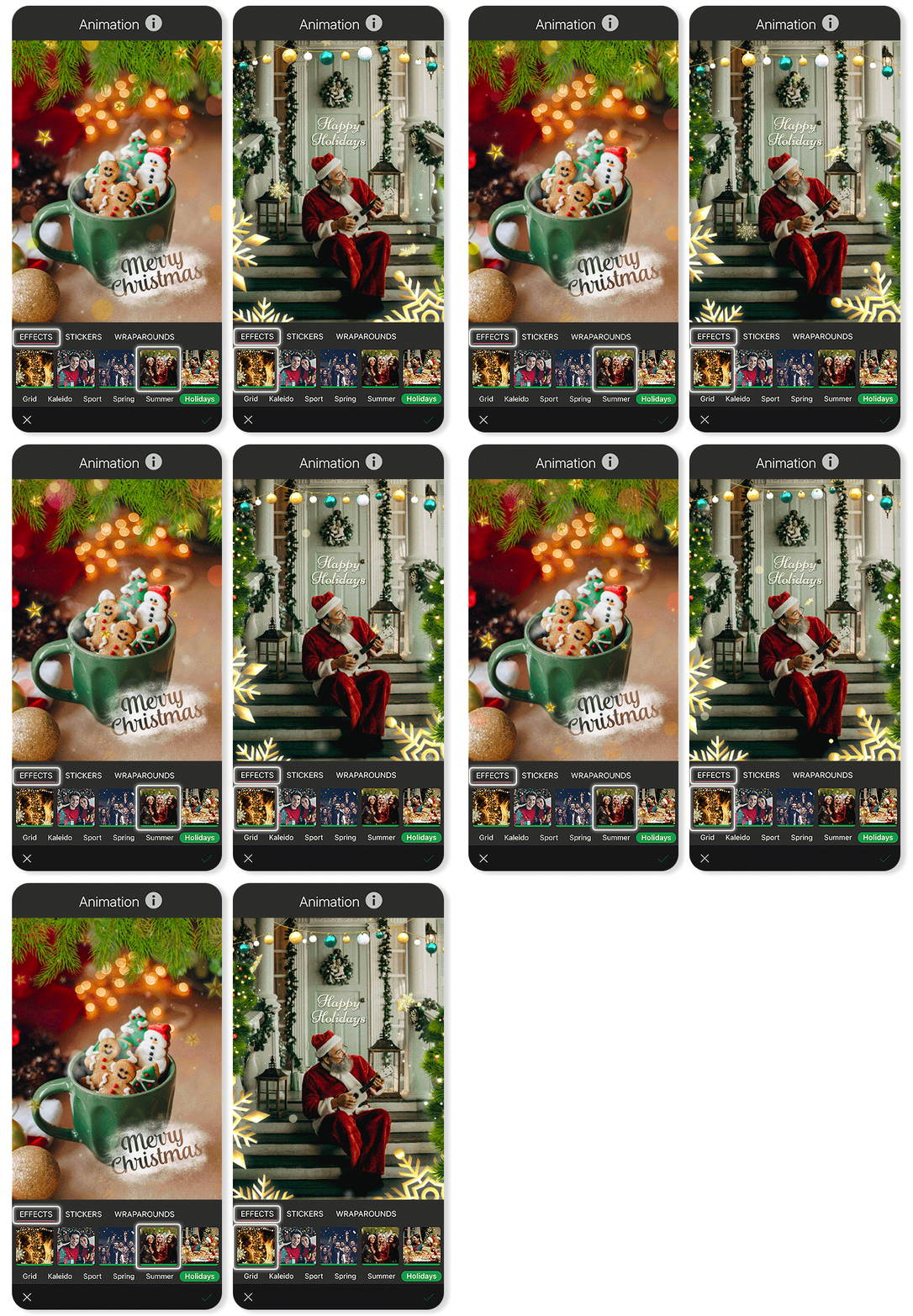
Add a touch of magic with subtle animations like falling snow, twinkling lights, or festive confetti to make your social media posts pop.
Slay Your Family Christmas Photos with AI
Shared Materials by Strapi
*Adjust the size of images ONLY. Please go to Strapi to edit the materials info.
Forget the stress, the endless takes, and the fear of a ruined shoot. This holiday season, you have the power to create breathtaking, memorable, and unique family Christmas pictures that will be cherished for years to come.
With YouCam Perfect and the right AI prompts, you’re not just taking a picture; you’re effortlessly crafting a piece of holiday magic.
About the Editors

The PERFECT Corp. Editorial Team
We are a team of experts on photo and video editing apps. Our goal is to deliver engaging content on everything from stunning selfie edits to eye-catching video effects. We cover the latest trends and share niche tips to help you master digital creation.