


 Author:
Selfies are more than just snapshots—they’re a way to express your personality, style, and mood. With YouCam Perfect and the Editing Agent powered by Nano Banana Pro, you can take your selfies from ordinary to professional-quality images effortlessly.
Whether you’re wondering how to take a great selfie with an iPhone, or looking for pose inspirations, this guide will show you 10 selfie ideas and how to enhance them using AI.
Why Use YouCam Perfect + Nano Banana Pro for Selfies?
🔔 Key Benefits
- Smart AI Editing: The Editing Agent can automatically refine lighting, skin tone, and background.
- Creative Freedom: Transform ordinary selfies into cinematic shots, mirror selfies, or couple portraits.
- Multi-Photo Editing: Combine multiple shots for the perfect group selfie or dynamic composition.
How to Use Editing Agent to Enhance Your Selfies
Enhance your selfies effortlessly with YouCam Perfect’s AI Agent. No technical skills required—just follow these simple steps:
Step 1. Download YouCam Perfect

Search for YouCam Perfect on your app store and download the application.
Step 2. Select "AI Agent"
Open the app and navigate to the "AI Agent" feature.
Step 3. Upload Your Selfie

Choose one or multiple selfies you want to enhance or transform.
Use clear prompts to tell the AI Agent how you want your selfies to look—whether it’s adjusting the mood, style, or overall composition.
🪶Try prompts like: “Enhance this headshot with soft, natural lighting and a clean background, keeping facial features realistic.”
Step 4. Save & Download
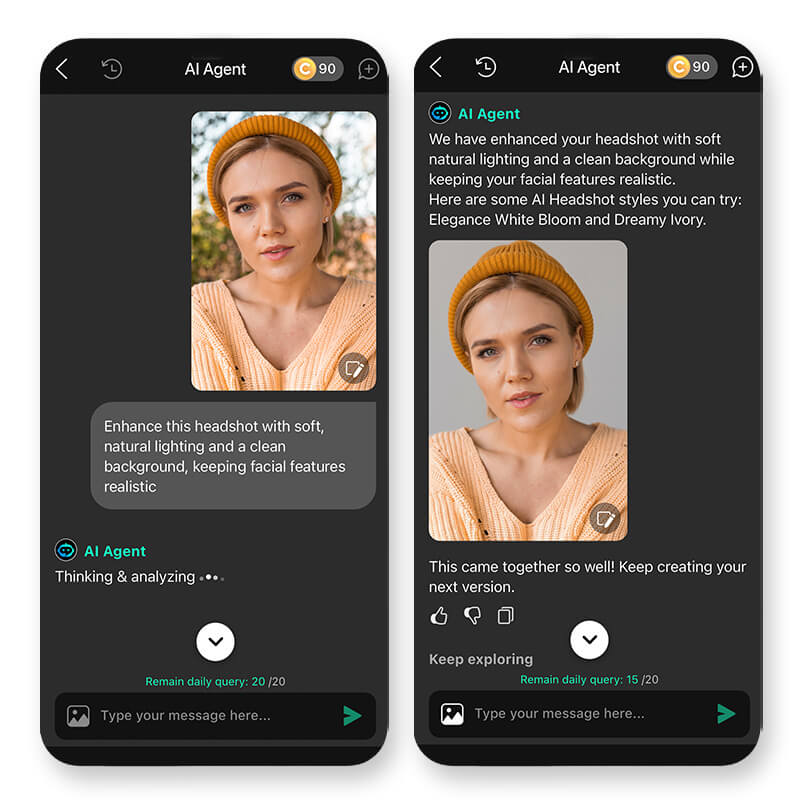
The AI Editing Agent analyzes your prompt and images, then generates a polished result automatically. Make quick adjustments if needed, then save or share your final image!
10 Good Selfie Ideas and How to Shoot Them
Here are 10 selfie ideas and prompts for you to copy-paste, enter YouCam Perfect's AI Agent and create your masterpiece in seconds!
#1 Classic Headshot
Tip: Look slightly above the lens, keep your shoulders relaxed, and smile naturally.
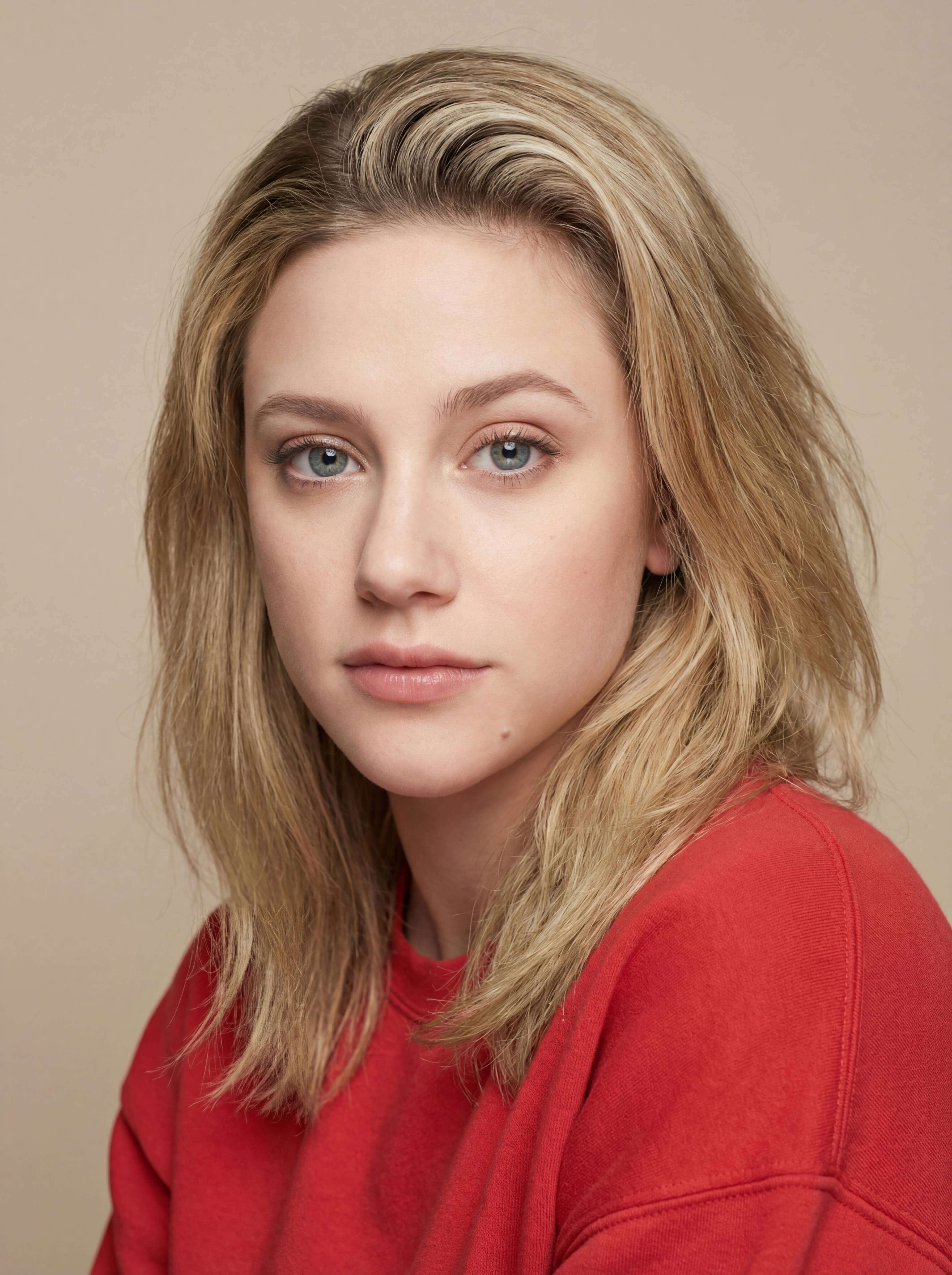
Prompt: “Enhance this headshot with soft, natural lighting and a clean background, keeping facial features realistic.”
#2 Full Body Selfie
Tip: Stand at a slight angle, elongate your legs, and keep your posture confident.
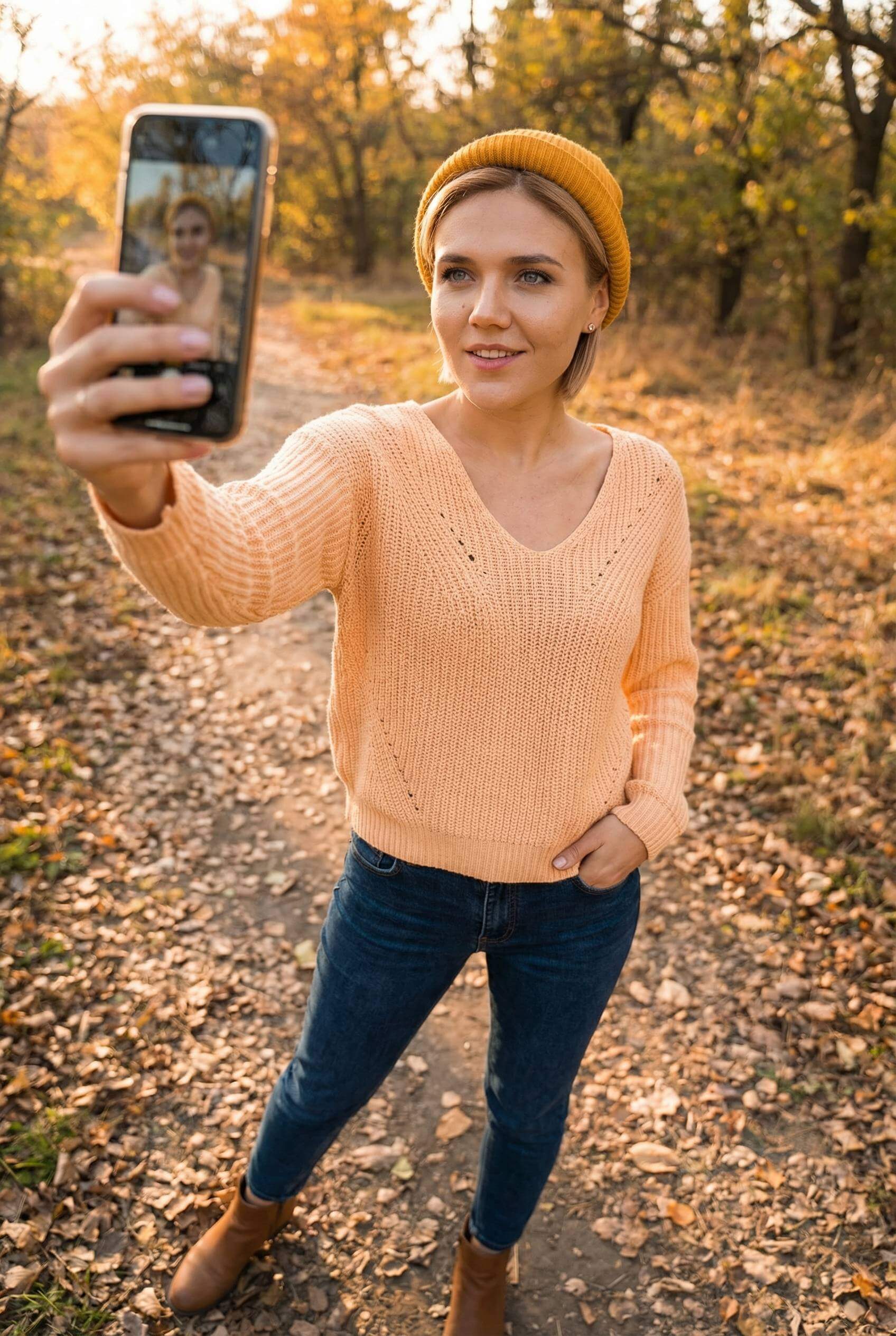
Prompt: “Refine full body selfie, adjusting posture, proportions, and lighting for a flattering look.”
#3 Mirror Selfie
Tip: Use clean mirrors, avoid clutter, and experiment with angles.

Prompt: “Enhance mirror selfie with natural reflection, balanced exposure, and smooth background.”
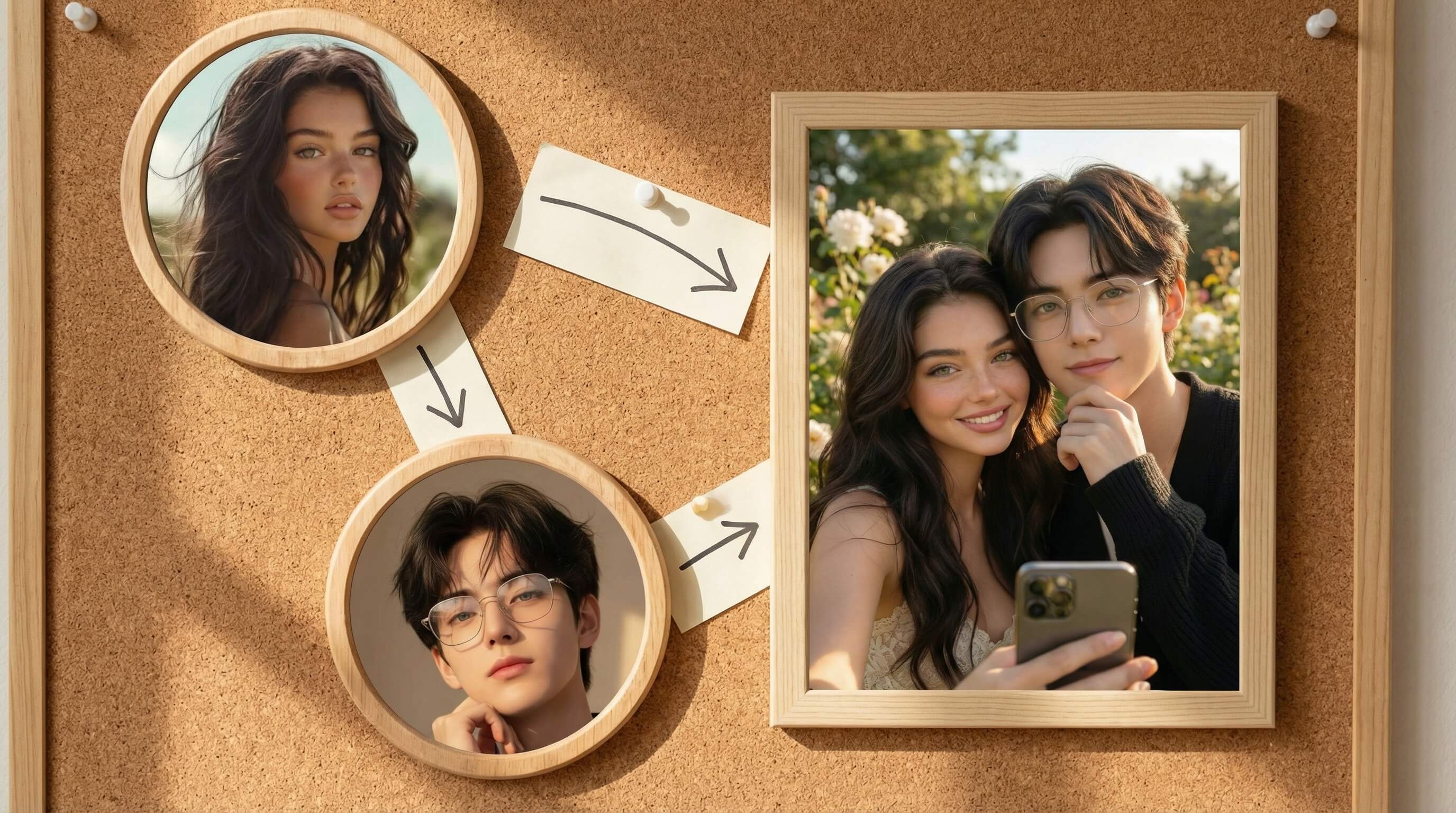
#4 Couple Photo
Tip: Pose close together, coordinate outfits, and show connection naturally.

Prompt: “Combine two people into a couple selfie, matching lighting, skin tones, and facial expressions.”
#5 Cinematic Portrait
Tip: Use dramatic lighting, depth of field, or window light.
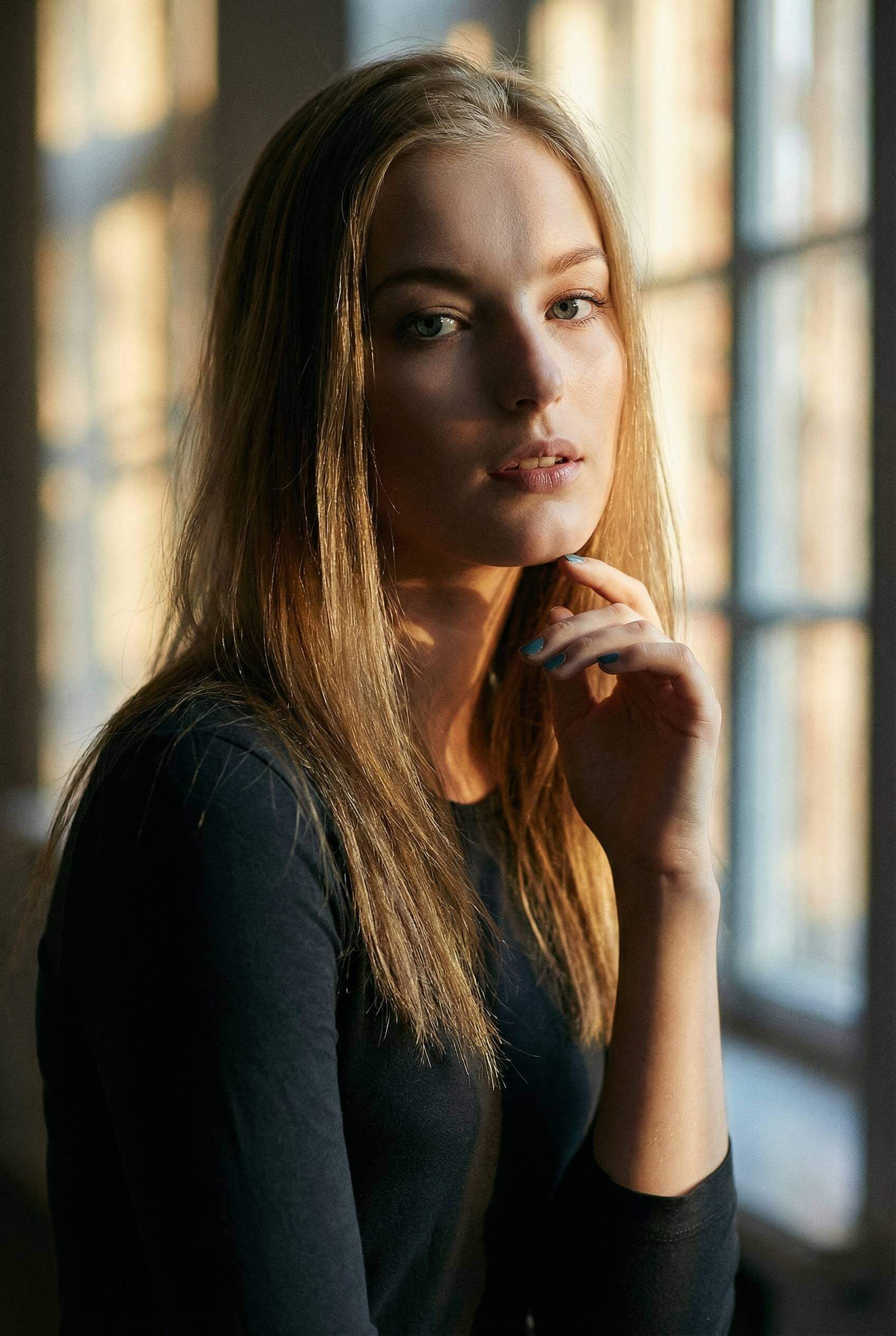
Prompt: “Transform this selfie into a cinematic portrait with moody lighting and subtle background blur.”
#6 Over-the-Shoulder Shot
Tip: Look back over your shoulder for a playful or mysterious vibe.
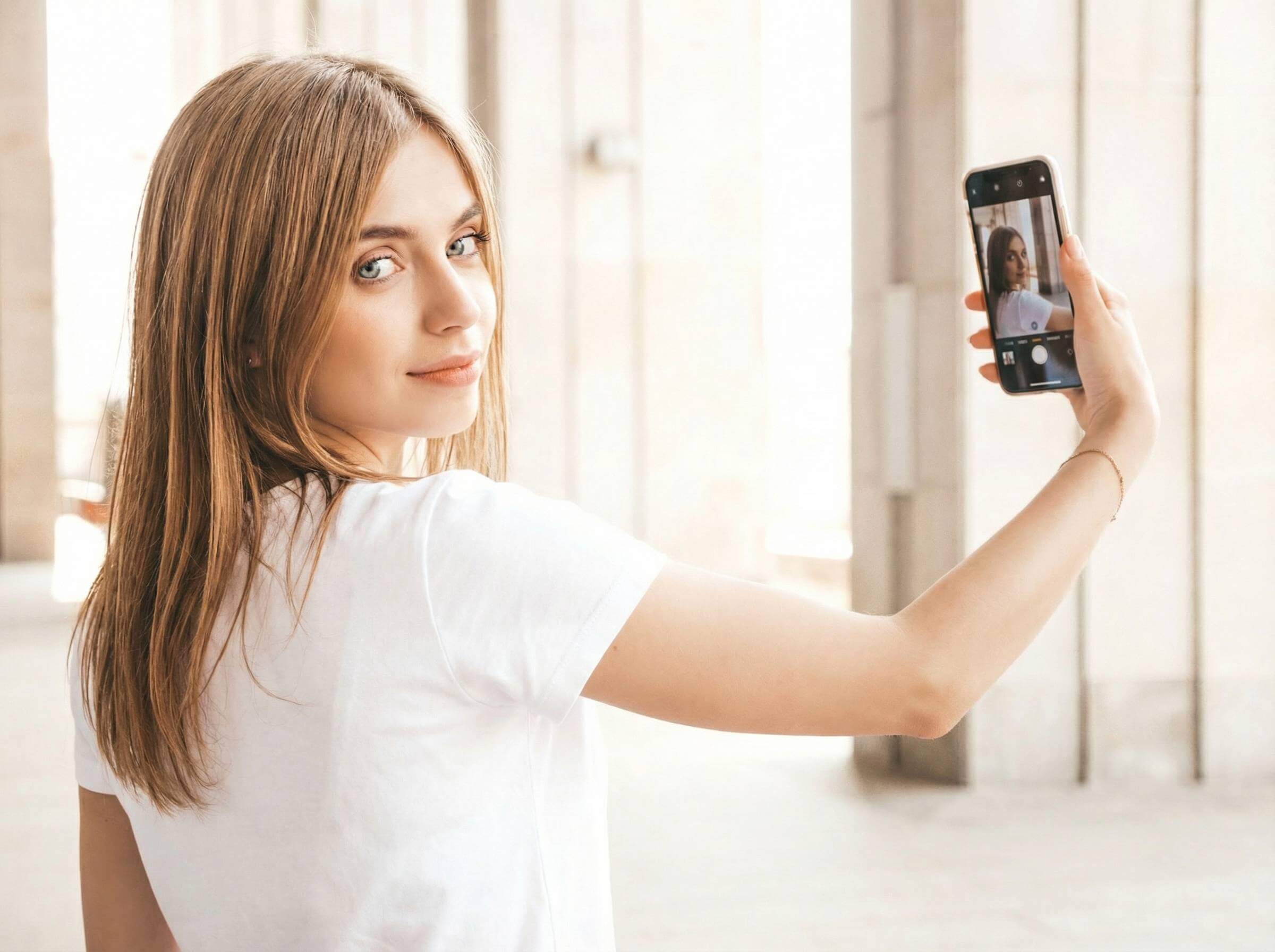
Prompt: “Enhance over-the-shoulder selfie with soft lighting, natural skin tones, and realistic depth.”
#7 Action Selfie
Tip: Capture movement like walking or hair flipping for dynamic shots.
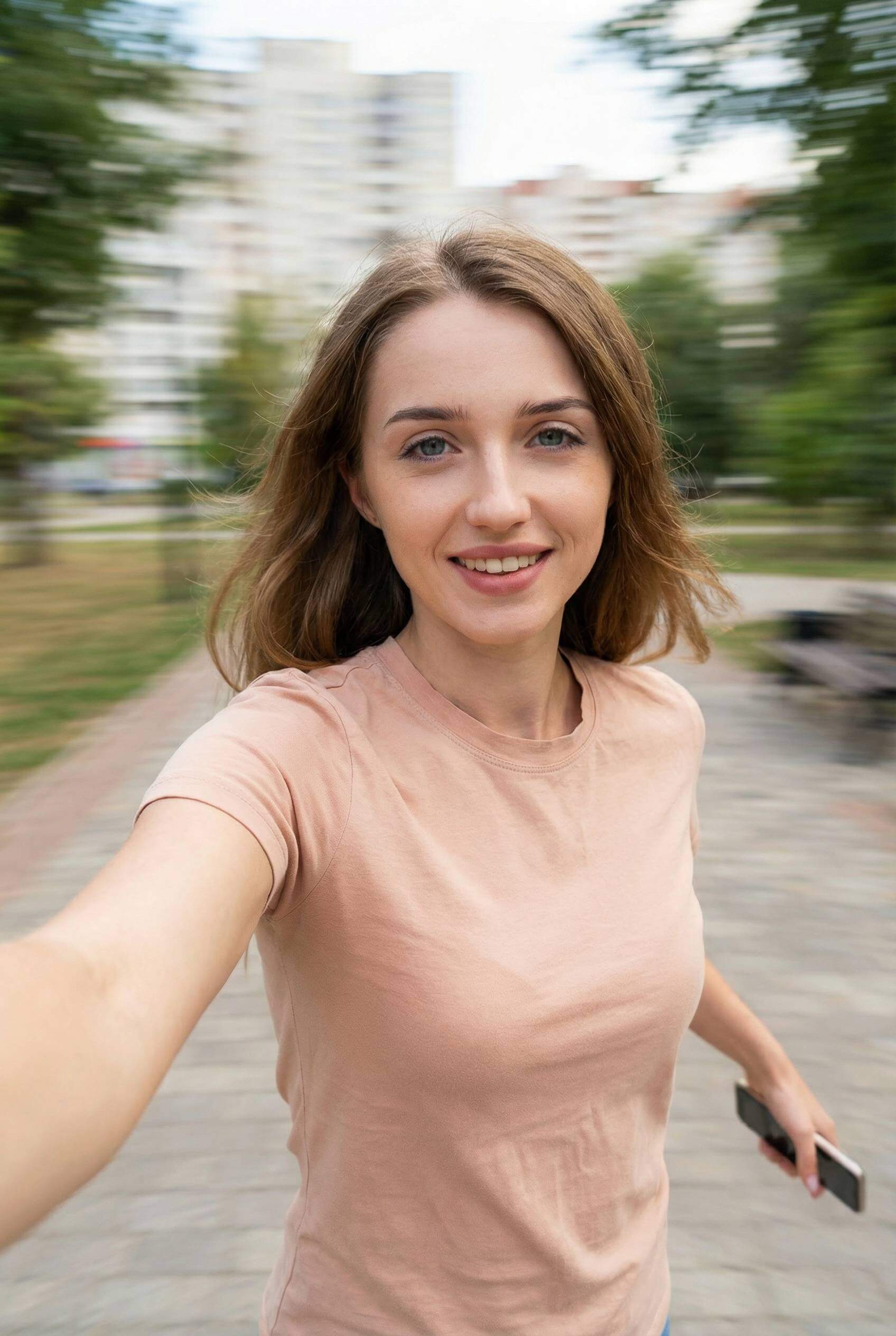
Prompt: “Refine action selfie with motion clarity, smooth background, and natural pose adjustments.”
#8 Outdoor Selfie
Tip: Use golden hour for warm tones, avoid harsh midday sunlight.
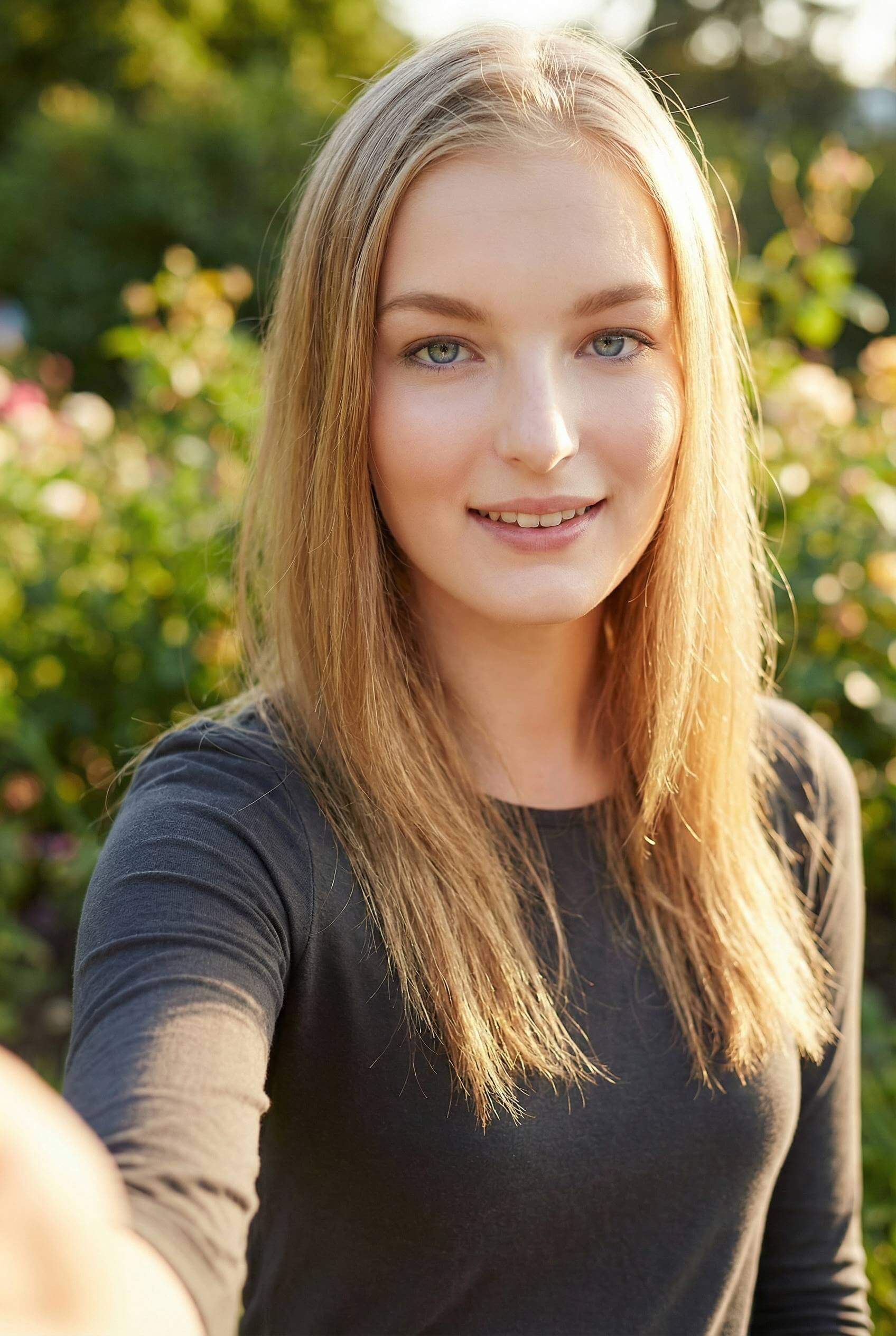
Prompt: “Enhance outdoor selfie with warm lighting, natural shadows, and vibrant colors.”
#9 Head Tilt / Angle Variation
Tip: Slightly tilt your head or experiment with camera angles to find your best side.
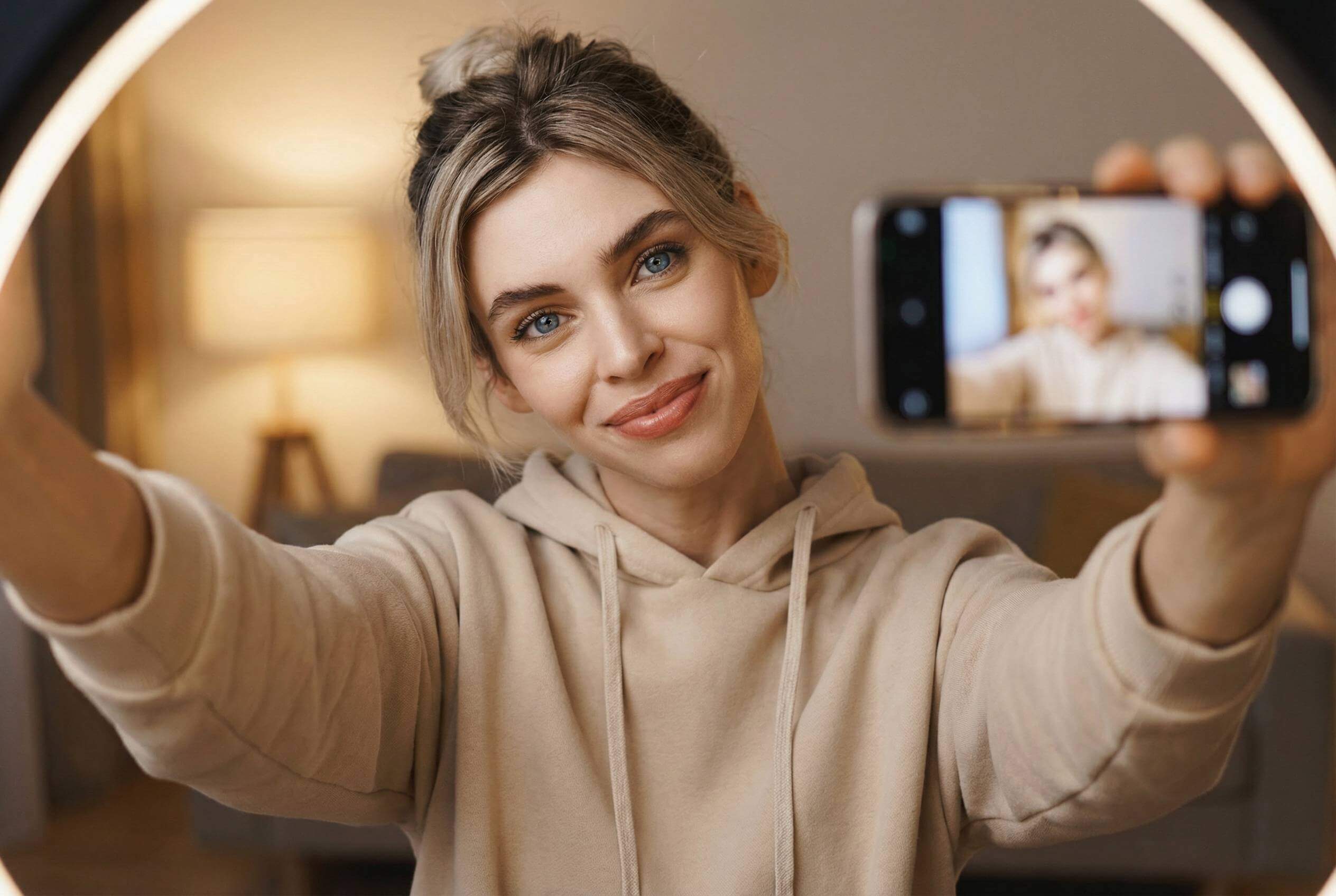
Prompt: “Adjust selfie angle for flattering head tilt, refine lighting and facial symmetry.”
#10 Selfie With Props or Background
Tip: Use hats, sunglasses, flowers, or creative backgrounds for personality.

Prompt: “Enhance selfie with props and background elements, keeping the subject realistic and visually appealing.”
Tips for Writing Effective Nano Banana Prompts
- Be specific about pose and angle (head tilt, full body, over-the-shoulder).
- Mention lighting, mood, or style (cinematic, natural, warm, dramatic).
- Describe background and context (mirror, outdoor, props).
- Include multi-person instructions if combining selfies.
🧠 For Example:
“Combine two people into a couple selfie, adjust posture, lighting, and facial expressions, keep the background clean and natural.”
Try YouCam Perfect’s Editing Agent Now
With these tips and prompts, you can consistently take great selfies with iPhone or any smartphone, turning ordinary shots into high-quality, AI-enhanced images.



