


 Author: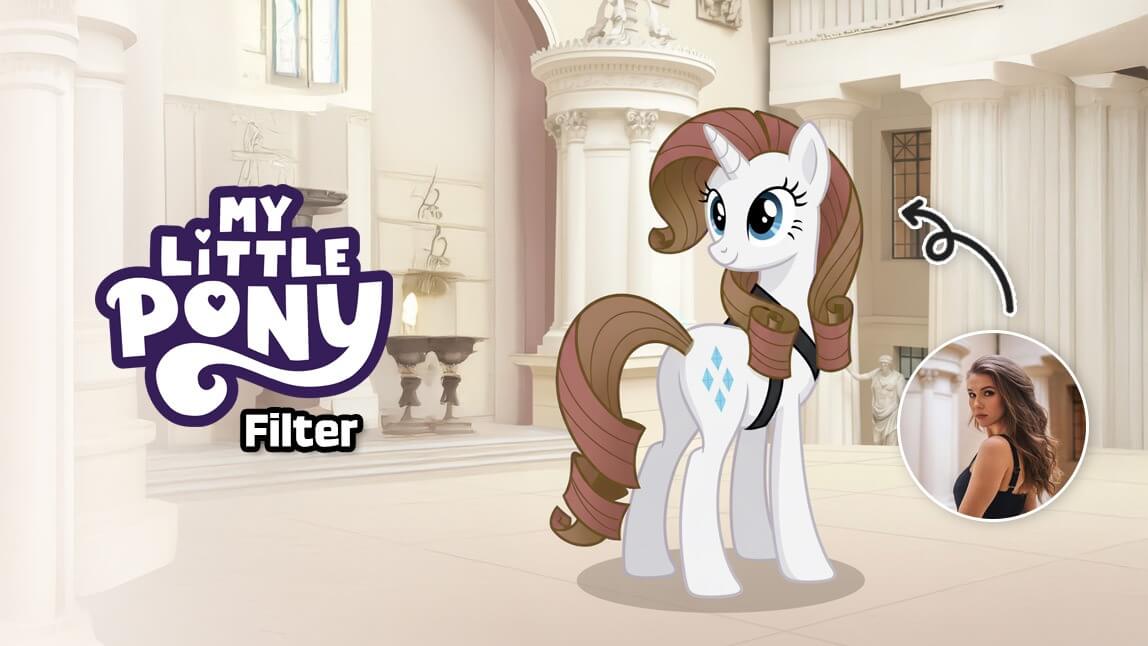
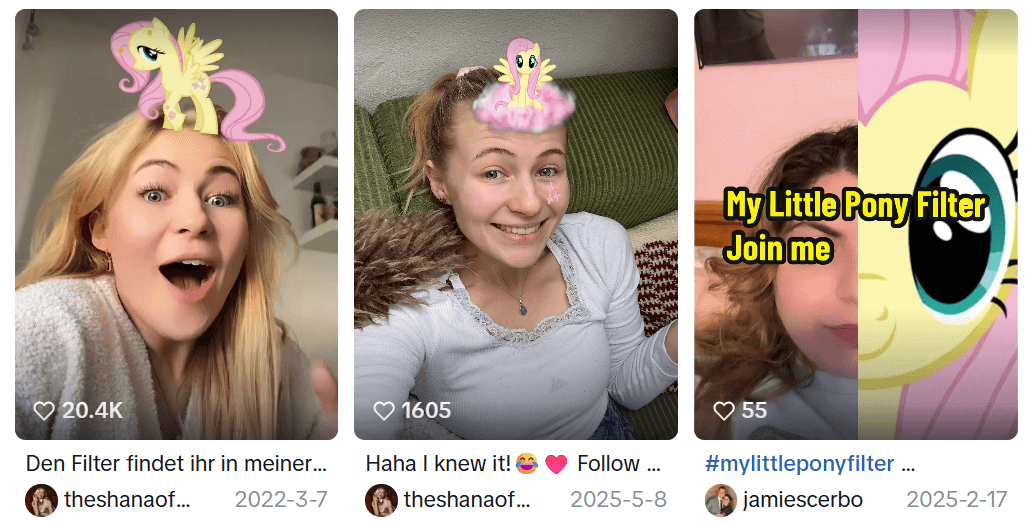
TikTok has a new obsession, and it is pure nostalgia. The My Little Pony test filter is everywhere, with users uploading their photos to see which My Little Pony character they are. From pastel manes to big expressive eyes, this trend shows users which MLP character they are and it’s blowing up feeds across TikTok.
We’ll break down the My Little Pony filter trend and show you how to use YouCam Makeup’s AI Agent to transform yourself into a My Little Pony character.
What Is the My Little Pony Test Filter on TikTok?
The My Little Pony trend is a viral AI photo trend where users upload a selfie and transform it into a My Little Pony style character. Some versions match users with an existing pony, while others generate a fully customized pony inspired by facial features, hair color, and vibe.
Why Everyone Is Obsessed with the My Little Pony Test
There are a few reasons why the My Little Pony filter trend is exploding right now:
Nostalgia Meets AI
My Little Pony has been loved for generations. Combining that nostalgia with AI image generation instantly sparks emotional engagement.
Personalized Results
Instead of applying a generic filter, users get a pony that actually looks like them. Hair color, facial expression, and overall vibe are matched.
Perfect for Sharing
The results are colorful, cute, and highly shareable. They work perfectly for TikTok posts, Instagram stories, and profile pictures.
How to Try the My Little Pony Filter with AI Agent
If you want to try the My Little Pony filter yourself, YouCam Makeup’s AI Agent makes it simple and fun. You can upload your photo, generate a My Little Pony version of yourself. Try it for yourself!
- Step 1: Download YouCam Makeup
- Step 2: Upload Your Photo
- Step 3: Try the My Little Pony Filter
- Step 4: Make Your MLP Move
- Step 5: Save and Share
Step 1: Download YouCam Makeup
Download YouCam Makeup for free on the App Store or Play Store. Launch the app and go to the AI Agent feature.
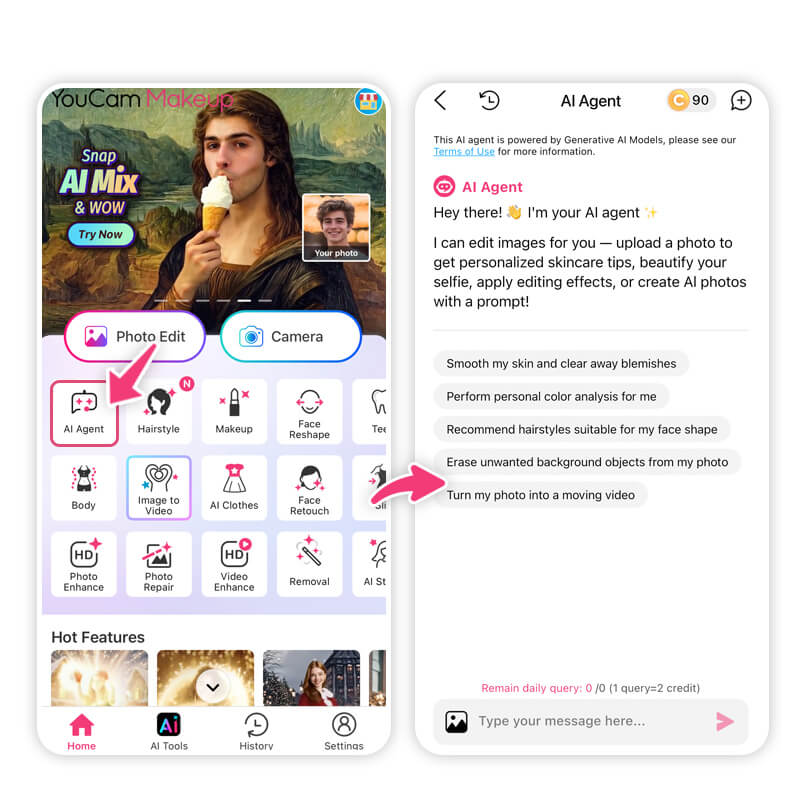
Step 2: Upload Your Photo
Choose a clear selfie or portrait photo. Front facing photos work best for accurate results.
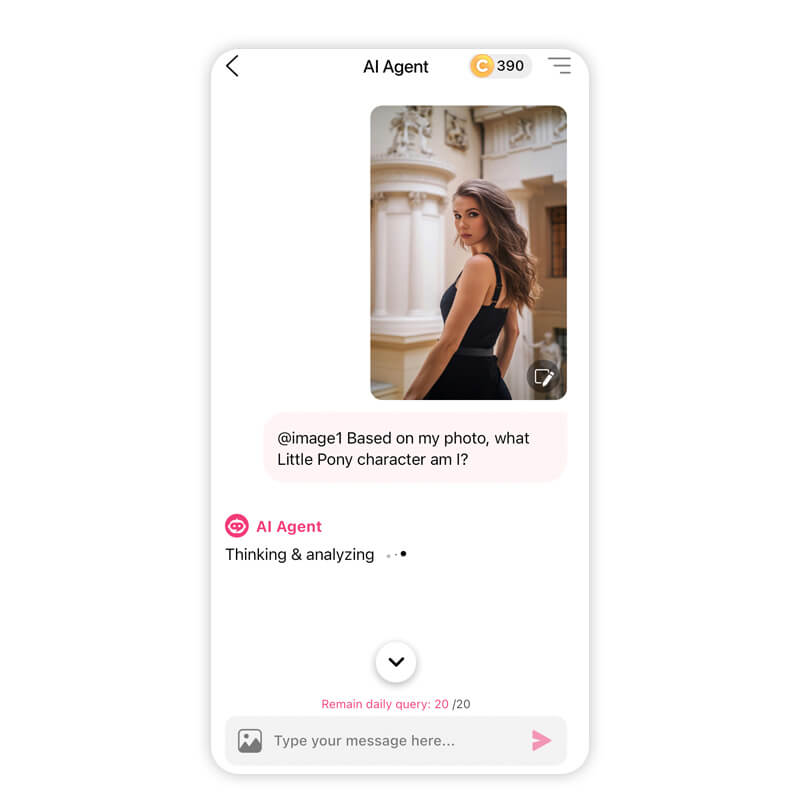
Step 3: Try the My Little Pony Filter
Tell the AI Agent you want to transform into a My Little Pony character with the prompt “Based on my photo, what Little Pony character am I?”.
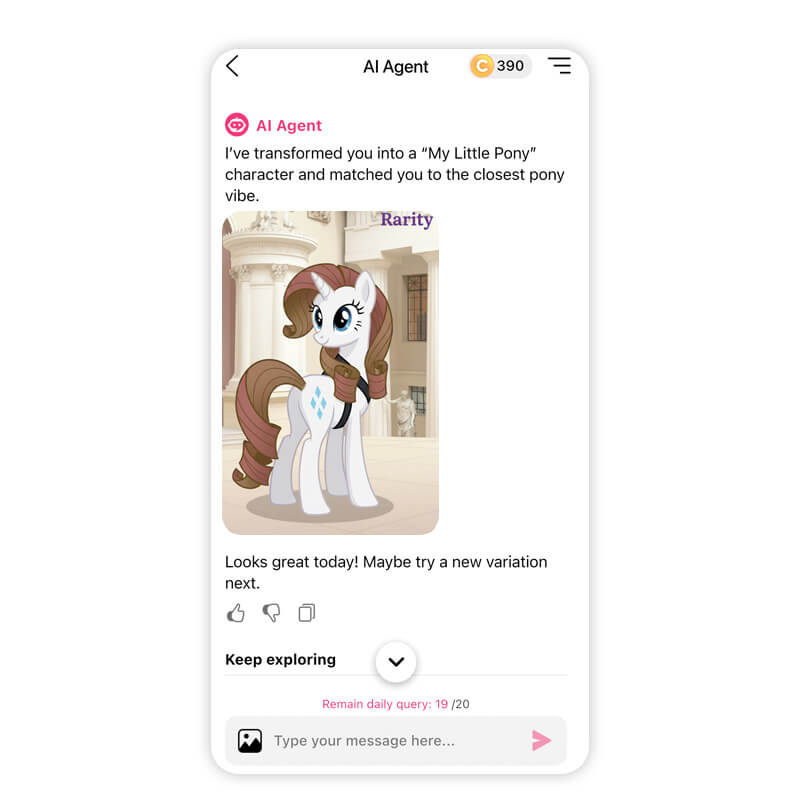
The AI will generate a pony inspired by your facial features, hair color, and overall look.
Step 4: Make Your MLP Move
With your My Little Pony character, you can turn it into a reel or short video, perfect to upload on social media. Enter a text prompt like “Turn the image into a cute video of the Little Pony galloping through the meadows”, and watch as your pony turns into a cute animation video!
Step 5: Save and Share
Download your image and post it on TikTok or Instagram with trending hashtags like #mylittlponyfilter, #mylittleponytrend, or #mlpfilter.
Try My Little Pony Test Filter with YouCam Makeup
The My Little Pony filter trend is a perfect mix of nostalgia, creativity, and AI technology. Whether you are taking the My Little Pony test for fun or creating content for TikTok, transforming yourself into a pony has never been easier.
With YouCam Makeup's AI Agent, you can upload your photo and see what you would look like if you were a My Little Pony character. If you’re looking for a fun way to join the trend, this is one of the best tools to try.
About the Editors
The PERFECT Corp. Editorial Team
We are a team of experts on photo and video editing apps. Our goal is to deliver engaging content on everything from stunning selfie edits to eye-catching video effects. We cover the latest trends and share niche tips to help you master digital creation.



