Author:


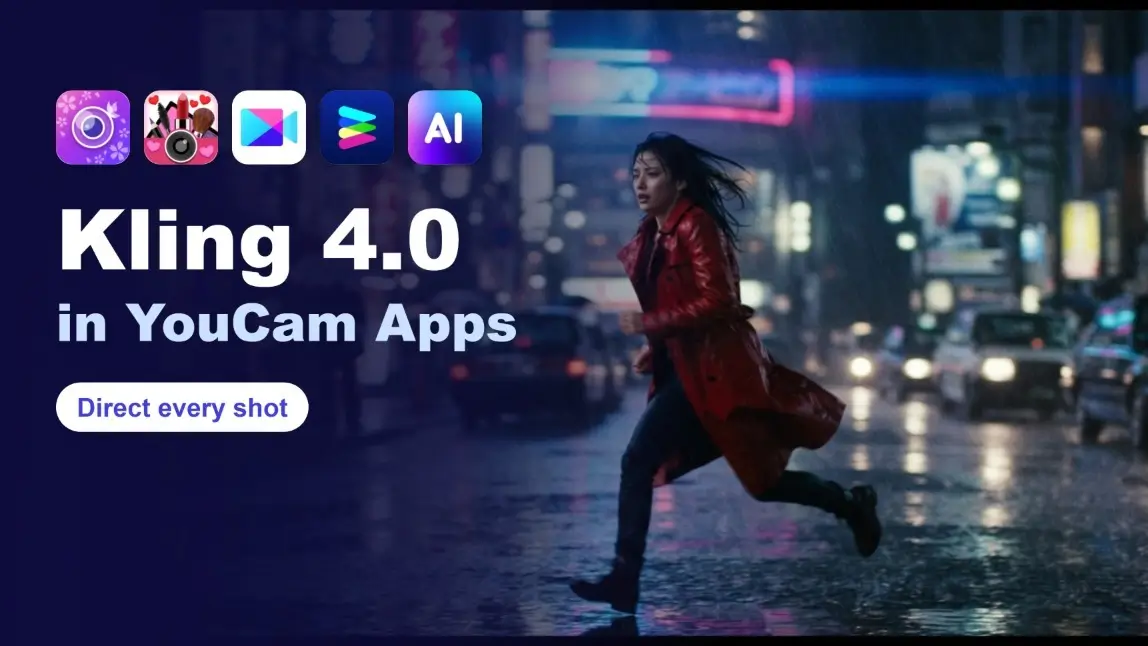
Anyone who has tried to make a short AI film knows the friction: clips end just as the idea gets going, characters drift between shots, and a loose prompt rarely gives you the camera move you pictured. You end up stitching many tiny generations together and hoping they match.
Kling 4.0 is Kling AI's answer to that. It gives you director-level control: plan a scene with up to 10 keyframe images, keep the people, products and places you care about consistent with up to 15 references, and let the whole scene play out in one continuous take of up to 30 seconds. Kling announced the model on September 30, 2026, and a global launch followed on October 19, with a wider rollout through October. You can try Kling 4.0 in YouCam apps, including YouCam Video.
🔑 Key Takeaways
- 🎬 Whole scenes in one take: continuous generations of up to 30 seconds, with stable motion.
- 🎞️ Multi-keyframe control: guide a scene with up to 10 keyframe images.
- 🧩 Omni Reference: up to 15 references per generation, mixing images, video and subjects.
- 🔊 Better sound: two-channel stereo audio with improved lip-sync.
- ✍️ Longer prompts: prompts of up to 8,000 tokens for detailed direction.
- 🚧 Still to come: 10-bit HDR at 4K and 1080p, and video extension up to 2 minutes.

Which YouCam Apps Support Kling 4.0?
Kling 4.0 isn't tied to a single app. Whether you start with a photo edit, a makeup look, an enhanced image or a blank prompt, you can take it into Kling 4.0 and turn it into a directed, cinematic video. Pick the app that fits your workflow:

AI Photo Editor
Edit, retouch, and restyle your photo — then bring it to life with Kling 4.0.
Now with Kling 4.0 — keyframes, references and stereo sound.

Virtual Makeup & Beauty Camera
Try on a full look, then animate it with Kling 4.0 .
Now with Kling 4.0 — keyframes, references and stereo sound.

AI Video Editor
Turn stills into cinematic clips and keep editing in the same app.
Now with Kling 4.0 — keyframes, references and stereo sound.
AI Photo & Video Enhancer
Sharpen and restore a photo first, then animate it with Kling 4.0.
Now with Kling 4.0 — keyframes, references and stereo sound.

AI Photo & Video Generator
Generate AI images and videos with the latest models, including Kling 4.0.
Now with Kling 4.0 — keyframes, references and stereo sound.

Online AI Photo & Video Editor
Edit, enhance, and reimagine any photo in seconds. Upload a photo, pick a tool, and let YouCam's AI handle the rest, right in your browser.
What is new in Kling 4.0
Whole scenes in one continuous take
Earlier workflows often meant generating a handful of short shots and cutting them together. Now a full beat of action, a tracking shot or an orbit around a subject can play out in one continuous take of up to 30 seconds, so motion and characters stay coherent from start to finish. Kling says the model is tuned for stable, seamless motion, including fast movement, continuous action, tracking shots and orbit shots.
Multi-keyframe control
Instead of describing everything in words, you can provide up to 10 keyframe images and let the model connect them. Think of it as a storyboard: the opening pose, a mid-scene moment, the final frame. It is a practical way to keep a longer clip on track.

Omni Reference: one pool, up to 15 references
Omni Reference lets a single generation draw on up to 15 reference assets: up to 10 images, up to 5 videos (30 seconds in total, including video subjects) and up to 7 subjects. A subject can carry a specified voice, which helps a character sound the same from scene to scene.

Editing and recreating existing video
Kling 4.0 also covers edits. You can target changes to expressions, body movement, camera position and movement, style or background while the rest of the scene stays steady. A creative recreation mode reuses the pacing, composition and visual expression of an existing video and swaps in your own product or character.
Audio, languages and prompts
Audio is two-channel stereo with improved lip-sync. Spoken languages include Chinese, English, Japanese, Korean, Spanish, Portuguese, German, French and Hindi, with more planned, plus accent options such as American, British and Indian English. Prompts can run up to 8,000 tokens, which leaves room for scene-by-scene direction. The model can also render multilingual on-screen text and emoji.
Visual styles
Kling highlights a wide stylistic range: vlogs, realistic documentary looks, clay animation, glitch art, felt textures and 3D cyber aesthetics.

Kling 4.0 vs Kling 4.0 Flash
Kling released two variants. Kling 4.0 Flash opened on September 28 to Ultra Yearly subscribers and is positioned for frequent, high-volume creation. Kling 4.0 is the full model with the headline capabilities above. Both are expected to roll out more widely through October.
| Capability | Kling 4.0 | Kling 4.0 Flash |
|---|---|---|
| Best for | Longer, more directed scenes | Fast, frequent everyday content |
| Clip length | Up to 30 seconds | 3 to 20 seconds |
| Resolution | 720p to 4K (HDR coming soon) | 720p |
| Early access | Staged rollout, wider in October | Ultra Yearly subscribers from September 28 |
Flash figures come from third-party coverage of Kling's release note, so check Kling's own pages for current limits.
How to get the most from Kling 4.0
- Start from a storyboard. Pick three to ten still frames that mark the key beats of the scene and use them as keyframes.
- Add references for anything that must stay consistent. A character, a product or a location can each be a reference.
- Write the camera move. Say whether you want a tracking shot, an orbit or a static frame. Kling points to these as strengths.
- Direct the sound. Specify the language and accent for speech, and attach a voice to a subject when you need a consistent character.
- Edit instead of regenerating. If one detail is off, use targeted editing on expressions, background or camera rather than starting over.
- Plan for what is coming. Keep source frames in high quality so HDR and longer extensions are easy to adopt when they arrive.
Why it matters
- Fewer stitched clips. Longer single takes mean less cutting and fewer continuity problems.
- More control, less luck. Keyframes and references turn a vague prompt into a directed shot.
- Closer to a finished video. Stereo audio, lip-sync and multilingual speech move generations nearer to something you can post.
Try it now
Ready to experiment? Open YouCam Video, start with a short storyboard of two or three frames and see how much of the scene Kling 4.0 can carry in one continuous take.
FAQ
How long can a Kling 4.0 video be?
Up to 30 seconds in a single generation. Extending an existing video up to 2 minutes is listed as coming soon.
What is Omni Reference?
It lets one generation use up to 15 references: up to 10 images, 5 videos (30 seconds in total) and 7 subjects. A subject can include a specified voice.
How many keyframes can I use?
Up to 10 keyframe images to plan a scene.
Does Kling 4.0 support 4K and HDR?
Kling lists 10-bit HDR at 4K and 1080p as coming soon, along with a 21:9 ultrawide format.
Which languages does it speak?
English, Chinese, Japanese, Korean, Spanish, Portuguese, German, French and Hindi, with more planned, plus several accents and dialects.
What is Kling 4.0 Flash?
A faster variant aimed at frequent creation, which opened on September 28 to Ultra Yearly subscribers.