Author:


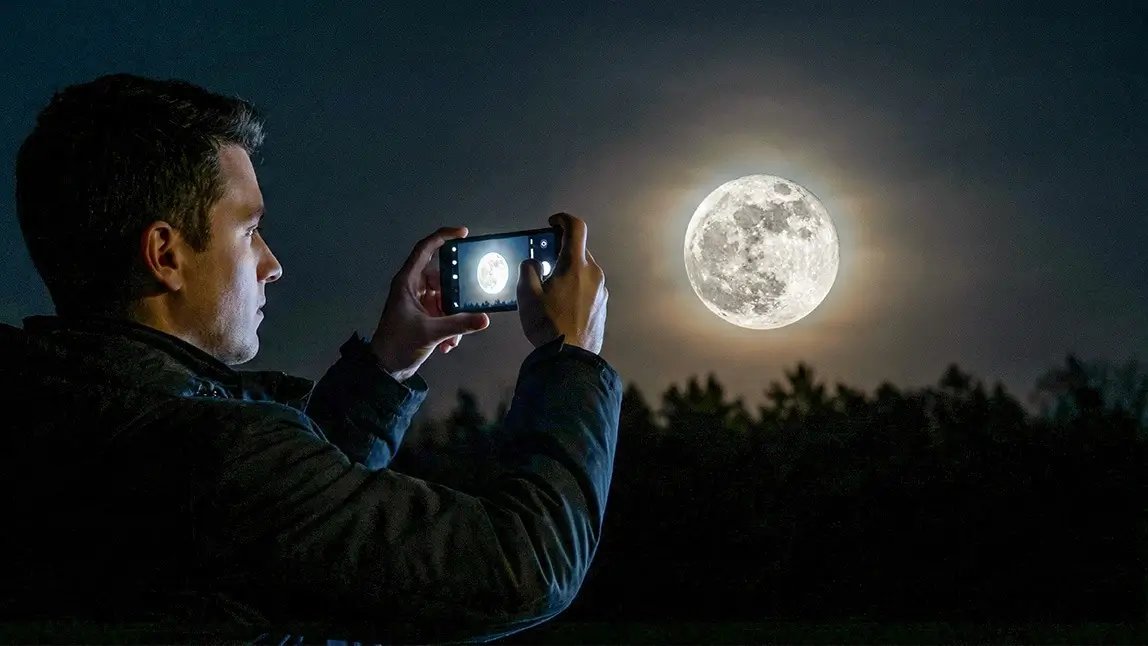
Every few months, the night sky offers one of its most breathtaking shows—the supermoon, a full moon that appears larger and brighter because it’s at its closest point to Earth.
This comprehensive guide breaks down how to take supermoon photos on your phone, from positioning and camera settings to editing tips using YouCam Perfect.
What Is Supermoon?

- Up to 14% larger
- Up to 30% brighter
The term “supermoon” isn’t scientific—it was coined by astrologer Richard Nolle in 1979—but it’s now widely used because it captures the dramatic visual effect.
How Often Do Supermoons Occur?
If you’re planning your supermoon photography this year, here are the confirmed 2025 supermoon dates:
- October 7, 2025 — First Supermoon (Harvest/Hunter’s Moon)
- November 5, 2025 — Second Supermoon (Beaver Moon)
- December 4, 2025 — Third Supermoon (Cold Moon)
Check local moonrise and moonset times for the best shooting window.
Why Supermoons Look Bigger Near the Horizon
The moon illusion makes the supermoon appear even larger when it’s near the horizon—perfect for dramatic photos. This is why moonrise or moonset is the ideal time to shoot, allowing you to pair the moon with foreground elements.
How to Prepare for Supermoon Photography?
Plan Before You Shoot
Supermoon photography begins long before you tap the shutter.
Check Supermoon Dates
Use astronomy calendars or sites like TimeandDate.com to know when the next supermoon will rise. Supermoons only happen a few times per year.
Shoot at Moonrise or Moonset

- Appears largest due to the “moon illusion”
- Glows warmer and more dramatic
- Aligns with landscapes, buildings, or silhouettes
Choose a Location with Foreground Interest
Pair the moon with:
- Mountains or ocean
- City skylines
- Trees or silhouettes
- Light reflections
Scout the area an hour before moonrise if possible.
How to Take a Supermoon Photo on Your Phone?
Step 1: Turn Off Flash
Flash lights the ground, not the sky—so turn it off.
Step 2: Switch to Pro or Night Mode

- ISO: 25–100
- Shutter speed: 1/125–1/250
- Focus: Manual → Infinity
- White balance: 4000–5000K
If your phone doesn’t support manual settings, optimize auto mode instead.
Step 3: Lower Exposure

- Tap the moon
- Hold until AE/AF lock appears
- Slide exposure down
This keeps crater details sharp.
Step 4: Avoid Digital Zoom (Use Crop Instead)
Pinching to zoom reduces clarity. Better approach:
- Shoot at 1× or 2× optical zoom (if available)
- Digitally crop later for a sharper result
Step 5: Capture Multiple Shots
The moon moves quickly—take 20–30 photos. You’ll thank yourself later.
Tips for Taking Clear Moon Pictures
Fix Blocked or Blurry Moon Photos with AI Agent

1. Select “AI Agent” in the app.
2. Upload your supermoon photo (even if it’s unclear or partially blocked).

3. Enter a prompt, such as:
“Reveal the full supermoon clearly and remove anything blocking it. Enhance the glow and make the sky look clean and detailed.”
4. Generate and save your enhanced image.

Use Filters to Add a Different Vibe

YouCam Perfect offers a wide collection of filters that can transform your photo into something more aesthetic. Feel free to try them out!
Filters can enhance mood, boost contrast, or create a cinematic night-sky feel.
Capture Your Best Supermoon Yet
Supermoons are rare moments worth capturing. With the right timing, settings, and a little creativity, you can take incredible moon photos using just your phone. And if your shot isn’t perfect, YouCam Perfect’s AI tools make it easy to enhance the moon, clear the sky, and polish the final image.
When the next supermoon rises, step outside, take a few shots, and elevate them in YouCam Perfect. 🌕✨