


 Author: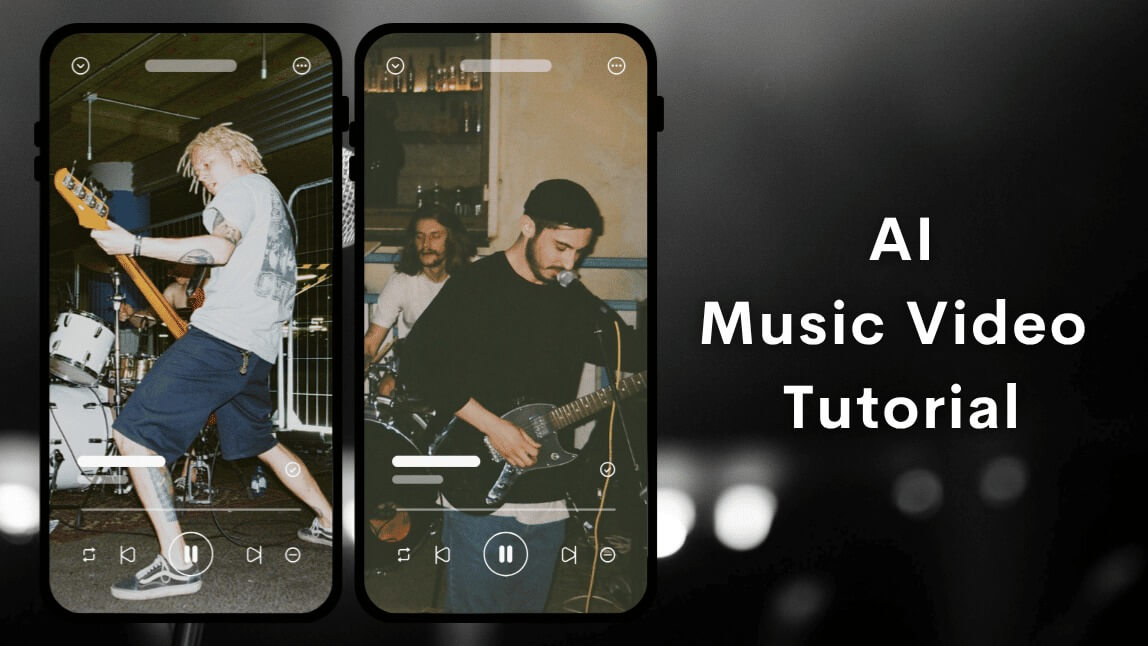
What Is an AI Music Video Maker? What Is an AI Music Video Maker?
A modern AI music video generator goes beyond basic editing. Instead of just syncing clips to music, it can now generate a full video from a text prompt, music track, and character image.
You can literally describe a scene like:
“A girl walking through a neon city at night, cinematic slow motion, emotional vibe”
Then the AI turns that idea into a full music video.
The workflow usually includes three inputs:
- 🎵 Music file (you upload or choose a track)
- 🧠 Text prompt (you describe the video concept)
- 🧍 Character photo (to define the main visual identity)
Why This Type of AI Music Video Generator Is a Game Changer
This new generation of AI tools is different because it doesn’t just “edit”, it creates.
Key advantages:
- Full Creative Control Without Editing Skills
You don’t need timelines, keyframes, or editing knowledge. You just describe the idea. - Character Consistency
By uploading a character photo, the AI keeps the same face/person across scenes. - Music-Driven Generation
The video is structured around the rhythm and emotion of your uploaded song. - From Idea → Video in Minutes
You skip shooting, editing, and storyboarding. You only provide input.
How to Create AI Music Videos with YouCam Video (Step-by-Step Guide)
Here’s the full workflow using YouCam Video.

Step 1: Upload Your Music Track
Start by importing your audio file. This could be a TikTok sound, your own music, a cinematic soundtrack, or a vocal + instrumental track. The AI uses this as the foundation for pacing and emotion.
Step 2: Upload a Character Photo
Upload the main character image to define:
- Face identity
- Visual consistency
- Character presence across scenes
Examples include portrait selfies, stylized avatars, influencer photos, or brand characters.
Step 3: Write a Text Prompt (This Is the Key Step)
You describe:
- Scene
- Mood
- Style
- Action
- Environment
Example prompts:
- “Cinematic shot of a girl walking through a futuristic Tokyo street at night, neon lights, emotional mood”
- “A confident woman dancing on a rooftop during sunset, golden hour lighting, dreamy style”
- “Fantasy style scene of a character running through glowing forest, magical atmosphere”
Step 4: AI Generates the Music Video
The AI generates scenes based on your prompt, applies character consistency, syncs visuals to music rhythm, builds transitions automatically, and adds cinematic motion and effects.
Step 5: Export and Share
Export your AI music video and publish it on TikTok, Instagram Reels, or YouTube Shorts. This format is optimized for viral short form content.
Pro Tips for Better AI Music Video Results
1. Be Specific in Your Prompt
Bad example: A girl in a city
Good example: A cinematic close-up of a girl walking through rainy neon Tokyo street, reflections on ground, emotional tone.
2. Match Music Emotion With Prompt
- Sad music → emotional storytelling
- EDM → high-energy visuals
- Chill beats → aesthetic slow motion
3. Use Strong Character Photos
Clear face + good lighting = better AI consistency.
4. Describe the Scene, Not Just the Subject
Think like a director: where is the character, what are they doing, and what is the mood?
Final Thoughts
The future of video creation is powered by AI. With YouCam Video, you no longer need to edit every clip yourself. Simply describe your idea, and AI transforms it into a polished music video in minutes. Creating engaging content has never been easier.
About the Editors
The PERFECT Corp. Editorial Team
We are a team of experts on photo and video editing apps. Our goal is to deliver engaging content on everything from stunning selfie edits to eye-catching video effects. We cover the latest trends and share niche tips to help you master digital creation.



