


 Author:
Welcome to 2026. The "gatekeepers" are gone. Whether you're an aspiring filmmaker, a dedicated YouTuber, or a content marketer, AI YouTube trailer makers have leveled the playing field. You no longer need a Hollywood studio to produce a trailer that gives people chills.
Ready to turn your prompts into premieres? Let's explore the elite tools that are redefining movie trailers on YouTube.
Key Takeaways: Best AI YouTube Trailer Generators in 2026
| Feature | Top Recommendation | Why It Wins |
|---|---|---|
| Best All-in-One App | YouCam Video | Mobile-first, powerful AI retouching, and "Text-to-Video" simplicity. |
| Best for Cinematic Control | LTX Studio | Professional-grade frame control and storyboarding. |
| Best for Social Media | InVideo AI | Fast, stock-heavy, and perfect for YouTube shorts. |
| Best Visual Quality | Imagine.art | Incredible artistic fidelity for fantasy/sci-fi trailers. |
What is an AI YouTube Trailer Maker?
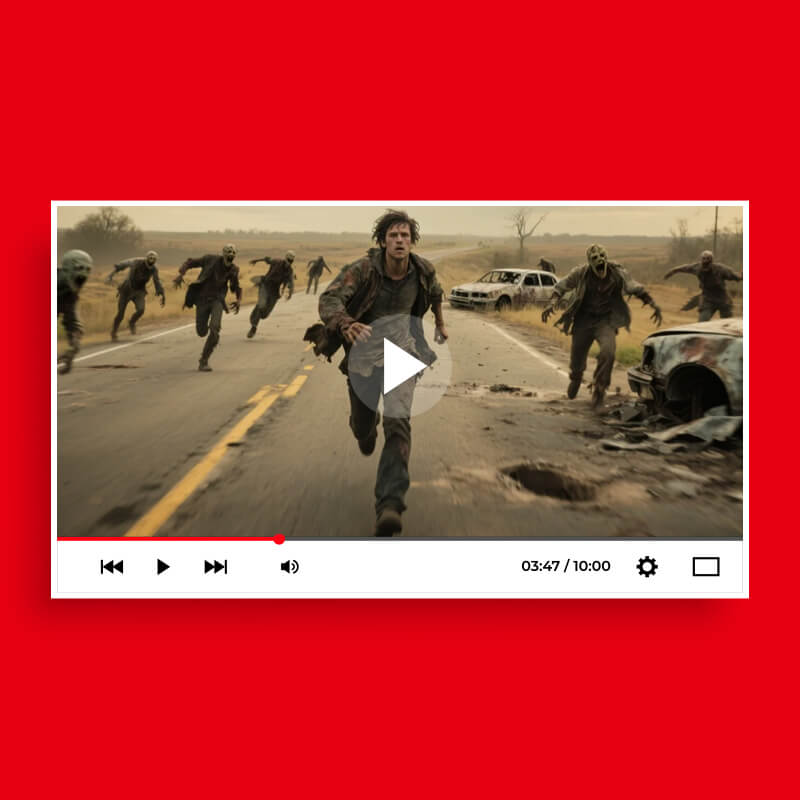
An AI YouTube Trailer Maker is a generative tool that uses advanced neural networks to synthesize video, audio, and effects based on user input. Instead of manually splicing clips, you provide a "director's prompt," and the AI handles the lighting, motion, and transitions. It’s like having a world-class editor and VFX artist living inside your smartphone.
The 6 Best AI YouTube Trailer Makers for 2026
1. YouCam Video: The All-in-One AI Cinema Studio
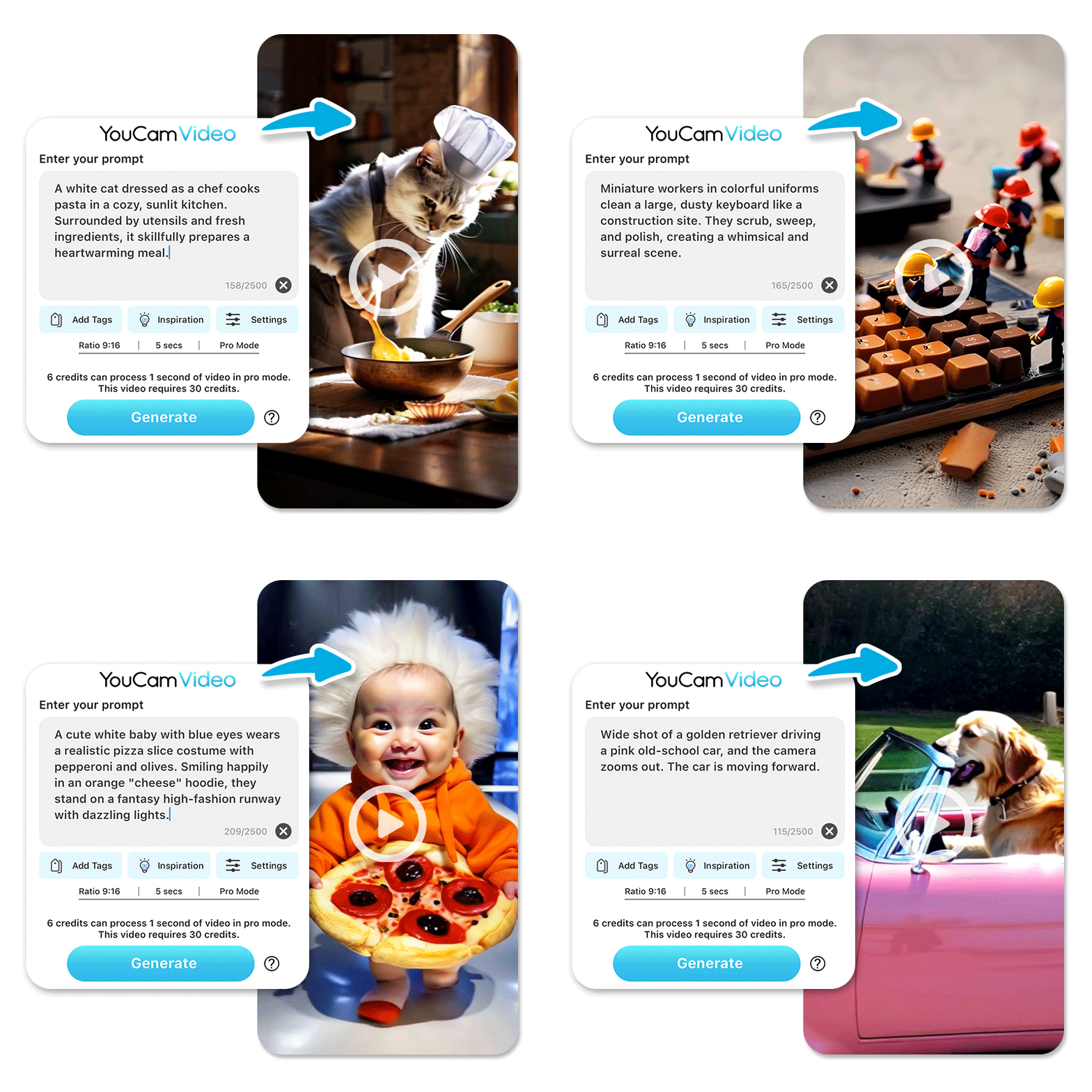
If you’re looking for the perfect blend of power and simplicity, YouCam Video is the gold standard for 2026. It’s designed for creators who want "pro-skin" aesthetics and Hollywood-level effects without the desktop complexity.
Key Features of YouCam Video:
✔️ Free to Download: Start creating immediately without upfront costs.
✔️ Quick Edits with Preset Filters: Apply professional cinematic color grading and styles in a single tap.
✔️ Tons of Filters & Effects: Access a massive library of visual overlays, glitches, and atmospheric effects.
✔️ 750+ Copyright-Free Songs: A built-in library of high-quality music to ensure your trailers stay monetized and safe on YouTube.
✔️ Hair Color & Makeup Filters: Change hair colors or apply virtual makeup that tracks perfectly to movement for a flawless on-screen look.
✔️ Extensive Retouch Features: Smooth skin, reshape facial features, and refine jawlines while maintaining a natural texture.
✔️ AI Text to Video:Experience the future of production by turning simple text prompts into high-quality, cinematic footage instantly.
✔️ AI Image to Video: Breathe life into static photos or concept art with smooth, AI-powered animations and motion effects.
✔️ AI Motion Swap: Effortlessly apply movements from a reference video to your character photos, swapping the subject while keeping the original background intact.
✔️ AI Multiple Model Support: Choose between various top-tier AI models (like Sora, Veo, and Runway) to get the specific visual style your project requires.
✔️ AI Video Lighting: Instantly brighten dark footage and relight scenes to achieve professional-grade exposure without a studio setup.
✔️ AI Video Denoiser:Remove grain and visual noise from low-light recordings to ensure a crisp, professional finish every time.
✔️ AI Video Enhancer: Upscale your content to higher resolutions like 4K, sharpening details and restoring clarity to low-res clips.
✔️ AI Video Stabilizer: Smooth out shaky handheld footage with intelligent stabilization that maintains a polished, cinematic feel.
✔️ AI Video Face Swap: Seamlessly replace faces in your videos with high-accuracy AI that preserves natural expressions and lighting.
✔️ Easy Social Sharing: Export your masterpieces with one tap and share directly to YouTube, Instagram, and TikTok with optimized settings.
Best for: Creators who need a mobile-first, professional-grade tool for high-quality movie trailers and social content.
How to Create & Edit YouTube Trailers with YouCam Video
Step 1. Download YouCam Video

Best AI YouTube Trailer Maker
The Best AI Video Editor & Filter App.
Generate and edit videos easily.
Get it on the App Store or Google Play.
Step 2. Tap Text to Video
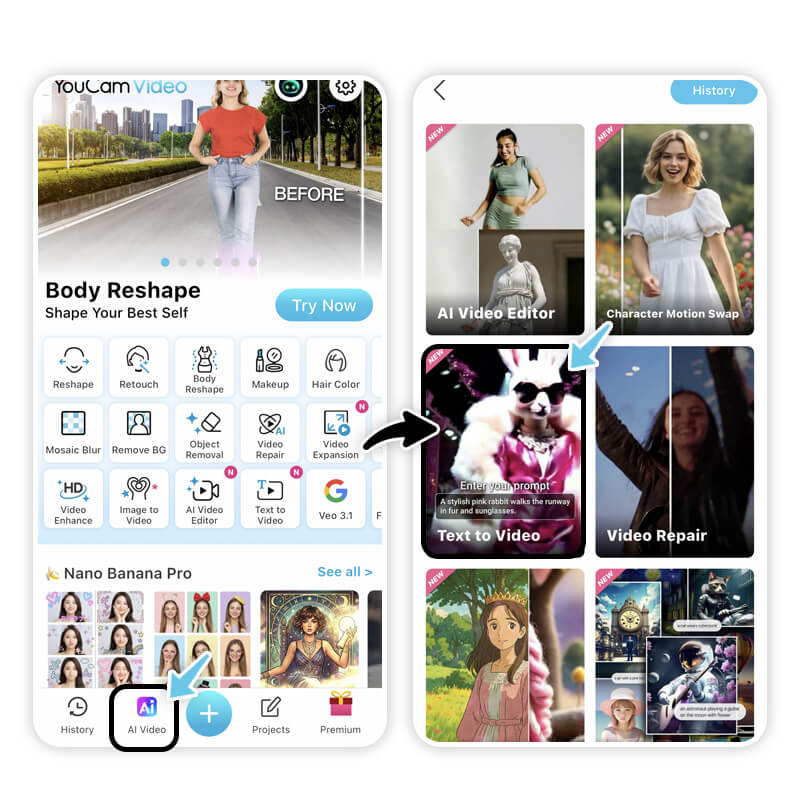
Navigate to the AI Tools section.
Step 3. Enter Your Prompt
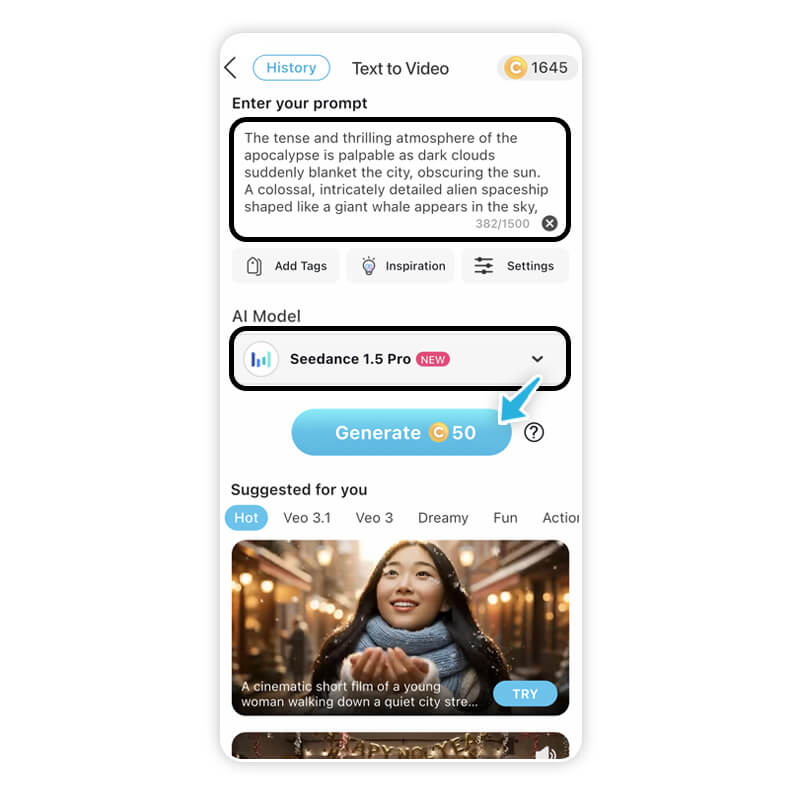
Try something epic!
Prompt: "The tense and thrilling atmosphere of the apocalypse is palpable as dark clouds suddenly blanket the city, obscuring the sun. A colossal, intricately detailed alien spaceship shaped like a giant whale appears in the sky, presenting a cinematic trailer-like quality with high-definition visuals."
Step 4. Generate & Save
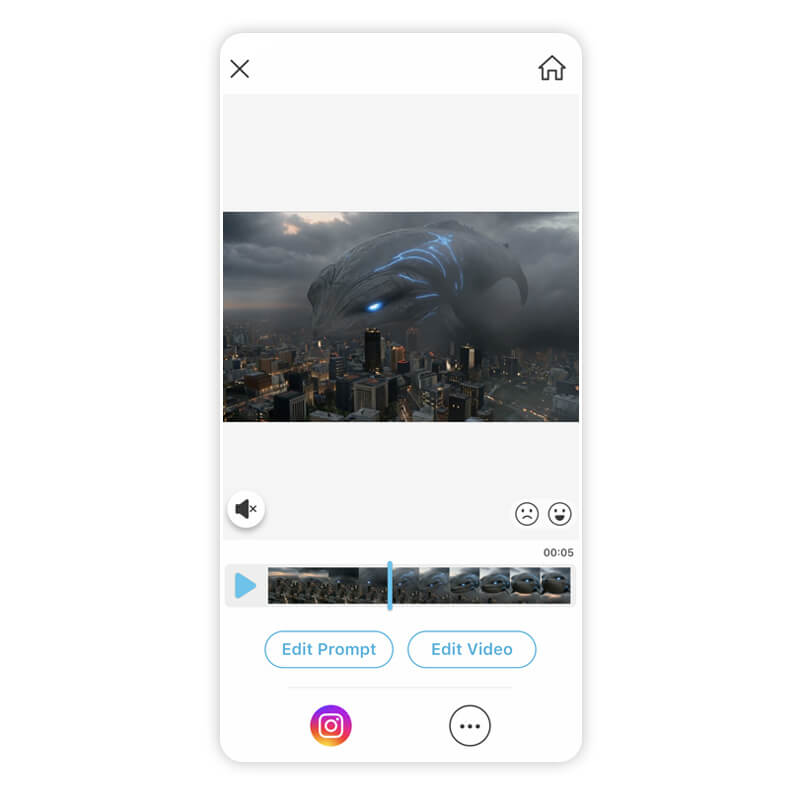
Review your 4K result, add your music, and hit export!
2. LTX Studio

LTX Studio is built for those who want a "Director's Chair" experience. It offers incredible control over storytelling flow. LTX Studio allows for in-depth scene customization, character consistency, and AI-driven sound design.
- Key Features: Frame-by-frame consistency, shot control, and AI-driven storyboarding.
- Best for: Indie filmmakers creating long-form trailer narratives.
3. InVideo AI
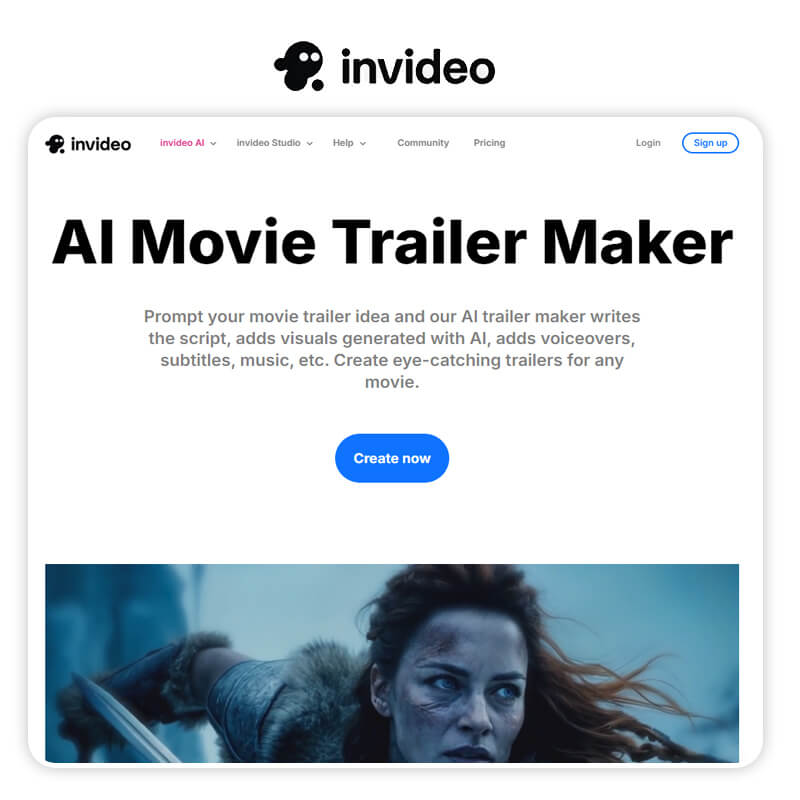
InVideo remains a powerhouse for "Prompt-to-Video" workflows, making it a favorite for rapid content creators. Invideo AI generates full trailers with voiceovers and transitions from a simple text prompt.
- Key Features: Intelligent script generation, automated stock footage integration, and easy voiceovers.
- Best for: YouTube marketers and "Top 10" style channel trailers.
4. Animaker
If your vision is more "Spider-Verse" than "Interstellar," Animaker is your best friend for animated trailers.
- Key Features: Massive 2D/3D character assets and AI-powered lip-syncing.
- Best for: Animated series trailers and gaming highlights.
5. Imagine.art
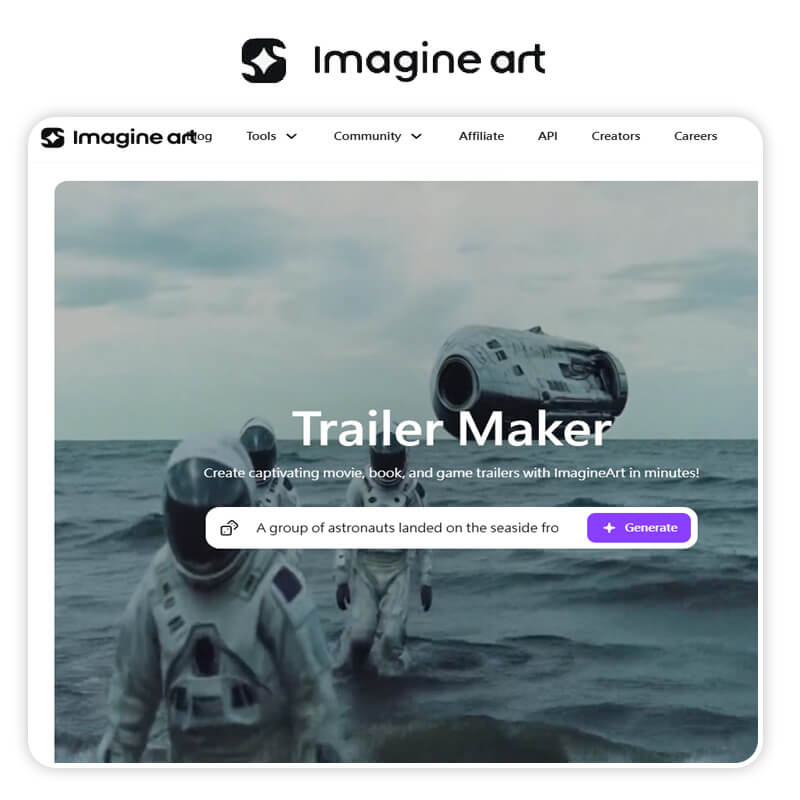
Imagine.art focuses on the "Art" in AI. Their video generation is known for being incredibly vivid and stylized. Transforms text prompts into 5-second cinematic trailer clips, ideal for high-resolution, quick-turnaround teasers.
- Key Features: High artistic fidelity, multiple style presets, and intuitive trailer-making tools.
- Best for: Fantasy and Sci-Fi trailers where visual "wow-factor" is everything.
6. Runway (Gen-4)
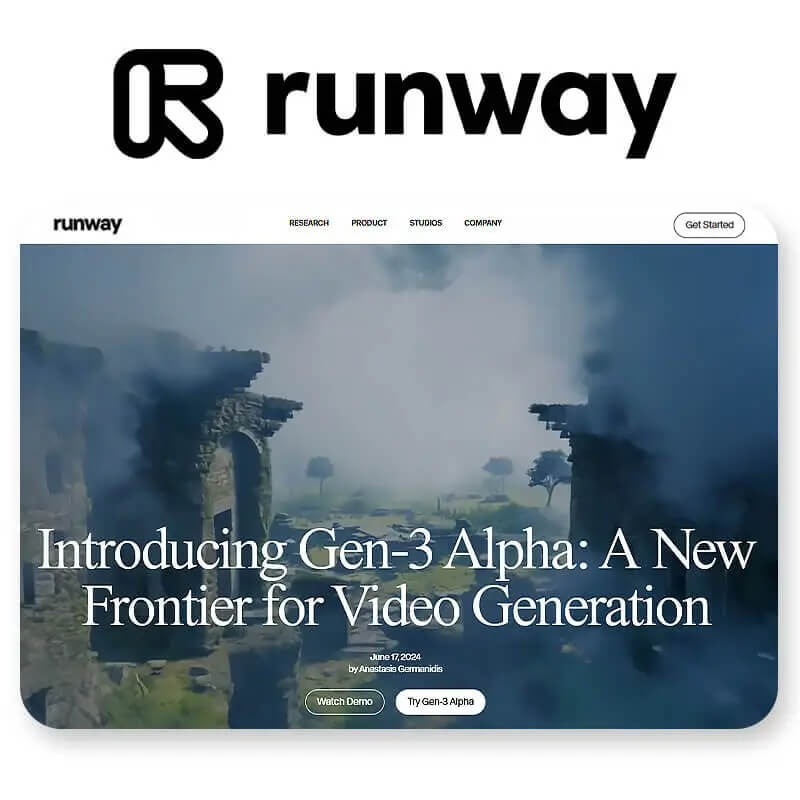
Runway continues to push the boundaries of what AI can do visually, offering some of the most realistic physics in the industry. Highly rated for AI-driven, high-motion video generation to create cinematic, unique footage.
- Key Features: Multi-motion brush and advanced camera movement controls.
- Best for: Tech-savvy creators who want to experiment with the cutting edge of AI physics.
How to Create Stunning Movie Trailers for YouTube
1. Write Your Script with ChatGPT
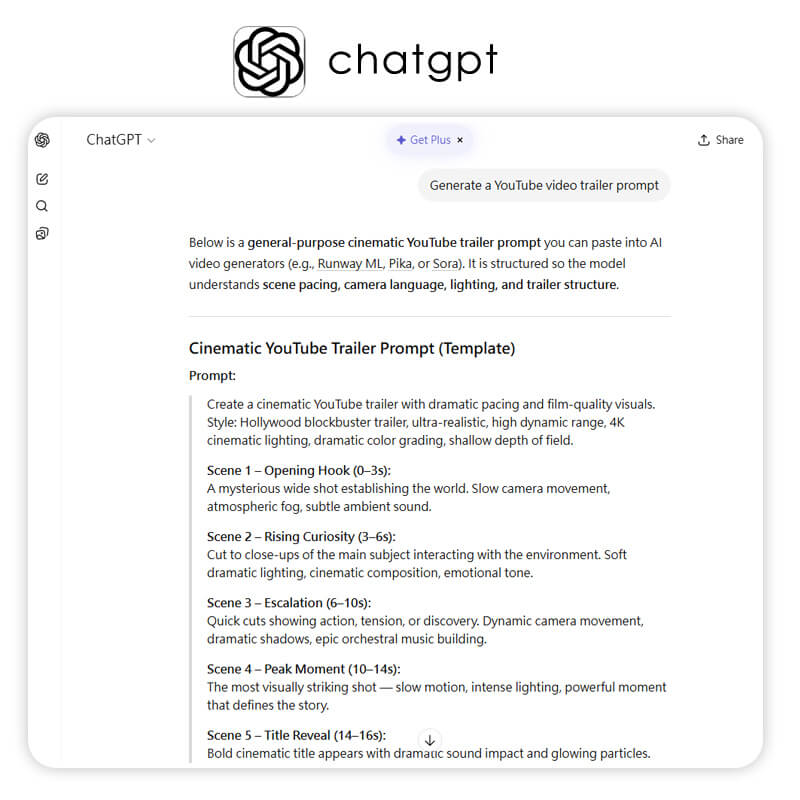
Ask AI to write a high-tension, 30-second script with a clear hook and "cliffhanger" ending.
2. Generate Clips with AI Trailer Makers
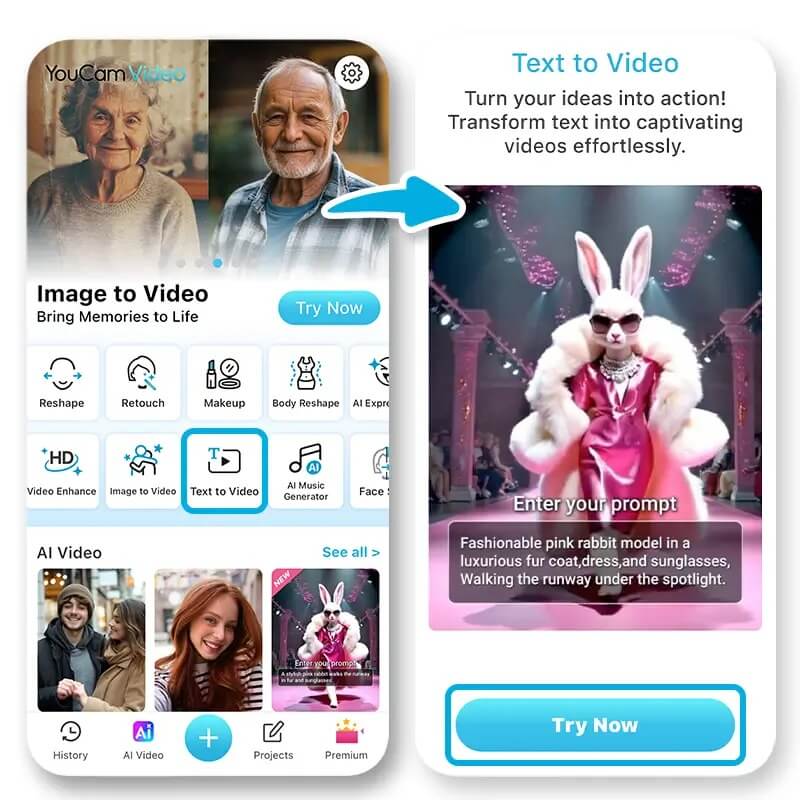
Use YouCam Video to turn each line of your script into a visual masterpiece.
3. Create Music & Voice with AI
Layer in cinematic scores and deep, "movie trailer" voices using the built-in assets to drive the emotional impact home.
Start Generating AI YouTube Movie Trailers Now
Best AI YouTube Trailer Maker
The Best AI Video Editor & Filter App.
Generate and edit videos easily.
The technology is here, and the "Best AI YouTube Trailer Maker" of 2026 is already in your pocket. Don't let your ideas stay ideas. Whether it's a gritty noir thriller or an epic space opera, the world is waiting to see your vision.
Ready to see your name in lights? [Download YouCam Video for Free] and start creating your first viral YouTube trailer today!
About the Editors
The PERFECT Corp. Editorial Team
We are a team of experts on photo and video editing apps. Our goal is to deliver engaging content on everything from stunning selfie edits to eye-catching video effects. We cover the latest trends and share niche tips to help you master digital creation.
YouTube Trailer Maker FAQs
Which AI can make trailers?

While several AIs can make clips, YouCam Video, LTX Studio, and InVideo are the top choices in 2026 for assembling full-length, cinematic trailers from text or images.
What is the best app to make AI videos for YouTube?
For most users, YouCam Video is the best app. It combines AI generation with professional editing tools like stabilization, denoising, and retouching in one user-friendly mobile interface.
How to make a trailer video for YouTube?
The most efficient way is to use a text-to-video tool. Input your prompt into YouCam Video, select a cinematic model, and add background music from their copyright-free library. Finalize by sharing directly to your channel!



