


 Author:
Instagram Reels have become one of the most powerful ways to grow on social media. Whether you're a creator, small business, or influencer, short-form video can help you reach new audiences fast.
But great Reels rarely happen by accident; they require the right editing tools. The best apps make it easy to trim clips, add transitions, sync music, generate captions, and apply trending effects that keep viewers watching.
In this guide, we’ll explore the 10 best Reels maker apps for Instagram in 2026. From beginner-friendly tools to powerful professional editors, these apps can help you turn simple clips into viral content.
1. YouCam Video
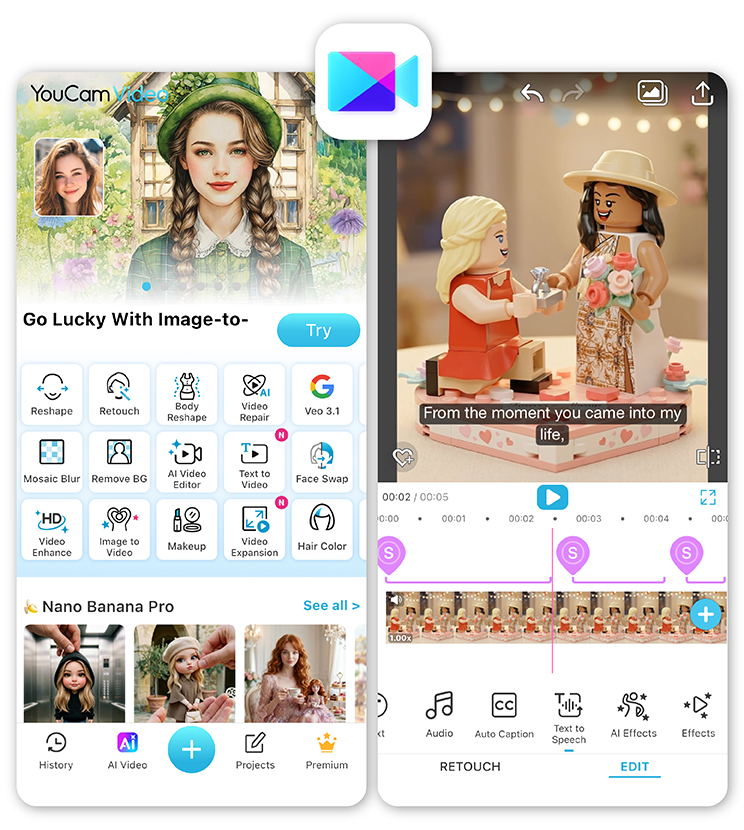
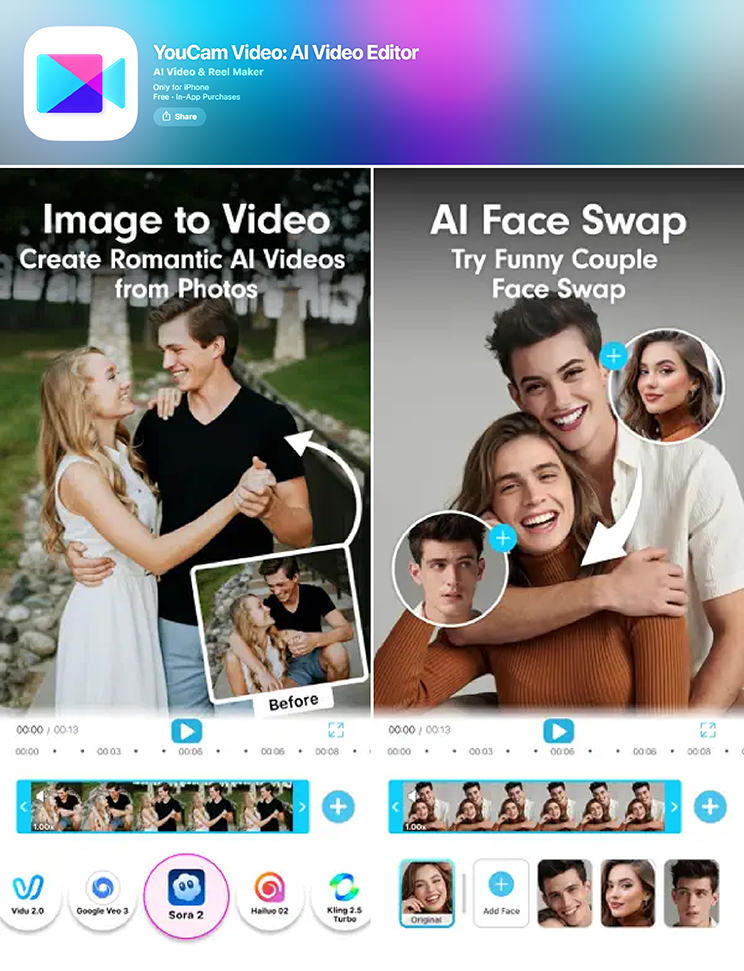 If you’re looking for an AI-powered Reels maker that simplifies the entire editing process, YouCam Video is one of the most powerful options available in 2026.
Designed for modern content creators, the app combines intuitive editing tools with advanced AI features that can transform raw footage into polished Reels in minutes. One of its standout advantages is how quickly you can create trending content using templates, AI-generated effects, and automatic captions.
Key Features
- AI text-to-video and image-to-video generation
- Trending templates designed for viral Reels
- Auto captions and subtitle styling
- AI music generator for custom soundtracks
- HD video enhancement and noise reduction
- 100+ transitions and effects
The app also includes traditional editing tools like trimming, speed control, clip merging, and transitions, making it a complete all-in-one Reels maker.
Best For
Creators who want AI-powered editing and viral-ready Reels fast.
2. CapCut
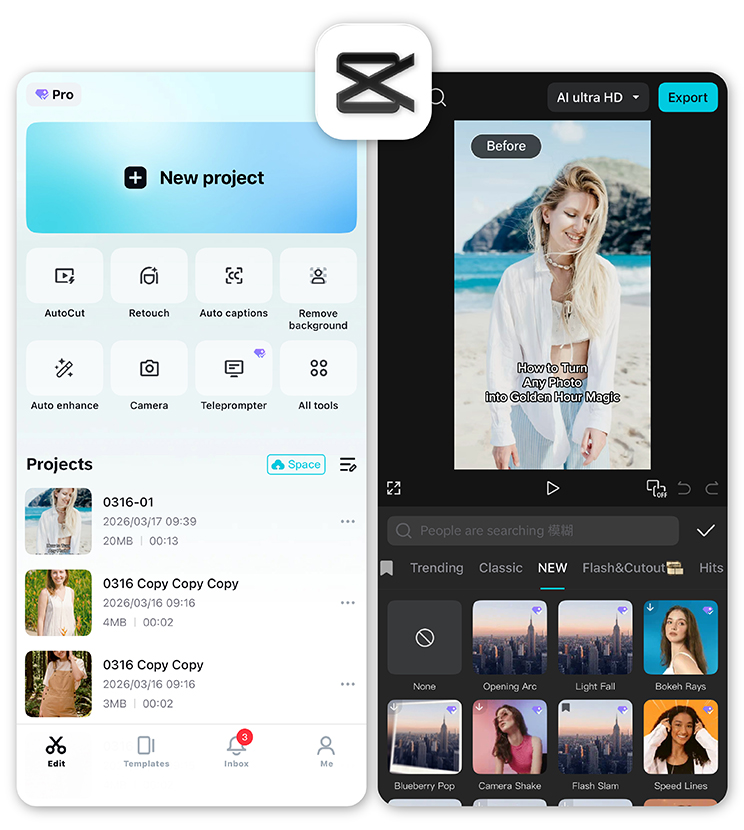 CapCut remains one of the most popular video editing apps among creators, especially those who want full control over their edits. The app offers advanced tools like keyframe animation, layered editing, and a massive effects library, making it a powerful Reels maker for creators who enjoy manual editing.
Best For
Creators who want maximum editing control.
3. InShot
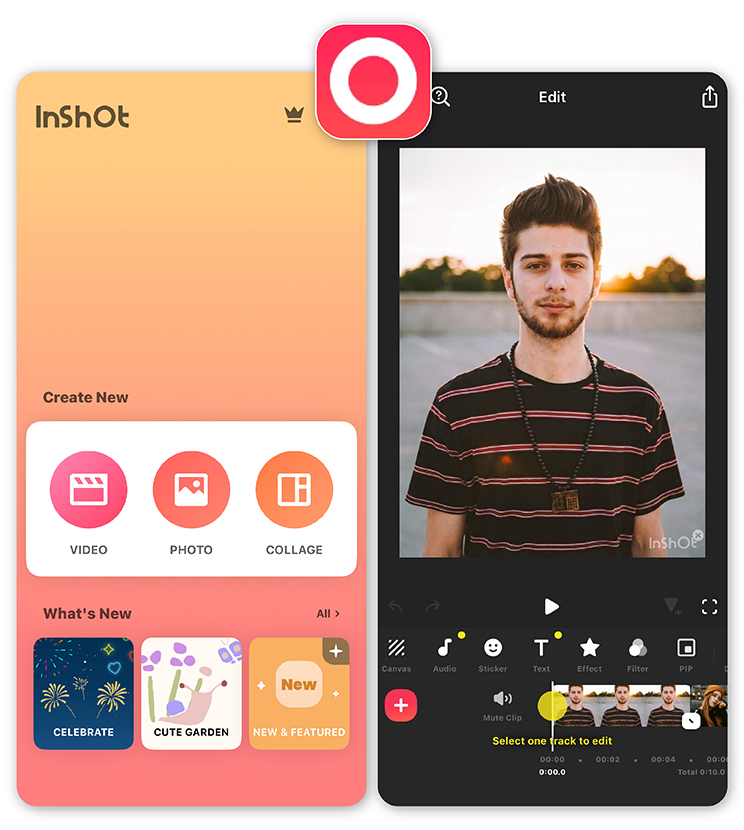 InShot is known for its simplicity. If you want to quickly trim clips, add music, and export a polished Reel, it’s a reliable choice. The app focuses on fast editing rather than advanced features, which makes it ideal for everyday social media content.
Best For
Creators who want quick edits on the go.
4. VN Video Editor
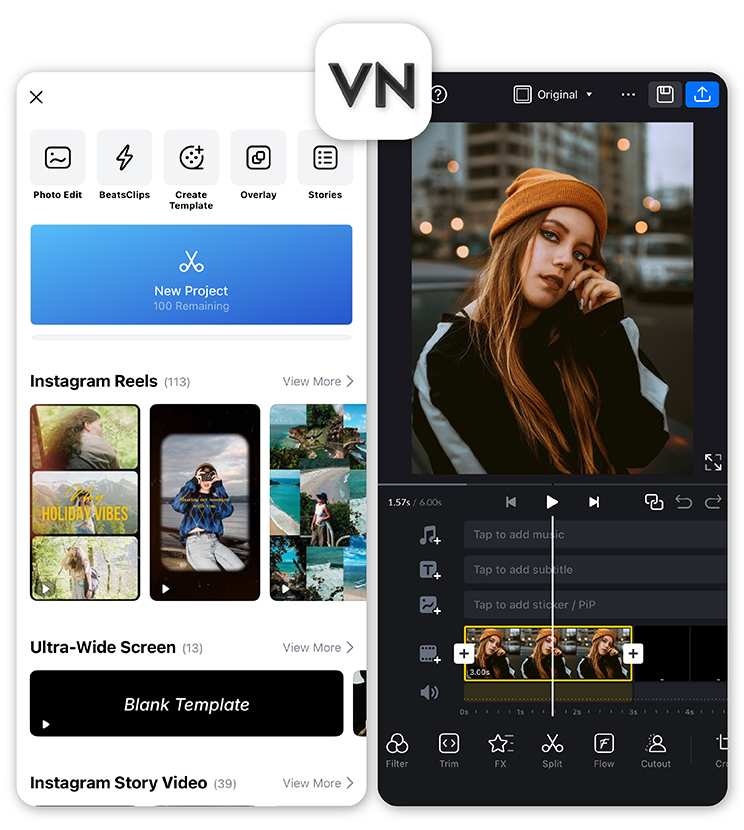 VN Video Editor has gained popularity because it offers professional features without charging users. It supports multi-layer editing, color presets, and 4K exports, making it a powerful Reels maker for creators who want cinematic edits.
Best For
Creators who want professional editing tools for free.
5. Adobe Premiere Rush
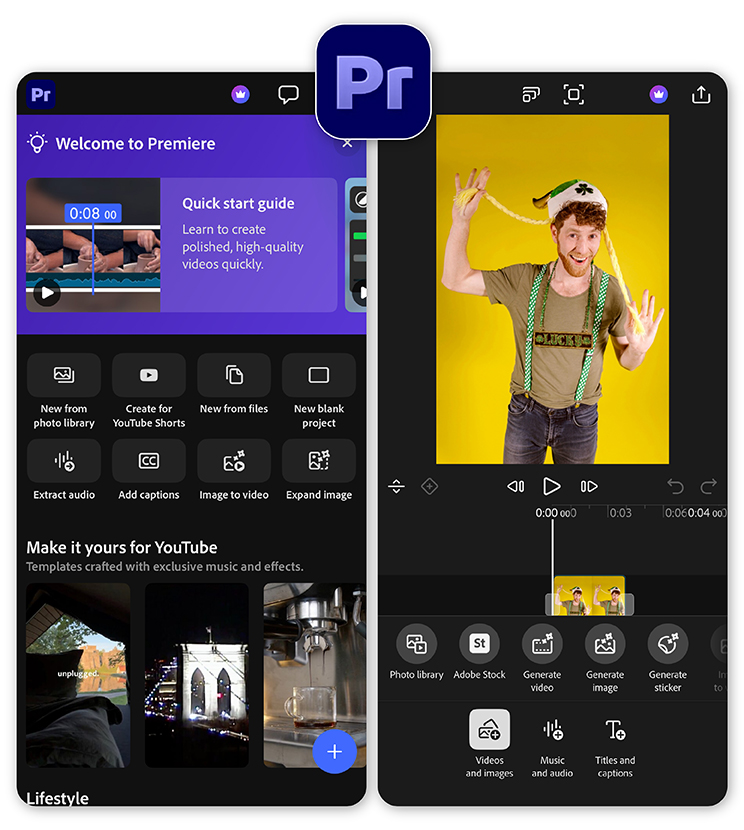 Adobe Premiere Rush brings professional video editing tools into a simplified mobile format. It’s designed for creators who want powerful editing features but still need something fast enough for social media content.
Best For
Creators who want a professional editing workflow.
6. KineMaster
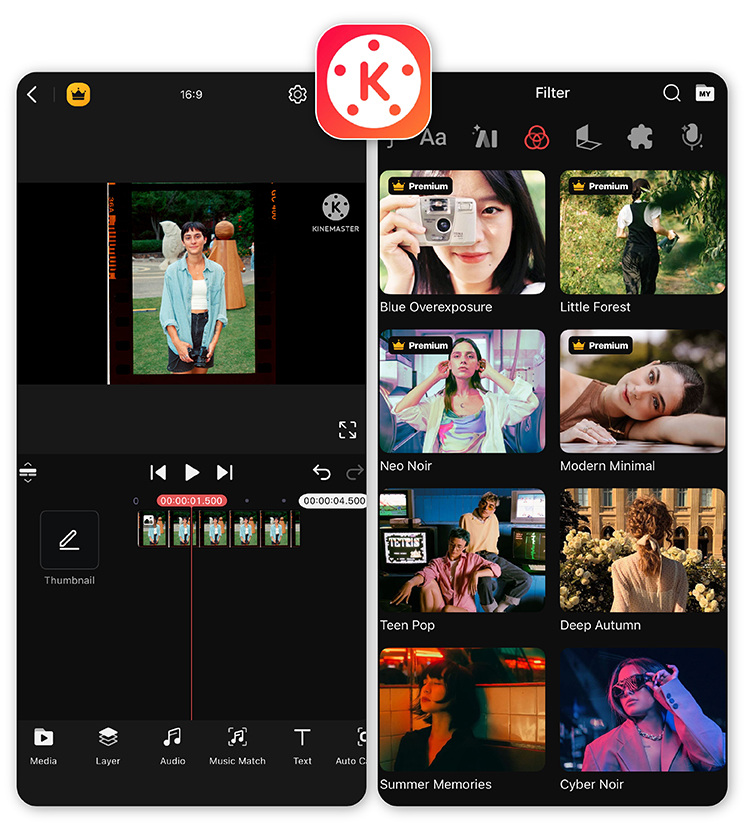 KineMaster has long been a favorite among mobile video editors thanks to its advanced timeline editing. The app includes layered editing, effects, transitions, and precise control over clips.
Best For
Advanced creators who want desktop-like editing on mobile.
7. Filmora
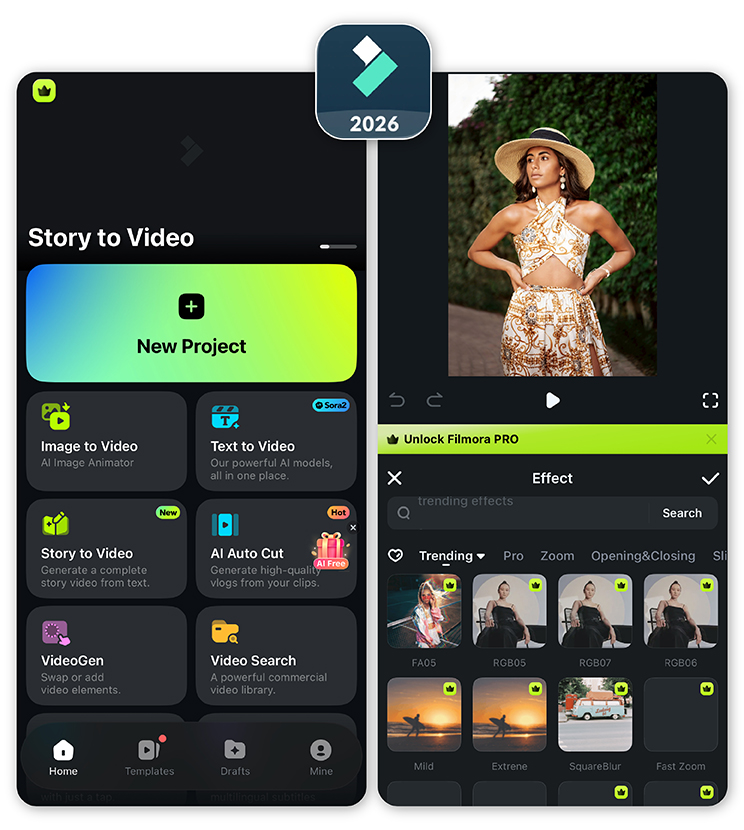 Filmora (formerly FilmoraGo on mobile) combines ease of use with powerful editing tools. Features like beat detection help sync clips to music automatically, which is especially useful for Reels editing.
Best For
Creators who want stylish edits with minimal effort.
8. Splice
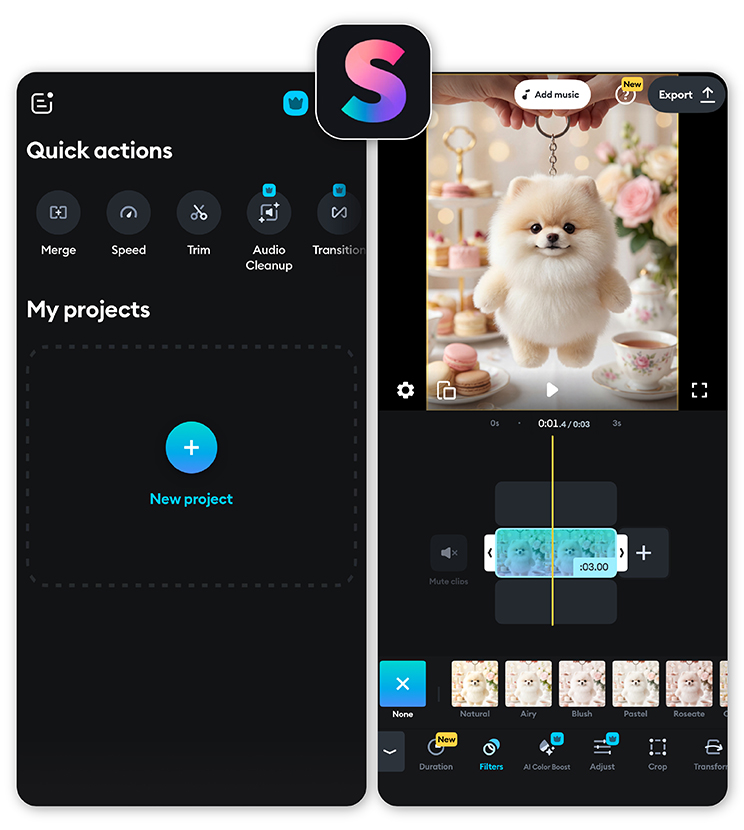 Splice focuses on precise editing tools and strong audio control. Its audio waveform editor makes it easy to sync dialogue, music, and effects in your Reels.
Best For
Creators who want precise audio editing for Reels.
9. Canva
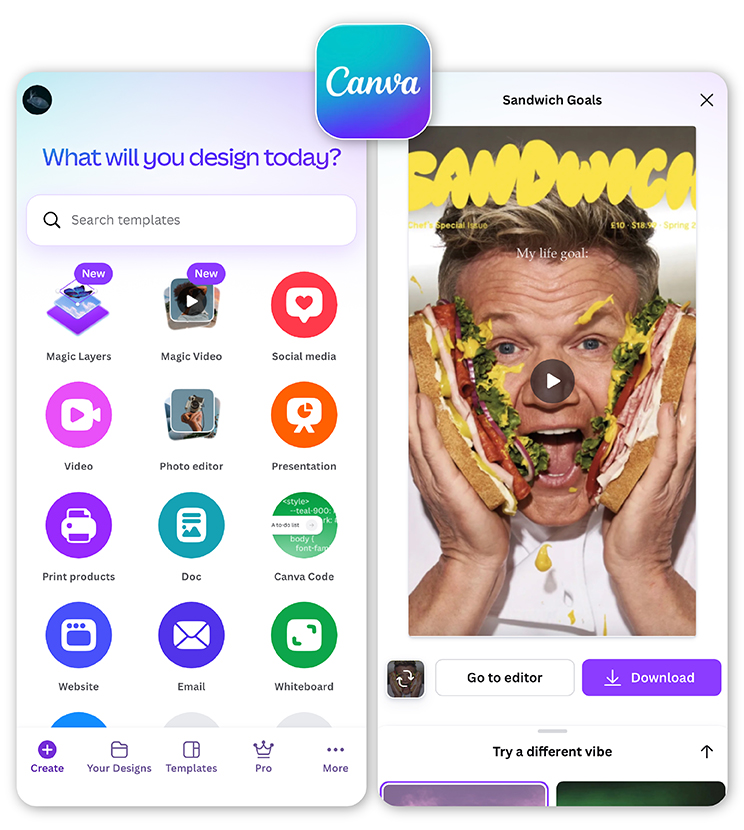 While Canva is primarily known as a design tool, its video editor is increasingly used as a Reels maker. It provides drag-and-drop templates and animated elements that help creators produce visually appealing content quickly.
Best For
Brands and marketers creating template-based social videos.
10. LumaFusion
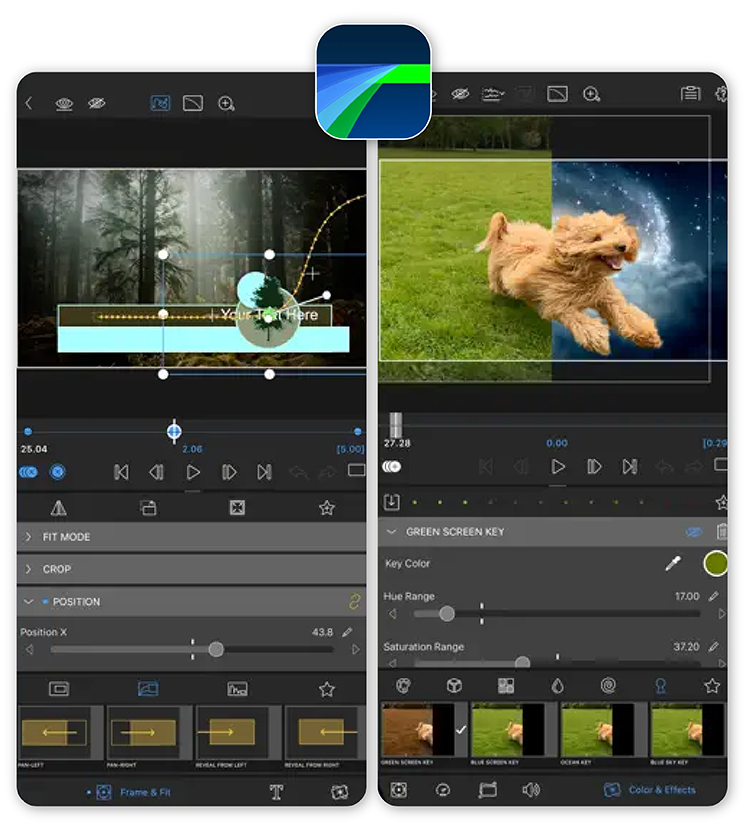 LumaFusion is one of the most advanced mobile editing apps available today. Often compared to desktop editors, it offers multi-track editing, keyframes, and professional color tools.
Best For
Professional creators and videographers.
Tips for Creating Better Instagram Reels
 Even the best Reels maker app can’t replace a strong content strategy.
Here are a few tips to help your videos stand out:
1. Hook viewers in the first 3 seconds Attention spans are short. Start with a strong visual or intriguing statement.
2. Use captions Many people watch Reels with sound off, so subtitles help keep viewers engaged.
3. Follow trends, but add your own twist Trending audio and effects can boost visibility, but originality keeps people watching.
4. Keep videos short and dynamic Fast cuts and transitions help maintain momentum.
5. Batch-create content Record several clips in one session so you always have content ready to edit.
Best Reels Maker Apps Comparison
| App | Key Strength | Ease of Use | Best For |
| YouCam Video | AI video editing & templates | ⭐⭐⭐⭐⭐ | Fast viral content |
| CapCut | Advanced editing tools | ⭐⭐⭐⭐ | Detailed edits |
| InShot | Simple editing | ⭐⭐⭐⭐⭐ | Beginners |
| VN Video Editor | Free pro tools | ⭐⭐⭐ | Cinematic edits |
| Adobe Premier Rush | Professional workflow | ⭐⭐⭐ | Pro creators |
| KineMaster | Multi-layer editing | ⭐⭐⭐ | Advanced editing |
| Filmora | Beat sync & effects | ⭐⭐⭐⭐ | Stylish edits |
| Splice | Audio editing | ⭐⭐⭐⭐ | Dialogue-heavy Reels |
| Canva | Template-based videos | ⭐⭐⭐⭐⭐ | Brands & marketers |
| LumaFusion | Desktop-level editing | ⭐⭐ | Professional video editing |
Final Thoughts
The right Reels maker can dramatically improve your content workflow and help you produce engaging videos faster. While many apps offer powerful editing tools, AI-driven platforms are making it easier than ever to create professional-quality Reels.
If you want a fast, beginner-friendly, and AI-powered solution, YouCam Video stands out as one of the best options in 2026. With smart editing tools, viral templates, and AI features that automate complex tasks, it helps creators turn simple clips into scroll-stopping Reels in minutes.
Ready to level up your Instagram content? Download YouCam Video and start creating stunning Reels today.

Reels Maker FAQs
What is the best app to create reels?

The best app to create Reels depends on your editing style, but many creators prefer AI-powered tools like YouCam Video because they simplify the process. A good Reels maker should offer templates, transitions, music, and caption tools so you can quickly turn clips into polished Instagram Reels without advanced editing skills.
Where can I create reels for free?
You can create Reels for free using several mobile apps, including YouCam Video, CapCut, InShot, and VN Video Editor. These apps offer free editing tools like trimming, filters, music, and transitions. A free Reels maker lets you produce engaging Instagram videos without professional editing software or expensive subscriptions.
How do you make your own reels?
To make your own Reels, start by recording short video clips or uploading existing footage. Then use a Reels maker app to trim clips, add music, apply transitions, and include captions or effects. Finally, export the video in vertical format (9:16) and upload it to Instagram as a Reel.
What do influencers use to create reels?
Many influencers use mobile video editing apps such as YouCam Video, CapCut, and InShot to create Instagram Reels. These tools provide templates, trending effects, caption generators, and music libraries that help creators quickly produce professional-looking short-form videos optimized for social media engagement.
Is making Reels difficult?
Making Reels isn’t difficult once you use the right tools. A good Reels maker simplifies editing with templates, automatic captions, and built-in effects. Even beginners can create engaging short videos in minutes by trimming clips, adding music, and using ready-made layouts designed for Instagram Reels.



