 Author:




Images designed by YouCam AI
Two AI coding tools. One big question. Cursor or Claude Code? Cursor is an AI-native editor that keeps your hands on the keyboard and your eyes on every diff. Claude Code is an agent that takes a task, plans it, edits a dozen files, runs the tests and comes back with a summary. Both can build an AI app this weekend. They just disagree about who drives.
Here's the twist most comparisons skip: once you plug in an MCP server, both tools can call real AI APIs (skin analysis, virtual try-on, image generation) straight from a prompt. So the right choice depends less on "which is smarter" and more on how your team ships.
Table of Contents
- Cursor vs Claude Code: what's the quick answer?
- What are Cursor and Claude Code, really?
- How do Cursor and Claude Code compare side by side?
- Which is cheaper: Cursor or Claude Code?
- Which workflow fits building AI apps?
- How do you connect MCP servers in Cursor and Claude Code?
- What does a real MCP build look like?
- Can you use Cursor and Claude Code together?
- FAQs
Cursor vs Claude Code: What's the Quick Answer?

Short version, no fluff:
- Pick Cursor if you want to stay inside a VS Code-style editor, see every change as an inline diff, and accept or reject edits line by line.
- Pick Claude Code if you want to hand off multi-step tasks (refactors, new features, test fixes) and review the result, from the terminal, your IDE, the desktop app or the browser.
- Pick both if you're a small team shipping AI features fast. Plenty of developers plan and execute with Claude Code, then polish inside Cursor.
Think of Cursor as a brilliant pair-programmer sitting next to you. Claude Code is the senior engineer you assign a ticket to.
What Are Cursor and Claude Code, Really?

What is Cursor?
Cursor is an AI code editor built on top of VS Code. You get smart tab completion, chat about your codebase, and an agent mode that can edit across files while showing you visual diffs. It supports multiple model families, and paid tiers add cloud agents and AI code reviews. Its whole design says: stay in the loop.
What is Claude Code?
Claude Code is Anthropic's agentic coding tool. It reads your repository, proposes a plan, edits files, runs commands and tests, and iterates until the job is done. It runs in the terminal, in VS Code and JetBrains, in a desktop app and on the web. It also supports Skills, hooks, sub-agents and MCP servers, so you can teach it your team's workflow once and reuse it.
How Do Cursor and Claude Code Compare Side by Side?

| Category | Cursor | Claude Code |
|---|---|---|
| Core idea | AI-native code editor | Autonomous coding agent |
| Where you use it | Cursor app (VS Code fork) | Terminal, VS Code, JetBrains, desktop app, web |
| Control style | Inline diffs, accept/reject per change | Plan → execute → review summary and diffs |
| Models | Multiple providers (varies by plan) | Anthropic Claude models |
| Multi-file tasks | Agent mode, strong with guidance | Native strength; runs tests and iterates |
| Extensibility | Rules, MCP servers | CLAUDE.md, Skills, hooks, sub-agents, MCP servers |
| MCP support | Yes (.cursor/mcp.json) | Yes (claude mcp add or .mcp.json) |
| Best for | Hands-on editing, UI polish, quick fixes | Big refactors, new features, automation |
Notice the MCP row. It's a tie, and it's the reason the "which one builds better AI apps" debate is closer than it looks.
Which Is Cheaper: Cursor or Claude Code?

Both tools use tiered subscriptions, and both change pricing often. As of late 2026, published comparisons list roughly:
| Tier type | Cursor | Claude Code |
|---|---|---|
| Free / entry | Free tier with limited agent requests | Included in Claude Pro (about $20/month) |
| Power user | Higher tiers from about $30 up to $200/month | Max plans from about $100/month |
| Teams | Per-seat team plans | Team and Enterprise seats |
| Pay as you go | Third-party models billed at API rates on some tiers | Claude API usage billing |
The real cost driver isn't the sticker price. It's how many long agent runs you do. If you let an agent loose on a big codebase every day, usage limits matter more than the monthly fee. Always check the official pricing pages before buying a team plan.
Which Workflow Fits Building AI Apps?

Building an AI app usually means three kinds of work. Each tool shines in a different one.
Scaffolding and wiring APIs
Creating a project, adding auth, wiring an API client, writing tests. That's long, multi-step work. Claude Code handles it well: describe the feature, let it plan, review the pull request.
UI tweaks and fast iteration
Moving a button, fixing a CSS bug, renaming props across a component. Cursor's inline edits and tab completion make these feel instant, and you see every change before it lands.
Calling AI features (the fun part)
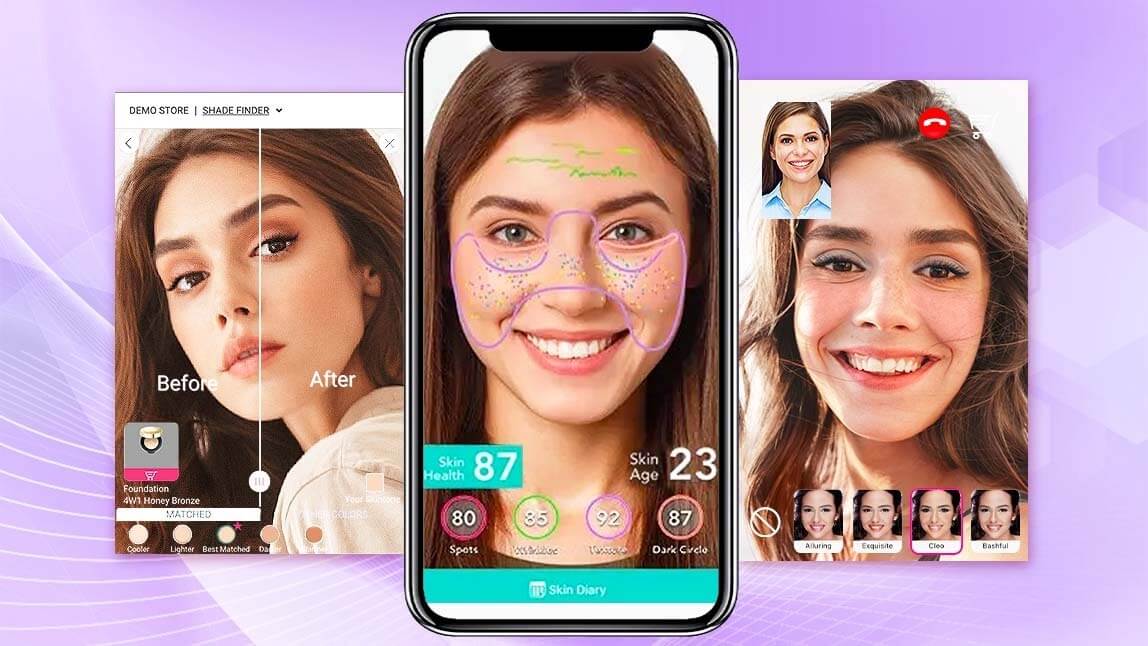
Want your app to analyze skin, try on lipstick or change hair color? You don't train a model. You call an API. With the YouCam MCP servers and Agent Skills, your coding agent can discover and call those APIs directly, in either tool.
Want to skip the model training? Talk to Perfect Corp. about plugging production-ready beauty and fashion AI into your app.
How Do You Connect MCP Servers in Cursor and Claude Code?

The Model Context Protocol (MCP) is the open standard that lets AI tools call external services. Both Cursor and Claude Code are MCP clients, so a server you configure once works in either.
In Cursor
- Open your project and create
.cursor/mcp.json(or add it in Cursor's MCP settings). - Add the server entry. The YouCam docs show a remote setup using
npx -y mcp-remoteplus your API key. - Restart or refresh tools, then ask the agent in plain English.
In Claude Code
- Run
claude mcp addwith the server URL, or commit a shared.mcp.jsonto the repo so the whole team gets it. - Set your API key as an environment variable or header.
- Type
/mcpto confirm it's connected, then describe the task.
Full, current setup steps live in the YouCam API MCP documentation. Prefer the command line? The YouCam API CLI works with both tools too.
What Does a Real MCP Build Look Like?

Let's make it concrete. Say you're building a mini beauty app for a retail brand.
- Prompt: "Create a Next.js page where users upload a selfie and preview five hair colors. Use the YouCam MCP tools."
- Agent work: the agent finds the hair color tool, builds the upload flow, handles the async task result and writes basic tests.
- Polish: you open the page in Cursor, tighten the layout, tweak copy and colors inline.
- Expand: add AI skin analysis or makeup try-on with one more prompt.
That's a demo-ready AI feature in an afternoon. Not because one tool is magic, but because the heavy AI lifting lives behind an API. Want to test results before writing any code? Try the features in the AI Hair Color API demo first.
Can You Use Cursor and Claude Code Together?

Yes, and a lot of teams do. Claude Code even runs inside Cursor's built-in terminal and as a VS Code extension, which works in Cursor since it's a VS Code fork. A practical split:
- Claude Code: big features, refactors, test fixing, repetitive chores, scripted automations.
- Cursor: reading code, quick edits, UI polish, reviewing what the agent changed.
- Shared: one MCP config, one repo, one set of project rules.
The winning question isn't "Cursor vs Claude Code." It's "which part of my workflow should a human still own?"
Cursor vs Claude Code FAQs
Is Claude Code better than Cursor?
Neither is better for everyone. Claude Code is stronger at autonomous, multi-file tasks. Cursor is stronger when you want tight, line-by-line control inside an editor.
Can I use Claude models in Cursor?
Yes. Cursor supports several model providers, including Anthropic's Claude models, depending on your plan. Availability and billing vary by tier.
Do Cursor and Claude Code both support MCP?
Yes. Both are MCP clients, and most server configs carry over with small format changes.
Which is better for beginners?
Cursor feels more familiar to anyone who has used VS Code. Claude Code is friendly too, since you just describe what you want, but reviewing agent output takes some practice.
Can Claude Code run inside Cursor?
Yes. You can run it in Cursor's integrated terminal or install the Claude Code extension for VS Code-based editors.
How do I add beauty or fashion AI features to an app I'm building with these tools?
Connect an AI API through MCP or a CLI. Perfect Corp.'s YouCam APIs cover skin analysis, makeup, hair, jewelry and clothes try-on, and image tools, all reachable from either coding agent.
Ready to Build Your First AI Beauty App?
Pick the tool that matches how you like to work, then let a proven API handle the AI. Contact Perfect Corp. for a demo and see how fast your team can ship virtual try-on and AI analysis features.