 Author:



*Images designed by YouCam AI
Virtual try-on just left the product page. On November 2, 2026, Google started piloting a fashion feed inside Google Pay in India with virtual try-on and photo-based "similar style" search. A month earlier, ChatGPT added a Try On button to clothing listings. When a payment app and an AI chatbot both let shoppers see clothes on themselves, try-on stops being a nice widget and becomes table stakes.
The good news: you do not need Google's engineering budget to keep up. This guide breaks down every way to plug virtual try-on into an e-commerce stack, from a no-code web module to a REST API your AI agent can call, with timelines, costs, KPIs and a launch checklist.
Table of Contents
- What is virtual try-on e-commerce integration?
- Why are Google Pay and ChatGPT adding virtual try-on?
- What are the ways to integrate virtual try-on into an online store?
- Where should virtual try-on live in the shopping journey?
- How do you integrate virtual try-on step by step?
- How long does integration take and what does it cost?
- How do you measure ROI after launch?
- What about shopper photos and data privacy?
- What mistakes slow down a try-on launch?
- FAQ
What Is Virtual Try-On E-commerce Integration?

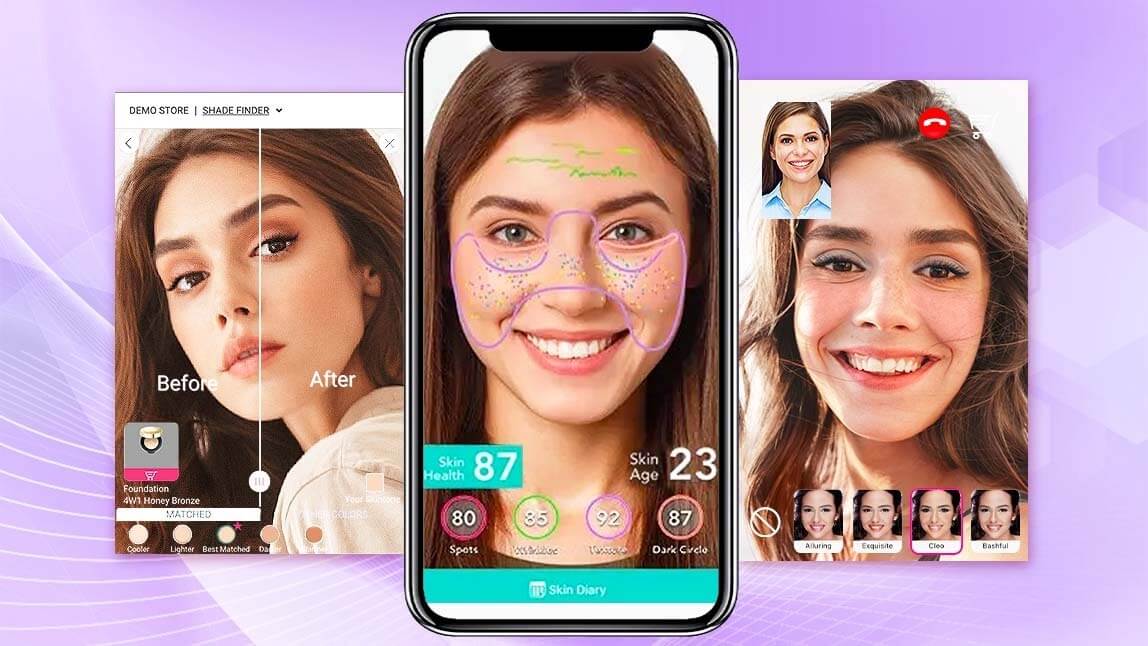
Virtual try-on e-commerce integration means connecting a try-on engine to your store so shoppers can see a product on their own face, hair, hands or body before they buy. The engine does the heavy lifting (detecting the face or body, rendering the shade or garment, matching light and skin tone). The integration decides where that magic shows up and how it talks to your catalog, cart and analytics.
Two engines power most try-ons today:
- Real-time AR tracks a live camera feed and overlays makeup, eyewear, jewelry or hair color in milliseconds. Best for beauty and accessories.
- Generative AI try-on takes a photo plus a product image and renders a realistic result. Best for clothing, where fabric, drape and pose matter.
Perfect Corp's virtual try-on solutions cover both, across makeup, nails, hair, eyewear, jewelry, watches, shoes, bags and clothes, so one vendor can sit behind every category on your site.
Why Are Google Pay and ChatGPT Adding Virtual Try-On?

Because discovery is moving away from the search box. Google Pay's pilot pulls from Google's Shopping Graph (60+ billion products, per Google) and sends shoppers to the merchant's site to buy. ChatGPT's Try On button works on eligible listings.
What that means for brands:
- Shoppers now expect to see it on themselves wherever they browse, not only on your PDP.
- Platforms render with whatever imagery you give them. ChatGPT notes that try-on support depends on merchant imagery, so clean product assets are now an SEO-level asset.
- Platform try-ons are generic. They will not know your shade science, fit notes or bundle logic. Your own integration keeps that edge.
In short, platforms raise expectations. Your integration is how you meet them on your own terms.
What Are the Ways to Integrate Virtual Try-On Into an Online Store?

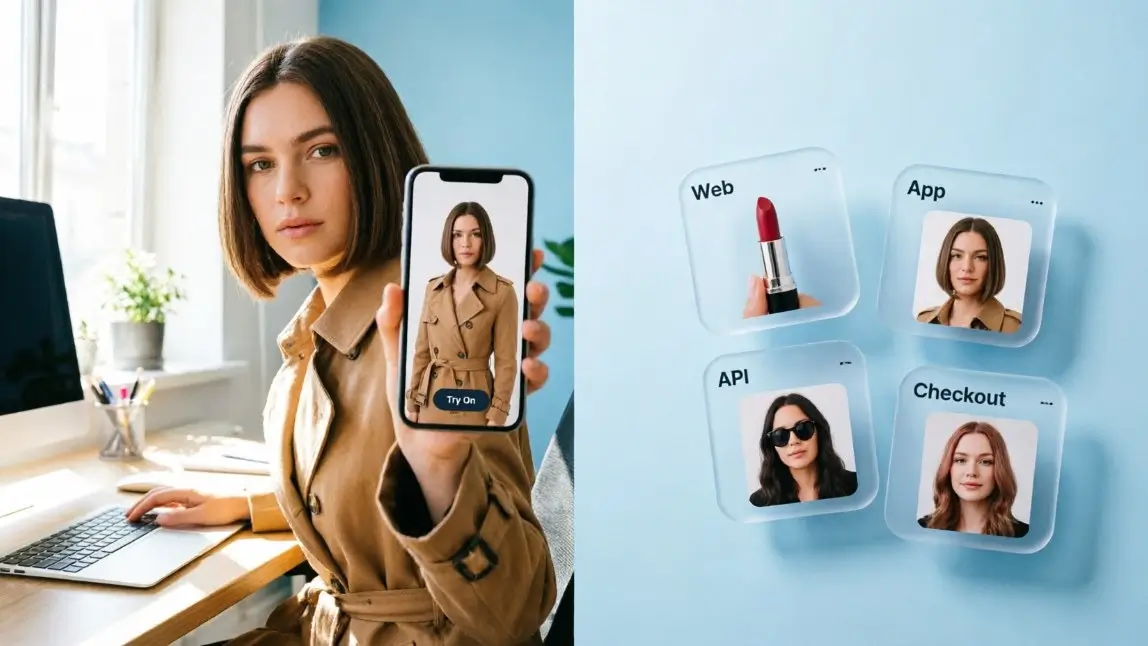
There are four main paths. Most brands start with one and add another within a year.
| Integration path | Best for | Dev effort | Control over UX | Typical first launch |
|---|---|---|---|---|
| Web module / widget | Beauty, eyewear, jewelry PDPs on any website | Low (embed script + SKU mapping) | Medium | Days to a few weeks |
| Mobile SDK | Brand and retailer apps with live camera | Medium | High | A few weeks |
| REST API | Custom storefronts, clothing try-on, marketplaces, email and push | Medium to high | Full | Weeks, depending on your stack |
| MCP server / AI agent | Chatbots, shopping assistants, ChatGPT-style apps, internal automation | Low to medium | High | Prototype in a day |
Web module: the fastest path to a "Try On" button

A web module drops a try-on experience onto existing product pages with an embed script and a SKU-to-shade mapping. It is the go-to choice for beauty, where AR makeup try-on needs accurate color rendering on real skin tones, and for hair, where shoppers want to preview a live hair color before they commit to a box dye.
Mobile SDK: try-on inside your own app

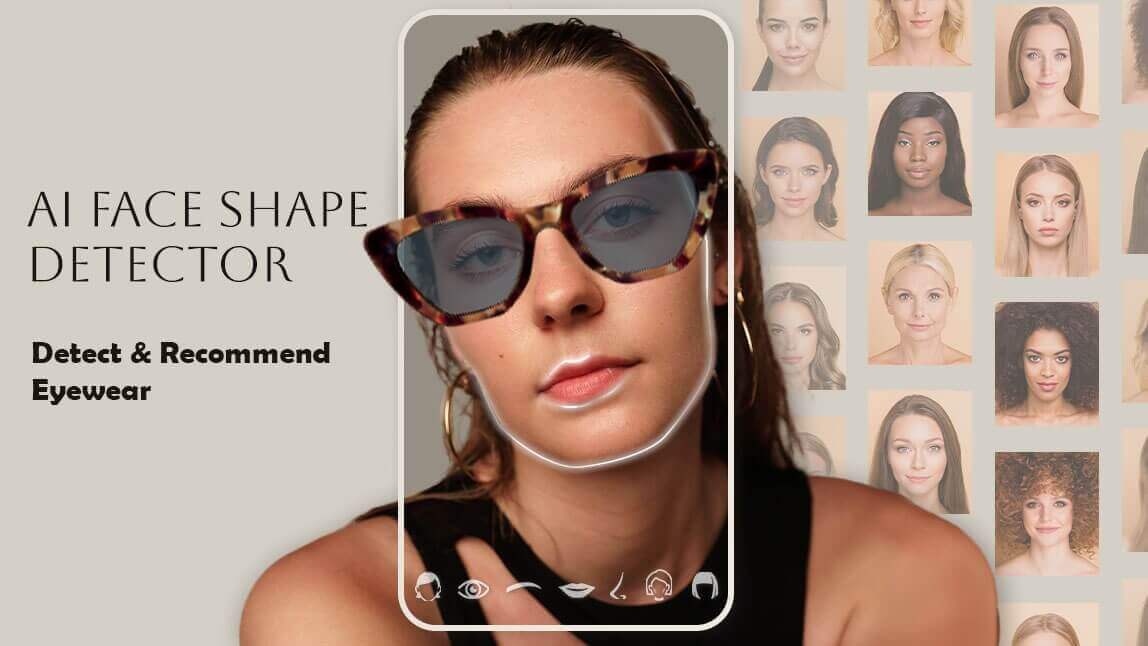
An SDK puts real-time try-on inside a native app, which matters for categories shoppers browse on the go, like eyewear virtual try-on. You own the UI, the camera flow and the in-app analytics.
REST API: full control for custom stacks and clothing

If you run a headless storefront, a marketplace or a clothing catalog, an API gives you the most flexibility. You send a shopper photo and a product image, then get a rendered result back as JSON. The YouCam virtual try-on API supports upper-body, lower-body and full-body garments with standard user and garment photos, so there is no 3D modeling or body scanning step. You can test it in the AI clothes API Playground before writing a line of production code.
MCP and AI agents: try-on for the chat era

The Model Context Protocol (MCP) lets AI assistants call tools in plain English. YouCam offers MCP servers and Agent Skills for beauty, fashion and creator tasks, all authenticated with one API key. That makes it the shortest route to a shopping assistant that can say "here is that dress on you" instead of describing it.
Where Should Virtual Try-On Live in the Shopping Journey?

The product page is the obvious spot, but it is not the only one. Think of try-on as a layer, not a button.
| Touchpoint | How try-on helps | Integration path |
|---|---|---|
| Product detail page | Answers "will this suit me?" at the decision moment | Web module, API |
| Category / listing page | Reuse one selfie to preview a whole shade range or rack | API |
| Cart and checkout | Last-second reassurance on shade or size, fewer cart removals | Web module, API |
| Email and push | Abandoned-cart messages showing the shopper wearing the item | API |
| AI chat or shopping assistant | Turns a recommendation into a visual answer | MCP, API |
| In-store mirror | Same catalog, same results, online and offline | SDK, in-store hardware |
Tip: if you sell through marketplaces or AI platforms you do not control, invest in clean, front-facing product imagery on a neutral background. It feeds every try-on engine, including the ones you do not own.
How Do You Integrate Virtual Try-On Step by Step?

1. Pick one goal and one category
Start where hesitation is highest: foundation shades, hair color, eyewear frames or outerwear. Write down one goal, such as lifting add-to-cart rate or cutting returns on a category.
2. Get your catalog try-on ready
Map SKUs to shade values or garment images. For clothing, use a clean front-facing product shot. For makeup, confirm color data per shade. Garbage in, garbage on the shopper's face.
3. Choose your integration path
Use the table above. A web module wins on speed, an API wins on control, and MCP wins on AI readiness. Many brands run a module on the PDP and an API for email and chat.
4. Prototype and A/B test
Run the try-on on a share of traffic and compare against a control. Test on different skin tones, lighting and devices before you scale.
5. Launch, track and expand
Wire try-on events into your analytics, then roll out to the next category or channel once the first one proves itself.
Want a shortcut? Contact Perfect Corp. for a demo and get a recommended integration path for your stack.
How Long Does Integration Take and What Does It Cost?

Timelines depend on your stack more than on the vendor. As a rough guide:
- Platform app or web module: days to a few weeks, mostly spent on SKU mapping and QA. Some 3D shoe try-on integrations can go live in as little as one day.
- SDK in a native app: a few weeks, tied to your app release cycle.
- Custom API build: several weeks for a custom storefront, longer if you add email, chat and in-store channels.
- MCP prototype: often a single day to get an AI assistant calling try-on tools.
On cost, API try-on is usually usage-based (you pay per processed task), while web modules and SDKs are typically licensed. For a deeper breakdown, read our guide to virtual try-on API pricing.
How Do You Measure ROI After Launch?

Track the shoppers who try against the shoppers who do not. The core scorecard:
- Try-on engagement rate: share of PDP visitors who open try-on.
- Conversion rate: try-on users vs. non-users. Perfect Corp reports leading beauty brands have seen up to 200% higher conversion with virtual try-on.
- Average order value: try-on users often add a second shade or a matching accessory.
- Return rate: especially for apparel, where fit and look drive returns. See how brands reduce returns in fashion e-commerce.
- Content reuse: try-on images can power ads and UGC, a strategy we unpack in AI virtual try-on for marketing.
What About Shopper Photos and Data Privacy?

Try-on runs on faces and bodies, so treat it like sensitive data from day one. Show a clear consent message before the camera opens, tell shoppers how long photos are kept, and let them delete saved selfies. Ask any vendor where processing happens, how long images are stored and which privacy laws they support in your markets. Platforms are setting the bar here too: ChatGPT lets users manage or delete their saved reference photos in settings.
What Mistakes Slow Down a Try-On Launch?

- Launching every category at once. Start narrow, prove lift, then expand.
- Messy product imagery. Wrinkled flat-lays and lifestyle crops confuse clothing try-on.
- Hiding the button. If shoppers have to scroll to find "Try On", most never will.
- Skipping skin-tone QA. Test shades across a wide range of complexions before launch.
- Forgetting the off-site channels. Email, chat and AI assistants are where try-on is heading next. Our take on conversational commerce for beauty shows why.
Ready to plug try-on into your store? Explore AI clothes try-on or talk to our team about the right mix of web module, SDK and API.
FAQ
How do I add virtual try-on to my e-commerce website?
Choose a vendor, map your SKUs to shade data or product images, then embed a web module on product pages or call a try-on API from your backend. Start with one category, A/B test it, and expand once you see results.
Does virtual try-on work with Shopify and other platforms?
Yes. Most vendors offer a platform app, an embeddable web module or an API that works with Shopify, Salesforce Commerce Cloud, Magento or a headless stack. If your platform is custom, an API is usually the most flexible route.
Do I need 3D models for virtual try-on?
Not always. Makeup and hair color use shade data, and generative clothing try-on works from standard user and garment photos. Some accessories, such as shoes or watches, may use 3D assets for the most realistic AR.
How accurate is virtual try-on for clothes and size?
Generative try-on is great for showing look, color and style. It is not a size guarantee, so pair it with a size guide or fit data. AR try-on for makeup and eyewear is highly accurate on color and placement.
How much does virtual try-on integration cost?
APIs are typically usage-based, while web modules and SDKs are often licensed by scope and channel. Total cost depends on categories, traffic and how much custom UI you build.
Will Google Pay or ChatGPT try-on replace my own?
Unlikely. Platform try-ons are generic and depend on your imagery. Your own integration keeps your shade science, fit notes, bundles and analytics, and it works across your site, app, stores and AI assistant.