


 Author: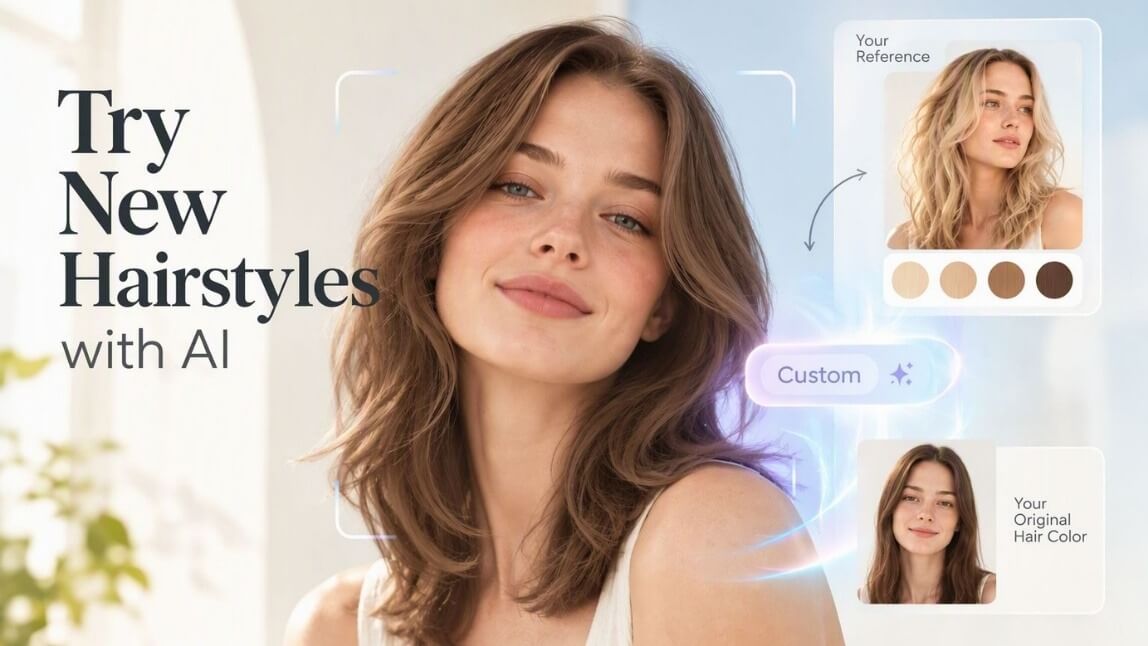
Picture this: a user uploads a photo of a hairstyle they're obsessed with and drops it into your app's virtual try-on. They love the cut. They love the layers. What they don't love is that their hair just turned platinum blonde to match the reference photo they never asked to copy.
That's been the trade-off in Perfect Corp's Hair Style Virtual Try-On API until now. Pick Customize, and the reference photo's hair color came along for the ride whether anyone wanted it or not. Hair Style API v2.1 fixes that with one new parameter.
*Images designed by YouCam AI
Highlights:
What Changed in Hair Style API v2.1
Hair Style Virtual Try-On has always offered two ways to change a hairstyle: Preset Style, where users pick from a curated style library, and Customize, where they upload their own reference photo to copy a specific look.
Customize was the more powerful option, but it had a catch. It always transferred the reference photo's hair color along with the cut. There was no way to try on a shape or texture while keeping a user's actual hair color intact. That limitation is gone in v2.1.
A new hair_color parameter now lets Customize do what Preset Style could already do: separate the style from the color. Preset Style's hair color behavior is unchanged, this update is purely about giving Customize the same flexibility.
How the hair_color Parameter Works
The parameter sits under the hairTransfer effect (API v1.16) and only applies when style is set to customize. It takes two values:
src keeps the user's own original hair color from their uploaded photo. ref applies the hair color from the reference image, which is exactly how Customize behaved before this release.
If a request doesn't include hair_color at all, it defaults to ref. That means every existing integration keeps working exactly as it does today. Nothing breaks, you simply gain a new option when you're ready to use it.
The output format hasn't changed either. Your existing Get Result handling works as-is regardless of which value you send.
The Same Toggle, Right in the API Playground
Don't want to touch code first? Head to API Playground, select Hair Style, and set the Version dropdown to V2.1. The Customize panel now shows a Hair Color choice: User's Hair Color or Reference Hair Color.
One detail worth flagging: the Playground defaults to User's Hair Color, so you see the new behavior the moment you land on the page. The API itself still defaults to ref when the parameter is omitted, which keeps existing production calls backward compatible. Reference image input hasn't changed either, URL, file upload, and sample images all still work the same way.
Before vs. After: Customize Mode
| Aspect | Before v2.1 | Now (v2.1 with hair_color) |
|---|---|---|
| Reference photo's hair color | Always applied automatically | Optional, choose to keep or apply it |
| Keep user's own hair color | Not possible in Customize mode | Supported via hair_color: src |
| New parameter | None | hair_color (src / ref, optional, default ref) |
How to Get Started
The update ships on API v1.16 and rolls out to general availability on September 24. To use it, add hair_color: "src" to your hairTransfer Customize requests when you want to preserve the user's real hair color, or leave it out to keep today's behavior.
For the full parameter reference and engine data format, see the hairTransfer parameter documentation. To see it in action without writing a single line of code, open the Hair Style tab in the YouCam API Playground and flip the new toggle yourself.
FAQ
What happens if I don't set hair_color in my API call?
It defaults to ref, the same behavior Customize has always had. Existing integrations don't need any changes.
Does this change Preset Style?
No. This update only affects Customize mode. Preset Style's hair color behavior is exactly the same as before.
Do I need to upgrade anything to use it?
You need API v1.16 or later. Alpha access opened September 9, and general availability lands September 24.
Can I try it before integrating?
Yes. Open API Playground, choose Hair Style, set Version to V2.1, and use the Hair Color options under Customize.



