 Author:


The cusstomer screenshots a nail art photo from TikTok, save it to your camera roll, and then nothing happens. Somewhere between "I want this" and "I have this," there is a nail shape dropdown, a separate color picker, and a design menu that never quite matches the photo you saved.
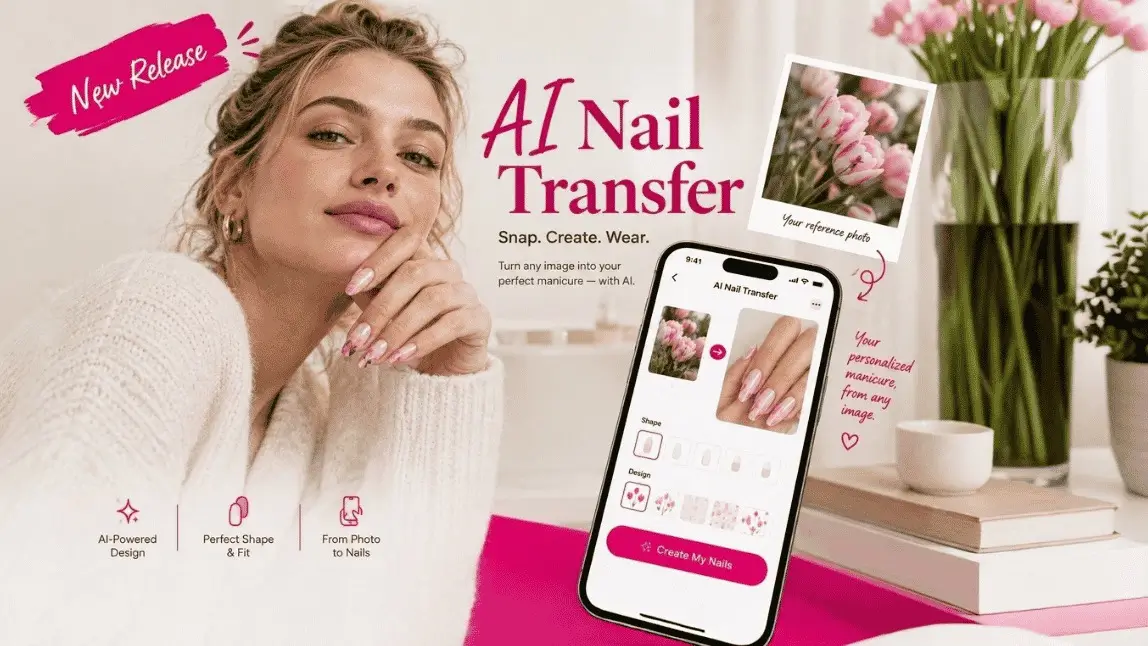
AI Nail Transfer skips all of that. Give it a hand photo and the reference photo, and it builds the manicure for you, shape and all.
Highlights of This Release:
How AI Nail Transfer Works: One Photo In, Full Manicure Out
Perfect Corp's existing AI Nail Virtual Try-On runs on structured parameters: pick a nail shape, then set color and design separately, then run a detection and reshape flow to apply it. That is great when you already know exactly what you want to test.
AI Nail Transfer works the other way around. A user submits their own hand photo plus a reference photo, a salon shot, an influencer's manicure, a screenshot from Pinterest, and the system generates the result directly. The nail shape is read straight from the reference image, so there is no separate shape-selection step to build or explain to your users.
New Nail Transfer API Capability: Breakdown
No Shape Picker, No Detection Step
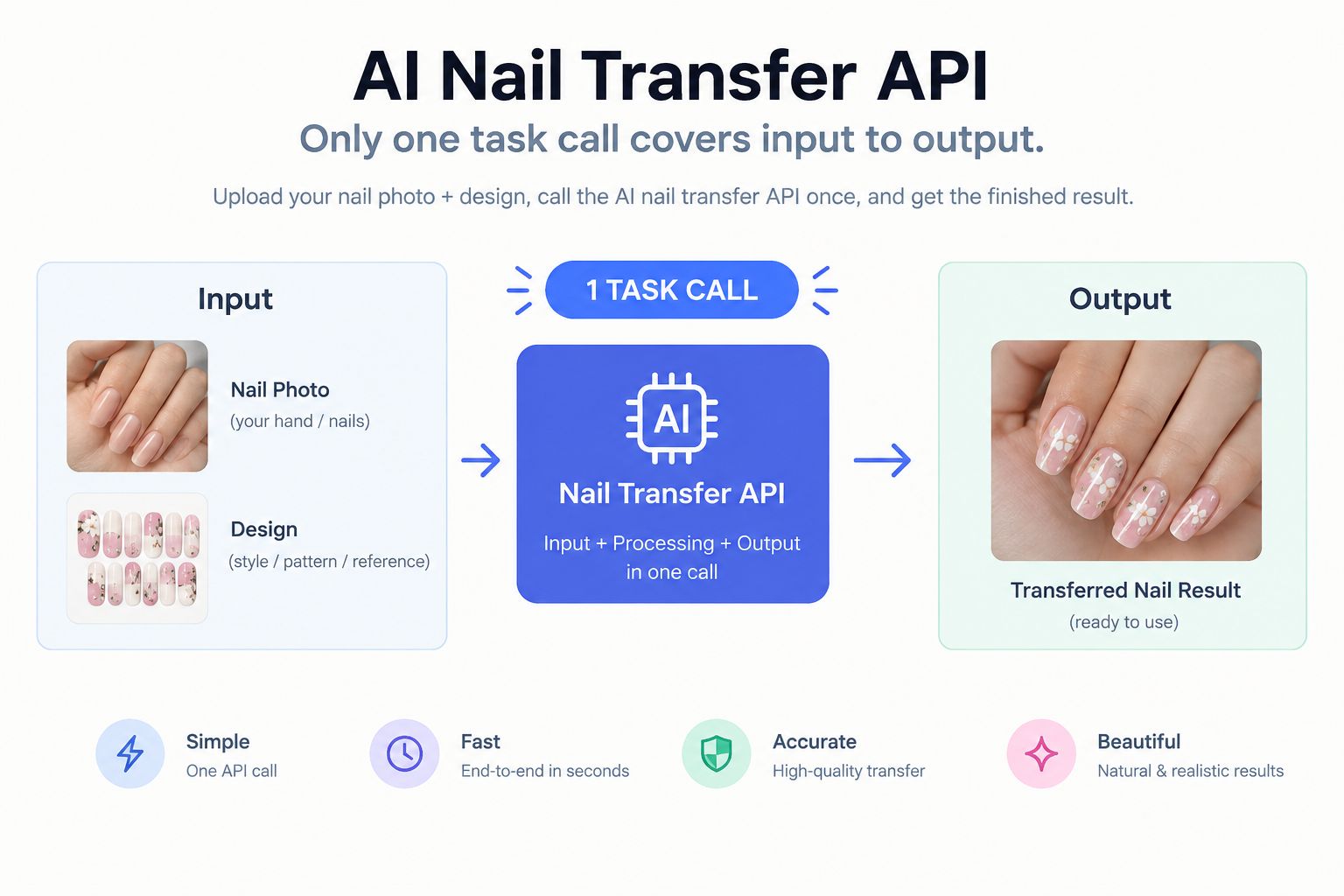
Because the nail shape comes from the reference photo itself, your integration does not need a separate detection or reshape call before applying a design. One task call covers input to output, which means fewer screens between "I found this look" and "here is my hand wearing it."
Any Photo Can Be the Design Source
Nail Virtual Try-On works from a fixed set of shapes and parameters you define. Nail Transfer works from whatever photo your user already has saved. That opens up social-commerce use cases directly: a user finds nail art on social media, uploads it alongside a hand photo, and sees it on their own hands in seconds.
Know Before You Build: Current Limitations
Two limits are worth planning around at launch. Nails shown from the back or side of the hand cannot be generated.
Getting Started with the API
AI Nail Transfer ships as SKU AI Nail Transfer V1.0, built on Perfect Corp's simplified 2.0 API architecture only (it is not available on the legacy API). The task flow is three calls:
- Create a new file, to upload your images
- Run an AI Nail Transfer task, passing the user's hand photo and the reference photo
- Check task status, to retrieve the result photo URL once processing completes
Both the hand photo and the reference photo can be passed as a URL or a File ID, and both are required inputs.
AI Nail Transfer vs. AI Nail VTO: Which One Do You Need?
| AI Nail VTO | AI Nail Transfer | |
|---|---|---|
| Input | Hand photo + selected nail shape + separately chosen color/design | Hand photo + one reference photo |
| Flow | Detection, then Reshape/Apply as structured steps | Single generation step; shape and design read directly from the reference |
| Design source | Parameters you define in your catalog | Any photo: a screenshot, a salon photo, a friend's manicure |
| Best for | Precise, catalog-driven try-on of specific shades and shapes | Fast, inspiration-driven try-on of a look a user already found |
The two APIs are complementary rather than one replacing the other. A polish or nail art brand with a defined product catalog still gets more precision from Nail VTO; a social or content-driven experience gets more speed from Nail Transfer.
FAQ
What images does AI Nail Transfer need?
Two photos: the user's own hand, and a reference photo showing the nail art or polish to copy. No separate nail-shape selection step is required.
Does AI Nail Transfer replace AI Nail VTO?
No. Use Nail VTO for a structured, catalog-driven flow with defined shapes and colors. Use Nail Transfer when the design source is a photo rather than a set of parameters.
What are the current limitations?
Back and side angles of the nails cannot be generated. If a reference photo shows different patterns per finger, correct finger-to-pattern matching is not yet guaranteed.
Which API version does this run on?
Only the simplified 2.0 API. It is not available on the legacy API version.
Try AI Nail Transfer
Ready to let your users turn any nail photo into a real try-on? Explore AI Nail Transfer in the API Doc, or see how the structured approach compares with the AI Nail VTO API. For integration support or a live walkthrough, contact Perfect Corp for a demo.