


Straight Eyebrow Filter



See the trending straight eyebrow look on your own face instantly with real time AI brow mapping.
*Our images are designed by YouCam AI
What Is the Straight Eyebrow Filter?
The straight eyebrow filter is an AI tool that reshapes brows into the flatter, less arched line that has become a dominant brow trend. Instead of imagining the look from a reference photo, a shopper sees the straight brow shape rendered on their own face in real time.
How to Use the Straight Eyebrow Filter? Two Simple Steps!
Start With a Clear Selfie
Use the live camera or upload a front facing photo. The AI locates each brow and its current shape automatically.

Preview the Straight Brow Shape
The filter reshapes both brows into a straight, low arch line while keeping thickness and color natural to the face.
HOW IT WORKSBrow Shaping Built on Real Time Facial Detection
Brow Shaping Built on Real Time Facial Detection
Perfect Corp's engine identifies each brow hair region and the surrounding facial contours in real time, the same facial detection technology used across 800+ brand partners.
For the straight eyebrow filter, the model reshapes the natural brow arc into a flatter line while preserving each user's own hair color and density, so the preview looks like a possible future.
WHY BRANDS USE ITMake a Trending Look Easy to Say Yes To
Make a Trending Look Easy to Say Yes To
Brow trends move fast, and shoppers are often unsure whether a bold new shape like the straight brow will suit them.
Brow studios, cosmetics brands, and beauty apps embedding this filter see shoppers move from curiosity to a confident booking or purchase.
Who Uses a Straight Eyebrow Filter?
One brow try-ons engine, several very different shopping moments.
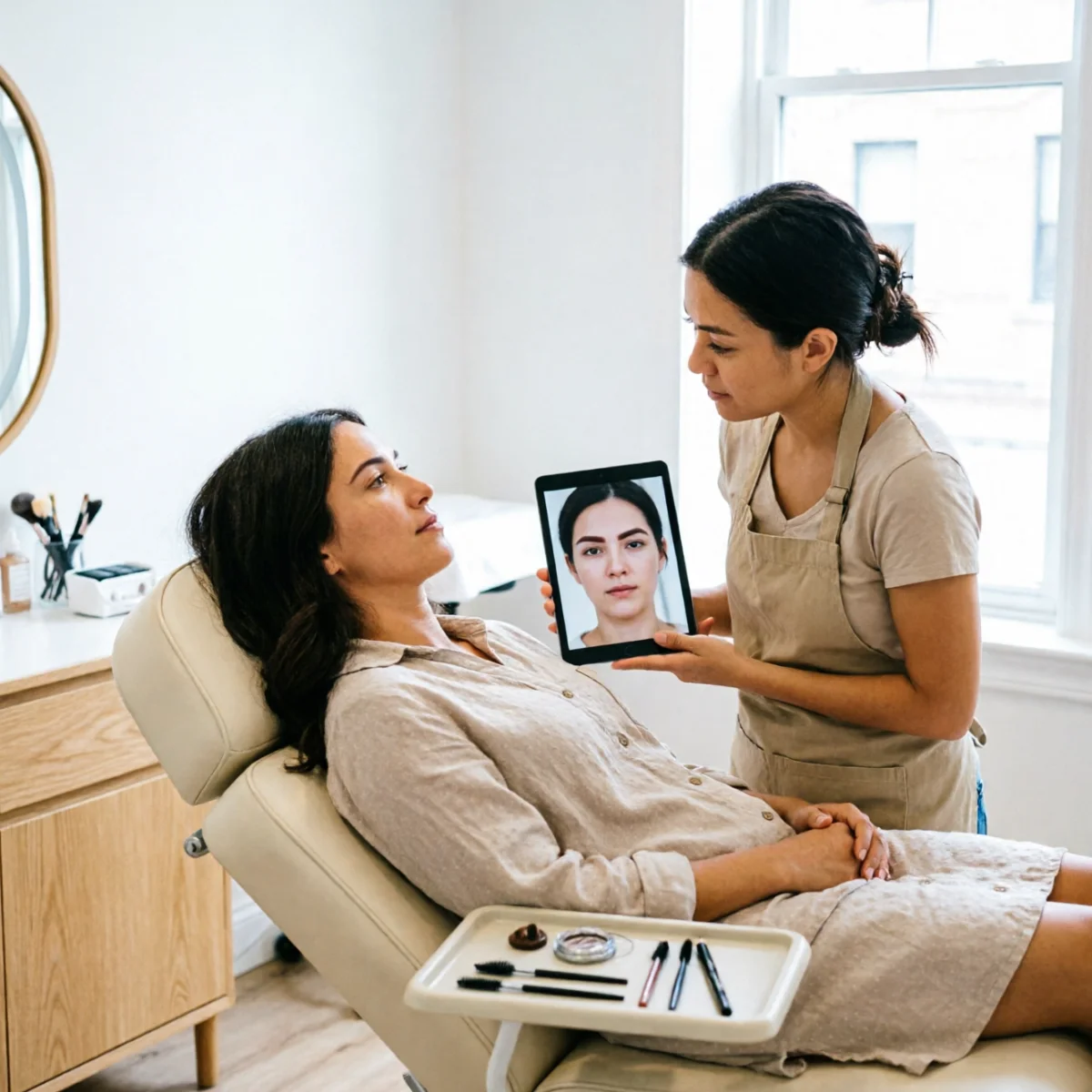
Brow Bars and Threading Studios
Clients preview the straight brow result before a technician ever picks up tweezers or thread.
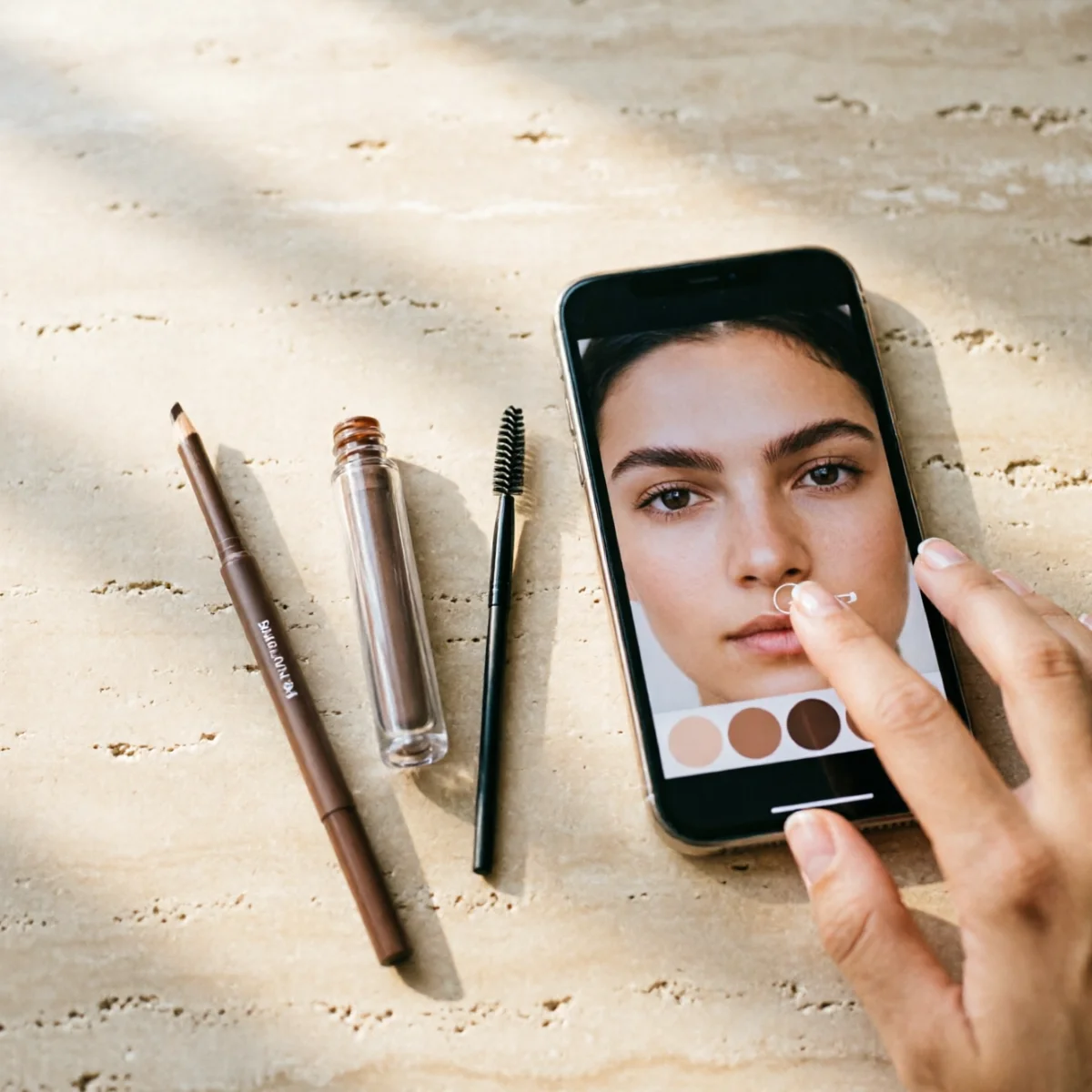
Brow Product and Cosmetics Brands
Shoppers test a straight brow pencil or gel look virtually before adding the product to cart.

Beauty and Makeup Apps
App users browse multiple trending brow shapes including the straight look as part of a broader virtual makeup session.
Straight Eyebrow Filter FAQ
What does a straight eyebrow filter actually change on my face?

It reshapes the natural arc of each brow into a flatter, straighter line while keeping your own hair color, thickness, and skin tone, so the preview looks like a realistic result rather than a drawn-on shape.
Does the straight brow look suit every face shape?
It tends to soften angular or heart shaped faces and add structure to rounder faces, but the best way to know is to preview it directly on your own face rather than relying on a reference photo of someone else.
Can I compare the straight brow look to my current brow shape?
Yes. The tool renders the straight eyebrow result in real time, so you can toggle back to your natural brow and compare the two side by side before deciding.
Is this different from simply drawing a straight brow with a pencil in a photo app?
Yes. The AI first detects your actual brow shape and facial contours, then reshapes from that baseline, so lighting, hair texture, and proportion stay consistent, instead of a flat drawn-on line.
Can beauty brands add this straight eyebrow filter to their own site or app?
Yes. The same AI engine is available as an SDK and API, so brow studios, cosmetics brands, and beauty apps can embed the straight eyebrow experience directly into their own product or booking pages.


