


Thin Eyebrow Filter



Preview the thin eyebrow trend with AI, no tweezers or waxing required, before anyone commits to the real thing.
What Is a Thin Eyebrow Filter?
A thin eyebrow filter is an AI-powered virtual try-on that digitally slims, arches, and reshapes a user's eyebrows in a live photo or video, no makeup or plucking involved.
Thin brows recreates the ultra-thin, high-arched brow look popularized by late-90s and Y2K style icons and now trending again across TikTok and Instagram.
For brands, it turns a viral, fast-moving trend into an interactive, on-site experience that keeps visitors engaged and photo-sharing.
How to Use the Thin Eyebrow Filter? Two Simple Steps!
Upload or Snap a Selfie
Take a live selfie or upload a front-facing photo.
Real-time facial detection technology finds eyebrow's shape, thickness in under a second, no manual outlining needed.

Pick a Thickness and See It Live
Slide between brow widths, from a soft taper to full Y2K skinny, and preview arch height and color in real time.
Customers can save, screenshot, or share the result before making any real change.
Where Can Brands Put a Thin Eyebrow Filter to Work?
One AI feature, integrated once, powers try-on experiences across every channel a beauty or content brand runs.

Social Content & Creator Tools
Give apps and filters built for trend-driven content creators a ready-made makeup effect.
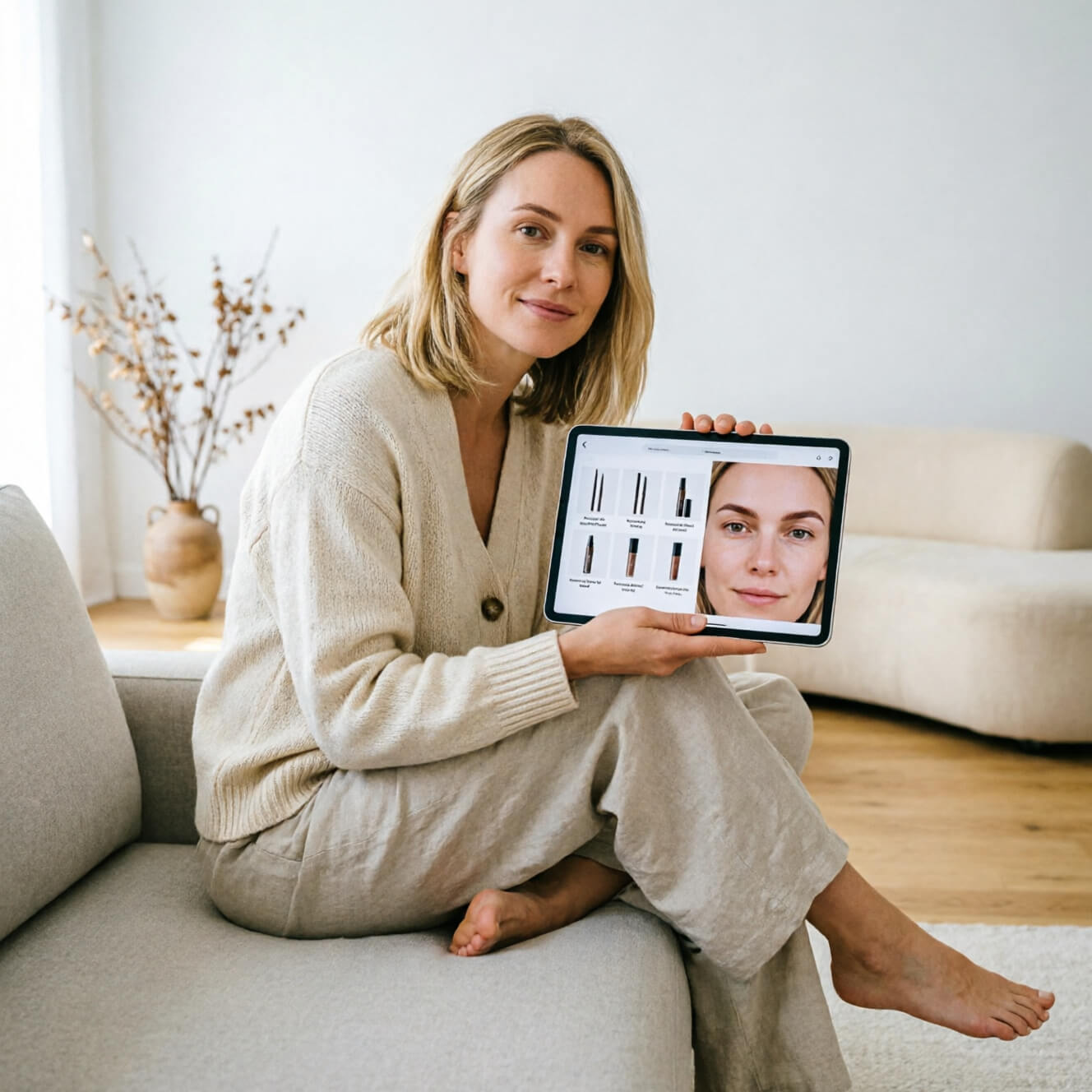
Virtual Beauty Counters
Let shoppers test the skinny brow look alongside brow gels, pencils, and tinting products, turning a risky trend into an easy, guided add-to-cart moment.
HOW IT WORKSPrecision AI Reshaping, Not a Blunt Filter
Precision AI Reshaping, Not a Blunt Filter
Most photo filters just paste a preset brow shape over a face.
Perfect Corp's engine instead maps eyebrow's individual arch, tail, and density, then thins and reshapes it while preserving natural hair texture and skin tone.
Thin Eyebrow Filter FAQ
Are thin eyebrows trending again?

Yes. The ultra-thin, high-arched brow of the late 90s and early 2000s has resurfaced as part of the broader Y2K fashion revival, with celebrities and TikTok creators driving renewed interest through 2026.
Will thin eyebrows suit my face shape?
It depends on face shape, brow bone, and eye spacing, which is exactly why a virtual try-on is useful. Testing a few widths and arch heights on your own photo shows whether a thinner brow opens up or overwhelms your features before you decide.
Do thinner eyebrows make you look younger or older?
Results vary by person. A subtle taper can make eyes look more open and lifted, while an extreme skinny brow can sometimes add years by removing facial framing, which is why previewing a few options side by side matters more than following the trend blindly.
How does an AI thin eyebrow filter actually work?
The AI detects each eyebrow's shape, thickness, and position in the photo, then digitally thins and reshapes the brow while keeping natural hair texture, color, and lighting intact, so the preview looks like a real brow, not a drawn-on shape.
Is it safe to try a thin brow look before actually plucking or waxing?
Yes, that is the main advantage. A virtual try-on carries no physical risk or regrowth wait, letting users experiment freely and only move forward with an actual brow appointment once they are confident in the shape.


