 Author:


Picture a shopper browsing your fashion site. She tries on the sweater, loves it, adds it to cart. Then she scrolls to the matching jacket and taps try-on, and nothing happens.
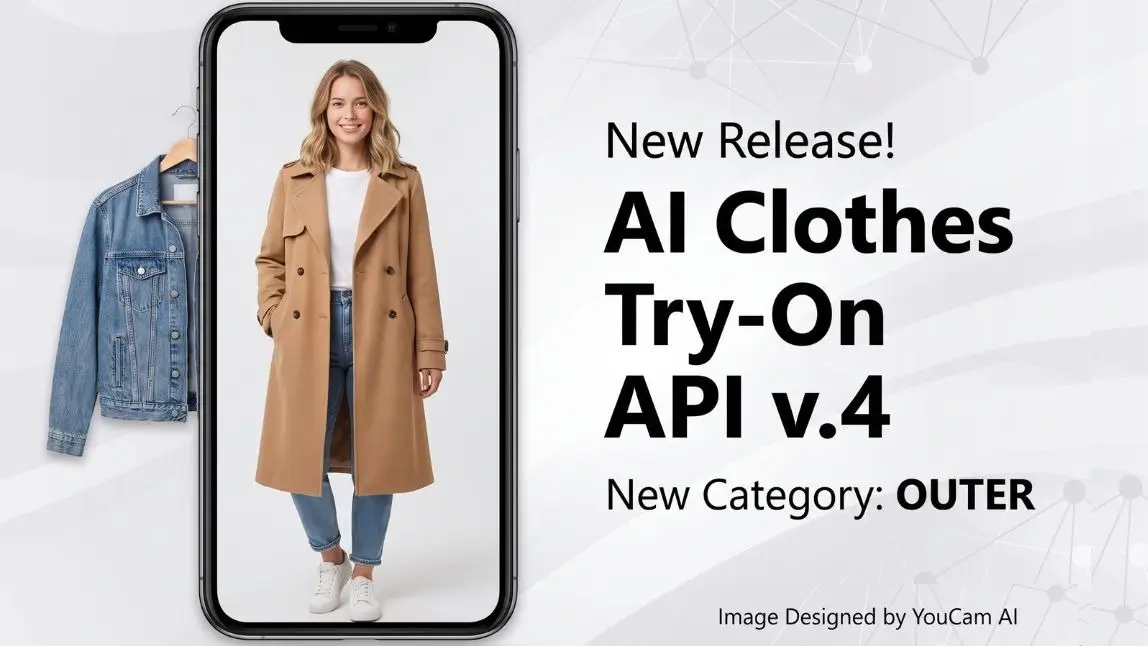
Outerwear has always been the blind spot in virtual fitting rooms. It is also the category shoppers ask about most before they check out: does this coat actually work over that outfit? AI Clothes Try-On API V4 closes that gap.
Highlights of This Release:
What's new in V4
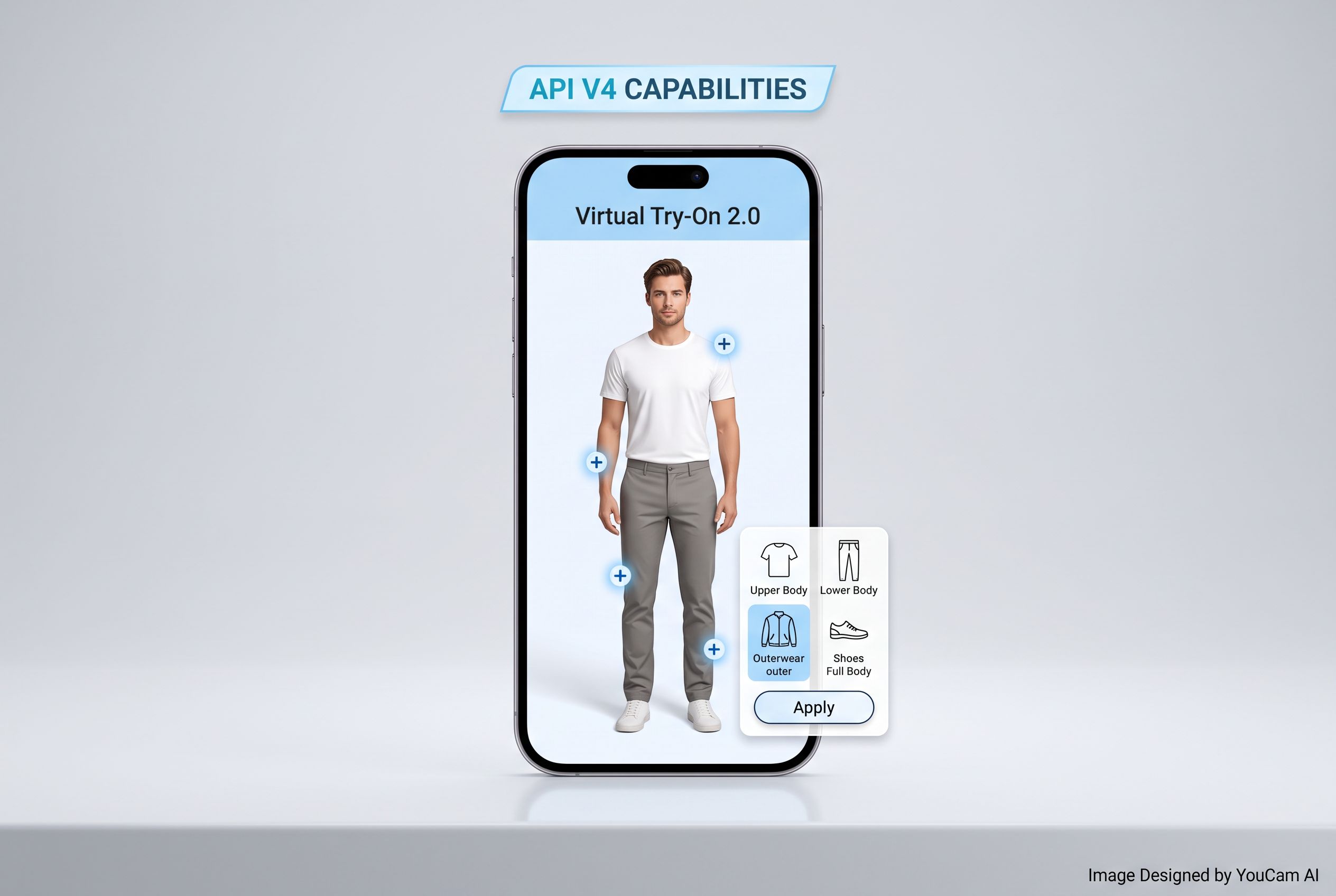
V4 keeps every core function of AI Clothes Virtual Try-On V3 intact. Same accuracy, same server cost, same 2.0 API structure. The one addition is the one shoppers kept asking for: outer, a new garment category built specifically for jackets, coats, and vests.
Before V4, layering pieces had to be squeezed into the same upper body or full body categories as shirts and dresses, which is not what an outer layer actually looks like on a person. Now it gets its own dedicated pipeline.
How outerwear try-on works
Outerwear try-on runs through the same three endpoints as the rest of the Clothes API, just with one new value in the garment_category parameter: outer.

Send a user photo and a reference photo of the jacket or vest, set garment_category to outer, and the API renders the outer layer onto the person realistically, on top of whatever they're already wearing. No separate integration, no new SDK, no extra setup.
The full parameter set stays familiar if you've integrated V3:
- User photo (URL or File ID): a front-facing photo showing the body part the shopper wants to try the garment on.
- Reference photo (URL or File ID): the garment photo, either a clean product shot or one with a model, front-facing.
- garment_category:
full body,lower body,upper body,shoes,auto, or the newouter. - change_shoes (optional, default
true): controls whether shoes swap too, when the category isfull bodyorlower body.
The output is exactly what you'd expect: a single result photo URL with the try-on rendered.
Getting started with V4
V4 ships on Perfect Corp's simplified 2.0 API architecture only. If your integration is still on the legacy API, this is a good moment to move over.
Three endpoints power the whole flow:
POSTCreate a new file (V4)POSTRun AI Clothes V4 taskGETCheck AI Clothes V4 task status
Pricing hasn't changed: outerwear try-on costs the same 2 units per image as every other V3 render, since it runs on the same AI model and server infrastructure. No premium tier, no separate quota to plan around.
Try AI Clothes Try-On V4 in the API Playground to see the outer category in action, or explore Perfect Corp's full fashion API lineup if you're evaluating virtual try-on for the first time.
V3 vs. V4 at a glance
| Capability | V3 | V4 |
|---|---|---|
| garment_category options | full body, lower body, upper body, shoes, auto | full body, lower body, upper body, shoes, auto, outer |
| Outerwear (jackets, vests) | Not supported as its own category | Dedicated outer category |
| API architecture | Simplified 2.0 API | Simplified 2.0 API only (legacy not supported) |
| Pricing | 2 units / image | 2 units / image |
| Single-person limit | Yes | Yes |
FAQ
Do I need to change my existing V3 integration to use outerwear try-on?
No new endpoints or SDK version. Just pass outer as the garment_category value on your existing V4 request.
Can outerwear be combined with a full outfit change in one request?
Each request handles one garment category at a time. To show a full layered look, run the base outfit through its category first, then layer the jacket or vest with a second outer request on the result.
Does outerwear try-on cost more than a standard try-on?
No. It's priced the same as every other V4 category: 2 units per image.
Does V4 support multiple people in one photo?
No, same as V2 and V3, V4 supports single-person photos only.
Ready to add layers to your fitting room?
See virtual try-on live in YouCam API Playground to explore what a fully layered fitting room experience looks like for your shoppers.